
Highlight
This recap compresses nearly an hour of PSOTU content into about 4 minutes, covering all core updates: Liquid Glass, Foundation Models, Xcode 26, Swift 6.2, SwiftUI, Metal 4, and more.
Core Content
Every WWDC opens with PSOTU (Platforms State of the Union), spending nearly an hour walking through technical updates across all platforms. The biggest pain point for developers: too much content, information flows too fast, you miss things while taking notes; when you want to review later, you do not know which session to start with.
Apple’s solution this year is this 4-minute official Recap. It compresses all the main threads of PSOTU into quick cuts, organized by theme—design, AI, toolchain, language, UI, graphics, lightning round—letting you build a complete map of this WWDC over a cup of coffee. After watching, you can immediately decide: which updates relate to your current project, which topic sessions you need to watch.
Details
The video moves fast. The host covers all key points in 7 segments.
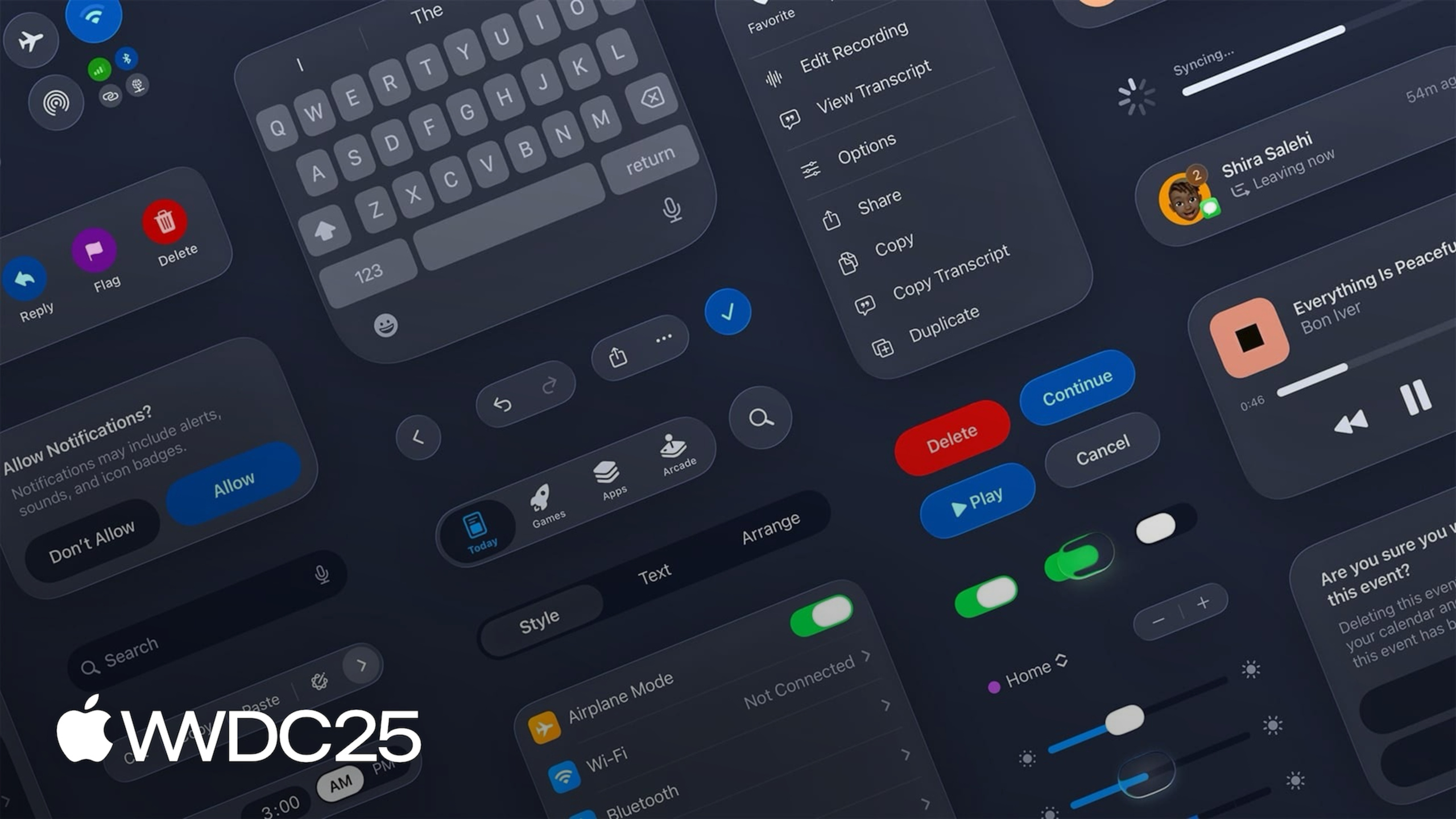
Liquid Glass(00:15) is a new dynamic material that combines the optical properties of glass with fluid feel, bringing depth and focus to content. The companion tool Icon Composer supports blur, translucency, highlight testing, and icon previews across multiple theme colors.
Foundation Models framework(00:57) lets developers call on-device foundation models directly, focused on everyday tasks like text extraction and summarization. Models run on device, user data stays local, no charges for developers or users.
Xcode 26(01:27) builds in support for generative coding models, comes with ChatGPT integration, and can swap in other models. The source editor adds Coding Tools, essentially Writing Tools for code, letting models generate previews, playgrounds, or fix an issue.
Swift 6.2(01:57) focuses on performance, concurrency, and interoperability. The most practical change lets you configure modules or individual files to run on the main actor by default, reducing redundant @MainActor annotations.
SwiftUI(02:16) introduces a new web API, 3D Charts, and rich text editing: swap a TextEditor binding from String to AttributedString, and you immediately have a rich text editor with customizable styles.
Metal 4(02:45) is designed for Apple Silicon, bringing MetalFX frame interpolation and noise reduction APIs; Game Porting Toolkit 3 adds Windows upscaling support; Apple Vision Pro gains support for PlayStation VR2 Sense controllers.
Lightning round(03:21) runs through miscellaneous updates in one go: Terminal 24-bit color, new themes, powerline fonts; Apple Projected Media Profile (180/360 degree immersive media) on visionOS; CarPlay Live Activities; declared age range API; Accessibility Nutrition Labels; updates to Family Sharing and Assistive Access.
The pace of the video tells you one thing—this WWDC’s updates run far deeper than 4 minutes can cover. The full event has over 100 sessions.
Key Takeaways
-
What to do: Watch the Recap first, then decide which sessions to dive into.
- Why it’s worth doing: 4 minutes builds a complete map, so you do not get lost diving into 100+ sessions.
- How to start: Go through in order: Keynote → PSOTU → Recap → topic sessions. After the Recap, immediately list 3–5 sessions to catch up on.
-
What to do: Pick your deep-dive direction based on your current tech stack.
- Why it’s worth doing: Yearly updates cover a lot of ground, but you will only use 1–2 areas. Spreading yourself thin yields no return.
- How to start: UI/design goes to Liquid Glass, Design, SF Symbols 7; AI/ML goes to Foundation Models; toolchain goes to Xcode 26, Swift 6.2; games/graphics goes to Metal 4; platforms goes to watchOS 26, visionOS 26.
-
What to do: Watch the “lightning round” closely—small but meaningful changes hide there.
- Why it’s worth doing: Small updates like Terminal 24-bit color, CarPlay Live Activities, declared age range API, Accessibility Nutrition Labels often hit a product need directly with low integration cost.
- How to start: Pause at 03:21 and check each item. Mark APIs relevant to your product, build a minimal trial demo within a week.
-
What to do: Use the Recap as material for internal team sharing.
- Why it’s worth doing: A 4-minute video fits better in weekly meetings than the 60-minute PSOTU. PMs, designers, and client engineers can all keep up.
- How to start: After playing, set aside 5–10 minutes for discussion. Let each role pick one update they care about and own the research.
Related Sessions
- Platforms State of the Union — PSOTU full version, source of the Recap
- Keynote — WWDC25 keynote, user-facing update overview
- Design foundations from idea to interface — Design foundations in the Liquid Glass era
- Discover machine learning & AI frameworks on Apple platforms — Entry guide to Foundation Models and other AI frameworks
- What’s new in Swift — Swift 6.2 performance, concurrency, and interoperability details
Comments
GitHub Issues · utterances