
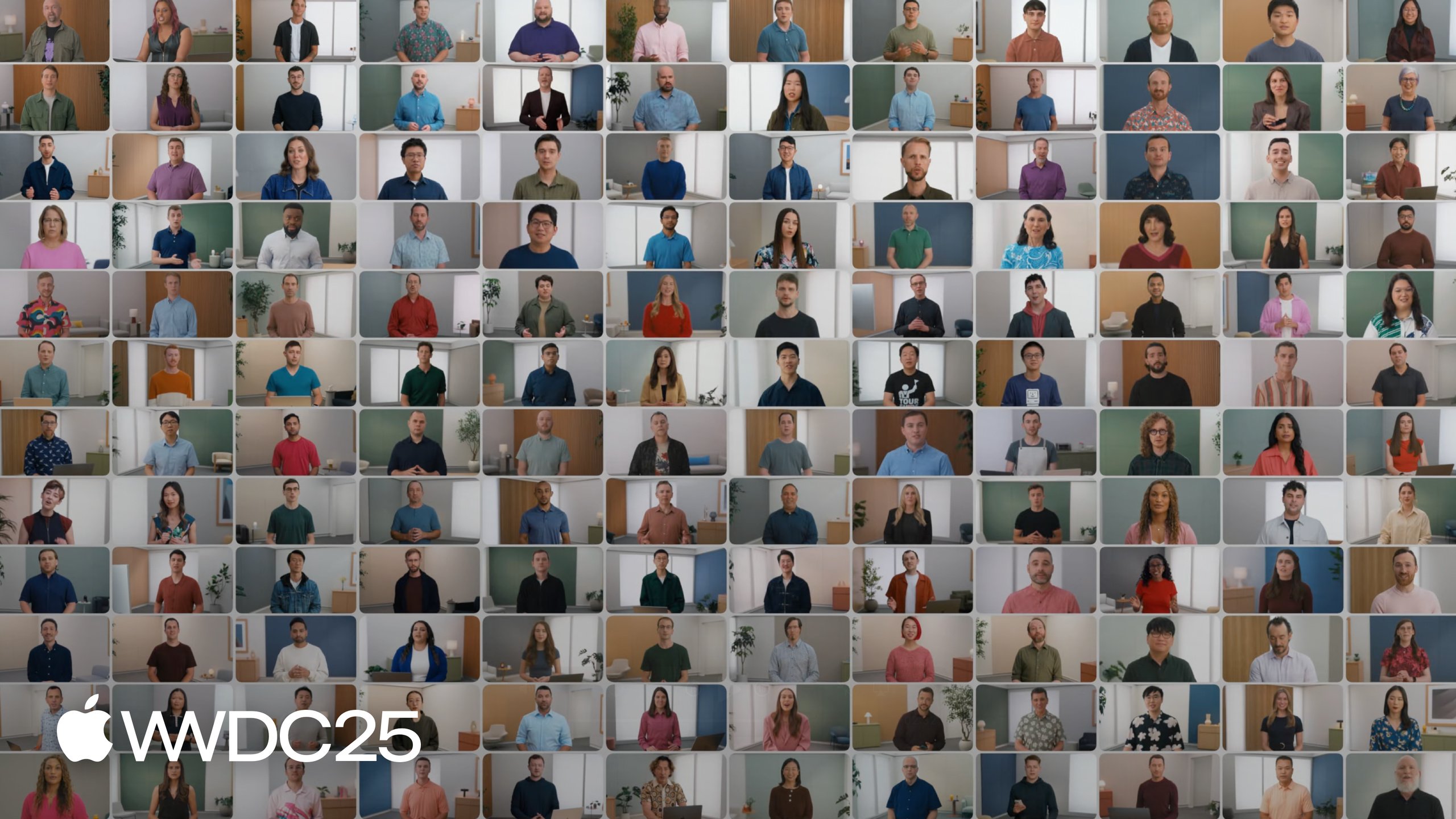
Highlight
The WWDC25 welcome video is an index for the year’s sessions: 100+ sessions cover the new Liquid Glass design, Apple Intelligence on-device LLMs, Xcode, Swift, SwiftUI, Metal, and Gaming, plus three new viewing aids: written summaries, one-click Xcode code copy, and online Group Labs.
Core Content
Every WWDC opens with the same question for developers: how do you choose which 100+ sessions to watch, and in what order. Miss a key session and you miss the year’s most important API changes. Try to grind through them by ID and you’ll drown in details. This two-and-a-half-minute welcome video positions itself as “this year’s session roadmap.”
The video opens by compressing the year into one sentence—“new design, Apple Intelligence, Xcode, Swift, SwiftUI, Metal, Gaming” (00:06). Then it layers content using three session labels: Code-along (00:22) to write line-by-line with Apple engineers; Foundation (00:29) to fill in design and technical basics; Platforms State of the Union (00:39) for details on all developer announcements. Two main themes are repeated: First, Liquid Glass, “the broadest design update ever” (00:48), combining the optical qualities of glass with a sense of fluidity. Second, on-device LLMs—“any app can tap into the intelligence…available even when the user is offline” (01:19), calling the core on-device large language model at the heart of Apple Intelligence directly through the Foundation Models framework.
The second half of the video covers upgrades to the viewing experience itself. Each session now has a written summary (01:36)—scan the summary first, then decide whether to watch the full video. Code blocks on developer.apple.com support direct copy to Xcode (01:47). Beyond 1:1 labs, this year adds online group labs (02:01) hosted by Apple Engineers and Designers—you can ask questions, vote, or just listen.
Details
The video itself contains no API code, but it organizes the path to finding this year’s sessions into a clear workflow:
1. Watch Platforms State of the Union (102) to get all API announcements
2. Use each session's written summary to filter quickly
3. Watch full videos for matches; code copies to Xcode in one click
4. Return to Foundation sessions for design and technical basics
5. Want to build → Code-along; have questions → online group lab or 1:1 lab
6. Follow-up questions → Apple Developer Forums
Key points:
- Step 1 corresponds to “get the details on all the new developer announcements in the Platforms State of the Union” (00:39)—State of the Union is the main entry point for technical announcements.
- Step 2 corresponds to “each session now has a written summary that highlights the essentials” (01:36)—new this year for faster browsing.
- Step 3 corresponds to “you can copy code right from a session into Xcode” (01:47)—session page code blocks now have a “Copy to Xcode” button.
- Step 4 corresponds to “Foundation sessions to brush up on key design and technical principles” (00:29)—use when you hit unfamiliar concepts in topic sessions.
- Step 5 covers “Code-along sessions to work line by line with an Apple engineer” (00:22) and “online group labs hosted by Apple Engineers and Designers” (02:01).
- Step 6 corresponds to “find answers in the Apple Developer Forums” (02:15)—the official channel that continues answering questions after WWDC week.
The video also names two of this year’s headliners as the highest-priority sessions:
- Liquid Glass: “a new material that combines the optical qualities of glass with a sense of fluidity” (01:00). A unified update at the design language level, cross-app and cross-platform.
- Foundation Models framework: “direct access to the on-device large language model at the core of Apple Intelligence” (01:27). Emphasizes four traits: powerful, fast, privacy, offline—the entry framework for this year’s AI capabilities.
Key Takeaways
-
What to do: Use Platforms State of the Union (Session 102) as your starting point for reading about the year’s APIs.
- Why it’s worth it: The welcome video explicitly positions it as the main entry for “all the new developer announcements”—far more efficient than scanning through session numbers.
- How to start: Watch 102 once, note the framework names mentioned, then search developer.apple.com by framework name to find corresponding sessions.
-
What to do: Use written summaries as a filter for which sessions to watch.
- Why it’s worth it: You can’t watch all 100+ sessions. The summary is Apple’s one-line positioning of each session—more accurate than the title.
- How to start: On the developer.apple.com session page, read the Overview paragraph first. Confirm the API is relevant to your app before investing time in the full video.
-
What to do: Enable one-click session code copy in Xcode 26.
- Why it’s worth it: Every session page’s code blocks now have Copy to Xcode—saves time hand-copying samples and avoids typos.
- How to start: Open a session page in Safari, click the button in the top-right of the code block. Xcode automatically receives and pastes it into the current file.
-
What to do: Apply for an online group lab for specific adaptation questions.
- Why it’s worth it: 1:1 lab spots are tight. Group labs are led by Apple engineers, support voting, and you benefit from seeing others ask similar questions.
- How to start: Check the lab schedule in the Apple Developer app, sign up for sessions relevant to your app’s tech stack, and submit your questions in advance.
Related Sessions
- Platforms State of the Union — Main entry for the year’s API announcements, explicitly recommended first in the welcome video.
- Meet the Foundation Models framework — Entry framework for directly calling Apple Intelligence’s on-device LLM.
- Meet Liquid Glass — The year’s biggest design language update, highlighted in the welcome video’s opening.
- Get to know the new design system — Practical guide for implementing the design language in your app.
- What’s new in Xcode — Xcode 26’s new capabilities, including the one-click session code copy workflow.
Comments
GitHub Issues · utterances