
Highlight
This session introduces the new SwiftUI Instrument in Instruments 26, and how it helps diagnose two kinds of performance problems: long body updates (view body execution taking too long and causing a hitch) and unnecessary updates (too many view body updates eating the frame budget).
Core Content
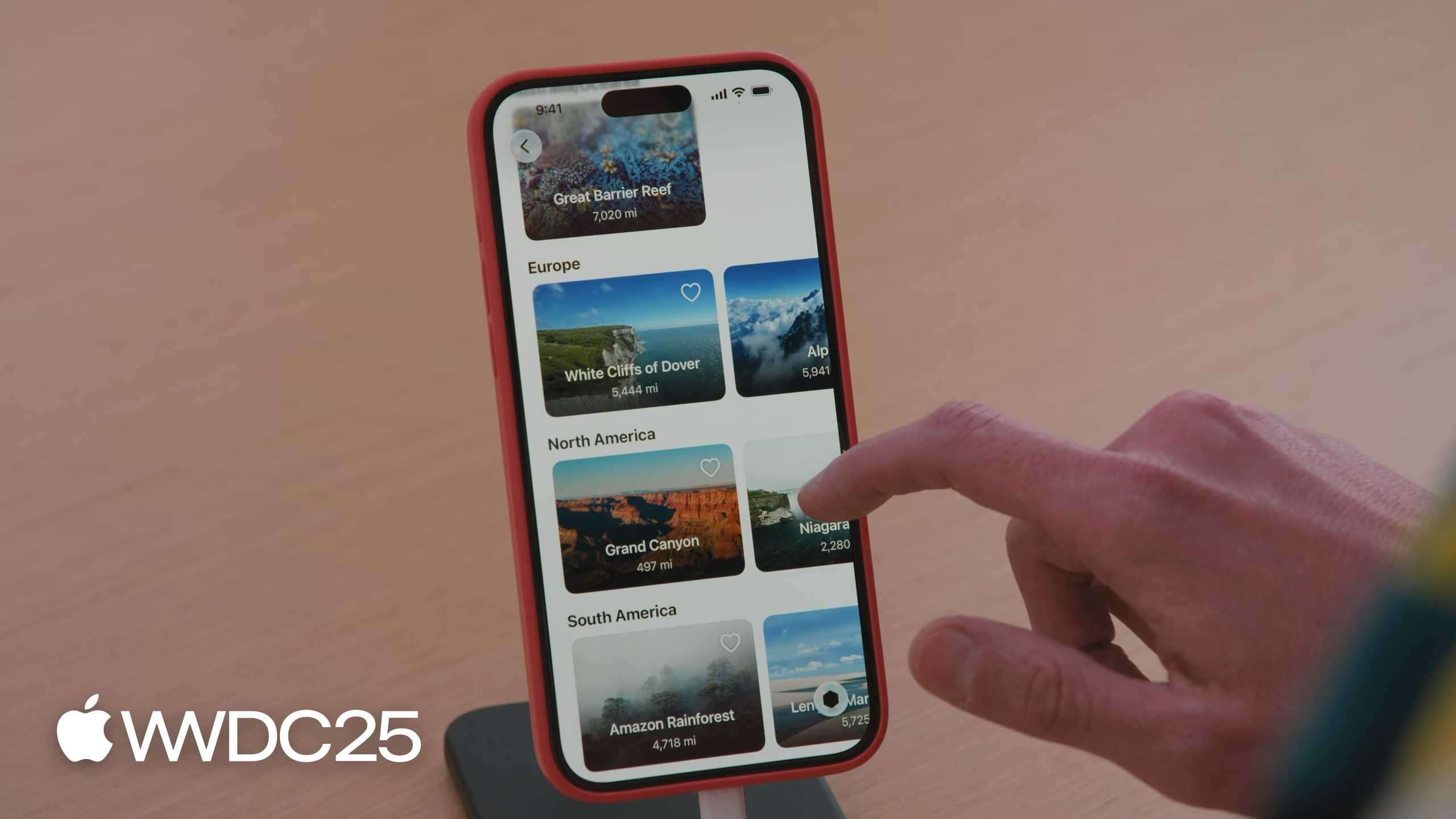
Steven ran into a common problem while demoing the Landmarks app: the list did not scroll smoothly, and he had no idea where the stutter came from. Debugging SwiftUI performance used to be painful. You set a breakpoint in body, the call stack shows nothing but recursive AttributeGraph calls, and you cannot tell which View got re-executed or why. Developers had to guess at fixes, then judge by feel whether things got faster.
Instruments 26 gives a straight answer. The new SwiftUI Instrument exposes SwiftUI’s internal update process: Update Groups show when SwiftUI does work, Long View Body Updates flag which View bodies run too long (red and orange sorted by hitch risk), and the Cause & Effect Graph draws the causal chain “user action → state change → View body re-execution” as a clickable diagram. Steven recorded one trace and pinpointed the distance computed property in LandmarkListItemView. Every body run created a MeasurementFormatter and a NumberFormatter. Each creation took only one millisecond, but multiplied by dozens of cells on screen, that was enough to miss a frame deadline.
Detailed Content
The frame budget works like this (09:55): each frame, the app processes events, runs UI updates (including all view bodies that need re-execution), then hands off to the system for rendering. All of this must finish before the frame deadline. One body running over time means the next frame cannot reach the renderer in time, and the picture stays on the previous frame. That is a hitch.
The problematic code Steven profiled looks like this (08:47):
struct LandmarkListItemView: View {
    @Environment(ModelData.self) private var modelData
    let landmark: Landmark

    var body: some View {
        Image(landmark.thumbnailImageName)
            // ...
            .overlay(alignment: .bottom) {
                if let distance {
                    Text(distance)
                }
            }
    }

    private var distance: String? {
        guard let currentLocation = modelData.locationFinder.currentLocation else { return nil }
        let distance = currentLocation.distance(from: landmark.clLocation)

        let numberFormatter = NumberFormatter()
        numberFormatter.numberStyle = .decimal
        numberFormatter.maximumFractionDigits = 0

        let formatter = MeasurementFormatter()
        formatter.locale = Locale.current
        formatter.unitStyle = .medium
        formatter.unitOptions = .naturalScale
        formatter.numberFormatter = numberFormatter
        return formatter.string(from: Measurement(value: distance, unit: UnitLength.meters))
    }
}
Key points:
bodyreads the distance string indirectly through thedistancecomputed property. Every body re-execution triggers a full formatting pass.NumberFormatterandMeasurementFormatterare known in Foundation as expensive objects to create. Putting them on the body call path means every body pays the cost of creation + configuration + string generation.- The Time Profiler pointed straight at the
distanceframe. The heaviest child frames were these two formatters. This is the textbook anti-pattern of “doing computation inside body.”
The fix moves formatting into LocationFinder and caches the result (12:13):
@Observable
class LocationFinder: NSObject {
    var currentLocation: CLLocation?
    private let formatter: MeasurementFormatter

    var landmarks: [Landmark] = [] {
        didSet { updateDistances() }
    }

    private var distanceCache: [Landmark.ID: String] = [:]

    private func updateDistances() {
        guard let currentLocation else { return }
        self.distanceCache = landmarks.reduce(into: [:]) { result, landmark in
            let distance = self.formatter.string(
                from: Measurement(
                    value: currentLocation.distance(from: landmark.clLocation),
                    unit: UnitLength.meters
                )
            )
            result[landmark.id] = distance
        }
    }

    func distance(from landmark: Landmark) -> String? {
        distanceCache[landmark.id]
    }
}
Key points:
formatteris created once ininitand stored as a property, so body no longer rebuilds it every time.distanceCache: [Landmark.ID: String]stores the formatted string by landmark id. Body now just looks up a dictionary.updateDistances()is called only whencurrentLocationorlandmarkschanges. The cost shifts from “every body run” to “every location change.”
The second problem is more subtle: unnecessary updates (16:51). Steven added a favorite button. When he tapped the heart on any landmark, every LandmarkListItemView body in the entire list re-ran. The Cause & Effect Graph showed that the isFavorite(_:) method accessed the favoritesCollection.landmarks array, so every cell body established a dependency on the whole array. The fix creates an independent view model for each landmark, so the dependency granularity drops to a single object (17:20、29:21):
@Observable @MainActor
class ModelData {
    @Observable class ViewModel {
        var isFavorite: Bool
        init(isFavorite: Bool = false) { self.isFavorite = isFavorite }
    }

    @ObservationIgnored private var viewModels: [Landmark.ID: ViewModel] = [:]

    private func viewModel(for landmark: Landmark) -> ViewModel {
        if viewModels[landmark.id] == nil {
            viewModels[landmark.id] = ViewModel()
        }
        return viewModels[landmark.id]!
    }

    func isFavorite(_ landmark: Landmark) -> Bool {
        viewModel(for: landmark).isFavorite
    }
}
Key points:
@Observable class ViewModelsplits the “is favorite” state into a separate observable object per landmark.@ObservationIgnored private var viewModelskeeps theviewModelsdictionary itself out of dependency tracking. SwiftUI will not re-run all cells just because the dictionary changed.- Inside
isFavorite(_:), the code accessesviewModel(for: landmark).isFavorite. So each cell body depends only on its own ViewModel. Tapping the heart on another landmark does not disturb this cell.
Core Takeaways
- Move formatters and other expensive objects out of body: Why bother —
NumberFormatterandMeasurementFormatterare costly to create, and dozens of cells times every frame means the main thread easily misses its deadline. How to start — hold such objects as properties, or cache formatted results at the model layer, and let body only read the cache. - Run a baseline trace with the new SwiftUI Instrument: Why bother — eyeballing or print-debugging rarely shows which view body runs long or which views get re-run for no reason. How to start — in Xcode 26, press Command-I, choose the SwiftUI template, first look at the red and orange entries in Long View Body Updates, then open the Cause & Effect Graph to find Views that updated even though you did not change them.
- Split
@Observabledependency granularity finer: Why bother — a single collection property makes every View that reads it depend on the whole collection, so a change to one element triggers the whole group of Views to re-run. How to start — create an independent@Observablesub-object for each element, and mark container fields that should not participate in observation with@ObservationIgnored. - Do not put rapidly changing values in Environment: Why bother — a change to an
@Environmentvalue puts every View that reads it on the update check path. How to start — carry timers, geometry proxies, scroll offsets, and other high-frequency values in local@Stateor a dedicated@Observableobject, and scope the blast radius to the readers that actually need them.
Related Sessions
- Code-along: Cook up a rich text experience in SwiftUI with AttributedString — Building a rich text editing experience with SwiftUI AttributedString
- Embracing Swift concurrency — Core Swift concurrency concepts, understanding how main-thread work affects the UI frame budget
- Explore Swift and Java interoperability — Mixing Swift and Java in the same codebase
- Improve memory usage and performance with Swift — Memory and performance optimization techniques at the Swift code level
Comments
GitHub Issues · utterances