
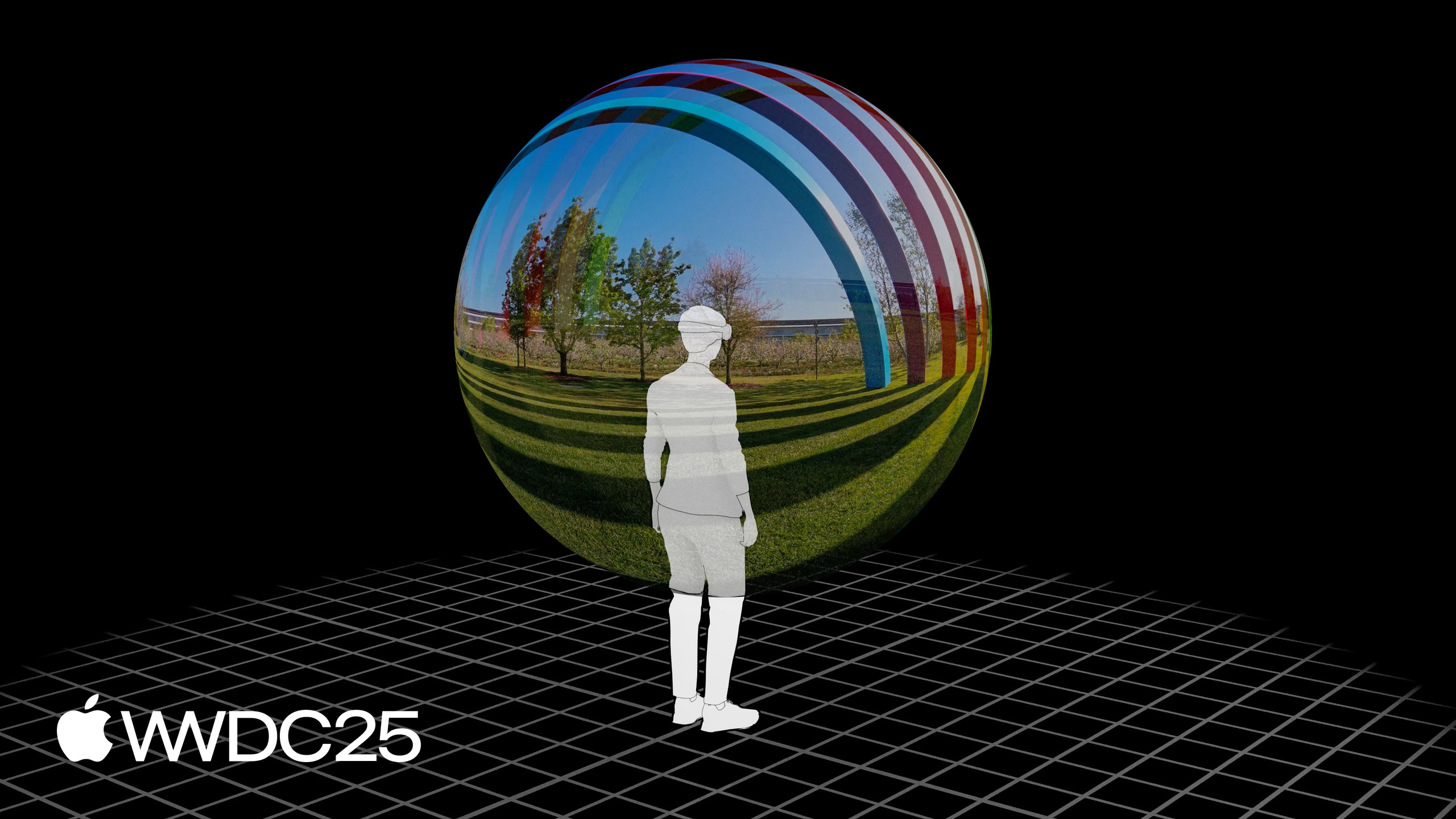
Highlight
APMP adds three new boxes — projection, lens collection, and view packing — to the vexu box in QuickTime/MP4, bringing 180/360/wide-FOV projection signaling into consumer video files. visionOS 26’s AVFoundation wires this up across detection, conversion, read/write, editing, and HLS delivery.
Core Content
To make 180/360/wide-FOV footage from GoPro, Insta360, or Canon EOS VR show up correctly on Apple Vision Pro, developers used to parse Spherical Metadata V1/V2 by hand, figure out whether the frame packing was side-by-side or over-under, and feed each eye’s image to the player themselves. Projection type, lens distortion, and stereo views lived in different fields with no unified container, so every toolchain rolled its own format.
In this session, Jon from the Core Media Spatial Technologies team introduces the Apple Projected Media Profile (APMP), which folds this representation into the standard QuickTime/MP4 structure. On visionOS 26, APMP describes non-rectilinear projections through a set of Video Extended Usage (vexu) extension boxes: projection type (equirectangular / half-equirectangular / parametricImmersive / appleImmersiveVideo), lens intrinsics and distortion parameters, and left/right eye frame packing. AVFoundation, Core Media, Video Toolbox, and the HLS toolchain are all updated in step, so detection, conversion, read/write, editing, and delivery share one set of APIs. The matching Apple Positional Audio Codec (APAC) supports 1st-, 2nd-, and 3rd-order ambisonic encoding, pairing a spherical sound field with spherical video for a complete immersive experience.
Details
Projection types (01:31). 2D/3D/Spatial use rectilinear; 180-degree uses half-equirectangular (X axis maps to -90° to +90°); 360-degree uses equirectangular (X axis maps to -180° to +180°, Y axis maps to -90° to +90°); wide-FOV/fisheye uses ParametricImmersive, which carries a 3×3 camera intrinsics matrix K (focal length, optical center, skew) along with radial distortion, tangential distortion, projection offset, radial angle limit, and lens frame adjustments to correct the barrel distortion of wide-angle lenses.
Signaling in the container (04:33). Three new boxes sit under vexu:
- Projection box: marks the projection type.
- Lens Collection box: holds the intrinsics, extrinsics, and distortion parameters for ParametricImmersive.
- View Packing box: marks side-by-side or over-under.
A minimal monoscopic 360 file needs only a projection box; a stereoscopic 180 file needs a stereo view box plus a half-equirectangular projection box. The full spec is in QuickTime and ISO Base Media File Formats and Spatial and Immersive Media on developer.apple.com.
Detecting legacy Spherical Metadata (08:58). AVFoundation adds AVURLAssetShouldParseExternalSphericalTagsKey so the system reads Spherical Metadata V1/V2 as APMP:
import AVFoundation

func wasConvertedFromSpherical(url: URL) -> Bool {
    let assetOptions = [AVURLAssetShouldParseExternalSphericalTagsKey: true]
    let urlAsset = AVURLAsset(url: url, options: assetOptions)

    let track = try await urlAsset.loadTracks(withMediaType: .video).first!
    let formatDescription = try await videoTrack.load(.formatDescriptions).first

    let wasConvertedFromSpherical = formatDescription.extensions[.convertedFromExternalSphericalTags]
    return wasConvertedFromSpherical
}
Key points:
AVURLAssetShouldParseExternalSphericalTagsKey: true: tells AVURLAsset to synthesize spherical metadata into APMP format description extensions, so downstream APIs handle it as APMP.formatDescription.extensions[.convertedFromExternalSphericalTags]: tells you whether the asset was synthesized from spherical metadata, useful for showing a hint in the UI.
Uplifting wide-FOV content into ParametricImmersive (09:54). The ImmersiveMediaSupport framework ships with built-in lens parameters for cameras like the GoPro HERO 13 and Insta360 Ace Pro 2:
import ImmersiveMediaSupport

func upliftIntoParametricImmersiveIfPossible(url: URL) -> AVMutableMovie {
    let movie = AVMutableMovie(url: url)

    let assetInfo = try await ParametricImmersiveAssetInfo(asset: movie)
    if (assetInfo.isConvertible) {
        guard let newDescription = assetInfo.requiredFormatDescription else {
            fatalError("no format description for convertible asset")
        }
        let videoTracks = try await movie.loadTracks(withMediaType: .video)
        guard let videoTrack = videoTracks.first,
              let currentDescription = try await videoTrack.load(.formatDescriptions).first
        else {
            fatalError("missing format description for video track")
        }
        videoTrack.replaceFormatDescription(currentDescription, with: newDescription)
    }
    return movie
}
Key points:
ParametricImmersiveAssetInfo(asset:): detects whether the video came from a known wide-FOV camera model.assetInfo.isConvertible: true on a successful match.requiredFormatDescription: returns a new format description with ParametricImmersive projection, intrinsics, and distortion parameters.replaceFormatDescription(_:with:): swaps the format description on the video track, so the whole video looks like wide-FOV APMP to the system.
Detecting non-rectilinear projection (10:58). Use AVAssetPlaybackAssistant to read playbackConfigurationOptions, then check .nonRectilinearProjection and .appleImmersiveVideo to tell APMP and Apple Immersive Video apart.
Drilling into projectionKind and viewPackingKind (11:22). When mediaCharacteristics contain indicatesNonRectilinearProjection, read .projectionKind (equirectangular / halfEquirectangular / parametricImmersive / appleImmersiveVideo) and .viewPackingKind (sideBySide / overUnder) from the formatDescription to drive the render pipeline.
Stereo editing with CMTaggedDynamicBuffer (12:51). AVVideoComposition adds outputBufferDescription and finish(withComposedTaggedBuffers:):
var config = try await AVVideoComposition.Configuration(for: asset)
config.outputBufferDescription = [[.stereoView(.leftEye)], [.stereoView(.rightEye)]]
let videoComposition = AVVideoComposition(configuration: config)
Key points:
outputBufferDescription: declares that the compositor will emit two tagged buffers, one per eye. It must be set before the composition starts.[.stereoView(.leftEye)]/[.stereoView(.rightEye)]: CM Tags that mark each eye.
Writing a stereo pair (13:01). Inside startRequest, build a CMTaggedDynamicBuffer for each eye, attach .videoLayerID and .stereoView CM Tags, and finish with asyncVideoCompositionRequest.finish(withComposedTaggedBuffers:).
Writing APMP files (13:18). With AVAssetWriter, put the projection signaling into CompressionPropertyKey.kind inside the AVVideoCompressionPropertiesKey dictionary. AVAssetWriterInput will then emit a vexu box carrying the APMP signals.
Publishing parameters (13:51). HEVC Main / Main 10, 4:2:0 chroma subsampling, Rec.709 or P3-D65 color primaries. 7680×3840 for monoscopic, 4320×4320 per eye for stereo. For 10-bit 8K monoscopic or 4K stereo, target 30fps with peak bitrate at or below 150 Mbps. MV-HEVC stereo configuration is covered in Apple HEVC Stereo Video Interoperability Profile.
AVQT (14:50). The Advanced Video Quality Tool now understands equirectangular and half-equirectangular projection, so you can score compression quality on the unrolled equirectangular image and use the result to tune HLS bitrate ladders.
HLS (15:25). EXT-X-STREAM-INFORMATION adds a REQ-VIDEO-LAYOUT attribute that expresses both stereo and projection type. The map segment’s formatDescription must also carry the matching projection and stereo view extensions — writing it only in the manifest does not count.
APAC (16:14). Apple Positional Audio Codec supports 1st-order (4 channels), 2nd-order (9 channels), and 3rd-order (16 channels) ambisonic. Every Apple platform except watchOS can decode it; iOS, macOS, and visionOS expose a built-in encoder through AVAssetWriter. Recommended bitrates are 384 kbps for 1st-order and 768 kbps for 3rd-order. APAC streams alongside APMP video over the same HLS segments.
Key Takeaways
1. Wire APMP read/write into UGC immersive video apps. Why it matters: visionOS 26’s playback, editing, and Quick Look all decide projection from APMP signaling. Once an app writes compliant files, AirDrop, iCloud, and Photos treat them as immersive content automatically. How to start: use AVAssetWriter plus AVVideoCompressionPropertiesKey and set CompressionPropertyKey.kind to equirectangular or halfEquirectangular; for stereo content, add the stereo view extension as well.
2. Build a migration path for legacy Spherical Metadata. Why it matters: most existing GoPro MAX and Insta360 X5 files in users’ libraries are Spherical V1/V2. Rejecting them outright tanks import rates. How to start: pass AVURLAssetShouldParseExternalSphericalTagsKey: true when building AVURLAsset, use the convertedFromExternalSphericalTags flag to show a “recognized as 360 video” hint in the UI, and run avconvert or a custom script on important assets to write APMP back permanently.
3. Uplift wide-FOV action camera content to ParametricImmersive. Why it matters: GoPro HERO 13 and Insta360 Ace Pro 2 video starts life as plain 2D wide-FOV. Without uplifting it plays as a flat rectangle and wastes visionOS’s immersive capability. How to start: use ImmersiveMediaSupport’s ParametricImmersiveAssetInfo and, for any asset where isConvertible is true, call replaceFormatDescription to bake intrinsics and distortion into the format description.
4. Move stereo editing pipelines to CMTaggedDynamicBuffer. Why it matters: a custom compositor used to emit a single buffer, so stereo composition meant stitching frames together. AVVideoComposition now passes left- and right-eye tagged buffers directly, and stereo semantics survive end-to-end through the renderer and exporter. How to start: set outputBufferDescription = [[.stereoView(.leftEye)], [.stereoView(.rightEye)]] on AVVideoComposition.Configuration, tag each CMTaggedDynamicBuffer with .videoLayerID and .stereoView inside the compositor, and call finish(withComposedTaggedBuffers:).
5. Move immersive video audio to APAC plus ambisonic. Why it matters: traditional stereo follows the head and breaks immersion. Ambisonic encodes the entire sound field into spherical harmonics, which Vision Pro’s head-tracked playback needs to localize sound direction. How to start: record with a 4-mic or higher ambisonic microphone, encode through AVAssetWriter’s APAC outputSettings — start at 384 kbps for 1st-order and cap at 768 kbps for 3rd-order — and ship audio in the same HLS playlist as the APMP video.
Related Sessions
- Explore video experiences for visionOS — an entry-level overview of immersive video on visionOS, the prerequisite for APMP.
- Learn about Apple Immersive Video technologies — the end-to-end pipeline for Apple Immersive Video and Apple Spatial Audio Format.
- Create a seamless multiview playback experience — APIs and implementation details for multi-view playback.
- Enhance your app’s audio recording capabilities — improvements to in-app audio recording, which slot into the APAC ambisonic pipeline.
Comments
GitHub Issues · utterances