
Highlight
The WebKit team ships a native
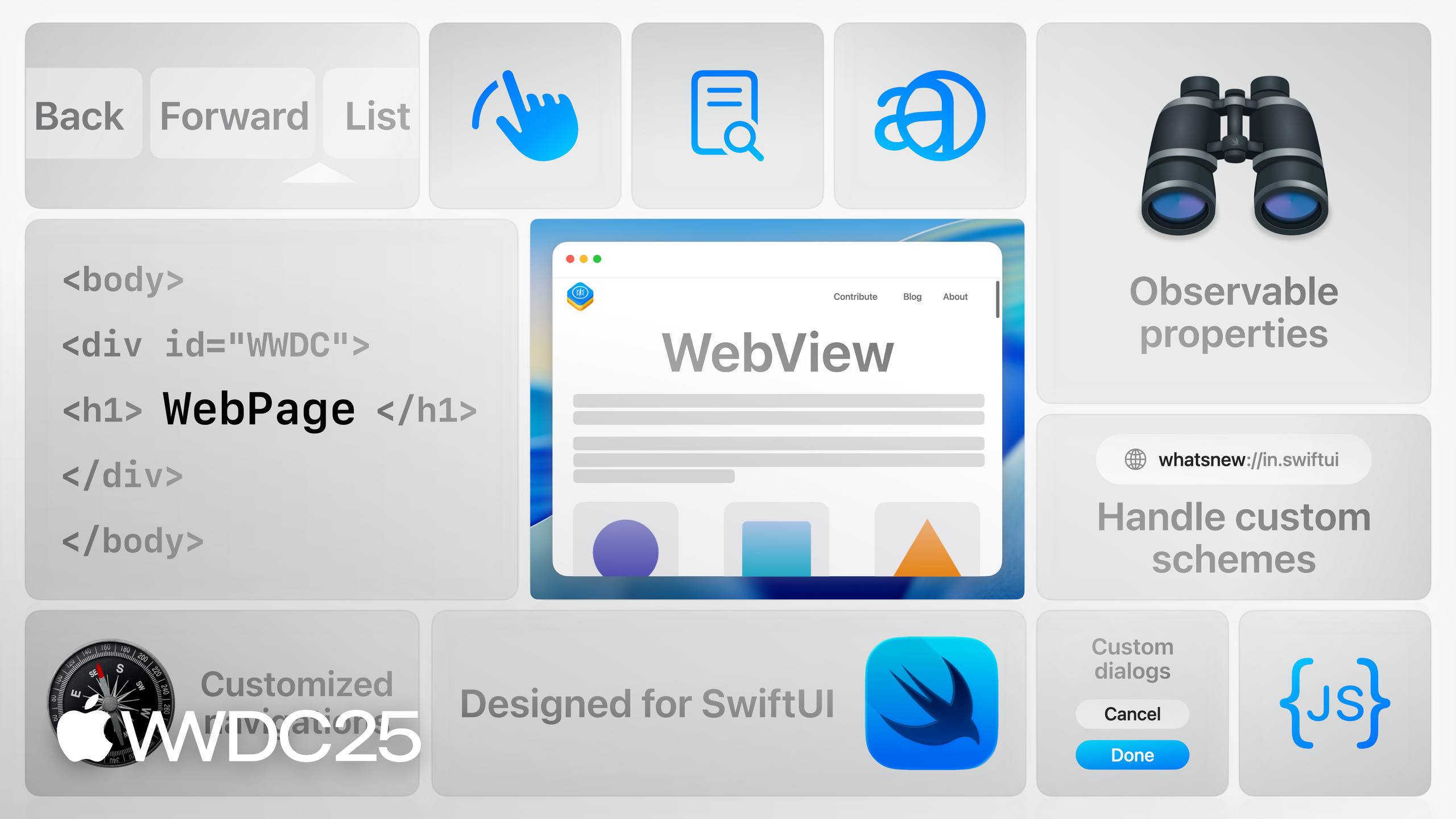
WebViewand an observableWebPageclass for SwiftUI. The first renders a webpage from a URL. The second loads content, controls it, and talks to JavaScript.
Core Content
In the past, embedding WebKit in SwiftUI meant wrapping WKWebView in UIViewRepresentable or NSViewRepresentable. State sync went through a Coordinator and delegate forwarding. iOS, macOS, and visionOS each needed their own branch. Showing a single URL took dozens of lines of glue code, and watching the title or scroll position took another round of plumbing.
This year the WebKit team moved the whole API into SwiftUI. WebView is a native SwiftUI view. Pass it a URL and it renders. One code path covers every WebKit platform. WebPage is a new Observable class. It loads content, reads properties, runs JavaScript, and customizes navigation policy. Use them on their own or together: hand a WebPage to a WebView, and the page title, URL, load progress, and theme color all become observable properties that drive the UI through your @Observable model.
Details
The simplest form hands a URL straight to WebView. When the URL changes, the view reloads (03:01).
struct ContentView: View {
    @State private var url = URL(string: "https://www.example.com")!

    var body: some View {
        WebView(url: url)
    }
}
Key points:
WebView(url:)is a native SwiftUI view. A URL change triggers navigation.- No more
UIViewRepresentablebridge. One code path for iOS, iPadOS, macOS, and visionOS.
To observe page properties or control the content, use WebPage and pass it to WebView (03:42).
@Observable
final class ArticleViewModel {
    let webPage = WebPage()
    let article: LakeArticle

    init(article: LakeArticle) { self.article = article }

    func loadArticle() {
        webPage.load(URLRequest(url: article.url))
    }
}
Key points:
WebPageis anObservableclass that wraps loading, control, and JS communication.load(_:)takes aURLRequest. The same name also accepts an HTML string with a base URL, or web archive data with a MIME type and encoding.
To load local HTML and CSS from the app bundle as a webpage, conform to URLSchemeHandler and register a custom scheme (06:36).
struct LakesSchemeHandler: URLSchemeHandler {
    func reply(for request: URLRequest)
        -> some AsyncSequence<URLSchemeTaskResult, any Error>
    {
        // yield a URLResponse, then yield Data values
        // can stream asynchronously thanks to AsyncSequence
    }
}

let handler = LakesSchemeHandler()
var configuration = WebPage.Configuration()
if let scheme = URLScheme("lakes") {
    configuration.urlSchemeHandlers[scheme] = handler
}
let page = WebPage(configuration: configuration)
Key points:
URLScheme("lakes")returnsnilfor any scheme WebKit already owns, such ashttps,file, orabout.reply(for:)returns anAsyncSequence<URLSchemeTaskResult, _>. Yield aURLResponsefirst, then yieldData. Streaming and cancellation come for free.- Register the handler on
Configuration.urlSchemeHandlersand pass the configuration toWebPage.
To watch navigation events, use the new currentNavigationEvent property and turn it into an AsyncSequence with Swift 6.2’s Observations (10:59).
for await event in Observations({ webPage.currentNavigationEvent }) {
    switch event {
    case .finished(let id):
        await parseSections()
    case .failed(let id, let error),
         .failedProvisionalNavigation(let id, let error):
        handle(error)
    default:
        break
    }
}
Key points:
- A single navigation fires in order:
startedProvisionalNavigation→receivedServerRedirect(optional) →committed→finished. Any stage can also producefailedorfailedProvisionalNavigation. currentNavigationEventis observable. Combined withObservations, you read the whole load as afor-awaitloop. The flow reads more linearly than the delegate model.
Run JavaScript with callJavaScript. You can pass an argument dictionary (12:33, 18:29).
let raw = try await webPage.callJavaScript(
    "return parseSections(document.documentElement.outerHTML);"
)
let sections = (raw as? [[String: String]]) ?? []

let offset = try await webPage.callJavaScript(
    "return document.getElementById(id).offsetTop;",
    arguments: ["id": sectionId]
)
Key points:
- The return value is
Any?. Cast it to a concrete Swift type yourself. - Each
argumentsdictionary key shows up as a local variable in the JS, and the value converts to a JS value automatically. The same script body can be reused with different inputs.
Customize navigation policy with WebPage.NavigationDeciding. Hand external links off to the system browser (13:50).
struct LakeNavigationDecider: WebPage.NavigationDeciding {
    let onExternalLink: (URL) -> Void

    func decidePolicy(
        for action: WebPage.NavigationAction,
        preferences: inout WebPage.NavigationPreferences
    ) async -> WKNavigationActionPolicy {
        let url = action.request.url
        if url?.scheme == "lakes" || url?.host == "lakes.apple.com" {
            return .allow
        }
        if let url { onExternalLink(url) }
        return .cancel
    }
}
Key points:
- The protocol gives you policy hooks at three points: navigation action, response, and authentication.
- After cancelling a navigation, send the target URL back to SwiftUI state and open it in the default browser through the
openURLenvironment value.
For view modifiers, the existing scrollBounceBehavior, findNavigator, and friends work directly. New ones — webViewScrollPosition, onScrollGeometryChange, and webViewScrollInputBehavior — give finer control (15:52, 19:29).
WebView(webPage)
    .navigationTitle(webPage.title)
    .scrollBounceBehavior(.basedOnSize, axes: .horizontal)
    .findNavigator(isPresented: $isFindPresented)
    .webViewScrollInputBehavior(.enabled, for: .look) // visionOS look-to-scroll
    .webViewScrollPosition($scrollPosition)
    .onScrollGeometryChange(for: CGFloat.self) { $0.contentOffset.y } action: { _, y in
        selectedSection = nearestSection(to: y)
    }
Key points:
webViewScrollPositionpairs withScrollPosition. CallscrollToto jump programmatically.onScrollGeometryChangereports scroll offset and content size changes, which you can feed back into the sidebar selection.- Look-to-scroll on visionOS is enabled by
webViewScrollInputBehavior(.enabled, for: .look). It is off by default.
Takeaways
1. Move existing WKWebView wrappers to WebView + WebPage
Why it pays off: the UIViewRepresentable and Coordinator glue goes away, and the platform branches collapse. Title, URL, progress, and theme color flow straight into your @Observable pipeline.
How to start: switch the display-only screens (detail pages, info pages) to WebView(url:) first. For pages that need to observe properties, upgrade to WebPage and put it on a ViewModel.
2. Replace temp-directory tricks for local resources with URLSchemeHandler
Why it pays off: HTML, CSS, and images in the bundle can be served by the app over a custom scheme. No more unzipping to a temp directory and loading through file://. Permission and path problems disappear, and you get streaming through AsyncSequence.
How to start: implement URLSchemeHandler.reply(for:). Return a URLResponse first, then return Data in chunks. Register the handler through WebPage.Configuration.urlSchemeHandlers. Rewrite links to bundled content to use the custom scheme.
3. Rewrite navigation and state watching with Observations + for-await
Why it pays off: WKNavigationDelegate callbacks are scattered across several methods. They are hard to read as one linear flow. currentNavigationEvent plus Swift 6.2 Observations lets a single task read the whole load.
How to start: add .task { for await event in Observations({ page.currentNavigationEvent }) { ... } } to the view. Update the UI on finished / failed. Watch title, estimatedProgress, or themeColor with Observations when needed.
4. Use callJavaScript(_:arguments:) to turn webpages into queryable data sources
Why it pays off: many embedded webpages exist only to render, but the page itself holds structured data — table of contents, form fields, scroll position. A parameterized JS call lets one script serve many call sites.
How to start: write pure functions inside the page (such as parseSections or offsetTop). On the Swift side, call callJavaScript with an arguments dictionary, cast the result with as?, and feed it into a SwiftUI list.
Related Sessions
- Learn more about Declarative Web Push — Web push notifications no longer need a service worker in JavaScript. They arrive through declarative JSON.
- What’s new in SwiftUI — A tour of this year’s new views, modifiers, and observable integration points in SwiftUI.
- Explore concurrency in SwiftUI — How
@Observable,Observations, andfor-awaitfit together inside SwiftUI. - What’s new in Swift — Covers Swift 6.2’s
ObservationsAPI and concurrency improvements. Thefor-awaitwatcher in this session depends on it.
Comments
GitHub Issues · utterances