
Highlight
This session provides a comprehensive overview of Swift’s current server-side adoption and ecosystem. The opening delivers compelling data: Apple’s internal iCloud Keychain, Photos, Notes, App Store processing pipeline, SharePlay file sharing, and the new Private Cloud Compute service all handle millions of requests per second with Swift.
Core Content
When writing server applications, language choice is the first hurdle. Go has goroutines, Java has a mature ecosystem, Rust has zero-cost abstractions—why Swift? The session answers upfront: Swift uses ARC instead of GC for memory management, with predictable memory usage and fast startup—critical for cloud cold starts and resource scheduling; compile-time type safety eliminates a large class of runtime errors; first-class concurrency (async/await + structured concurrency) eliminates data races. Apple is the biggest user itself—iCloud Keychain, Photos, Notes, App Store processing pipeline, SharePlay file sharing, and the new Private Cloud Compute all handle millions of requests per second with Swift.
Next comes hands-on work: building an event management service from scratch with Swift OpenAPI Generator + Vapor + PostgresNIO. Starting from an OpenAPI YAML definition, auto-generate type-safe server/client code, connect Postgres for persistence, then add logging and distributed tracing for observability. The whole flow takes under half an hour, with ready-made packages at every step. The session concludes with the Swift Server Workgroup incubation process—Sandbox to Incubating to Graduated—helping developers identify production-ready packages.
Detailed Content
Auto-generating the API layer with OpenAPI Generator (03:23)
Configure two targets in Package.swift: EventAPI (with OpenAPIGenerator plugin) and EventService (executable target). The OpenAPIGenerator plugin reads openapi.yaml at compile time and auto-generates APIProtocol plus corresponding request/response types.
openapi: "3.1.0"
info:
  title: "EventService"
  version: "1.0.0"
servers:
  - url: "https://localhost:8080/api"
    description: "Example service deployment."
paths:
  /events:
    get:
      operationId: "listEvents"
      responses:
        "200":
          description: "A success response with all events."
          content:
            application/json:
              schema:
                type: "array"
                items:
                  $ref: "#/components/schemas/Event"
    post:
      operationId: "createEvent"
      requestBody:
        description: "The event to create."
        required: true
        content:
          application/json:
            schema:
              $ref: '#/components/schemas/Event'
      responses:
        '201':
          description: "A success indicating the event was created."
        '400':
          description: "A failure indicating the event wasn't created."
components:
  schemas:
    Event:
      type: "object"
      description: "An event."
      properties:
        name:
          type: "string"
          description: "The event's name."
        date:
          type: "string"
          format: "date"
          description: "The day of the event."
        attendee:
          type: "string"
          description: "The name of the person attending the event."
      required:
        - "name"
        - "date"
        - "attendee"
Key points:
operationIddetermines method names in generated code (listEvents,createEvent)$refreferencescomponents/schemas/Event; generated code producesComponents.Schemas.Eventtyperequiredfields mark mandatory properties; corresponding generated types are non-Optional
Implementing APIProtocol + connecting PostgresNIO (07:08)
import OpenAPIRuntime
import OpenAPIVapor
import Vapor
import EventAPI
import PostgresNIO

@main
struct Service {
  let postgresClient: PostgresClient

  static func main() async throws {
    let application = try await Vapor.Application.make()
    let transport = VaporTransport(routesBuilder: application)

    let postgresClient = PostgresClient(
      configuration: .init(
        host: "localhost",
        username: "postgres",
        password: nil,
        database: nil,
        tls: .disable
      )
    )
    let service = Service(postgresClient: postgresClient)
    try service.registerHandlers(
      on: transport,
      serverURL: URL(string: "/api")!
    )

    try await withThrowingDiscardingTaskGroup { group in
      group.addTask {
        await postgresClient.run()
      }

      group.addTask {
        try await application.execute()
      }
    }
  }
}

extension Service: APIProtocol {
  func listEvents(
    _ input: Operations.listEvents.Input
  ) async throws -> Operations.listEvents.Output {
    let rows = try await self.postgresClient.query("SELECT name, date, attendee FROM events")

    var events = [Components.Schemas.Event]()
    for try await (name, date, attendee) in rows.decode((String, String, String).self) {
      events.append(.init(name: name, date: date, attendee: attendee))
    }

    return .ok(.init(body: .json(events)))
  }

  func createEvent(
    _ input: Operations.createEvent.Input
  ) async throws -> Operations.createEvent.Output {
    return .undocumented(statusCode: 501, .init())
  }
}
Key points:
PostgresClientis the new async interface in PostgresNIO 1.21, with built-in connection pooling and automatic recovery via structured concurrency on network failuresregisterHandlers(on:serverURL:)registers APIProtocol implementation on Vapor routeswithThrowingDiscardingTaskGroupruns PostgresClient and Vapor app concurrently; either failing cancels the otherrows.decode((String, String, String).self)decodes rows directly as tuples; AsyncSequence prefetches rows for performance
String interpolation prevents SQL injection (09:02)
func createEvent(
  _ input: Operations.createEvent.Input
) async throws -> Operations.createEvent.Output {
  switch input.body {
  case .json(let event):
    try await self.postgresClient.query(
      """
      INSERT INTO events (name, date, attendee)
      VALUES (\(event.name), \(event.date), \(event.attendee))
      """
    )
    return .created(.init())
  }
}
Key points:
- Looks like string concatenation, but PostgresNIO overloads String interpolation to convert interpolations at compile time into parameterized queries + value binding
- Fully immune to SQL injection while keeping code readable—Swift’s “ergonomic but safe”
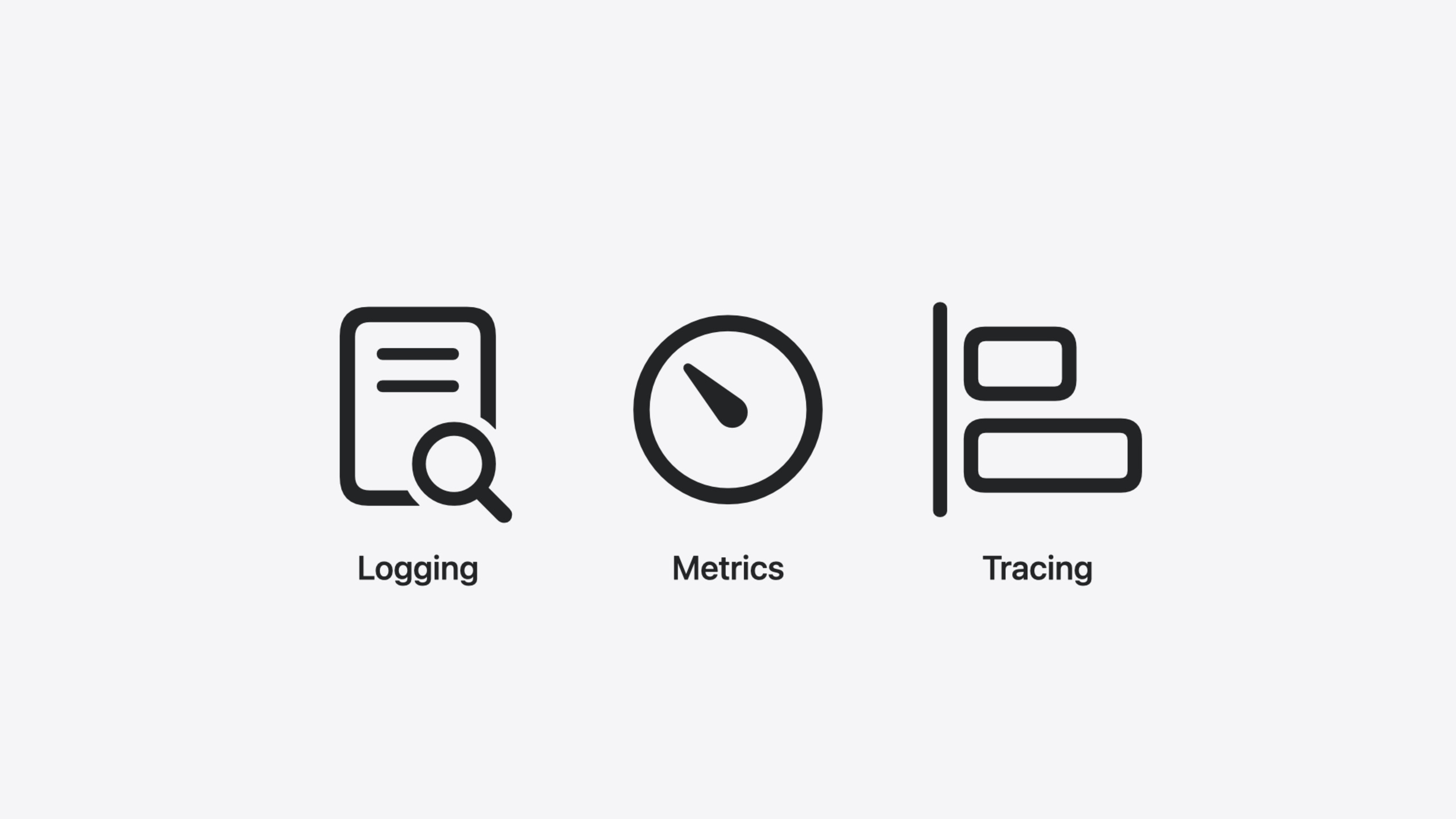
Observability trio: logging + metrics + tracing (11:34)
func listEvents(
  _ input: Operations.listEvents.Input
) async throws -> Operations.listEvents.Output {
  let logger = Logger(label: "ListEvents")
  logger.info("Handling request", metadata: ["operation": "\(Operations.listEvents.id)"])

  Counter(label: "list.events.counter").increment()

  return try await withSpan("database query") { span in
    let rows = try await postgresClient.query("SELECT name, date, attendee FROM events")
    return try await .ok(.init(body: .json(decodeEvents(rows))))
  }
}
Key points:
swift-logsupports structured logging;metadatadictionary provides extra contextswift-metricsCountertracks request counts, backend-agnostic—can connect to Prometheus, etc.swift-distributed-tracingwithSpanwraps database queries in a span for end-to-end request tracing- Bootstrap order: LoggingSystem first, then MetricsSystem, then InstrumentationSystem—the latter two may need to log
Extracting PSQLError details in error handling (13:38)
func createEvent(
  _ input: Operations.createEvent.Input
) async throws -> Operations.createEvent.Output {
  switch input.body {
  case .json(let event):
    do {
      try await self.postgresClient.query(
        """
        INSERT INTO events (name, date, attendee)
        VALUES (\(event.name), \(event.date), \(event.attendee))
        """
      )
      return .created(.init())
    } catch let error as PSQLError {
      let logger = Logger(label: "CreateEvent")

      if let message = error.serverInfo?[.message] {
        logger.info(
          "Failed to create event",
          metadata: ["error.message": "\(message)"]
        )
      }

      return .badRequest(.init())
    }
  }
}
Key points:
PSQLErrordescription intentionally omits details to prevent accidental database schema leaks- Extract detailed server errors (such as duplicate key violation) via the
serverInfoproperty - Return
.badRequestafter catch and log the specific reason—critical info for production debugging
Core Takeaways
-
What to do: Quickly scaffold a Swift server project with OpenAPI Generator + Vapor. Why it’s worth it: OpenAPI YAML serves as both API documentation and code generation input; one definition produces type-safe server/client code, reducing hand-written routing and serialization errors. How to start: Add
swift-openapi-generatorandswift-openapi-vapordependencies in Package.swift, write openapi.yaml, let the plugin auto-generateAPIProtocol, then implement the methods. -
What to do: Add observability to existing Swift server projects. Why it’s worth it: PSQLError’s default description hides details; without logging and tracing, production debugging is blind. The trio (swift-log + swift-metrics + swift-distributed-tracing) is backend-agnostic—start with terminal/Prometheus/OpenTelemetry, swap backends later without changing business code. How to start: Bootstrap in order LoggingSystem → MetricsSystem → InstrumentationSystem; add
Logger.info,Counter.increment, andwithSpanon critical paths. -
What to do: Prioritize the Swift Server Workgroup incubation list when choosing packages. Why it’s worth it: The incubation process (Sandbox → Incubating → Graduated) has clear requirements for API compatibility, documentation quality, and long-term maintenance; Graduated packages are more reliable in production. How to start: Visit swift.org/sswg for the incubation list and prefer Graduated packages; if needs aren’t covered, search swift.org/packages and Swift Package Index’s server category.
-
What to do: Replace hand-written database connection management with PostgresNIO’s PostgresClient. Why it’s worth it: PostgresClient has built-in connection pooling, auto-warms connections, distributes queries, and auto-recovers on network failures via structured concurrency—more reliable than hand-written connection management. How to start: Upgrade PostgresNIO to 1.21+, create
PostgresClient(configuration:), and run it inwithThrowingDiscardingTaskGroup.
Related Sessions
- Analyze heap memory — Analyze Swift heap memory allocation to optimize server memory usage
- Consume noncopyable types in Swift — Understand Swift noncopyable types, foundational for server resource management
- Explore Swift performance — How Swift balances abstraction and performance
- Go further with Swift Testing — Write server test suites with Swift Testing
Comments
GitHub Issues · utterances