
Highlight
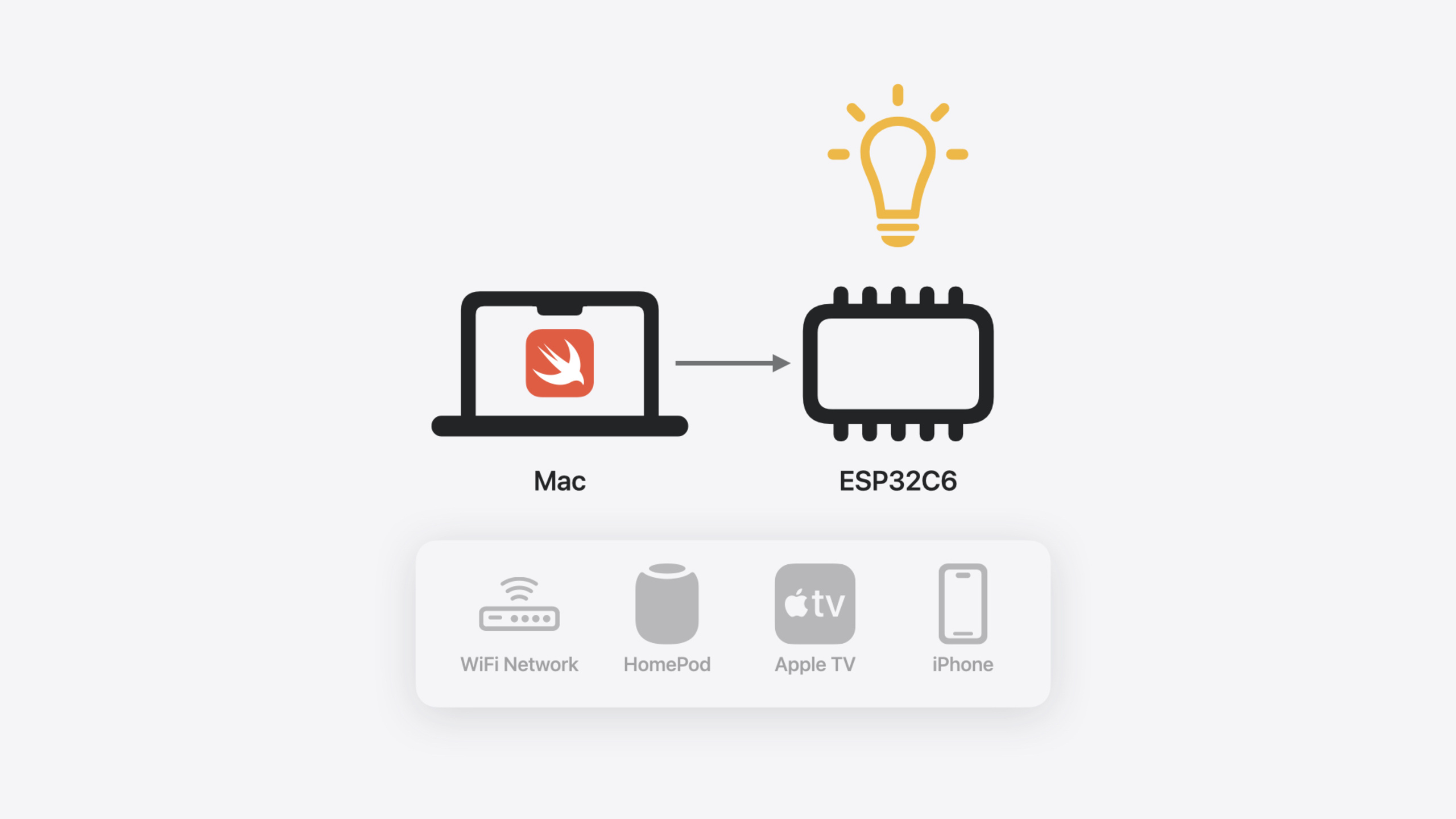
Swift already covers mobile, desktop, and server—this year Apple brought it to embedded devices. Smart bulbs, thermostats, and sensors around us mostly run C/C++ firmware. Embedded Swift lets you write that firmware in Swift with type safety, optionals, closures, and other language features.
Core Content
Microcontroller programming has long meant C or C++. Smart bulbs, thermostats, sensors—firmware on these devices is almost all C. C can touch hardware registers directly, but weak type safety and callbacks via function pointers plus untyped context make complex code error-prone.
Apple introduced Embedded Swift this year—a compilation mode for resource-constrained embedded devices. It keeps value types, reference types, closures, optionals, error handling, and generics, while removing features that need runtime metadata (reflection, any types, metatypes) so binaries stay small enough for microcontrollers with tens of KB of RAM. Apple’s Secure Enclave Processor already uses Embedded Swift—the value of memory safety in security-critical contexts is clear.
Embedded Swift is experimental, not source-stable; get preview toolchains from swift.org. Supports ARM and RISC-V (32- and 64-bit), calls vendor C SDKs via bridging headers, and uses C++ interop for Matter.
Detailed Content
Entry point and C SDK calls
Embedded Swift entry points bridge to C via @_cdecl. Minimal example (03:50):
@_cdecl("app_main")
func app_main() {
  print("🏎️   Hello, Embedded Swift!")
}@_cdecl("app_main")exports the Swift function as C symbolapp_main; ESP32 SDK calls it at startup- That’s the whole program—no
@main, no SwiftUI, no runtime dependencies
Call vendor SDK C APIs directly to control hardware (06:48):
@_cdecl("app_main")
func app_main() {
  print("🏎️   Hello, Embedded Swift!")
  var config = led_driver_get_config()
  let handle = led_driver_init(&config)
  led_driver_set_hue(handle, 240) // blue
  led_driver_set_saturation(handle, 100) // 100%
  led_driver_set_brightness(handle, 80) // 80%
  led_driver_set_power(handle, true)
}led_driver_get_config()/led_driver_init(&config)— direct C SDK calls via bridging header- These C functions drive the hardware LED; no extra Swift bindings needed
Wrapping C APIs as Swift interfaces
Raw C calls work, but the code isn’t intuitive. Better to wrap a Swift interface (08:32):
let led = LED()

@_cdecl("app_main")
func app_main() {
  print("🏎️   Hello, Embedded Swift!")

  led.color = .red
  led.brightness = 80

  while true {
    sleep(1)
    led.enabled = !led.enabled
    if led.enabled {
      led.color = .hueSaturation(Int.random(in: 0 ..< 360), 100)
    }
  }
}LED()is a custom Swift wrapper calling C SDKled_driver_*internally.red,.hueSaturation(_:_:)are Swift enum associated values—type-safe color representationInt.random(in:)works on embedded devices too- On the microcontroller: LED blinks every second, random color each time it turns on
HomeKit accessories via Matter
Matter is an open smart-home standard with a C++ implementation. Swift calls Matter APIs directly via C++ interop for discovery, pairing, and infrastructure. Code below builds a color bulb controllable from the Home app (12:44):
let led = LED()

@_cdecl("app_main")
func app_main() {
  print("🏎️   Hello, Embedded Swift!")

  // (1) create a Matter root node
  let rootNode = Matter.Node()
  rootNode.identifyHandler = {
    print("identify")
  }

  // (2) create a "light" endpoint, configure it
  let lightEndpoint = Matter.ExtendedColorLight(node: rootNode)
  lightEndpoint.configuration = .default
  lightEndpoint.eventHandler = { event in
    print("lightEndpoint.eventHandler:")
    print(event.attribute)
    print(event.value)

    switch event.attribute {
    case .onOff:
      led.enabled = (event.value == 1)

    case .levelControl:
      led.brightness = Int(Float(event.value) / 255.0 * 100.0)

    case .colorControl(.currentHue):
      let newHue = Int(Float(event.value) / 255.0 * 360.0)
      led.color = .hueSaturation(newHue, led.color.saturation)

    case .colorControl(.currentSaturation):
      let newSaturation = Int(Float(event.value) / 255.0 * 100.0)
      led.color = .hueSaturation(led.color.hue, newSaturation)

    case .colorControl(.colorTemperatureMireds):
      let kelvins = 1_000_000 / event.value
      led.color = .temperature(kelvins)

    default:
      break
    }
  }

  // (3) add the endpoint to the node
  rootNode.addEndpoint(lightEndpoint)

  // (4) provide the node to a Matter application, start the application
  let app = Matter.Application()
  app.eventHandler = { event in
    print(event.type)
  }
  app.rootNode = rootNode
  app.start()
}Matter.Node()represents the whole accessory;identifyHandleruses a closure instead of C function pointer + contextMatter.ExtendedColorLightis a light endpoint;eventHandlerprocesses all Home app commandsevent.attributeis a Swift enum;switchwith pattern matching handles cases and associated values (e.g..colorControl(.currentHue)) without nested switches- After joining the home network over WiFi, Home app discovers the device—no extra pairing logic
Embedded Swift limitations
Embedded Swift removes features needing runtime metadata (18:03):
- Runtime reflection (
Mirror) — type metadata overhead is unacceptable anytypes — existential containers need metadata for type erasure- Metatypes (
MyType.selfas a value) — also depend on metadata
Use generics instead (19:24):
// any Countable fails to compile in Embedded Swift
// Replace with some Countable — compiler specializes, no runtime metadata
func count(countable: some Countable) {
  print(countable.count)
}- Swap
any Countableforsome Countable; the function becomes generic and specialized without metadata - All code that compiles in Embedded Swift also compiles in full Swift—it’s a strict subset, not a variant
Core Takeaways
-
What to do: Use Embedded Swift as a firmware replacement layer for existing IoT devices. Why it’s worth it: C firmware callbacks use function pointers and untyped context; Swift closures, enums, and optionals eliminate that class of bugs. How to start: Clone the ESP32 template from swift-embedded-examples, build a blink sample with the preview toolchain, then wrap C SDK APIs in Swift interfaces step by step.
-
What to do: Prototype smart-home accessories with Matter. Why it’s worth it: Matter provides discovery, pairing, and HomeKit compatibility—you don’t implement it yourself. Swift wrappers keep business logic readable. How to start: Clone swift-matter-examples, set up ESP32 per README, follow the demo
eventHandlerpattern for Home app commands. -
What to do: Use the Swift MMIO library for safe register access. Why it’s worth it: Raw register reads/writes are error-prone (wrong offsets, missing bit masks); Swift MMIO gives type-safe register descriptions and bitfield access. How to start: Add swift-mmio dependency; describe layout with
@RegisterBankand@Registerinstead of manual offsets and bit math.
Related Sessions
- Consume noncopyable types in Swift — Noncopyable types share zero-copy ideas with Embedded Swift for constrained environments
- Explore Swift performance — How Swift balances abstraction and performance—directly relevant to embedded tradeoffs
- Explore the Swift on Server ecosystem — Another direction in Swift’s cross-platform story; server and embedded share one language
- Analyze heap memory — Embedded memory is tight; heap analysis applies to Embedded Swift optimization too
Comments
GitHub Issues · utterances