
Highlight
Xcode 16 splits module building from implicit compiler behavior into three explicit phases—scan, build modules, and compile sources—giving the build system full visibility into the module dependency graph for more efficient task scheduling, avoiding blocked execution lanes, and letting the debugger reuse already-compiled Swift modules.
Core Content
Have you ever seen this: the same project takes vastly different time for clean builds vs incremental builds, and incremental build times are almost unpredictable? The problem is that module building has always been implicit compiler behavior. Each compilation task encountering an import finds the module itself, decides whether it needs compiling, and waits if another task is already compiling it—the entire coordination process is invisible to the build system. The result is blocked execution lanes, with compilation task durations varying wildly; the first batch is especially long because they wait for module compilation to finish. Worse, the debugger (LLDB) has its own independent module graph, and evaluating expressions with p or po requires recompiling modules (08:03).
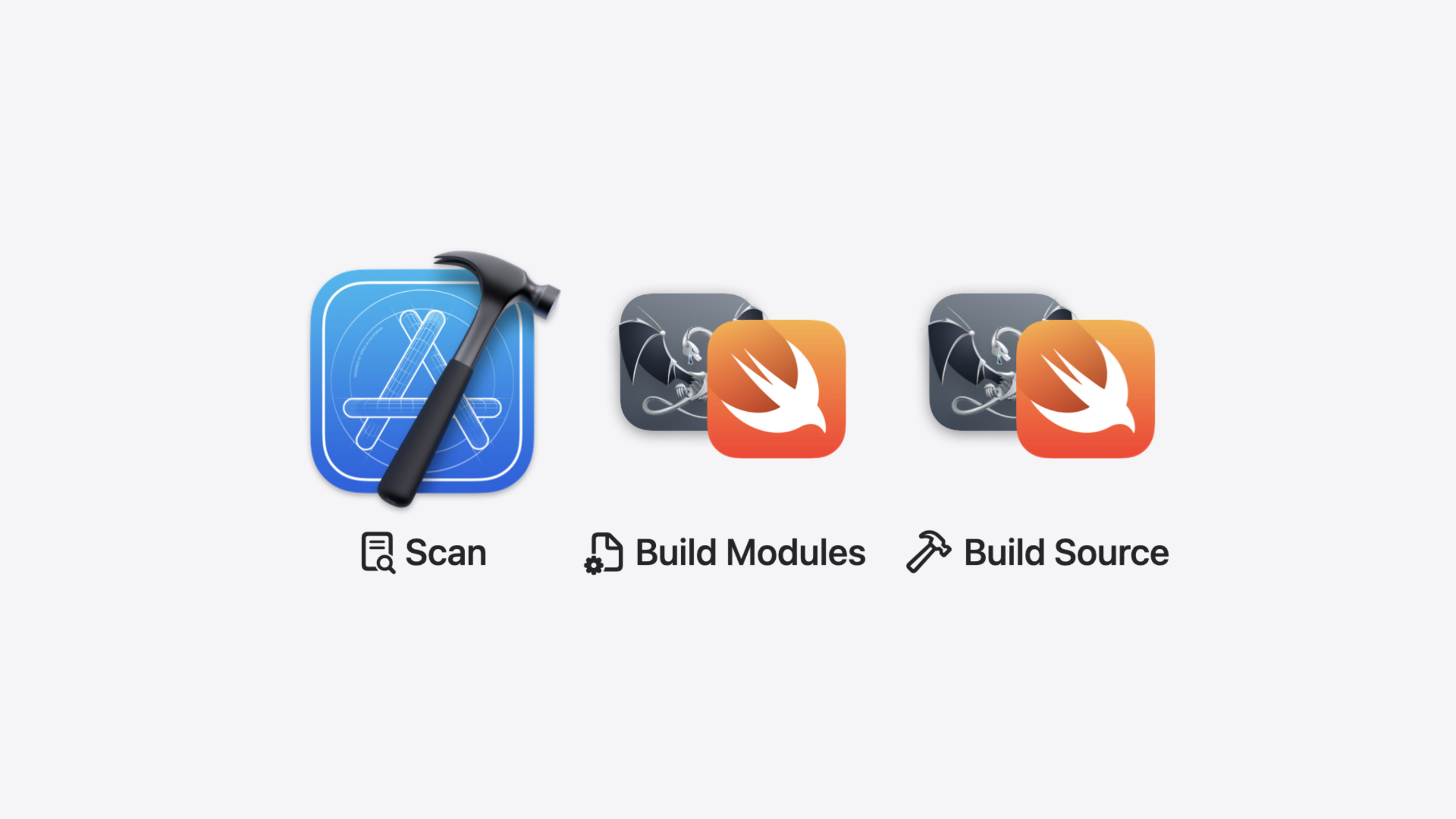
Explicitly built modules introduced in Xcode 16 split this implicit flow into three explicit phases: scan (scan source files to build the module dependency graph), build modules (compile modules), and compile sources (compile source files) (06:01). The build system now fully understands module dependencies and can schedule compilation tasks after modules are ready, avoiding execution lanes filled with ineffective tasks. For C and Objective-C code, this is enabled by default; for Swift, enable it via “Explicitly Built Modules” in Build Settings (preview stage) (08:42). The debugger can also directly reuse Swift modules already compiled by the build system, eliminating separate rebuilds (08:03).
Detailed Content
What Modules Are
Modules are units of code distribution that describe a library or framework’s interface. In Swift, all source files in a target form one module; the interface is marked with access modifiers like public, and the compiler generates .swiftinterface and .swiftmodule files. In Objective-C, modules are described by header files plus module maps, compiling to .pcm (precompiled module) files (00:34).
A module map structure looks like this:
framework module UIKit {
  umbrella header "UIKit.h"
  export *
  module * { export * }
}
Key points:
framework module UIKitdeclares this as a framework module named UIKit;@import UIKitrelies on this nameumbrella header "UIKit.h"specifies the umbrella header containing all headersexport *andmodule * { export * }mean modules imported by this module are also available to importers (01:46)
Implicit vs Explicit Module Building
Under implicit building, compilers coordinate module compilation among themselves—whoever arrives first compiles, later arrivals wait. Multiple compilation tasks may simultaneously try to compile the same module; only one succeeds, and the rest find the file already exists and load it directly. This leads to unpredictable build times, and build logs don’t reveal how much time module compilation consumes (04:25).
Under explicit building, Xcode splits each source file’s compilation into three phases:
- Scan: Scan each source file to build the entire project’s module dependency graph; results appear as scan tasks in the build log. This is a built-in task that doesn’t launch a new process and can cache information across source files (09:27)
- Build modules: Schedule module compilation tasks based on the module graph; each module launches an independent compiler process. These tasks are top-level, not attached to any specific target, because modules can be shared across targets (09:47)
- Compile sources: Compile source files, but now with required compiled modules known and injected, dramatically shortening compilation time (06:36)
Module Variants
The same module may be compiled multiple times—different targets with different build settings need different module variants. Each variant has a hash representing the set of command-line arguments needed to build that variant (10:26). Common variant sources include:
- Additional preprocessor macros (e.g.,
ENABLE_FEATURE) - Different language modes (e.g., C files mixed in an Objective-C project)
- Different language versions (e.g., Objective-C with C17)
- Automatic Reference Counting (ARC) disabled (12:09)
Use Product > Perform Action > Build with Timing Summary to generate a build report, then search “modules report” in the build log to view Clang and Swift module variant counts (12:46).
Reducing Module Variants
The session demonstrates optimization on a ResearchKit project. One target had an extra ENABLE_FEATURE macro, causing modules like UIKit to need additional variants. Moving this macro from target level to project level reduced module variants from 4 to 3 (13:14).
Principle: set build settings at the highest possible level (project or workspace) rather than target level. This maximizes module sharing across source files (14:28).
Core Takeaways
-
What to do: Enable Explicitly Built Modules in mixed C/Objective-C/Swift projects. Why it’s worth it: This is Xcode 16’s default for C/ObjC—builds are more reliable and efficient, and the debugger no longer recompiles modules. How to start: Search “Explicitly Built Modules” in Build Settings; Swift is currently in preview—try it on a small project first.
-
What to do: Use Build with Timing Summary and modules report to diagnose module variants. Why it’s worth it: Extra variants mean duplicate compilation, wasting time and CPU. Explicit module building exposes this problem so you can fix it. How to start: After Clean Build Folder, run Product > Perform Action > Build with Timing Summary, then search “modules report” in the build log to view variant counts.
-
What to do: Unify build settings across the project to reduce module variants. Why it’s worth it: Different targets with different macros or language versions cause the same module to compile multiple times, slowing builds. How to start: Check each target’s preprocessor macros, language versions, and ARC settings; move what can be unified to project level. Use Build Settings’ Levels view to compare target vs project differences.
Related Sessions
- What’s new in Xcode 16 — Overview of Xcode 16 improvements including build, debug, and diagnostics updates
- What’s new in Swift — Swift language updates including new Swift Build capabilities
- Migrate your app to Swift 6 — Swift 6 migration in practice, covering incremental module-by-module migration strategies
- Xcode essentials — Core Xcode development workflow tips, complementing build optimization
Comments
GitHub Issues · utterances