
Highlight
iOS 18’s per-grouped-channel palettization brings Stable Diffusion 4-bit compression back from noisy output to near-lossless quality, with only a 0.8% size increase.
Core Content
Fitting a 5GB Stable Diffusion model onto an iPhone sounds unrealistic. But Core ML Tools’ compression pipeline keeps closing that gap. iOS 17 palettization could shrink models to half size or smaller—6-bit still produced usable images, but 4-bit completely collapsed. Sixteen cluster centers had to map an entire weight matrix; precision couldn’t hold up.
iOS 18 pushes compression granularity from per-tensor to per-grouped-channel. Every 16 channels share one lookup table. Under 4-bit compression, Stable Diffusion grows from 1.29GB to 1.3GB, but generation quality recovers from “unrecognizable” to “close to 6-bit.” The same “Cat in a tuxedo, oil on canvas” prompt produces dramatically different results between the two granularities.
Apple also did two important things. First, pruning and quantization/palettization can now stack—sparse palettization and sparse quantization preserve compression gains from both techniques. Second, a new calibration-data-assisted post-training compression workflow sits between data-free and fine-tuning. With just 128 samples, a 40%-sparse Stable Diffusion goes from “outputting noise” back to “generating normally.” For large models, fine-tuning is too expensive and data-free is too coarse—calibration fills that gap.
Detailed Content
Per-grouped-channel palettization
iOS 17 only supports per-tensor palettization: the entire weight matrix shares one lookup table. At 4-bit, there are only 16 cluster centers—too much error for large matrices. iOS 18 lets every group_size channels share one lookup table, greatly improving granularity (07:02).
import coremltools as ct
from coremltools.optimize import palettize_weights

config = ct.optimize.coreml.OpPalettizerConfig(
    mode="kmeans",
    nbits=4,
    granularity="per_grouped_channel",
    group_size=16,
)
opt_config = ct.optimize.coreml.OptimizationConfig(global_config=config)
compressed_model = palettize_weights(model, opt_config)
Key points:
nbits=4: 4-bit compression; lookup table has 2^4 = 16 cluster centersgranularity="per_grouped_channel": everygroup_sizechannels share one lookup table, not the entire tensorgroup_size=16: 16 channels per group; more groups mean more lookup tables, higher precision, slightly larger size- After 4-bit per-grouped-channel compression, Stable Diffusion grows from 1.29GB to 1.3GB, but generation quality approaches 6-bit (08:56)
Post-training compression with calibration data
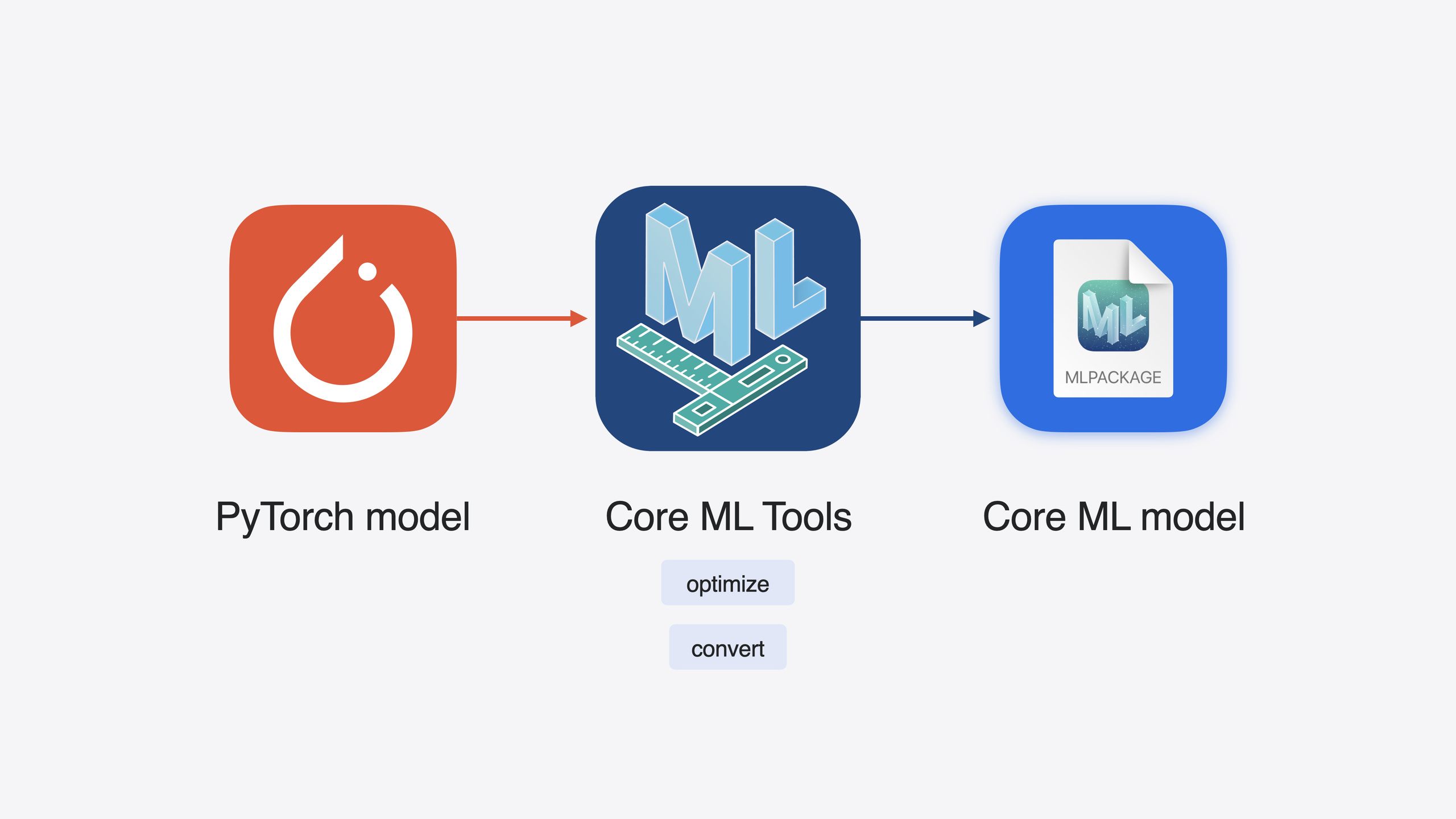
Data-free compression loses accuracy quickly at high compression ratios. Fine-tuning compression preserves accuracy but takes long and needs lots of data. The calibration workflow uses a small sample set to calibrate, sitting between the two (10:41).
from coremltools.optimize.torch.layerwise_compressor import LayerwiseCompressor

prune_config = ct.optimize.torch.LayerwiseCompressorConfig(
    target_sparsity=0.4,
    n_samples=128,
)
pruner = LayerwiseCompressor(model, prune_config)
sparse_model = pruner.compress(calibration_data_loader)
Key points:
target_sparsity=0.4: 40% of weights are pruned to zeron_samples=128: calibration needs only 128 samples—far fewer than fine-tuningcalibration_data_loader: user-defined data loader providing samples in the model’s input format- After 40% sparsification, Stable Diffusion drops from 1.3GB to 1.1GB; data-free outputs noise, calibration restores normal images (12:52)
After sparsification, you can stack palettization for further compression:
from coremltools.optimize.torch.post_training_quantization import PostTrainingPalettizer

palett_config = ct.optimize.torch.PostTrainingPalettizerConfig(
    nbits=4,
    granularity="per_grouped_channel",
    group_size=16,
)
palettizer = PostTrainingPalettizer(sparse_model, palett_config)
sparse_palettized_model = palettizer.compress(calibration_data_loader)
Key points:
- Applying 4-bit palettization on an already sparse model is sparse palettization
- The same
calibration_data_loadercan be reused - The final PyTorch model converts seamlessly to Core ML format
Stateful model and KV-cache
Core ML now supports stateful models. State tensors persist across inferences and update in place automatically—no more manually copying outputs back to inputs (15:55).
This is a natural fit for Transformer KV-cache. KV-cache stores Key/Value vectors during each token generation to avoid recomputation. With stateful models, KV-cache updates in place—large tensors no longer need to be copied back and forth between I/O (18:24).
When converting a stateful model, declare state with ct.StateType:
import coremltools as ct

states = [
    ct.StateType(
        name="keyCache",
        dtype=np.float16,
        shape=(1, num_layers, max_seq_len, head_dim),
    ),
    ct.StateType(
        name="valueCache",
        dtype=np.float16,
        shape=(1, num_layers, max_seq_len, head_dim),
    ),
]
model = ct.convert(
    traced_model,
    inputs=[...],
    outputs=[...],
    states=states,
    minimum_deployment_target=ct.target.iOS18,
)
Key points:
ct.StateType: new API to declare state tensor name, type, and shapename="keyCache"/"valueCache": must match names used inregister_bufferin the PyTorch model- Pass
statestoct.convert; the converted Core ML model automatically becomes stateful minimum_deployment_target=ct.target.iOS18: stateful models require iOS 18
SDPA operator fusion
iOS 18 Core ML Tools preserves PyTorch’s Scaled Dot Product Attention (SDPA) operator as a whole rather than splitting it into multiple small operators. SDPA runs more efficiently on Apple Silicon GPU (19:21).
Multi-function model
Multiple Core ML models can merge into one multi-function model; shared weights are automatically deduplicated. A typical scenario is one base model with different adapters (such as LoRA)—each adapter maps to one function, base model weights stored once (27:20).
Core Takeaways
-
What to build: Build a per-grouped-channel compression experiment matrix for on-device large model deployment. Try different bit counts (8/6/4),
group_sizevalues (8/16/32), and compression technique combinations (palettization / quantization / pruning) to find the best accuracy-size balance. Why it’s worth doing: Per-grouped-channel at 4-bit dramatically improves accuracy over per-tensor with almost no size increase—it’s the default choice for large model compression. How to start: Begin withOpPalettizerConfig(nbits=4, granularity="per_grouped_channel", group_size=16)and run a comparison on your model. -
What to build: Migrate your existing KV-cache implementation to a stateful Core ML model. Why it’s worth doing: KV-cache tensors are typically large; stateful models support in-place updates, eliminating I/O copy overhead and noticeably improving LLM inference speed. How to start: Declare KV-cache with
register_bufferin your PyTorch model, passct.StateTypetoct.convert, and setminimum_deployment_target=ct.target.iOS18. -
What to build: Replace data-free compression with the calibration data workflow. Why it’s worth doing: Data-free compression collapses at high compression ratios; calibration restores usable accuracy with just 128 samples at far lower cost than fine-tuning. How to start: Prepare 128 typical input samples, run calibration with
LayerwiseCompressor’sn_samples=128, and compare output quality before and after calibration. -
What to build: Merge multiple adapters into a multi-function Core ML model. Why it’s worth doing: Different adapters share base model weights—storage drops from N copies to 1 base + N small adapters, with faster loading and switching. How to start: Convert each adapter model to Core ML separately, specify merge rules with
MultiFunctionDescriptor, and callsave_multifunctionto generate the merged model.
Related Sessions
- Train your machine learning and AI models on Apple GPUs — Train PyTorch/JAX/TensorFlow models on Apple Silicon with Metal
- Deploy machine learning and AI models on-device with Core ML — On-device Core ML performance optimization, execution, and model stitching
- What’s new in Create ML — Create ML framework updates, including interactive data source previews and object tracking templates
- Discover Swift enhancements in the Vision framework — Vision framework Swift API redesign with image aesthetics and holistic body pose detection
Comments
GitHub Issues · utterances