
Highlight
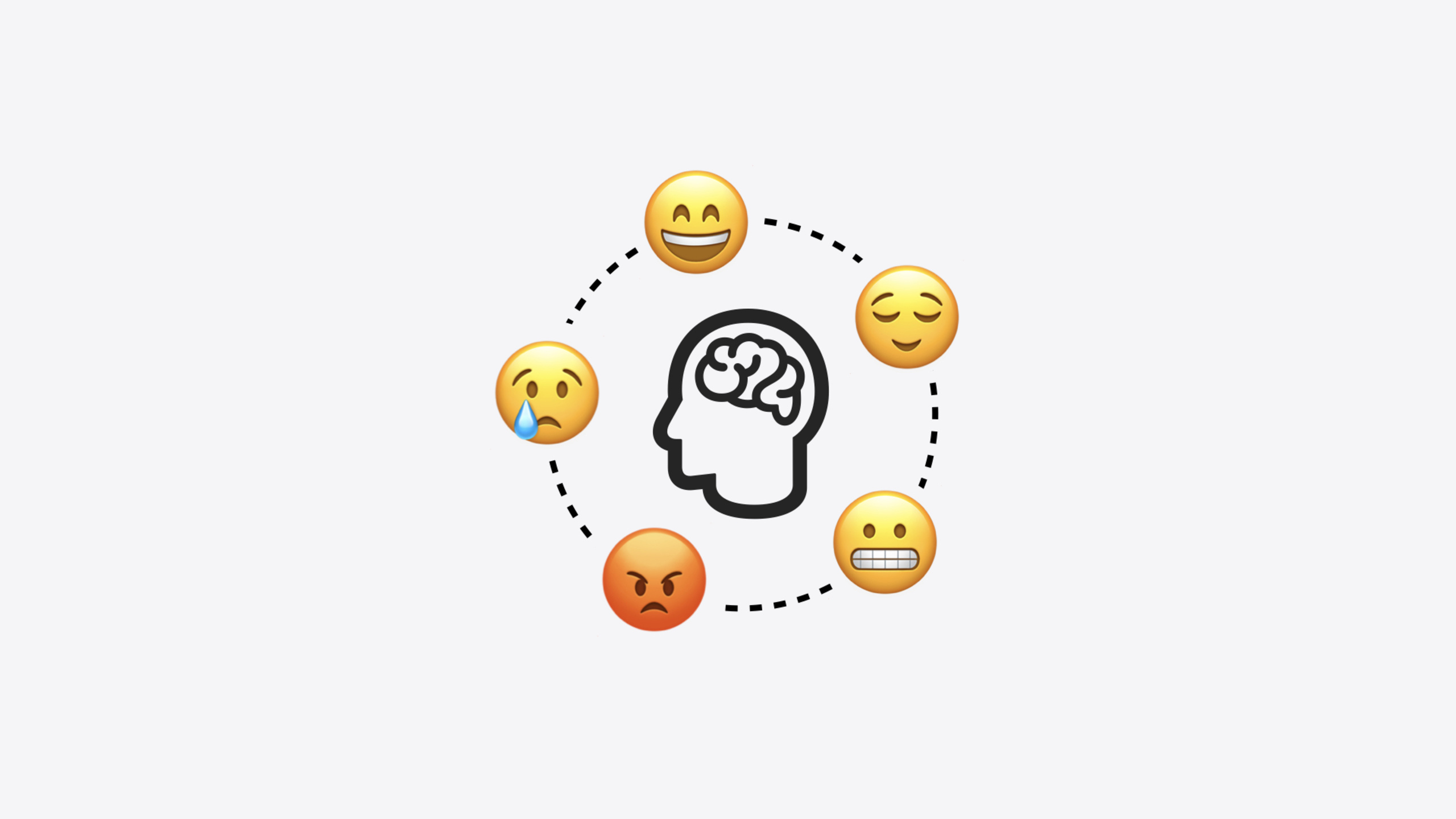
Apple introduced mental health features in the Health app last year—users can log their emotional state (State of Mind) and complete the standardized GAD-7 anxiety and PHQ-9 depression assessments. This year these data types are officially available to developers as HealthKit APIs.
Core Content
Last year iOS 17’s Health app added a mental health module where users can log emotions and complete anxiety and depression questionnaires on iPhone and Apple Watch. But this data stayed inside the Health app—third-party apps could not access it. If your fitness app wanted to compare exercise volume with mood, or your calendar app wanted to know which meetings caused the most anxiety, it was impossible because HealthKit had no corresponding data types.
This year Apple opens three mental health data types as HealthKit APIs: State of Mind, GAD-7 (7-question anxiety risk assessment), and PHQ-9 (9-question depression risk assessment). State of Mind is the most central and versatile new type. It has four attributes: kind distinguishes “momentary emotion” from “daily mood”; valence uses a continuous -1 to 1 value from negative to positive; labels provide specific emotion tags (such as “anxious,” “relieved,” “passionate”); associations describe emotion sources (such as “work,” “family,” “identity”). Apple designed this model with emotion science experts—the core principle is that having users actively pause and reflect on their feelings has clinical benefit in itself.
Detailed Content
Requesting authorization
Before writing and reading State of Mind data, request authorization through the standard HealthKit authorization flow (05:37):
import HealthKitUI

func healthDataAccessRequest(
    store: HKHealthStore,
    shareTypes: Set<HKSampleType>,
    readTypes: Set<HKObjectType>? = nil,
    trigger: some Equatable,
    completion: @escaping (Result<Bool, any Error>) -> Void
) -> some View
Key points:
- Use the authorization view modifier provided by the
HealthKitUIframework shareTypesis the set of data types you want to writereadTypesis the set of data types you want to read- All health data is private and secure—authorization lets users control what data can be shared
Creating State of Mind samples
The session demonstrates practical usage with a calendar app demo: after the user taps a calendar event, they select their feeling via emoji and the app maps the emoji to a State of Mind sample saved to HealthKit. First, emoji-to-data mapping (06:26):
enum EmojiType: CaseIterable {
    case angry
    case sad
    case indifferent
    case satisfied
    case happy

    var emoji: String {
        switch self {
        case .angry: return "😡"
        case .sad: return "😢"
        case .indifferent: return "😐"
        case .satisfied: return "😌"
        case .happy: return "😊"
        }
    }
}
Key points:
- Five enum cases correspond to five emotion levels
- Each case maps to a specific emoji character
- This enum will later be extended with
valenceandlabelproperties
Then create an HKStateOfMind sample (06:32):
func createSample(for event: EventModel, emojiType: EmojiType) ->
HKStateOfMind {
    let kind: HKStateOfMind.Kind = .momentaryEmotion
    let valence: Double = emojiType.valence
    let label = emojiType.label
    let association = event.association
    return HKStateOfMind(date: event.endDate,
                         kind: kind,
                         valence: valence,
                         labels: [label],
                         associations: [association])
}
Key points:
- Set
kindto.momentaryEmotionbecause the user records a momentary feeling after an event ends; use.dailyMoodfor recording overall mood for a day valencecomes from emojiType properties—a Double from -1.0 to 1.0labelsis an array and can specify multiple emotion tagsassociationsis also an array, inferred from the calendar event’s calendar category (such as Office calendar corresponding to Work association)dateuses the event’s end time
Saving takes only one line (07:21):
func save(sample: HKSample, healthStore: HKHealthStore) async {
    do {
        try await healthStore.save(sample)
    }
    catch {
        // Handle error here.
    }
}
Querying State of Mind data
Apple provides 4 new HealthKit predicates: query by Kind (emotion/mood), Valence (positive/negative degree), Label (specific emotion tag), and Association (emotion source). The demo uses queries for two features: calculating a “calendar quality” metric and finding the “most meaningful event.”
Query by date and association (10:49):
let datePredicate: NSPredicate = { ... }
let associationsPredicate = NSCompoundPredicate(
    orPredicateWithSubpredicates: associations.map {
        HKQuery.predicateForStatesOfMind(with: $0)
    }
)
let compoundPredicate = NSCompoundPredicate(
    andPredicateWithSubpredicates: [datePredicate, associationsPredicate]
)
let stateOfMindPredicate = HKSamplePredicate.stateOfMind(compoundPredicate)

let descriptor = HKSampleQueryDescriptor(predicates: [stateOfMindPredicate],
                                         sortDescriptors: [])
var results: [HKStateOfMind] = []
do {
    results = try await descriptor.result(for: healthStore)
} catch {
    // Handle error here.
}
Key points:
- Use
HKQuery.predicateForStatesOfMind(with:)to create predicates by association - Combine multiple associations with
NSCompoundPredicate(orPredicateWithSubpredicates:)as OR - Combine date and association with AND
HKSamplePredicate.stateOfMind()wraps NSCompoundPredicate as a Swift PredicateHKSampleQueryDescriptoris the standard async query pattern
Calculate average valence percentage (10:54):
let adjustedValenceResults = results.map { $0.valence + 1.0 }
let totalAdjustedValence = adjustedValenceResults.reduce(0.0, +)
let averageAdjustedValence = totalAdjustedValence / Double(results.count)
let adjustedValenceAsPercent = Int(100.0 * (averageAdjustedValence / 2.0))
Key points:
- Valence’s original range is -1.0 to 1.0; adding 1.0 shifts it to 0.0 to 2.0
- Average, divide by 2.0, multiply by 100 to get a 0% to 100% metric
- This percentage is the “Calendar Quality” metric shown in the demo
Combined query by Label and Association
The demo also shows finer-grained querying: filter by both Label and Association to find the happiest work events (11:33):
let label: HKStateOfMind.Label = .happy
let datePredicate = HKQuery.predicateForSamples(withStart: dateInterval.start,
                                                end: dateInterval.end)
let associationPredicate = HKQuery.predicateForStatesOfMind(with: association)
let labelPredicate = HKQuery.predicateForStatesOfMind(with: label)
let compoundPredicate = NSCompoundPredicate(
    andPredicateWithSubpredicates: [datePredicate, associationPredicate, labelPredicate]
)
let stateOfMindPredicate = HKSamplePredicate.stateOfMind(compoundPredicate)
let descriptor = HKAnchoredObjectQueryDescriptor(predicates: [stateOfMindPredicate],
                                                 anchor: nil)
let results = descriptor.results(for: healthStore)
let samples: [HKStateOfMind] = try await results.reduce([]) { $1.addedSamples }
Key points:
HKQuery.predicateForStatesOfMind(with:)works for both association and label predicates- Three conditions combined with AND: date range, specific association, specific label
- Uses
HKAnchoredObjectQueryDescriptorinstead ofHKSampleQueryDescriptorfor incremental queries - Extract
addedSamplesviareduceto get a[HKStateOfMind]array
After finding the sample with highest valence, match to the nearest calendar event (11:45):
let happiestSample = samples.max { $0.valence < $1.valence }
let happiestEvent: EventModel? = findClosestEvent(startDate: happiestSample?.startDate,
                                                  endDate: happiestSample?.endDate)
Key points:
max(by:)finds the sample with the highest valence value- Match the nearest calendar event by time range to implement the “most meaningful event” feature
GAD-7 and PHQ-9
GAD-7 (7-question anxiety assessment) and PHQ-9 (9-question depression assessment) are standardized clinical questionnaires developed by Pfizer, widely used by doctors and clinicians worldwide. Developers can read and write both assessment results this year. Apple emphasizes following Pfizer’s standard process—do not create simplified versions. Clinical validity is the core value of these tools.
Core Takeaways
-
What to build: Integrate State of Mind logging in time management or calendar apps. After a user completes a calendar event, let them select a feeling via emoji, mapped to an HKStateOfMind sample saved to HealthKit. Why it’s worth doing: Dozens of lines of code add an emotional dimension—“what I did today” becomes “how I felt today.” How to start: Implement an emoji picker UI, create an EmojiType enum mapping valence and label, create samples with the HKStateOfMind initializer.
-
What to build: Query State of Mind data in fitness apps and cross-analyze with workout data—for example, compare weekly exercise volume with average valence trends. Why it’s worth doing: Users may not realize the connection between exercise and mood; cross-analysis helps them discover behavioral patterns. How to start: Use
HKSampleQueryDescriptorto query State of Mind samples for a date range, calculate average valence, overlay with HKWorkout data. -
What to build: Integrate GAD-7 / PHQ-9 questionnaires in mental health apps. Let users complete standardized assessments in-app and save results to HealthKit. Why it’s worth doing: Both questionnaires have clinical validity; results written to HealthKit sync with Apple Health’s mental health charts. How to start: Strictly follow Pfizer’s standard process—refer to Apple’s developer documentation for details.
-
What to build: Provide personalized insights using the 4 new predicates (Kind / Valence / Label / Association). For example, query “work”-related emotion samples with the Association predicate to find the most anxiety-inducing time periods. Why it’s worth doing: Aggregated emotion data is more valuable than raw samples—users need insights like “workdays usually make me anxious.” How to start: Filter by association with
HKQuery.predicateForStatesOfMind(with:), then build queries withHKSamplePredicate.stateOfMind().
Related Sessions
- Get started with HealthKit in visionOS — Build spatial health data experiences with HealthKit on visionOS
- Enhanced suggestions for your journaling app — Use State of Mind data in journaling apps for personalized writing suggestions
- Build custom swimming workouts with WorkoutKit — Create custom swimming workouts with WorkoutKit
- What’s new in privacy — New permission flows and privacy features directly related to health data authorization
Comments
GitHub Issues · utterances