
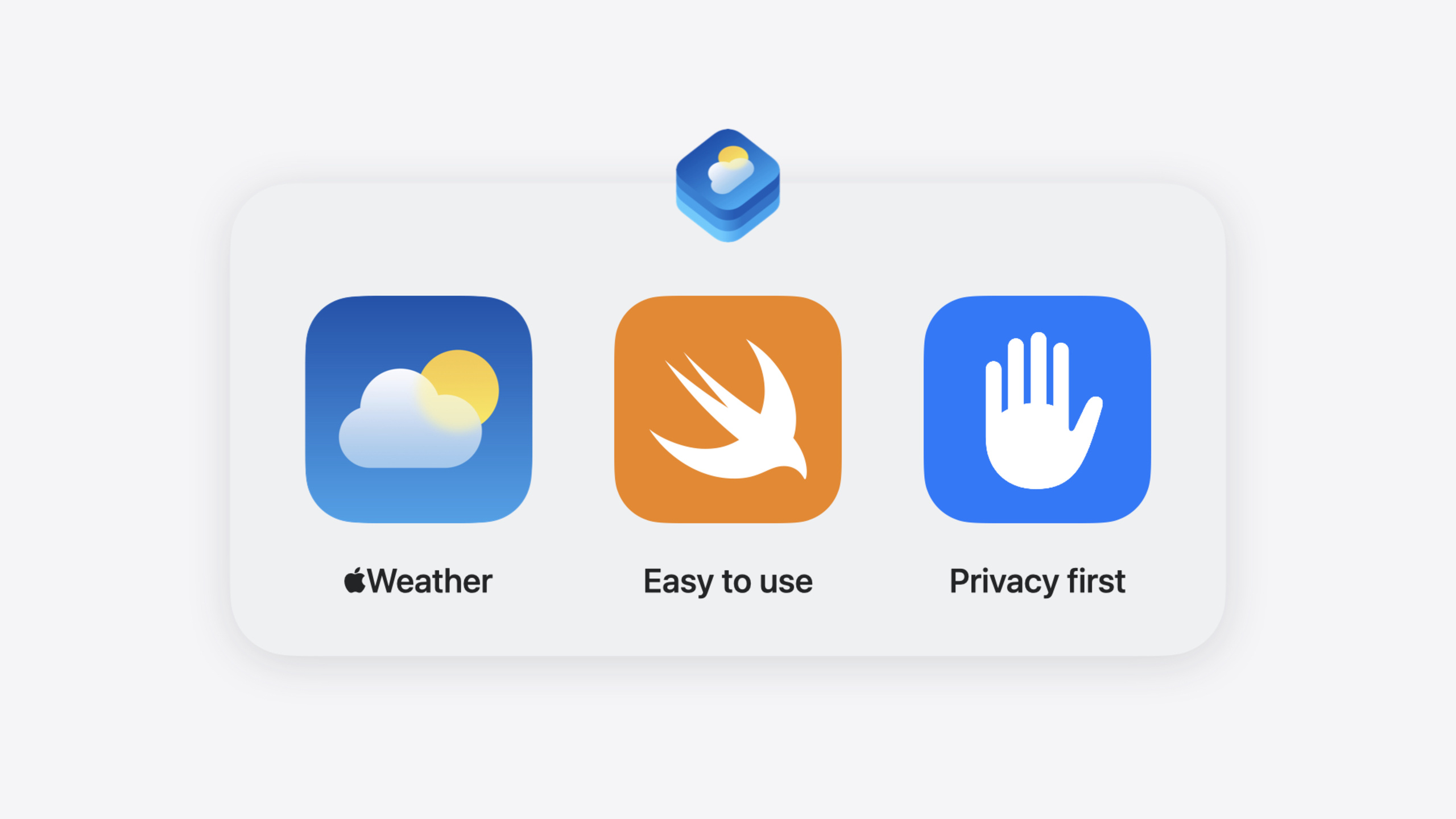
Highlight
WeatherKit adds Changes and Historical Comparisons queries, helping your weather app evolve from “displaying numbers” to “interpreting weather changes.”
Core Content
Open a weather app and you usually see temperature, humidity, and wind speed. Users have to draw their own conclusions: Is today colder than yesterday? Will it suddenly cool down tomorrow? An experience that makes users compare on their own is really a failure of data presentation—the app has the data but does not interpret it for the user.
This year’s WeatherKit updates address that pain point directly. The new Changes query returns upcoming temperature and precipitation changes, including the time window when the change occurs and the direction (rising/falling/steady). The Historical Comparisons query compares current weather against more than 50 years of historical averages, with results sorted by deviation significance. Apple’s own Weather app already uses both queries: Changes highlights “sharp temperature drop tomorrow” on the home screen, and Historical Comparisons shows “today’s high is 3°C above the historical average.”
Beyond these two new queries, forecast data itself is getting finer. Current conditions and hourly forecasts now include cloud cover by altitude, hourly forecasts add hourly precipitation amounts, daily forecasts can be split into day/night parts, and high/low humidity is returned. Apple Weather has been using this data all along; third-party developers can now access it too. The REST API also adds FlatBuffers binary format support, reducing payload size by up to 25% and parsing time by up to 90% compared to compressed JSON.
Detailed Content
Hourly Precipitation
On the Swift side, fetching hourly precipitation only requires specifying an .hourly query and accessing the precipitationAmount property (02:40):
let hourlyPrecipitation = try await WeatherService()
    .weather(for: .newYork, including: .hourly)
    .map(\.precipitationAmount)
Key points:
WeatherService().weather(for:including:)is WeatherKit’s main query entry point; theincludingparameter specifies the dataset.hourlyrequests an hourly forecast and returns an array ofHourlyForecast.map(\.precipitationAmount)uses a key path to extract hourly precipitation directly, skipping other fields
Equivalent REST call (03:25):
https://weatherkit.apple.com/api/v2/weather/en-US/40.710/-74.006?dataSets=forecastHourly&relativeHourlyStart=0&relativeHourlyEnd=1&hourlyRelativeTo=now&timezone=America/New_YorkKey points:
dataSets=forecastHourlyspecifies an hourly forecast requestrelativeHourlyStartandrelativeHourlyEndspecify the range using relative time; Apple Weather Service calculates start and end times based on the timezone you pass in- When no range is specified, 24 hours are returned by default; up to 240 hours can be requested
Changes Query
Fetch upcoming weather changes (06:05):
let changes = try await WeatherService()
   .weather(for: .newYork, including: .changes)

let lowTemperatureChanges = changes?
   .filter(\.date.isTomorrow)
   .map(\.lowTemperature)

if let lowTemperatureChanges, lowTemperatureChanges.contains(.decrease) {
   // Lower temperatures expected tomorrow
}
Key points:
.changesis the new query type and returns aWeatherChangesobject- Each change includes
startDate,endDate, and a change type (such asincrease,decrease,steady) - The example filters low-temperature changes occurring tomorrow; if
.decreaseis included, notify the user
On the REST side, only dataSets=weatherChanges is needed (06:43). Each returned change object includes startDate, endDate, and type (such as highTemperatureIncrease). Results are returned even when there is no significant change, with type set to steady.
Historical Comparisons Query
Compare today’s weather against historical averages (08:17):
let mostSignificant = try await WeatherService()
    .weather(for: .newYork, including: .historicalComparisons)?
    .first

switch mostSignificant {
case .highTemperature(let trend), .lowTemperature(let trend):
    // Display temperature trend
    break
case .some, .none:
    break
}
Key points:
.historicalComparisonsreturns a comparison list sorted by deviation significance.firsttakes the most significant deviation- Each comparison includes
currentValue(current value),baselineValue(historical baseline),deviationType(deviation level:withinNormalRange/higher/muchHigher/lower/muchLower), andbaselineType(statistical method, currentlymean)
Statistics API: Historical Averages and Daily Summary
The new Statistics API provides two queries. Historical Averages returns long-term averages since 1970 (monthly example, 11:11):
let averagePrecipitation = try await WeatherService()
    .monthlyStatistics(
        for: .newYork,
        startMonth: 1,
        endMonth: 12,
        including: .precipitation
    )

let averagePrecipitationAmountsPerMonth = Dictionary(
    grouping: averagePrecipitation,
    by: \.month
)
Key points:
monthlyStatisticsfetches historical averages by month; month numbers are 1–12- Results grouped by month are used by Apple Weather to show monthly precipitation averages
Daily Summary returns a weather summary for any past day (back to August 1, 2021) (12:52):
let pastThirtyDaysSummary = try await WeatherService()
    .dailySummary(
       for: .newYork,
       forDaysIn: DateInterval(start: .thirtyDaysAgo, end: .now),
       including: .precipitation
    )
    .first

if let pastThirtyDaysSummary {
    // We have a daily weather summary for each day in the past 30 days
}
Key points:
dailySummaryaccepts a date interval and returns a summary for each day in that range- Summaries include high/low temperature, precipitation, and snowfall
- Apple Weather uses this to show accumulated precipitation over the past 30 days
FlatBuffers Binary Format
The REST API adds FlatBuffers support (14:16). Compared to compressed JSON, payload size is reduced by up to 25% and parsing time by up to 90%. The Swift API benefits from this optimization automatically; on the REST side, specify FlatBuffers in the Accept request header to activate it.
Core Takeaways
-
What to build: Add an “Upcoming Changes” card to the weather home screen. Call the Changes query, filter temperature and precipitation changes within the next 24–48 hours, and display entries containing
.increaseor.decreasewith prominent styling. Why it’s worth doing: When users open a weather app, what they care about most is “how tomorrow differs from today”—this card answers that directly. How to start: The.changesquery return values includestartDateandtype; the frontend only needs simple filtering and rendering. -
What to build: Add a “compared to historical average” label for today’s weather. Call the Historical Comparisons query, take entries where
deviationTypeis notwithinNormalRange, and display copy such as “today’s high is 3°C above the historical average.” Why it’s worth doing: 28°C alone gives no context; knowing “the average for this month is 22°C” does. How to start: Each object returned by.historicalComparisonshascurrentValueandbaselineValue; subtract to generate the copy. -
What to build: Show monthly precipitation averages for travel destinations on a trip planning page. Call the Statistics API’s
monthlyStatistics, request full-year precipitation data, and present it with a bar chart or calendar heatmap. Why it’s worth doing: Users planning trips need to know rainy and dry seasons—pure forecast data cannot provide that. How to start: One call tomonthlyStatistics(for:startMonth:endMonth:including:), group by month, and feed directly to your chart component. -
What to build: Adopt FlatBuffers in REST API integration to reduce transfer and parsing overhead. If your weather app backend frequently calls the WeatherKit REST API for large amounts of historical data, add FlatBuffers to the
Acceptheader. Why it’s worth doing: In high-volume scenarios (such as 30-day daily summaries), 25% smaller payloads and 90% faster parsing directly improve user experience. How to start: Specify FlatBuffers format in REST request headers; no changes needed on the Swift API side.
Related Sessions
- Unlock the power of places with MapKit — MapKit’s new place search and save features pair well with weather scenarios
- What’s new in location authorization — Location authorization 2.0 updates and best practices for weather apps requesting location permission
- Broadcast updates to your Live Activities — Broadcast push updates for Live Activities, the technical foundation for real-time weather change alerts
- Bring your Live Activity to Apple Watch — Live Activity on Apple Watch Smart Stack, a wrist-direct path for weather change notifications
Comments
GitHub Issues · utterances