
Highlight
tvOS 17 introduces Continuity Camera and Mic, iPhone/iPad can be used as a camera and microphone input source for Apple TV. Existing iOS camera apps can adapt to tvOS simply by adding Device Discovery, and with the voice processing API of AVAudioEngine, new scenarios such as video conferencing and live broadcasting can be realized.
Core Content
There were previously only two categories of apps on tvOS: content playback (streaming) and games. Now with cameras and microphones, new scenarios such as content creation, video conferencing, and live broadcasts are possible.
(00:25) tvOS 17’s Continuity Camera is similar to the implementation on macOS Ventura: put your iPhone or iPad close to the Apple TV, and the camera and microphone become the system’s input devices.
The existing iOS code is basically available
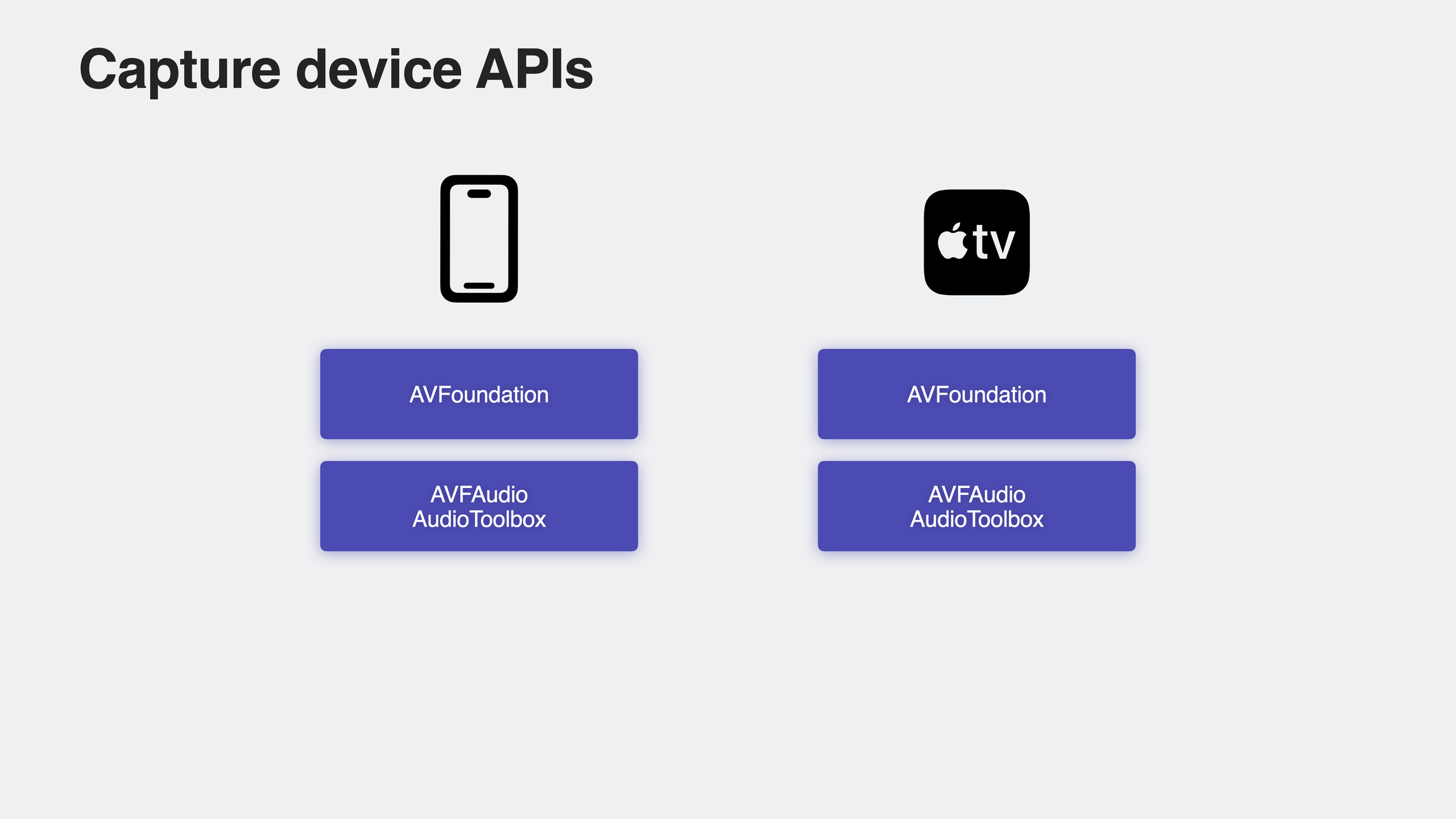
(02:15) tvOS now supports the full set of AVFoundation capture APIs on iOS:
AVCaptureDevice/AVCaptureDeviceInput:Camera and microphone -AVCaptureSession: Capture session master -AVCaptureOutput: Output (photos, videos, metadata) -AVCaptureVideoPreviewLayer: Real-time preview
If you already have an iOS camera app, most of the code compiles and runs directly on tvOS. Just add Apple TV as a supported platform in the target of your Xcode project.
Device discovery is the key difference
(03:46) Apple TV does not have a built-in camera, so available devices must be discovered first. AVKit provides new device selectors:
SwiftUI:
@State private var showDevicePicker = false

// In the body
.continuityDevicePicker(isPresented: $showDevicePicker) { device in
    // device is an AVContinuityDevice
    setActiveVideoInput(device)
}UIKit:
let picker = AVContinuityDevicePickerViewController()
picker.delegate = self
present(picker, animated: true)

// Delegate callback
func continuityDevicePicker(_ picker: AVContinuityDevicePickerViewController,
                            didConnect device: AVContinuityDevice) {
    setActiveVideoInput(device)
}
Key points:
AVContinuityDeviceContains associatedAVCaptureDevice(video and audio)- Selector lists all devices of users logged into Apple TV, supports guest pairing
- After the device is connected, it will also pass
AVCaptureDeviceDiscoverySessionand KVO notification releases
Monitor device availability
(09:58) The device may be disconnected at any time, and the App needs to handle this state change:
// Monitor changes to the system-preferred camera
AVCaptureDevice.systemPreferredCamera
// On tvOS, only the continuityCamera type exists
Monitor with KVOsystemPreferredCamera:
nil: No camera available- Not
nil: Continuity Camera is available
Start when device is availableAVCaptureSession, stops the session when the device is unavailable and prompts the user to connect a new device.
Complete tvOS adaptation code
(11:54) The talk demonstrates the complete process of adding tvOS support to existing iOS apps. existContentViewmiddle:
#if os(tvOS)
@State private var showDevicePicker = false
#endif

var body: some View {
    // ... existing UI ...
    #if os(tvOS)
    Button("Connect Camera") {
        showDevicePicker = true
    }
    .continuityDevicePicker(isPresented: $showDevicePicker) { device in
        activateContinuityDevice(device)
    }
    .task {
        // If a device is already connected, activate it directly
        if let device = AVCaptureDevice.systemPreferredCamera {
            activateContinuityDevice(device)
        }
    }
    #endif
}
Key points:
- use
#if os(tvOS)Compile conditions to isolate tvOS-specific code -.taskCheck if there is already a connected device when the view appears - Button lets user manually trigger the device selector
Microphone API
(17:40) tvOS 17 supports microphones for the first time. Audio Session adds support for input devices:
playAndRecordcategory andvoiceChat/videoChatmodeinputAvailableProperties support KVO, monitor microphone availability- The recording permission API is consistent with iOS
Enter device type:
- Continuity Microphone: iPhone/iPad via
AVContinuityDeviceget - Bluetooth: AirPods or other headphones, queried via existing Audio Session API
(18:55) PassedAVAudioSessionPortIdentify device type:
let continuityDevice: AVContinuityDevice
for port in continuityDevice.audioSessionPorts {
    if port.portType == .continuityMicrophone {
        // This is the Continuity microphone
    }
}
Echo Cancellation
(23:32) Echo cancellation in tvOS is more complex than in iOS: recording takes place on the iPhone, playback is output from the Apple TV to various sound devices (TV speakers, Sound Bar, HomePod, etc.), and the user may be several feet away from the microphone.
tvOS 17 has new voice processing and echo cancellation technology built into it. Enabling it is simple:
let engine = AVAudioEngine()
engine.inputNode.voiceProcessingEnabled = true
Or use Audio Unit:
// AU VoiceIO with VoiceProcessingIO subtypeDetailed Content
Storage considerations
(15:27) tvOS’s file storage is different from iOS:
.documentDirectoryNot available on tvOS, an error will be reported when running- can only be used
.cachesDirectory- Cache data may be cleared between app restarts - Content creation apps should upload data to the cloud as soon as possible and delete local copies after use
Alternative:
- CloudKit: Supports storing data by user
- iCloud: Data synchronization in multi-user scenarios
Interactive differences
(15:02) tvOS has no touch events, and users interact with the system through the directional keys and buttons on the remote control. The app needs to adapt to Focus Engine.
Apple TV is a shared device that supports multiple users and guests. Apps need to take this into consideration when processing personal information.
Recording API selection
| API | Applicable scenarios |
|---|---|
AVAudioRecorder | The simplest audio file recording |
AVCapture | Record video and audio simultaneously |
AVAudioEngine | Complex audio processing (such as karaoke) |
AudioQueue | Non-real-time recording |
AudioUnit(AU RemoteIO / AU VoiceIO) | Directly operate real-time audio I/O |
Core Takeaways
-
What to do: Add tvOS support to the existing iOS camera app
-
Why is it worth doing: The code reuse rate is extremely high, just add Device Discovery. The living room scene opens up a whole new user group
-
How to start: Add Apple TV to the Xcode target, use
#if os(tvOS)Add a device selector and the rest of the capture logic is completely reused -
What to do: Develop a tvOS video conferencing app
-
Why it’s worth it: tvOS 17 + Continuity Camera makes large-screen video conferencing possible. With the voice processing of AVAudioEngine, echo cancellation is automatically completed.
-
How to start: Use
AVContinuityDevicePickerViewControllerSelect device and createAVCaptureSession, for video outputAVCaptureVideoDataOutput,audio enabledvoiceProcessingEnabled -
What to do: Integrate Continuity Camera in the live streaming app
-
Why it’s worth it: Users can use the iPhone’s high-definition camera as a live broadcast source to see comments and gifts in real time on the big screen
-
How to start: Reuse iOS
AVCaptureSessionConfigure, add tvOS-specific device discovery process, and pay attention to handling device disconnection and reconnection -
What to do: Add a tvOS version to education/fitness apps and use the camera for motion recognition
-
Why it’s worth doing: Large screen + camera = a new way of interaction. Fitness apps can analyze user movements, and education apps can interact with gestures.
-
How to start: Use
AVCaptureMetadataOutputObtain face/human body detection data for each frame and provide real-time feedback on the big screen
Related Sessions
- What’s new in AVFoundation — New features in AVFoundation, including capturing API updates
- What’s new in voice processing — An in-depth explanation of voice processing and echo cancellation
- Support Continuity Camera in your tvOS app — Official documentation guide
Comments
GitHub Issues · utterances