
Highlight
The core of SwiftData is the dual role of Model: it is both a Schema that describes the object graph and an interface for direct operations in the code. ModelContainer is responsible for persistent configuration, and ModelContext is responsible for tracking and managing object status in memory. The two work together to make data operations intuitive and safe.
Core Content
From code to persistence: minimizing distance
In the past, data persistence required writing model classes, writing database operation codes, handling thread synchronization, and managing object life cycles. Although Core Data is powerful, it has a steep learning curve and a lot of boilerplate code.
The design goal of SwiftData is to minimize the distance between “normal Swift code” and “Swift code with persistence”.
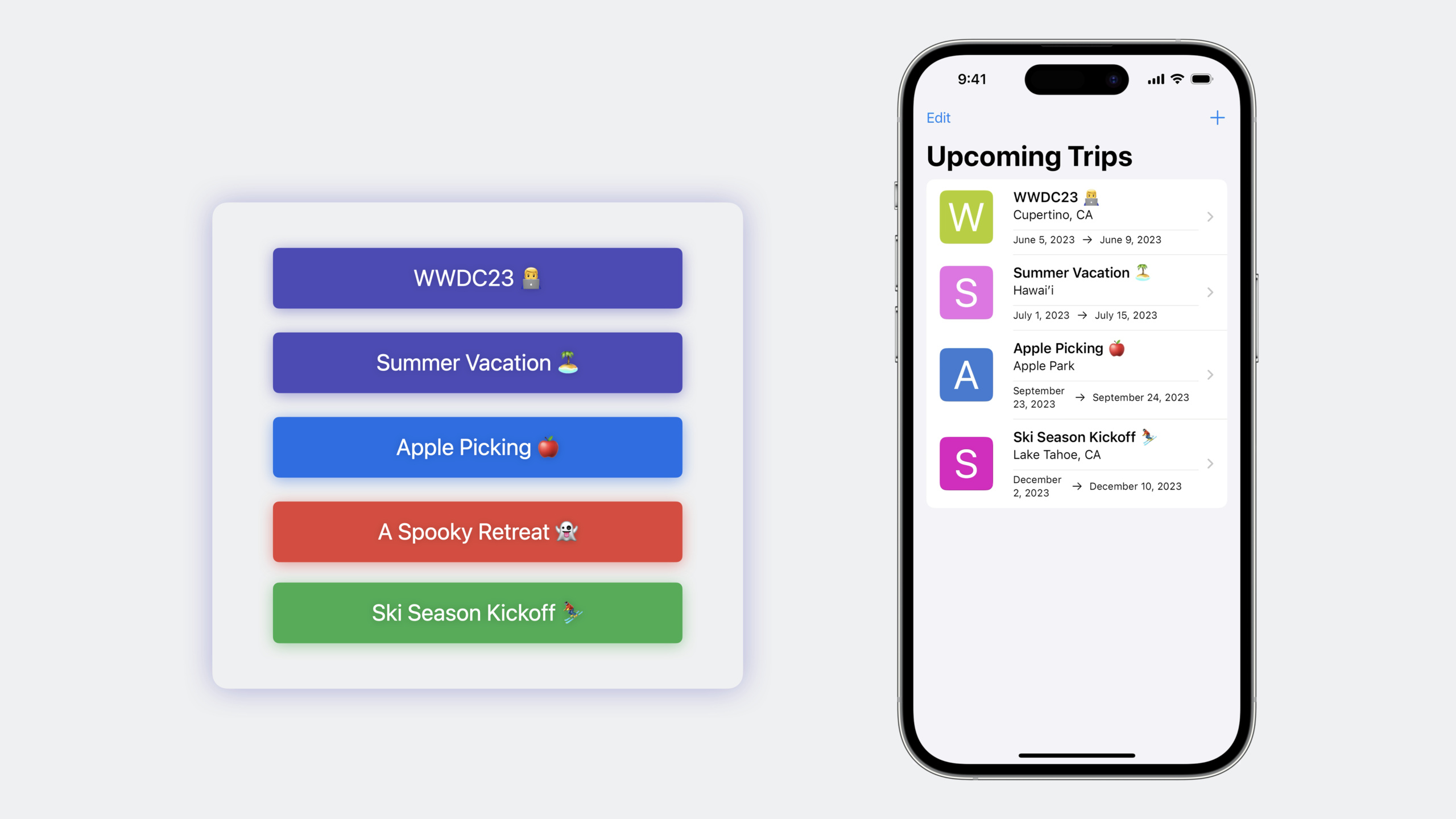
(01:44) The Trip class in the SampleTrips application, plus@ModelMacros and a few relational annotations provide complete persistence capabilities. SwiftData automatically infers the object graph structure and requires no additional configuration.
The core architecture consists of two key components:
- ModelContainer: The bridge between Schema and persistence, handling storage location, version control, migration, object graph isolation, etc.
- ModelContext: In-memory view of data, objects are fetched into context, and edits are recorded as snapshots until called
save()to be durable
SwiftData provides SwiftUI native integration (modelContainermodifier), type-safe queries (FetchDescriptor + #Predicatemacros), system-level undo/autosave support, and efficient batch traversal (enumerate) and other abilities.
Detailed Content
ModelContainer: the bridge between Schema and persistence
(03:54) A ModelContainer is where data is stored on the device. It is the bridge between Schema and persistence, handling storage locations, versioning, migrations, object graph isolation, and more.
The simplest initialization method:
let container = ModelContainer(for: Trip.self)Key Points:
- Pass in a type and SwiftData automatically infers the complete Schema (including associated types)
-
TripassociatedBucketListItemandLivingAccommodation, these types automatically include
ModelConfiguration: fine control over persistence
(04:53) For complex scenesModelConfigurationDescribe persistence details:
let schema = Schema([Trip.self, BucketListItem.self, LivingAccommodation.self, Person.self, Address.self])

let tripsConfig = ModelConfiguration(
    schema: schema,
    isStoredInMemoryOnly: false,
    cloudKitDatabase: .automatic("com.example.SampleTrips")
)

let peopleConfig = ModelConfiguration(
    schema: schema,
    isStoredInMemoryOnly: false,
    cloudKitDatabase: .automatic("com.example.SampleTrips.People")
)

let container = ModelContainer(
    for: Trip.self,
    configurations: tripsConfig,
    peopleConfig
)
Key Points:
-isStoredInMemoryOnlyControls whether to store in memory only
-cloudKitDatabaseSpecify the CloudKit container identifier
- Multiple Configurations can isolate different object graphs and store and synchronize them independently.
- Can set read-only mode to protect sensitive data
- Custom file URL or group container can be specified
SwiftUI integration: modelContainer modifier
(06:49) SwiftUI application usagemodelContainerModifier creates container:
@main
struct TripsApp: App {
    var body: some Scene {
        WindowGroup {
            ContentView()
        }
        .modelContainer(for: Trip.self)
    }
}
Key Points:
-modelContainerCan be added to any View or Scene
- Automatically convert the container’s
mainContextInject the environment -mainContextIs MainActor aligned and dedicated to UI scenes
ModelContext: In-memory view of data
(08:24) The ModelContext is an in-memory view of the data. The object is fetched into the context, and edits are recorded as a snapshot until calledsave()Only then can it be lasting.
// Get the context from the environment
@Environment(\.modelContext) private var context

// Query data
@Query private var trips: [Trip]

// Delete operation
func deleteTrip(_ trip: Trip) {
    context.delete(trip)
    // The object remains in the context until save()
}

// Save changes
try? context.save()
Key Points:
-context.delete()The object is still in the context, just marked for deletion
-save()The changes are written to the ModelContainer later, and the context status is cleared.
- The object will persist while being referenced in the context, and will be automatically cleaned up after the reference is released.
-
rollback()andreset()Unsaved changes can be cleared
Undo and Autosave
(09:58) SwiftUImodelContainerModifiers support system-wide undo and autosave:
WindowGroup {
    ContentView()
}
.modelContainer(for: Trip.self, isUndoEnabled: true, isAutosaveEnabled: true)
Key Points:
-isUndoEnabled: trueBind the window’s undo manager to mainContext
- Three-finger swipe and shake gestures automatically support undo/redo without additional code
- Autosave is enabled by default and is automatically saved when the application enters the front and backend.
- Manually created contexts have autosave turned off by default
FetchDescriptor: type-safe query
(12:02)FetchDescriptorCombined with the Predicate macro to implement a compiler-verified query:
// Basic query
let descriptor = FetchDescriptor<Trip>()
let trips = try? context.fetch(descriptor)

// Query with conditions
let hotelDescriptor = FetchDescriptor<Trip>(
    predicate: #Predicate { trip in
        trip.livingAccommodation?.name == "Grand Hotel"
    }
)

// With sorting and pagination
let sortedDescriptor = FetchDescriptor<Trip>(
    predicate: #Predicate { $0.destination == "Paris" },
    sortBy: [SortDescriptor(\.startDate, order: .reverse)],
    offset: 0,
    limit: 20
)
Key Points:
-#PredicateMacros use Swift closure syntax, and the compiler validates properties and types
- SwiftData translates Predicate into database queries
-
SortDescriptorSupports sorting by any attribute -offsetandlimitControl paging
enumerate: efficient batch traversal
(13:19)enumerateEncapsulates the best practices for batch traversal:
try? context.enumerate(FetchDescriptor<Trip>()) { trip in
    // Process each trip
    trip.status = .archived
}
Key Points:
- The default batch size is 5000, which can be customized
- Automatically implement batch processing and mutation guard
-
allowEscapingMutations: trueAllow context to be modified during traversal - For big data objects (including pictures and videos), it is recommended to reduce the batch size and control memory.
Core Takeaways
Configure independent storage for multi-module applications
- What to do: The data of different functional modules use independent ModelConfiguration, which are stored and synchronized separately.
- Why is it worth doing: Isolate data to reduce conflicts, and different modules can have different synchronization strategies
- How to start: Define multiple
ModelConfiguration, specify differentcloudKitDatabaseIdentifiers and file URLs
Use enumerate to handle big data migration
- What to do: Process historical data in batches (such as archiving old records, calculating statistical values)
- Why it’s worth doing:
enumerateAutomatically manage memory to avoid loading all objects at once - How to start: Use
context.enumerate()Traverse the data and adjust the batch size to balance memory and I/O
Create independent Context for background tasks
- What: Network synchronization, batch processing and other background tasks use independent ModelContext
- Why is it worth doing: Avoid blocking the UI context of the main thread, and merge it into the main context after the background modification is completed
- How to start: Use
ModelContext(container)Create a new context to perform operations in the background actor
Use Predicate macro instead of string query
- What: Replace all NSPredicate string queries with
#PredicateMacro - Why it’s worth doing: The compiler verifies attribute names and types, automatically updates during refactoring, and avoids runtime errors.
- How to start: Will
NSPredicate(format: "destination == %@", "Paris")Replace with#Predicate { $0.destination == "Paris" }
Related Sessions
- Meet SwiftData — Getting started with the SwiftData framework
- Model your schema with SwiftData — Detailed explanation of Schema macros and migration plans
- Build an app with SwiftData — A practical demonstration of building a complete application with SwiftData
Comments
GitHub Issues · utterances