
Highlight
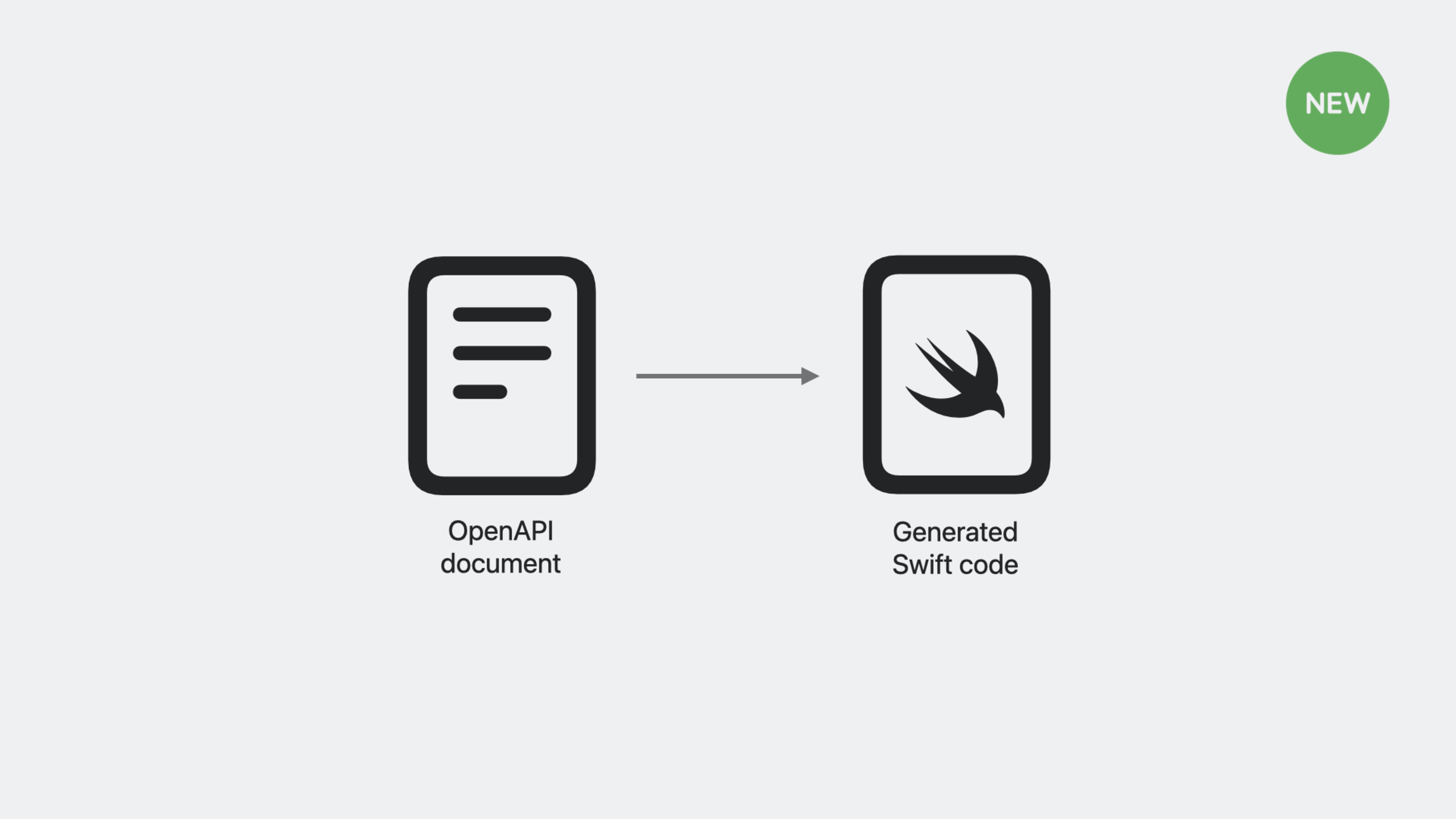
Swift OpenAPI Generator is a Swift Package plug-in that automatically generates type-safe client and server code based on OpenAPI documentation at build time, eliminating handwritten network request boilerplate code and ensuring that code is always in sync with API documentation.
Core Content
There are many things to consider when calling a server-side API: What is the base URL? How to spell the path? Should I use GET or POST for HTTP method? Should the parameter be put in query or body? What is the data structure returned?
Handwritten documents are easily outdated, and reading the source code is time-consuming and laborious. OpenAPI describes APIs in machine-readable YAML or JSON, becoming a single source of truth between servers and clients.
(01:58)
Pain points of handwritten API calls
The simplest API call requires so many steps in handwritten code:
// 1. Parse the base URL
var components = URLComponents(string: "http://localhost:8080/api")!
// 2. Add the path
components.path = "/greet"
// 3. Add query parameters
components.queryItems = [URLQueryItem(name: "name", value: "World")]
// 4. Construct the request
let request = URLRequest(url: components.url!)
// 5. Start the request
let (data, response) = try await URLSession.shared.data(for: request)
// 6. Validate the response
guard let httpResponse = response as? HTTPURLResponse,
      httpResponse.statusCode == 200 else {
    throw APIError.invalidResponse
}
// 7. Decode JSON
struct Greeting: Decodable {
    let message: String
}
let greeting = try JSONDecoder().decode(Greeting.self, from: data)
// 8. Use the result
print(greeting.message)
This is just a simple GET request. Real-world APIs have hundreds of operations, various request headers, authentication, error codes, and content negotiation. Writing this code by hand is repetitive, verbose, and error-prone.
(02:55)
OpenAPI Documentation
The OpenAPI documentation describes the complete contract of the API:
openapi: "3.0.3"
info:
  title: "GreetingService"
  version: "1.0.0"
servers:
- url: "http://localhost:8080/api"
  description: "Production"
paths:
  /greet:
    get:
      operationId: "getGreeting"
      parameters:
      - name: "name"
        required: false
        in: "query"
        description: "Personalizes the greeting."
        schema:
          type: "string"
      responses:
        "200":
          description: "Returns a greeting"
          content:
            application/json:
              schema:
                $ref: "#/components/schemas/Greeting"
The document includes: OpenAPI version, API metadata, server address, path and operation, parameter definition, response definition. A document is the complete specification of an API.
(04:17)
Generated client code
The Swift OpenAPI Generator reads OpenAPI documentation at build time and automatically generates type-safe Swift code. Use the generated client:
import SwiftUI
import OpenAPIRuntime
import OpenAPIURLSession

struct ContentView: View {
    @State private var emoji = "🫥"

    var body: some View {
        VStack {
            Text(emoji).font(.system(size: 100))
            Button("Get cat!") {
                Task { try? await updateEmoji() }
            }
        }
        .padding()
        .buttonStyle(.borderedProminent)
    }

    let client: Client

    init() {
        self.client = Client(
            serverURL: try! Servers.server1(),
            transport: URLSessionTransport()
        )
    }

    func updateEmoji() async throws {
        let response = try await client.getEmoji(
            Operations.getEmoji.Input()
        )

        switch response {
        case let .ok(okResponse):
            switch okResponse.body {
            case .text(let text):
                emoji = text
            }
        case .undocumented(statusCode: let statusCode, _):
            print("cat-astrophe: \(statusCode)")
            emoji = "🙉"
        }
    }
}
Key points:
ClientIs a generated type that contains methods for all API operations -Servers.server1()Generated from the server definition of the OpenAPI documentation -Operations.getEmoji.Input()is a type-safe request input- The response is of enumeration type,
.okand.undocumentedOverride defined and undefined responses in the document - The compiler forces you to handle every response situation
(08:03)
Detailed Content
Project configuration
existPackage.swiftAdd dependencies in:
// swift-tools-version: 5.8
import PackageDescription

let package = Package(
    name: "CatService",
    platforms: [.macOS(.v13)],
    dependencies: [
        .package(
            url: "https://github.com/apple/swift-openapi-generator",
            .upToNextMinor(from: "0.1.0")
        ),
        .package(
            url: "https://github.com/apple/swift-openapi-runtime",
            .upToNextMinor(from: "0.1.0")
        ),
        .package(
            url: "https://github.com/apple/swift-openapi-urlsession",
            .upToNextMinor(from: "0.1.0")
        ),
    ],
    targets: [
        .executableTarget(
            name: "CatService",
            dependencies: [
                .product(name: "OpenAPIRuntime", package: "swift-openapi-runtime"),
                .product(name: "OpenAPIURLSession", package: "swift-openapi-urlsession"),
            ],
            plugins: [
                .plugin(name: "OpenAPIGenerator", package: "swift-openapi-generator"),
            ]
        ),
    ]
)
Key points:
swift-openapi-generatoris a build plugin that generates code at compile time -swift-openapi-runtimeProvide runtime types and protocols -swift-openapi-urlsessionIs the URLSession transport layer implementation- Plugin in
pluginsDeclared in, it will run automatically when building
(18:43)
Generate configuration
createopenapi-generator-config.yamlControlling generated content:
generate:
  - types
- clienttypesGenerate data types (request input, response output, model structure).clientGenerate client code. If you want to implement the server side, replace it withserver。
(09:48)
API call with parameters
Parameters defined in the OpenAPI documentation automatically generate type-safe input types:
func updateEmoji(count: Int = 1) async throws {
    let response = try await client.getEmoji(
        Operations.getEmoji.Input(
            query: Operations.getEmoji.Input.Query(count: count)
        )
    )

    switch response {
    case let .ok(okResponse):
        switch okResponse.body {
        case .text(let text):
            emoji = text
        }
    case .undocumented(statusCode: let statusCode, _):
        print("cat-astrophe: \(statusCode)")
        emoji = "🙉"
    }
}
Operations.getEmoji.Input.Query(count: count)Is a type-safe query parameter constructor. If the OpenAPI documentation putscountdefined asinteger, pass hereStringWill compile and report an error.
(13:24)
Mock Client for testing
generatedAPIProtocolProtocols make mocking easy:
struct ContentView<C: APIProtocol>: View {
    @State private var emoji = "🫥"
    let client: C

    init(client: C) {
        self.client = client
    }

    init() where C == Client {
        self.client = Client(
            serverURL: try! Servers.server1(),
            transport: URLSessionTransport()
        )
    }

    func updateEmoji(count: Int = 1) async throws {
        let response = try await client.getEmoji(
            Operations.getEmoji.Input(
                query: Operations.getEmoji.Input.Query(count: count)
            )
        )
        // ...
    }
}

struct MockClient: APIProtocol {
    func getEmoji(_ input: Operations.getEmoji.Input) async throws -> Operations.getEmoji.Output {
        let count = input.query.count ?? 1
        let emojis = String(repeating: "🤖", count: count)
        return .ok(Operations.getEmoji.Output.Ok(
            body: .text(emojis)
        ))
    }
}ContentViewUse generic parametersC: APIProtocol, for production environmentClient, for test environmentMockClient. SwiftUI preview can also be injected directlyMockClient。
(15:06)
Server-side implementation
The same OpenAPI documentation can also generate server-side code. accomplishAPIProtocolThat’s it:
import Foundation
import OpenAPIRuntime
import OpenAPIVapor
import Vapor

struct Handler: APIProtocol {
    func getEmoji(_ input: Operations.getEmoji.Input) async throws -> Operations.getEmoji.Output {
        let candidates = "🐱😹😻🙀😿😽😸😺😾😼"
        let chosen = String(candidates.randomElement()!)
        let count = input.query.count ?? 1
        let emojis = String(repeating: chosen, count: count)
        return .ok(Operations.getEmoji.Output.Ok(body: .text(emojis)))
    }
}

@main
struct CatService {
    public static func main() throws {
        let app = Vapor.Application()
        let transport = VaporTransport(routesBuilder: app)
        let handler = Handler()
        try handler.registerHandlers(on: transport, serverURL: Servers.server1())
        try app.run()
    }
}
Key points:
HandlerfollowAPIProtocol, realize all operations -input.query.countis type-safe parameter access- return
.ok(...)Constructing a type-safe response -registerHandlers(on:serverURL:)Automatically register all routes
Server configurationgenerateChange toserver:
generate:
  - types
- server(16:58)
API Evolution
When new operations are added to the API, simply update the OpenAPI documentation:
paths:
  /emoji:
    get:
      operationId: getEmoji
      # ...
  /clip:
    get:
      operationId: getClip
      responses:
        '200':
          description: "Returns a cat video!"
          content:
            video/mp4:
              schema:
                type: string
                format: binary
After rebuilding, the generated code automatically includes the new operations. Server-side implementation needs to add corresponding methods:
struct Handler: APIProtocol {
    func getClip(_ input: Operations.getClip.Input) async throws -> Operations.getClip.Output {
        let clipResourceURL = Bundle.module.url(forResource: "cat", withExtension: "mp4")!
        let clipData = try Data(contentsOf: clipResourceURL)
        return .ok(Operations.getClip.Output.Ok(body: .binary(clipData)))
    }

    func getEmoji(_ input: Operations.getEmoji.Input) async throws -> Operations.getEmoji.Output {
        // ...
    }
}
The compiler will force you to implement all the operations defined in the document, and nothing will be missed.
(20:11)
Core Takeaways
Migrate existing handwritten network layer to OpenAPI generation
If your project has a REST API call layer, convert the interface document into OpenAPI YAML and replace handwritten code with Swift OpenAPI Generator. One migration brings long-term benefits - when the API changes, you only need to change the documentation and rebuild it.
Entry: Export OpenAPI documentation from an existing API documentation or Postman collection, createopenapi-generator-config.yamlConfigure generated client code.
Establish a unified API contract for internal microservices
When multiple services within the team call each other, OpenAPI documents are used as contracts. The server and client generate code from the same document to ensure that both parties have a consistent understanding of the API.
Entry: maintained in Git repositoryapi.yaml, CI verifies document legality and generates code when building.
Use MockClient for UI testing and preview
SwiftUI previews and unit tests often need to simulate network responses. useMockClientaccomplishAPIProtocol, returns fixed data so that preview and testing do not depend on the real network.
Entry: Create a correspondingMockClientvariant, in#Previewand injected into test cases.
Quickly build backend with Vapor + OpenAPI
Teams with experience in iOS development can write the backend in Swift. Vapor + Swift OpenAPI Generator allows you to focus on business logic, and route registration, parameter parsing, and response construction are all automatically generated.
Entry: Create Vapor project, addswift-openapi-vapordependency, implementationAPIProtocolThat’s it.
Related Sessions
- Write Swift macros — Write your first Swift macro
- Expand on Swift macros — Deeply understand the design principles of macros and more role types
- Beyond the basics of structured concurrency — Advanced patterns for structured concurrency in Swift
- Swift concurrency: Behind the scenes — The underlying principles of Swift structured concurrency
Comments
GitHub Issues · utterances