
Highlight
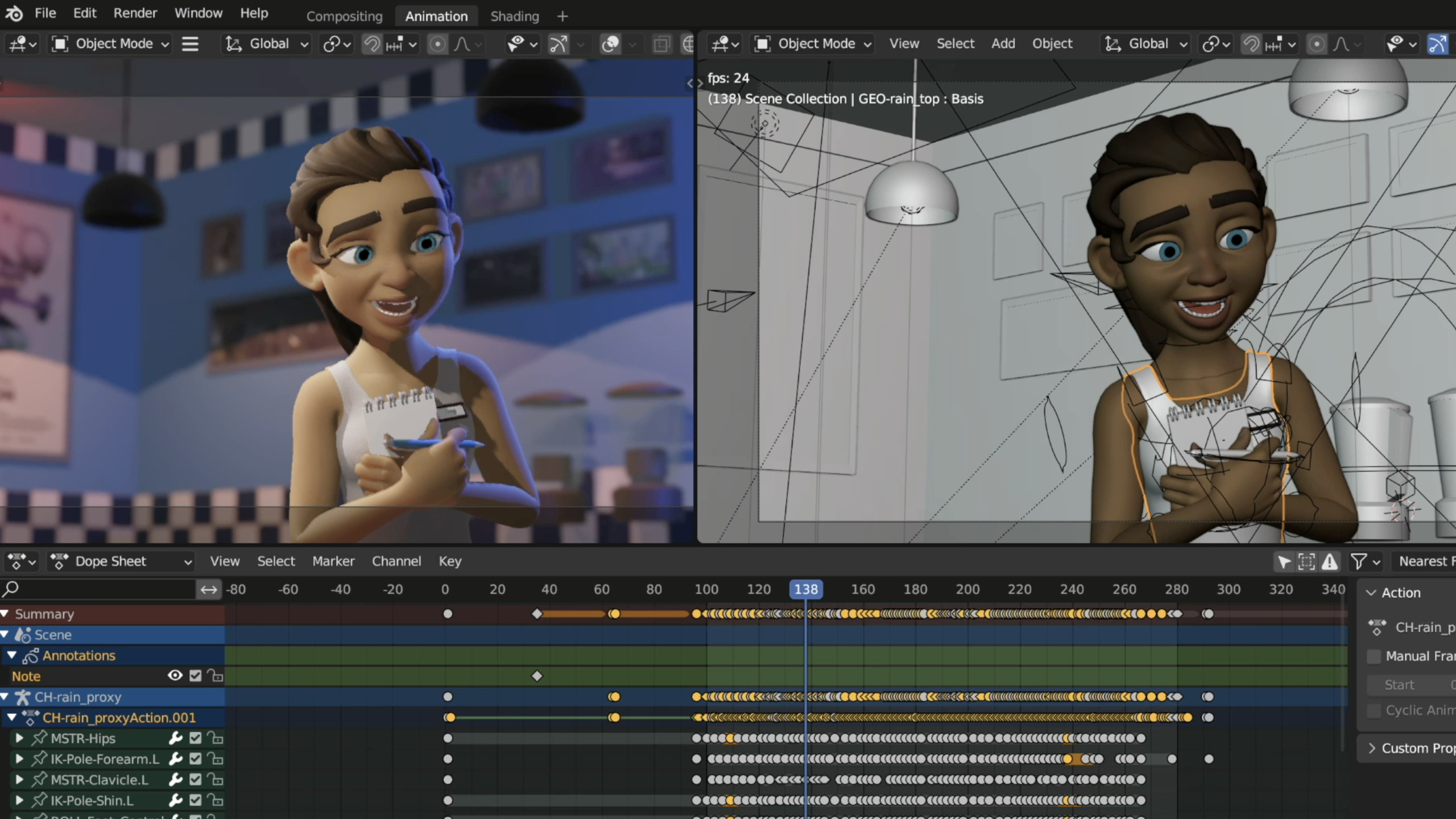
Metal eliminates the dynamic branch of uber shader through function constants, uses asynchronous compilation to maintain material editing response, uses dynamic linking to reduce compilation time, and uses occupancy hints to tune the calculation core, reducing the material rendering time of Blender 3D from 58ms to 12.5ms.
Core Content
Uber Shader Dilemma
In digital content creation applications and game engines, material systems have two contradictory goals:
- Editing response: The viewport is updated immediately when the slider is dragged, and there is no lag.
- Rendering Performance: Both real-time interaction and final frame rendering are faster
The Uber shader is a giant shader that contains all possible material properties. When editing, you only need to update the material parameter buffer, no need to recompile, and the response is very fast. But because all branches have to be processed, the runtime performance is very poor.
Function constants resolve this contradiction. It turns material parameters into constants during compilation, and the compiler eliminates dead code and folds constants accordingly to generate the optimal specialized version.
(02:05)
Specialize materials with Function Constants
Uber shader problem code:
fragment FragOut frag_material_main(device Material &material [[buffer(0)]]) {
    if (material.is_glossy) {
        material_glossy(material);
    }
    if (material.has_shadows) {
        light_shadows(material);
    }
    if (material.has_reflections) {
        trace_reflections(material);
    }
    if (material.is_volumetric) {
        output_volume_parameters(material);
    }
    return output_material();
}
These if are judged at runtime, and the material buffer must be read every time, resulting in a large number of branches.
Use function constants instead:
constant bool IsGlossy        [[function_constant(0)]];
constant bool HasShadows      [[function_constant(1)]];
constant bool HasReflections  [[function_constant(2)]];
constant bool IsVolumetric    [[function_constant(3)]];

fragment FragOut frag_material_main(device Material &material [[buffer(0)]]) {
    if (IsGlossy) {
        material_glossy(material);
    }
    if (HasShadows) {
        light_shadows(material);
    }
    if (HasReflections) {
        trace_reflections(material);
    }
    if (IsVolumetric) {
        output_volume_parameters(material);
    }
    return output_material();
}
Key Points:
[[function_constant(N)]]declares a compile-time constant- The Metal compiler folds constant Boolean values, and branches with false values are deleted directly.
- No need to read the material buffer to determine feature switches
- The control flow is greatly simplified, memory reading and branches are removed
(03:45)
Constant folding optimization
Static parameters that do not change can also use function constants:
constant float4 MaterialColor  [[function_constant(0)]];
constant float4 MaterialWeight [[function_constant(1)]];
constant float4 SheenColor     [[function_constant(2)]];
constant float4 SheenFactor    [[function_constant(3)]];

void material_glossy(const constant Material& material) {
    float4 light = glossy_eval(MaterialColor, MaterialWeight);
    float4 sheen = sheen_eval(SheenColor, SheenFactor);
    glossy_output_write(light, sheen, material.blend_factor);
}
The compiler inlines these values directly into the instruction without reading from the buffer.
(04:58)
Create specialized pipelines on the host side
// Define the material parameter structure
struct MaterialParameter {
    NSString* name;
    MTLDataType type;
    void* value_ptr;
};

// Create a parameter instance
Material material = {true, {1.0f, 0.0f, 0.0f, 1.0f}};
MaterialParameter is_glossy{@"IsGlossy", MTLDataTypeBool, &material.is_glossy};
MaterialParameter mat_color{@"MaterialColor", MTLDataTypeFloat4, &material.color};
MaterialParameter shader_parameters[2] = {is_glossy, mat_color};

// Populate function constant values
MTLFunctionConstantValues* values = [MTLFunctionConstantValues new];
for (const MaterialParameter& parameter : shader_parameters) {
    [values setConstantValue:parameter.value_ptr
                        type:parameter.type
                    withName:parameter.name];
}

// Create a pipeline descriptor using a fragment function with function constants
MTLRenderPipelineDescriptor *dsc = [MTLRenderPipelineDescriptor new];
dsc.fragmentFunction = [shader_library newFunctionWithName:@"frag_material_main"
                                            constantValues:values
                                                     error:&error];

// Create the pipeline state object
id<MTLRenderPipelineState> pso = [device newRenderPipelineStateWithDescriptor:dsc
                                                                        error:&error];
Key Points:
newFunctionWithName:constantValues:error:creates a specialized functionMTLFunctionConstantValuessets constant value by name- The PSO created is the optimal version for this set of material parameters
(05:21)
Detailed Content
GPU Debugger verifies optimization effect
The GPU Debugger data of Uber shader shows:
- ALU instruction count is high
- A large number of register spills (spill)
- long memory wait time
Specialized data:
- ALU instructions and immediate spill reduction (dead code elimination and constant folding)
- Memory latency significantly reduced
In Timeline view, uber shader rendering material Pass takes 58ms, and the specialized version only takes 12.5ms.
(06:26)
Asynchronous compilation remains responsive
Specialization requires runtime compilation, and blocking and waiting will cause lags. Metal’s asynchronous PSO creation API solves this problem:
// Create the shader library asynchronously
[device newLibraryWithSource:source
                     options:options
           completionHandler:^(id<MTLLibrary> library, NSError* error) {
    // Library compilation completed
}];

// Create the render pipeline state asynchronously
[device newRenderPipelineStateWithDescriptor:descriptor
                           completionHandler:^(id<MTLRenderPipelineState> pso, NSError* error) {
    // PSO compilation completed; switch to the specialized version
}];Workflow:
- Use uber shader rendering by default
- Trigger asynchronous compilation of specialized versions at the same time
- After compilation is completed, switch to the specialized version
- When the material parameters change, the cached specialized version will be invalidated and fall back to the uber shader, triggering a new asynchronous compilation.
(07:52)
Maximize concurrent compilation
macOS 13.3 new shouldMaximizeConcurrentCompilation attribute:
// Enable maximum concurrent compilation
device.shouldMaximizeConcurrentCompilation = YES;
When set, the Metal compiler fully utilizes all CPU cores. This is especially useful for scenes where multiple materials are being edited at the same time, so specialized versions can be ready faster.
(09:16)
Dynamic linking speeds up compilation
Specialized versions of complex materials can take a long time to compile. Dynamic linking can precompile common functions into libraries, reducing the amount of runtime compilation.
Symbol Visibility Control:
// Externally visible functions
__attribute__((visibility("default")))
void matrix_mul();

// Internal functions
__attribute__((visibility("hidden")))
void matrix_mul_internal();
Check device support:
// Render pipeline dynamic library
BOOL supportsRenderDylib = device.supportsRenderDynamicLibraries;

// Compute pipeline dynamic library
BOOL supportsComputeDylib = device.supportsDynamicLibraries;
Apple6 and above GPU family supports rendering pipeline dynamic library. Apple6 and above and most Mac2 GPU families support compute pipeline dynamic libraries.
Create dynamic library:
// Create from an existing Metal library
id<MTLDynamicLibrary> dylib = [device newDynamicLibrary:library error:&error];

// Create from a file URL
id<MTLDynamicLibrary> dylib = [device newDynamicLibraryWithURL:url error:&error];
Link in pipeline:
MTLRenderPipelineDescriptor* dsc = [MTLRenderPipelineDescriptor new];
dsc.vertexPreloadedLibraries   = @[dylib_Math, dylib_Shadows];
dsc.fragmentPreloadedLibraries = @[dylib_Math, dylib_Shadows];

// Or specify it in compile options
MTLCompileOptions* options = [MTLCompileOptions new];
options.libraries = @[dylib_Math, dylib_Shadows];
[device newLibraryWithSource:programString
                     options:options
                       error:&error];
Key Points:
- Dynamic libraries can be pre-compiled offline, completely avoiding compilation during runtime
- Split large utility functions into separate dynamic libraries
- The main shader only needs to be linked when compiling, greatly shortening the time
(10:58)
Calculation kernel Occupancy tuning
Every GPU workload has performance sweet spots that need to be found through experimentation. Metal provides an API to specify the desired GPU utilization:
// Compute pipeline descriptor
@interface MTLComputePipelineDescriptor : NSObject
@property (readwrite, nonatomic) NSUInteger maxTotalThreadsPerThreadgroup;
@end

// Compile options, added in macOS 13.3 / iOS 16.4
@interface MTLCompileOptions : NSObject
@property (readwrite, nonatomic) NSUInteger maxTotalThreadsPerThreadgroup;
@end
Dynamic library occupancy matching:
MTLCompileOptions* options = [MTLCompileOptions new];
options.libraryType = MTLLibraryTypeDynamic;
options.installName = @"executable_path/dylib_Math.metallib";

if (@available(macOS 13.3, *)) {
    options.maxTotalThreadsPerThreadgroup = 768;
}

id<MTLLibrary> lib = [device newLibraryWithSource:programString
                                          options:options
                                            error:&error];

id<MTLDynamicLibrary> dynamicLib = [device newDynamicLibrary:lib error:&error];
Key Points:
- The higher the
maxTotalThreadsPerThreadgroupvalue, the more the compiler favors high occupancy - Need to set the same value in pipeline descriptor and dynamic library compilation options
- The optimal value is different for each workload and device and requires experimentation
- The optimal value is not necessarily the maximum number of threads supported by the GPU
The performance curves for the Blender Cycles shading and intersection calculation kernels show that there is a clear performance sweet spot. At that point, there is a slight increase in spill, but the overall occupancy increase results in significantly better core performance.
(13:45)
Core Takeaways
-
What to build: Use function constants to specialize complex material shaders
- Why it’s worth doing: Blender 3D actual measurement dropped from 58ms to 12.5ms, ALU instructions, spill and memory waits were greatly reduced
- How to start: Declare the material property switch as
[[function_constant(N)]]and pass in the value throughMTLFunctionConstantValueswhen creating the PSO
-
What to build: Implement asynchronous material compilation workflow
- Why it’s worth doing: There will be no lag when editing materials, uber shader is guaranteed, and the specialized version can be switched seamlessly after the background compilation is completed.
- How to start: Create library and PSO using asynchronous API with completion handler, and replace the rendering pipeline after compilation is completed
-
What to build: Split the common function library using dynamic linking
- Why it’s worth doing: Pre-compile common functions such as mathematics and lighting into dynamic libraries. The main shader only needs to be linked when compiling, greatly shortening the time.
- How to start: Create dynamic libraries grouped by functions, set
visibility("default"), and reference it inpreloadedLibrariesof the pipeline descriptor
-
What to build: Tuning the maxTotalThreadsPerThreadgroup of the computing kernel
- Why it’s worth doing: No need to change the code or algorithm, just change one parameter to find the performance sweet spot
- How to start: Set different
maxTotalThreadsPerThreadgroupvalues for the kernel, use GPU Debugger to measure execution time, and find the optimal value
Related Sessions
- Bring your game to Mac, Part 1: Make a game plan — Use the Game Porting Toolkit to evaluate the feasibility of Windows games on Mac
- Bring your game to Mac, Part 2: Compile your shaders — Convert HLSL shaders to Metal using Metal Shader Converter
- Bring your game to Mac, Part 3: Render with Metal — High-performance rendering in Metal
Comments
GitHub Issues · utterances