
Highlight
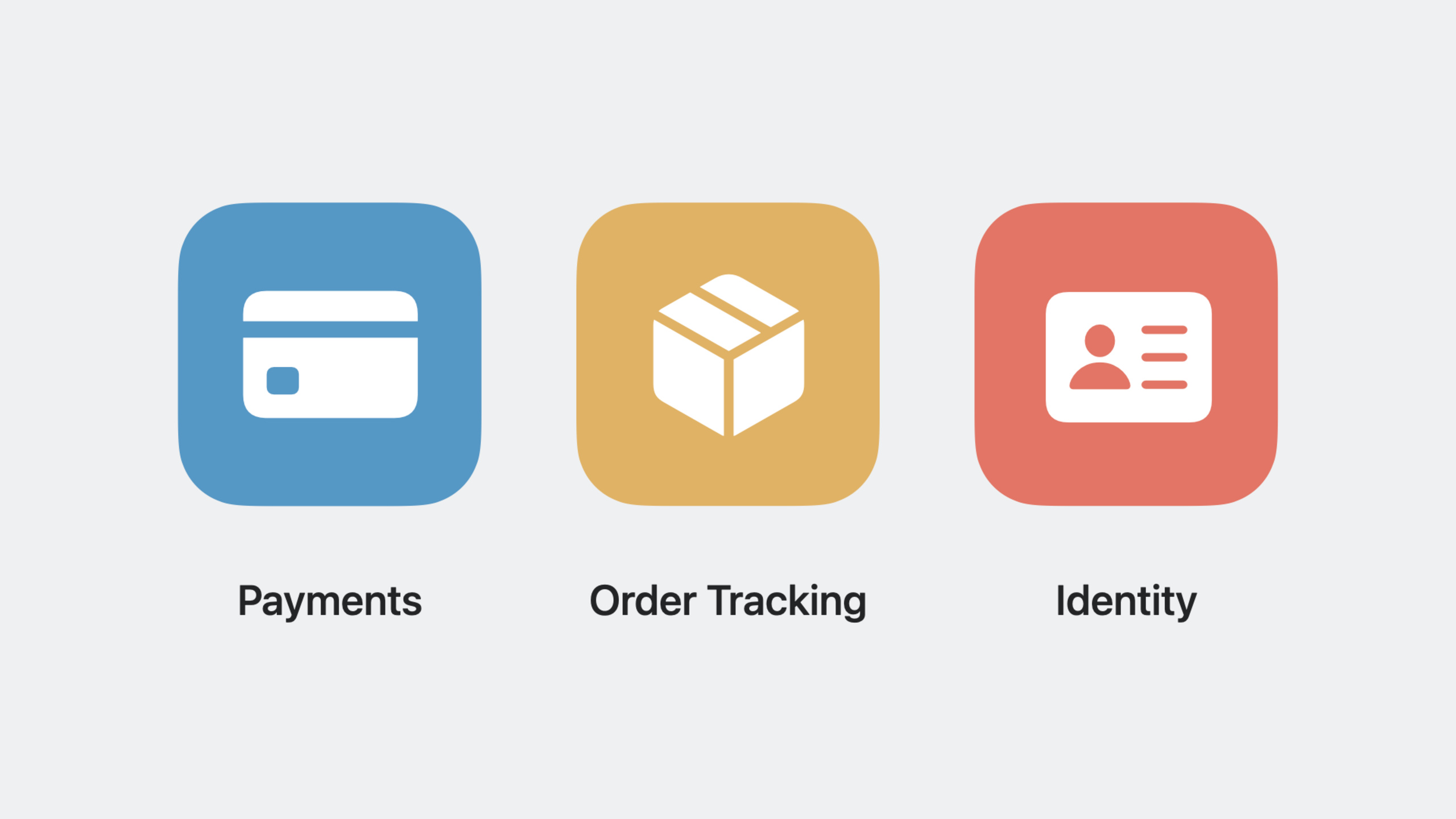
Apple has introduced several updates to Wallet and Apple Pay, including Apple Pay Later installments, pre-authorized payments, funds transfers, order tracking improvements, and Tap to Present ID functionality, providing developers with richer payment and authentication APIs.
Core Content
Apple Pay Later
Apple Pay Later allows users to split their purchases into four payments. Developers can integrate the Apple Pay Later marketing view into their apps or websites to present installment options to users.
import PassKit

// Check whether the user is eligible for Apple Pay Later
let isEligible = PKPayLaterUtilities.validate(amount: 100.0, currency: "USD")

// Create the Apple Pay Later view
let payLaterView = PKPayLaterView(amount: 100.0, currency: "USD")
payLaterView.displayStyle = .standard
payLaterView.action = .learnMore
Key points:
PKPayLaterUtilities.validateis used to verify whether the user meets the installment conditionsPKPayLaterViewprovides four display styles: standard, badge, checkout, priceactionattribute optional learnMore or calculator
Pre-authorized payment
Pre-authorized payments allow merchants to debit a user’s account under certain conditions. Three types are supported:
- Recurring Payments: recurring payments
- Automatic Reload: Automatic recharge
- Deferred Payments: Deferred payments
import PassKit

// Create a deferred payment request
let deferredItem = PKDeferredPaymentSummaryItem(label: "Hotel Booking", amount: 200.0)
deferredItem.deferredDate = Date(timeIntervalSinceNow: 86400 * 7) // Charge after 7 days

let request = PKDeferredPaymentRequest(deferredPaymentSummaryItem: deferredItem)
request.freeCancellationDate = Date(timeIntervalSinceNow: 86400 * 3) // Free cancellation within 3 days

let paymentRequest = PKPaymentRequest()
paymentRequest.deferredPaymentRequest = request
Key points:
PKDeferredPaymentSummaryItemdefines the deferred payment amount and datefreeCancellationDateSet free cancellation period- Pre-authorized payment uses merchant token, bound to Apple ID instead of device
Fund transfer
Transfer Funds with Apple Pay allows users to transfer funds from their accounts to cards in Wallet.
import PassKit

// Check whether funds transfer is supported
let supportsDisbursements = PKPaymentAuthorizationController.supportsDisbursements(
    networks: [.visa, .masterCard],
    capabilities: .debit
)

// Create a transfer request
let summaryItem = PKPaymentSummaryItem(label: "Withdrawal", amount: 100.0)
let disbursementItem = PKDisbursementSummaryItem(label: "Amount Received", amount: 95.0)

let request = PKDisbursementRequest(
    merchantIdentifier: "merchant.com.example",
    currencyCode: "USD",
    region: "US",
    summaryItems: [summaryItem, disbursementItem]
)

let controller = PKPaymentAuthorizationController(disbursementRequest: request)
controller.delegate = self
controller.present()
Key points:
PKDisbursementRequestis used to create funds transfer requests- The first summary item represents the amount deducted from the user account
- The last summary item must represent the amount actually received by the user
Order Tracking
Wallet order tracking functionality has been enhanced to support more order details and system integration.
import FinanceKit

// Check whether the order exists
let financeStore = FinanceStore.shared
let exists = try await financeStore.containsOrder(withIdentifier: "order-123")

// Save the order to Wallet
let orderData = try JSONEncoder().encode(signedOrderPackage)
let result = try await financeStore.saveOrder(orderData)

switch result {
case .added:
    print("Order added to Wallet")
case .cancelled:
    print("User cancelled")
case .newerExists:
    print("Newer order already exists")
}
Key points:
FinanceStore.sharedprovides a central resource for order trackingcontainsOrderCheck if the order already existssaveOrderSave the order and return the user operation results
Tap to Present ID
Tap to Present ID allows iPhone apps to authenticate IDs in Wallet via NFC and Bluetooth.
import ProximityReader

// Check whether the device is supported
 guard MobileDocumentReader.isSupported else { return }

// Create the reader
let reader = MobileDocumentReader()
let session = try await reader.prepare()

// Create an age verification request
let request = MobileDriversLicenseDisplayRequest(elements: [.ageAtLeast(21)])
try await session.requestDocument(request)
Key points:
MobileDocumentReaderis used to read mobile driver’s licenseMobileDriversLicenseDisplayRequestcreates a display request -Supports age verification and identity verification
Detailed Content
Apple Pay Later Marketing View
Using PayLaterView in SwiftUI:
import PassKit

struct ContentView: View {
    var body: some View {
        PayLaterView(amount: 299.99, currency: "USD")
            .payLaterViewStyle(.standard)
            .payLaterViewAction(.calculator)
    }
}
Data request
let session: MobileDocumentReaderSession = /* ... */

var request = MobileDriversLicenseDataRequest()
request.retainedElements = [.givenName, .familyName, .dateOfBirth, .portrait]
request.nonRetainedElements = [.address, .documentExpirationDate, .drivingPrivileges]

let response = try await session.requestDocument(request)
self.processResponse(response.documentElements)
Core Takeaways
-
What to build: Integrate Apple Pay Later marketing view into e-commerce apps
- Why it’s worth doing: Increase conversion rates and educate users about installment payment options
- How to start: Set amount and currency using
PKPayLaterVieworPayLaterView
-
What to build: Implement pre-authorized payment function
- Why it’s worth doing: Suitable for subscription, booking and other scenarios
- How to start: Create
PKDeferredPaymentRequest, set payment dates and cancellation policy
-
What to build: Add order tracking function
- Why it’s worth doing: Improve user experience and allow users to track orders in Wallet
- How to start: Save orders using FinanceKit’s
FinanceStoreAPI
Related Sessions
- What’s new in SwiftUI — New features in SwiftUI
- Meet SwiftUI for spatial computing — SwiftUI application in spatial computing
- What’s new in UIKit — New features in UIKit
Comments
GitHub Issues · utterances