
Highlight
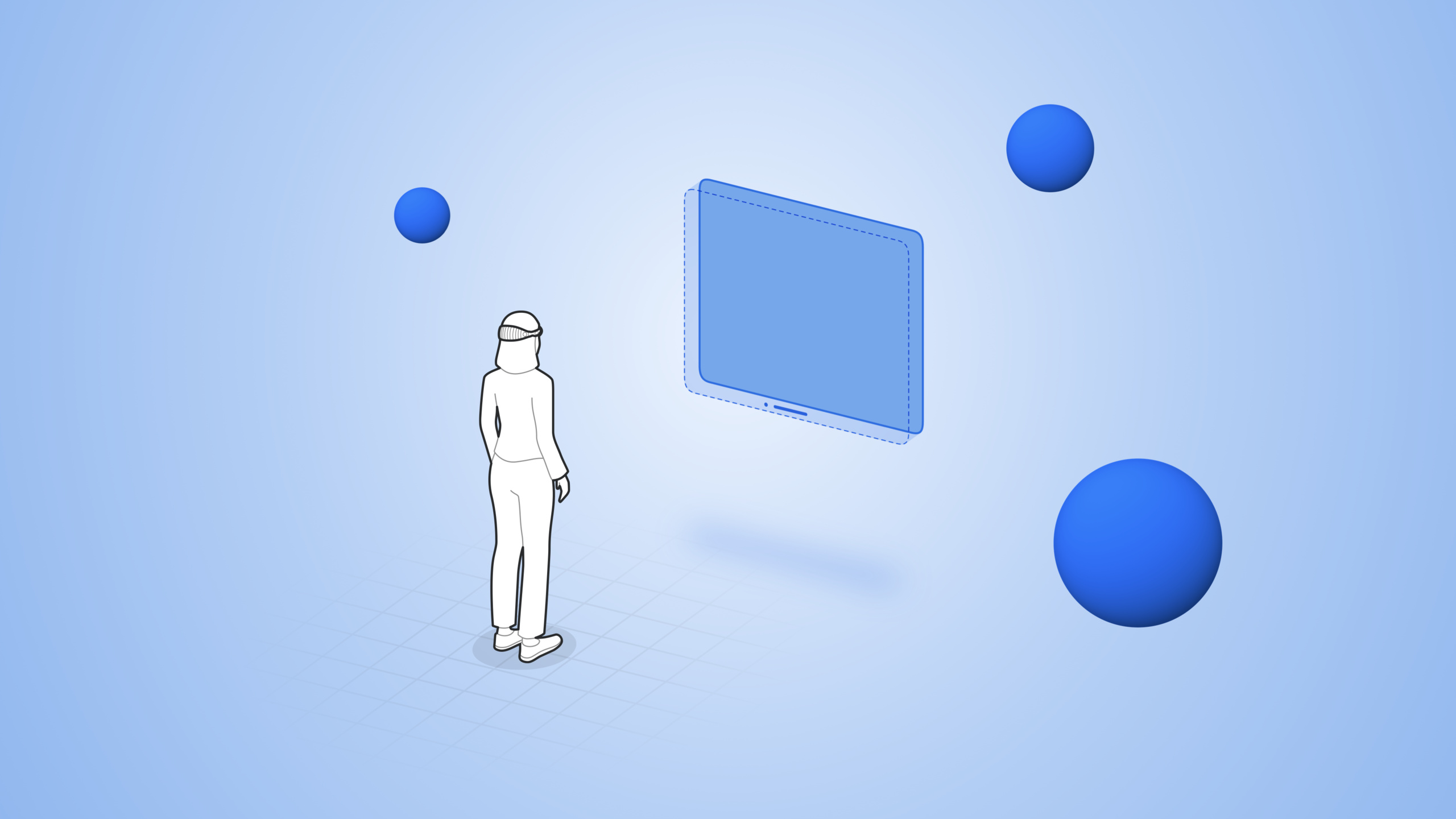
RealityKit on visionOS adds APIs such as Model3D, RealityView, volumetric windows, and ImmersiveSpace, letting developers place 3D content in 2D windows, volumetric windows, and immersive spaces using familiar SwiftUI syntax, and customize behavior through the Entity-Component-System architecture.
Core Content
Three ways to integrate 3D content
Embed 3D in a 2D window: The simplest approach. Use the Model3D view to load USD files with resizable and scaledToFit modifiers (03:21). Models load asynchronously; you can customize the placeholder.
Volumetric window: Provides a dedicated window for 3D models, supporting viewing from any angle while maintaining real-world scale. A 1-meter-wide model always displays as 1 meter (05:01).
ImmersiveSpace: The app can place 3D elements anywhere in space, breaking window boundaries. Suited for fully immersive experiences (07:05).
Entity-Component-System architecture
Entity is a container object—it does not render or simulate physics on its own. Add Components to give it behavior (09:36).
Common Components:
ModelComponent: Renders 3D meshes and materialsTransformComponent: Controls position, rotation, and scaleHoverEffectComponent: Highlights on gazeInputTargetComponent+CollisionComponent: Receives gesture inputSpatialAudioComponent: Spatial audio
System contains logic that runs periodically, acting on Entities matching specific criteria. The ECS architecture separates behavior from data for easier extension.
RealityView
RealityView is a 3D view container in SwiftUI with three closures (12:27):
make: Asynchronously loads and initializes Entitiesupdate: Updates Entities in response to SwiftUI state changessubscribe: Subscribes to RealityKit events (animation completion, physics collisions, etc.)
Coordinate convention: origin at RealityView center, Y up, Z toward the user, X to the right, 1 unit = 1 meter. RealityView provides convert functions to transform between SwiftUI and RealityKit coordinate spaces.
Detailed Content
Model3D displaying 3D models in a 2D window
(03:40)
import SwiftUI
import RealityKit

struct GlobeModule: View {
    var body: some View {
        Model3D(named: "Globe") { model in
            model
                .resizable()
                .scaledToFit()
        } placeholder: {
            ProgressView()
        }
    }
}
Key points:
Model3Dloads USD/USDZ files with async loading supportresizableandscaledToFitmake the model fit available spaceplaceholdershowsProgressViewwhile loading- Add USD files as resources to the project
Volumetric window
(05:52)
import SwiftUI
import RealityKit

struct WorldApp: App {
    var body: some SwiftUI.Scene {
        WindowGroup(id: "planet-earth") {
            Model3D(named: "Globe")
        }
        .windowStyle(.volumetric)
        .defaultSize(width: 0.8, height: 0.8, depth: 0.8, in: .meters)
    }
}
Key points:
.windowStyle(.volumetric)turns the window into a volumetric window.defaultSizedefines dimensions in real-world units (meters)- Models in volumetric windows keep real proportions and can be viewed from any angle
- Open via the
openWindowenvironment value
ImmersiveSpace
(07:31)
import SwiftUI
import RealityKit

struct WorldApp: App {
    var body: some SwiftUI.Scene {
        ImmersiveSpace(id: "objects-in-orbit") {
            RealityView { content in
                // Add 3D content
            }
        }
    }
}
Key points:
ImmersiveSpaceis a new Scene type- Open asynchronously via the
openImmersiveSpaceenvironment value - Content can be placed anywhere in space
- Multiple immersion styles available (mixed, progressive, full)
RealityView async loading and entity positioning
(12:54)
import SwiftUI
import RealityKit

struct Orbit: View {
    var body: some View {
        RealityView { content in
            async let earth = ModelEntity(named: "Earth")
            async let moon = ModelEntity(named: "Moon")

            if let earth = try? await earth, let moon = try? await moon {
                content.add(earth)
                content.add(moon)
                moon.position = [0.5, 0, 0]
            }
        }
    }
}
Key points:
async letloads multiple models concurrentlycontent.add()adds Entities to the scenepositionsets position with[x, y, z]array in meters- RealityKit coordinates: Y up, Z toward user, X to the right
Drag interaction
(18:31)
import SwiftUI
import RealityKit

struct DraggableModel: View {
    var earth: Entity

    var body: some View {
        RealityView { content in
            content.add(earth)
        }
        .gesture(DragGesture()
            .targetedToEntity(earth)
            .onChanged { value in
                earth.position = value.convert(value.location3D,
                                               from: .local, to: earth.parent!)
            })
    }
}
Key points:
- Entity needs both
InputTargetComponentandCollisionComponentto receive gestures .targetedToEntitylimits the gesture to a specific Entityvalue.location3Dis the gesture position; convert from SwiftUI space to the Entity’s parent space- CollisionComponent can be added conveniently in Reality Composer Pro
Playing animations
(14:56)
import SwiftUI
import RealityKit

struct AnimatedModel: View {
    @State var subscription: EventSubscription?

    var body: some View {
        RealityView { content in
            if let moon = try? await Entity(named: "Moon"),
               let animation = moon.availableAnimations.first {
                moon.playAnimation(animation)
                content.add(moon)
            }
            subscription = content.subscribe(to: AnimationEvents.PlaybackCompleted.self) {
                // Handle completion after the animation finishes
            }
       }
   }
}
Key points:
availableAnimationsgets built-in animations from the modelplayAnimation()plays an animationcontent.subscribe()subscribes to events, here animation playback completion@Stateholds the subscription to prevent premature release
Orbit animation
(20:20)
let orbit = OrbitAnimation(name: "Orbit",
                           duration: 30,
                           axis: [0, 1, 0],
                           startTransform: moon.transform,
                           bindTarget: .transform,
                           repeatMode: .repeat)

if let animation = try? AnimationResource.generate(with: orbit) {
    moon.playAnimation(animation)
}
Key points:
OrbitAnimationrotates an Entity around its parentduration: 30means one full revolution in 30 secondsaxis: [0, 1, 0]rotates around the Y axisstartTransformstarts from the current position to avoid jumpsrepeatMode: .repeatloops the animation
Spatial audio
(22:12)
// Create an empty Entity as the audio source
let audioSource = Entity()

// Configure audio for directional emission with a directivity of 0.75
audioSource.spatialAudio = SpatialAudioComponent(directivity: .beam(focus: 0.75))

// Rotate the audio source so sound emits in a specific direction
audioSource.orientation = .init(angle: .pi, axis: [0, 1, 0])

// Load looping audio and play it
if let audio = try? await AudioFileResource(named: "SatelliteLoop",
                                            configuration: .init(shouldLoop: true)) {
    satellite.addChild(audioSource)
    audioSource.playAudio(audio)
}
Key points:
- Audio is spatialized by default, sounding as if it exists in real space
directivity: .beam(focus: 0.75)creates a focused sound beamorientationcontrols sound emission directionshouldLoop: trueloops audio playback- Three audio types: Spatial (directional), Ambient (environmental), Channel (direct to speakers)
Custom Component and System
(23:47)
import RealityKit

// A Component is data attached to an Entity
struct TraceComponent: Component {
    var mesh = TraceMesh()
}

// Read or write a Component on an Entity
func updateTrace(for entity: Entity) {
    var component = entity.components[TraceComponent.self] ?? TraceComponent()
    component.update()
    entity.components[TraceComponent.self] = component
}

// Codable Components can be used in Reality Composer Pro
struct PointOfInterestComponent: Component, Codable {
    var name = ""
}
Key points:
- Component conforms to the
Componentprotocol - Read/write via
entity.components[ComponentType.self] - Conforming to
Codableenables editing in Reality Composer Pro
(24:51)
import SwiftUI
import RealityKit

// A System contains logic code
struct TraceSystem: System {
    static let query = EntityQuery(where: .has(TraceComponent.self))

    init(scene: Scene) {
        // Initialize
    }

    func update(context: SceneUpdateContext) {
        for entity in context.entities(Self.query, updatingSystemWhen: .rendering) {
            addCurrentPositionToTrace(entity)
        }
    }
}

// Register the System
struct MyApp: App {
    init() {
        TraceSystem.registerSystem()
    }
}
Key points:
- System conforms to the
Systemprotocol EntityQuerydefines which Entities the System cares aboutupdatingSystemWhen: .renderingupdates at render frame rate- Call
registerSystem()in the App’sinit()to register - System automatically applies to all RealityKit content in the app
Core Takeaways
-
What to do: Build a 3D solar system education app where students can drag planets and observe orbital motion.
-
Why it matters: RealityKit’s
OrbitAnimationand drag gestures make abstract astronomy concepts tangible. -
How to start: Load planet models with
RealityView, addDragGesturefor dragging, and useOrbitAnimationfor orbital motion. -
What to do: Develop a product showcase app that lets customers view 3D product models from every angle.
-
Why it matters: Volumetric windows maintain real-world scale; customers can walk around products to see details.
-
How to start: Create a volumetric window with
WindowGroup+.windowStyle(.volumetric)and load USDZ models withModel3Dinside. -
What to do: Build an immersive music visualization app with notes floating in space and emitting spatial audio.
-
Why it matters:
SpatialAudioComponentgives sound directionality; combined with particle effects, it creates an immersive atmosphere. -
How to start: Create an
ImmersiveSpace, place audio sources withEntity+SpatialAudioComponent, and use a custom System to update particle positions. -
What to do: Develop an interior design preview tool that lets users place virtual furniture in a real room.
-
Why it matters: RealityKit anchoring can fix 3D models to walls or floors; spatial audio can simulate room acoustics.
-
How to start: Anchor furniture models to planes with
AnchorEntity, and useCollisionComponentfor drag-to-adjust positioning.
Related Sessions
- Enhance your spatial computing app with RealityKit — RealityKit advanced: portals, particles, and anchors
- Meet Reality Composer Pro — Getting started with Reality Composer Pro
- Explore materials in Reality Composer Pro — Material editing in Reality Composer Pro
- Work with Reality Composer Pro content in Xcode — Using Reality Composer Pro content in Xcode
Comments
GitHub Issues · utterances