
Highlight
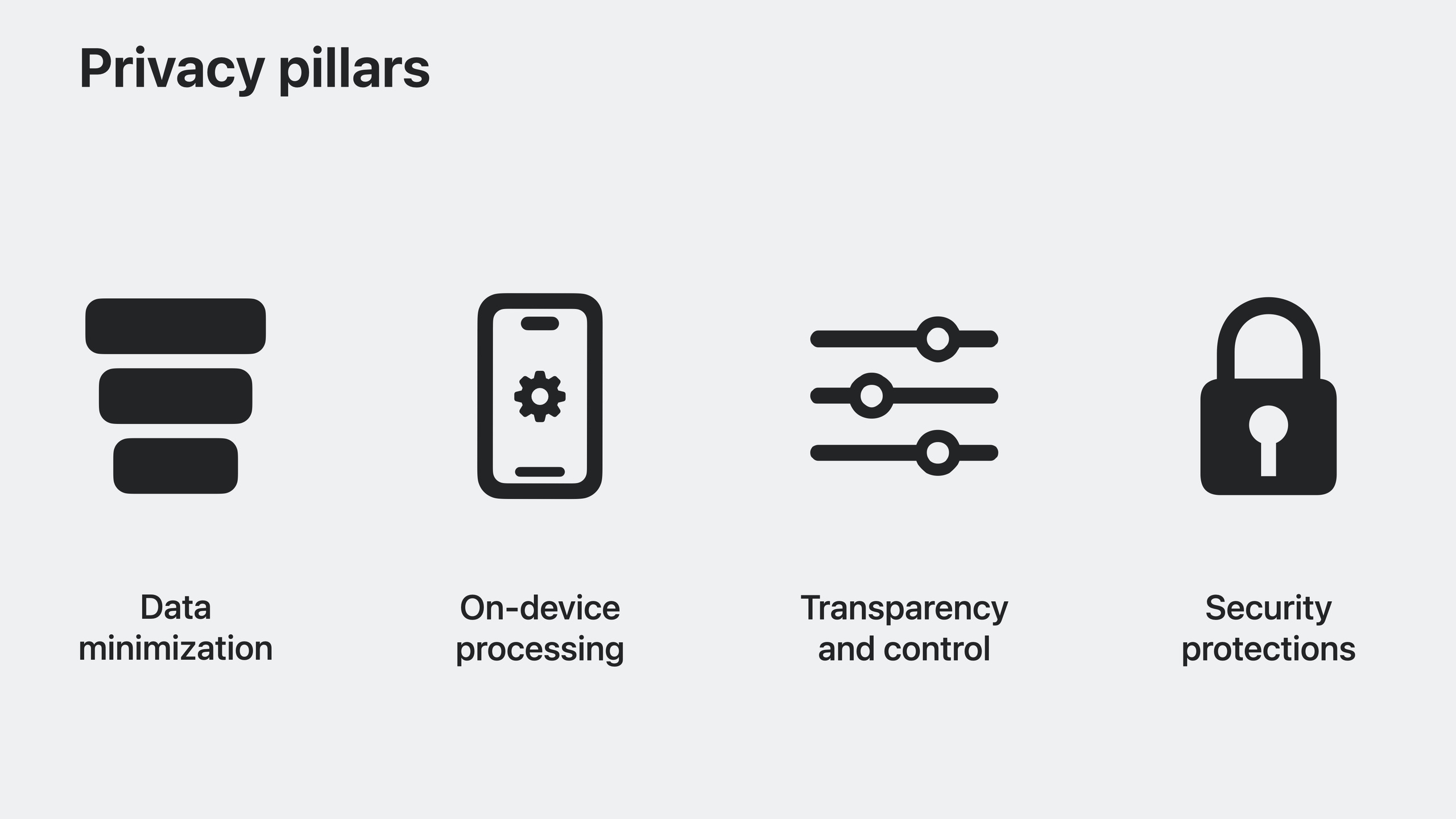
iOS 17 brings fully embedded Photos Picker, macOS Sonoma adds the SCContentSharingPicker screen sharing picker, the Oblivious HTTP protocol protects user IP addresses, the Sensitive Content Analysis framework uses on-device ML to detect sensitive content, and visionOS’s spatial input model uses process isolation so apps can’t access eye-tracking data.
Core Content
Photos Picker: let users share only what they want
Previously, apps either requested full photo library permission or built their own photo selection UI. iOS 17’s Photos Picker can be fully embedded in your app—it looks like part of your app but is rendered by the system. Only photos the user selects are shared with your app; everything else stays under user control.
Three embedding modes:
- Undecorated full screen: the cleanest, with no system chrome
- Single-row horizontal scroll: for space-constrained layouts
- Inline full picker: with an options menu to control sharing of title, location, and other metadata
iOS 17 also redesigned the full photo library permission dialog, showing photo count and sample previews. The system periodically reminds users which apps have full library access.
Screen Capture Picker: macOS screen sharing without over-permission
Previously on macOS, video conferencing apps needed full screen recording permission—once granted, the app could record the entire screen. macOS Sonoma introduces SCContentSharingPicker. Apps don’t need screen recording permission; the system presents a window picker, and content is shared only after the user selects specific windows or screens.
macOS Sonoma also adds a screen sharing icon in the menu bar, reminding users when an app is recording. Users can preview shared content, add or remove windows, and end sharing.
Calendar permissions: least privilege
If your app only needs to create calendar events, EventKitUI requires no permission. For custom UI, request the new write-only permission—add events only, no reading existing ones. Request an upgrade when full access is needed.
Apps with Calendar access upgrade to iOS 17 and are downgraded to write-only by default. Apps linked against older EventKit receive write-only when requesting permission; attempting to read triggers an automatic upgrade prompt.
Oblivious HTTP: hiding user IP addresses
Network operators can observe which servers users connect to, inferring personal app usage patterns. Oblivious HTTP (OHTTP) is a standardized protocol that separates “who” from “what was accessed” via relay servers.
The relay knows the user’s IP and target server name but can’t see encrypted content. The target server receives relayed requests without the original IP. No single node holds source IP, destination IP, and content together. iCloud Private Relay already uses OHTTP to protect all DNS queries.
Sensitive Content Analysis: on-device child protection
Communication Safety expands from Messages to AirDrop, FaceTime voicemails, phone contact posters, and Photos Picker. Sensitive Content Warning is also introduced for users of all ages.
The new SensitiveContentAnalysis framework lets developers detect sensitive content in their apps too. It uses system-provided on-device ML models—no content upload to any server.
macOS app data protection
macOS Sonoma adds protection for app data containers. Apps from the same developer team can access each other’s data; apps from other developers need user authorization. App Sandbox apps get this protection automatically.
Use NSDataAccessSecurityPolicy in Info.plist to configure stricter policies specifying which processes can access your app data.
CloudKit end-to-end encryption
Advanced Data Protection provides end-to-end encryption for most iCloud data. CloudKit apps only need to use encrypted data types (like EncryptedString) and read/write via the encryptedValues API to automatically get end-to-end encryption.
Safari Private Browsing enhancements
Safari 17’s Private Browsing adds two protections:
- Block known tracking and fingerprinting resources
- Automatically strip tracking parameters from URLs while preserving non-identifying parts
Private Click Measurement now works in Private Browsing for ad attribution without personal tracking.
visionOS spatial input privacy design
Eye and hand tracking data is processed in an isolated system process—apps only receive the final tap event. The system combines screen content and gaze position to compute hover highlights, added in the rendering engine where apps can’t see where users are looking. No new permissions needed; existing UIKit/SwiftUI/RealityKit apps work as-is.
Detailed Content
Photos Picker embedding
(03:58)
import PhotosUI

struct PhotoPickerView: View {
    @State private var selectedItems: [PhotosPickerItem] = []

    var body: some View {
        PhotosPicker(
            selection: $selectedItems,
            matching: .images,
            photoLibrary: .shared()
        ) {
            Text("Select Photos")
        }
    }
}
Key points:
PhotosPickeris a native SwiftUI view that can be fully embedded- No photo library permission required
matchingfilters photos, videos, or Live Photos- Selected content loads asynchronously via
PhotosPickerItem
Screen Capture Picker (macOS)
(06:18)
import ScreenCaptureKit

let picker = SCContentSharingPicker.shared

// Configure the picker
let configuration = SCContentSharingPickerConfiguration()
configuration.allowsChangingSelectedContent = true

picker.setConfiguration(configuration, for: myAppBundleID)
picker.add(myContentSharingPickerObserver)
picker.isActive = true

// Receive callbacks through the delegate after the user selects content
func contentSharingPicker(
    _ picker: SCContentSharingPicker,
    didUpdateWith filter: SCContentFilter,
    forStreamID streamID: String
) {
    // Use the filter to create an SCStream and start recording
}
Key points:
SCContentSharingPicker.sharedgets the system sharing picker- App doesn’t need screen recording permission
- App can record only after the user explicitly selects content to share
- Menu bar icon continuously reminds users when an app is recording
Sensitive Content Analysis
(16:00)
import SensitiveContentAnalysis

// Analyze the image
let analyzer = SCSensitivityAnalyzer()
let policy = analyzer.analysisPolicy

// Analyze through a file URL
let imageResult = try await analyzer.analyzeImage(at: imageURL)

// Or analyze through CGImage
let cgImageResult = try await analyzer.analyzeImage(image.cgImage!)

// Analyze video
let handler = analyzer.videoAnalysis(forFileAt: videoURL)
let videoResult = try await handler.hasSensitiveContent()

if videoResult.isSensitive {
    // Decide the intervention mode based on the policy
    intervene(based: policy)
}

func intervene(based policy: SCSensitivityAnalysisPolicy) {
    switch policy {
    case .communicationSafety:
        // Child safety mode: show warnings and resources
        showCommunicationSafetyIntervention()
    case .sensitiveContentWarning:
        // Sensitive content warning: blur the content and let the user choose to view it
        showSensitiveContentWarning()
    default:
        break
    }
}
Key points:
SCSensitivityAnalyzeruses system on-device ML modelsanalysisPolicyreturns the current system policy typeanalyzeImage(at:)andanalyzeImage(_:)analyze still imagesvideoAnalysis(forFileAt:)returns a handler for progress tracking and cancellation- When
isSensitiveis true, provide intervention UI (blur + optional view)
Calendar write-only permission
(08:30)
import EventKit

let store = EKEventStore()

// iOS 17 adds write-only permission
do {
    let granted = try await store.requestWriteOnlyAccessToEvents()
    if granted {
        // Can only add events, not read them
        let event = EKEvent(eventStore: store)
        event.title = "Team Meeting"
        event.startDate = Date()
        event.endDate = Date().addingTimeInterval(3600)
        try store.save(event, span: .thisEvent)
    }
} catch {
    print("Access denied: \(error)")
}
Key points:
requestWriteOnlyAccessToEvents()is new in iOS 17- Can only create new events—can’t read, modify, or delete existing ones
- Apps with prior authorization are downgraded to write-only on iOS 17 upgrade
- System automatically prompts for upgrade when full access is needed
CloudKit end-to-end encryption
(22:15)
import CloudKit

// Create a record that uses encrypted fields
let record = CKRecord(recordType: "Note")

// Write encrypted data with the encryptedValues API
record.encryptedValues["title"] = "My Secret Note"
record.encryptedValues["content"] = "This is encrypted end-to-end"

// Save to CloudKit
let database = CKContainer.default().privateCloudDatabase
try await database.save(record)

// Automatically decrypt when reading
let fetchedRecord = try await database.record(for: record.recordID)
let decryptedTitle = fetchedRecord.encryptedValues["title"] as? String
let decryptedContent = fetchedRecord.encryptedValues["content"] as? String
Key points:
- Use the
encryptedValuesAPI instead of regular fields - Use encrypted data types in CloudKit schema, such as
EncryptedString - End-to-end encryption is automatic when Advanced Data Protection is enabled
- No key management, encryption operations, or recovery flows needed
App Sandbox data protection (macOS)
<!-- Info.plist -->
<key>NSDataAccessSecurityPolicy</key>
<dict>
    <key>NSAllowList</key>
    <array>
        <string>com.mycompany.messenger</string>
        <string>com.mycompany.notes</string>
    </array>
</dict>
Key points:
- By default, apps with the same Team ID can access each other’s data containers
NSDataAccessSecurityPolicycan replace this with an explicit allow list- Apps outside the list need user authorization to access data
- Permission resets when the app quits
Core Takeaways
1. Privacy-first photo sharing app
- What to build: Let users choose specific photos to share with friends—the app never sees other photos
- Why it’s worth doing: Photos Picker embeds fully without photo library permission—extremely high user trust
- How to start: Embed
PhotosPicker, load selected content viaPhotosPickerItem, never touchPHPhotoLibrary
2. Secure anonymous user feedback system
- What to build: Collect app usage stats and crash reports without servers linking data to specific users
- Why it’s worth doing: OHTTP separates user IP from content for truly anonymous analytics
- How to start: Set up an OHTTP relay server; send analytics through the relay so servers only receive anonymized stats
3. Child-safe social app
- What to build: Automatically detect sensitive content before chat or image sharing to protect minors
- Why it’s worth doing: SensitiveContentAnalysis runs on-device—no server upload, compliant with privacy regulations
- How to start: Call
analyzer.analyzeImage()before sending images; show appropriate intervention UI based onanalysisPolicy
4. Zero-permission calendar plugin
- What to build: Recognize event info from web pages or email and add to the system calendar with one tap
- Why it’s worth doing: Write-only calendar permission reassures users—the app can only add, not peek at existing schedules
- How to start: Parse event info from web pages, add events with
requestWriteOnlyAccessToEvents()without reading existing schedules
Related Sessions
- Discover Calendar and EventKit — Calendar permission improvements and EventKit integration
- Embed the Photos picker in your app — Photos Picker embedding in depth
- What’s new in ScreenCaptureKit — Screen recording and sharing
Comments
GitHub Issues · utterances