
Highlight
On iOS 17, iPadOS 17, and macOS Sonoma, Apple makes Declarative Device Management the sole carrier for new protocol features, adding software update management, app management, system service lockdown, certificate installation, and profile migration—letting devices execute management policies autonomously and report status asynchronously without server polling.
Core Content
The problem: pain points of traditional MDM at scale
When enterprise IT administrators manage thousands of Apple devices, they face several core challenges:
- High server polling overhead: Traditional MDM requires the server to constantly poll devices for status—the more devices, the greater the server load.
- Software updates are hard to enforce: Administrators need to ensure devices install system updates promptly, but existing MDM command-based feedback is delayed and can’t confirm whether updates actually completed.
- Status sync delays: Critical information like FileVault status and certificate installation on devices can’t be monitored in real time.
For large organizations, these issues compound—management cost grows linearly with device count.
Apple’s approach: Declarative Device Management
Declarative Device Management (DDM) debuted at WWDC21, gained foundational enhancements at WWDC22, and at WWDC23 Apple shifts all new protocol features entirely to DDM. The core idea: the server sends “declarations” to devices, devices evaluate and execute them autonomously, then report status asynchronously when done.
This means devices no longer wait for server commands—they act proactively based on preset policies. The server no longer needs to poll—it passively receives status reports.
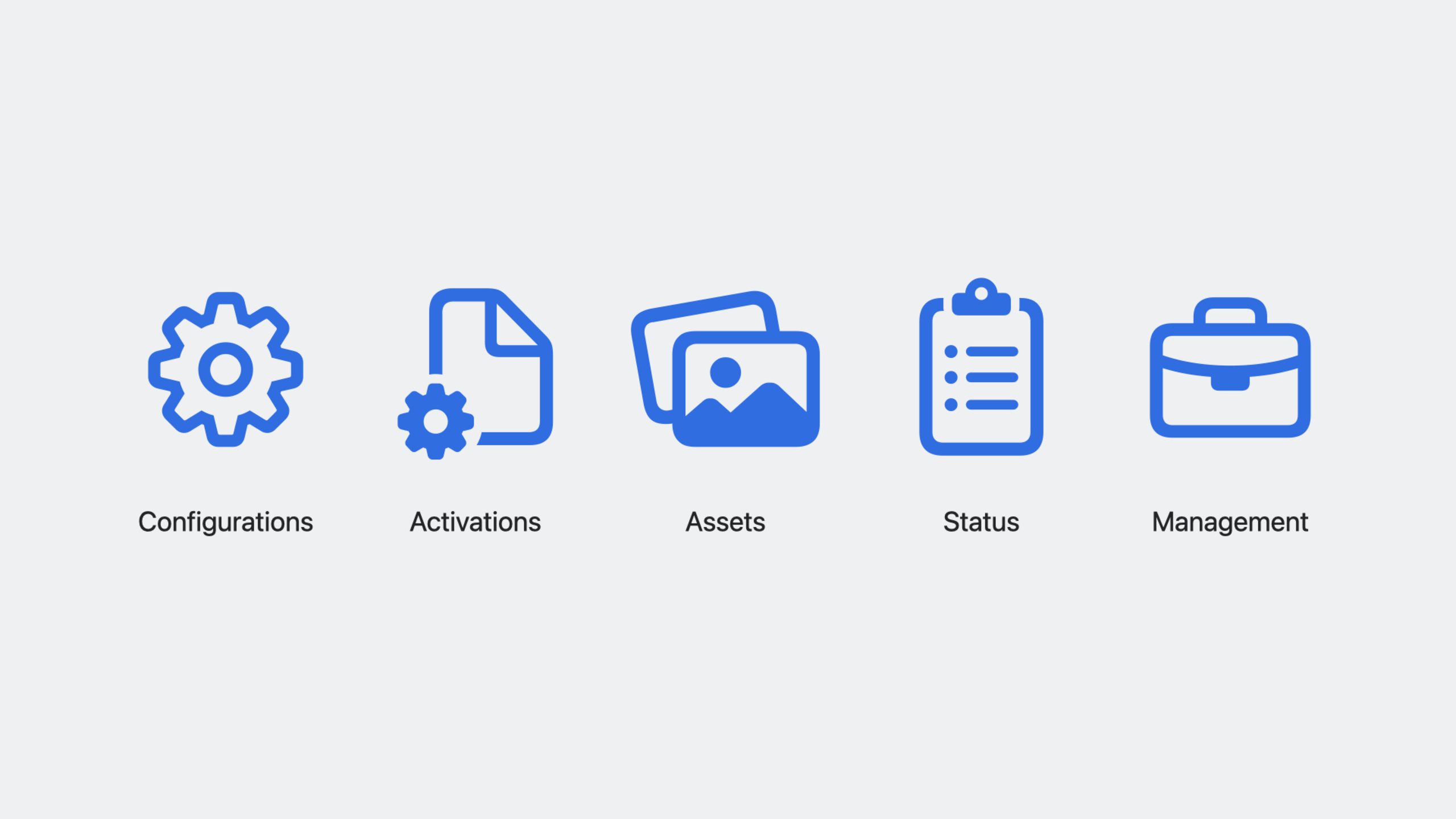
WWDC23 adds five core management areas:
- Software update management: Define update behavior via configuration; devices execute proactively and report progress
- App management: Install, configure, and monitor enterprise apps
- System service lockdown: Restrict system services and monitor background tasks
- Certificate and identity credential installation: Automatically deploy security credentials devices need
- Simplified profile migration: Smoother transition from traditional MDM profiles to DDM
Detailed Content
Declarative software update management (03:33)
In traditional MDM, administrators use commands to install updates and poll for feedback. This is inefficient at large fleet scale.
DDM software update management uses configuration to define behavior, and devices execute autonomously:
{
  "Type": "com.apple.configuration.softwareupdate.enforcement.specific",
  "Identifier": "com.example.softwareupdate.ios17",
  "ServerToken": "abc123",
  "Payload": {
    "TargetOSVersion": "17.0",
    "TargetBuildVersion": "21A329",
    "DetailsURL": "https://example.com/update-info",
    "TargetLocalDateTime": "2023-10-01T10:00:00"
  }
}
Key points:
TargetOSVersionspecifies the target system versionTargetBuildVersionpins to a build number, avoiding wrong seed or GM installsTargetLocalDateTimesets the enforcement deadline—users can choose freely before thenDetailsURLpoints to an internal update information page- Devices proactively execute updates and notify the server of progress via asynchronous status reports
Controlling update order with Predicates (06:00)
DDM supports Predicates for complex update logic. For example, you can control devices to upgrade in a specific order:
{
  "Type": "com.apple.configuration.softwareupdate.enforcement.specific",
  "Identifier": "com.example.softwareupdate.critical",
  "ServerToken": "def456",
  "Payload": {
    "TargetOSVersion": "17.0",
    "Predicate": "device.model.family == 'iPhone' AND device.os.version >= '16.5'"
  }
}
Key points:
Predicateuses declarative syntax to describe conditions- Can be based on device model, current OS version, Rapid Security Response availability, and more
- Devices evaluate Predicates autonomously—updates run only when conditions are met
- This lets administrators set different update policies for different device types
Asynchronous status reporting (06:14)
One of DDM’s core advantages is asynchronous status reporting. Devices proactively push to the server when status changes:
{
  "StatusItems": [
    {
      "Path": "softwareupdate.download",
      "Value": {
        "download-progress": 0.75,
        "download-state": "downloading"
      }
    },
    {
      "Path": "softwareupdate.install",
      "Value": {
        "install-state": "pending",
        "deadline": "2023-10-01T10:00:00"
      }
    }
  ]
}
Key points:
- Status reports include fields like
download-progress,download-state, andinstall-state - Administrators can see each device’s update progress in real time
- No more server polling—network overhead drops significantly
- Status reports are device-initiated; even if offline, they’re sent once connectivity returns
FileVault status reporting (03:45)
FileVault disk encryption status on macOS can now be reported asynchronously via DDM:
{
  "StatusItems": [
    {
      "Path": "security.filevault",
      "Value": {
        "enabled": true,
        "personal-recovery-key-escrowed": true,
        "institutional-recovery-key-present": false
      }
    }
  ]
}
Key points:
enabledindicates whether FileVault is enabledpersonal-recovery-key-escrowedindicates whether the personal recovery key is escrowed to the server- Administrators can confirm compliance without manually checking each device
Simplified profile migration (03:54)
When migrating from traditional MDM profiles to DDM, WWDC23 introduces new behavior for a smoother transition. After receiving DDM declarations, devices can automatically handle conflicts with existing profiles, reducing manual administrator intervention.
Core Takeaways
-
Add DDM support to your MDM product: If you’re developing or maintaining an MDM solution, migrate software update management from imperative commands to declarative. Why it’s worth doing: Apple has made clear that future protocol features will only come through DDM—products without DDM support will fall behind. How to start: read Apple’s public Device Management Client Schema on GitHub and implement the
com.apple.configuration.softwareupdate.enforcement.specificdeclaration type. -
Build a software update compliance dashboard: Use DDM’s asynchronous status reports to build a real-time dashboard showing each device’s update progress across the fleet. Why it’s worth doing: traditional MDM requires polling with delayed status; DDM status reports are real-time, enabling faster response. How to start: implement a status report receiving endpoint on the MDM server, parse status items at
softwareupdate.downloadandsoftwareupdate.installpaths, and push to the frontend dashboard via WebSocket. -
Implement phased rolling update policies: Use Predicates to control update order—upgrade test group devices first, verify compatibility, then roll out to production. Why it’s worth doing: updating an entire fleet at once is risky; phased rollout reduces the blast radius. How to start: define two Predicates—one matching devices with “test” in the name, another matching all devices—and set different
TargetLocalDateTimedeadlines. -
Automate FileVault compliance checks: Use FileVault status reports to automatically flag devices without FileVault enabled or without escrowed recovery keys. Why it’s worth doing: security compliance is a hard requirement for enterprises—manual checks are slow and error-prone. How to start: subscribe to
security.filevaultstatus reports in your MDM server; whenenabledis false orpersonal-recovery-key-escrowedis false, automatically trigger alerts or re-deploy FileVault configuration.
Related Sessions
- What’s new in managing Apple devices — Overall device management updates, including automated device enrollment and Return-to-Service
- What’s new in MDM — Foundational MDM protocol updates—DDM builds on top of this
- Meet device management for Apple Watch — watchOS now supports MDM and DDM
Comments
GitHub Issues · utterances