
Highlight
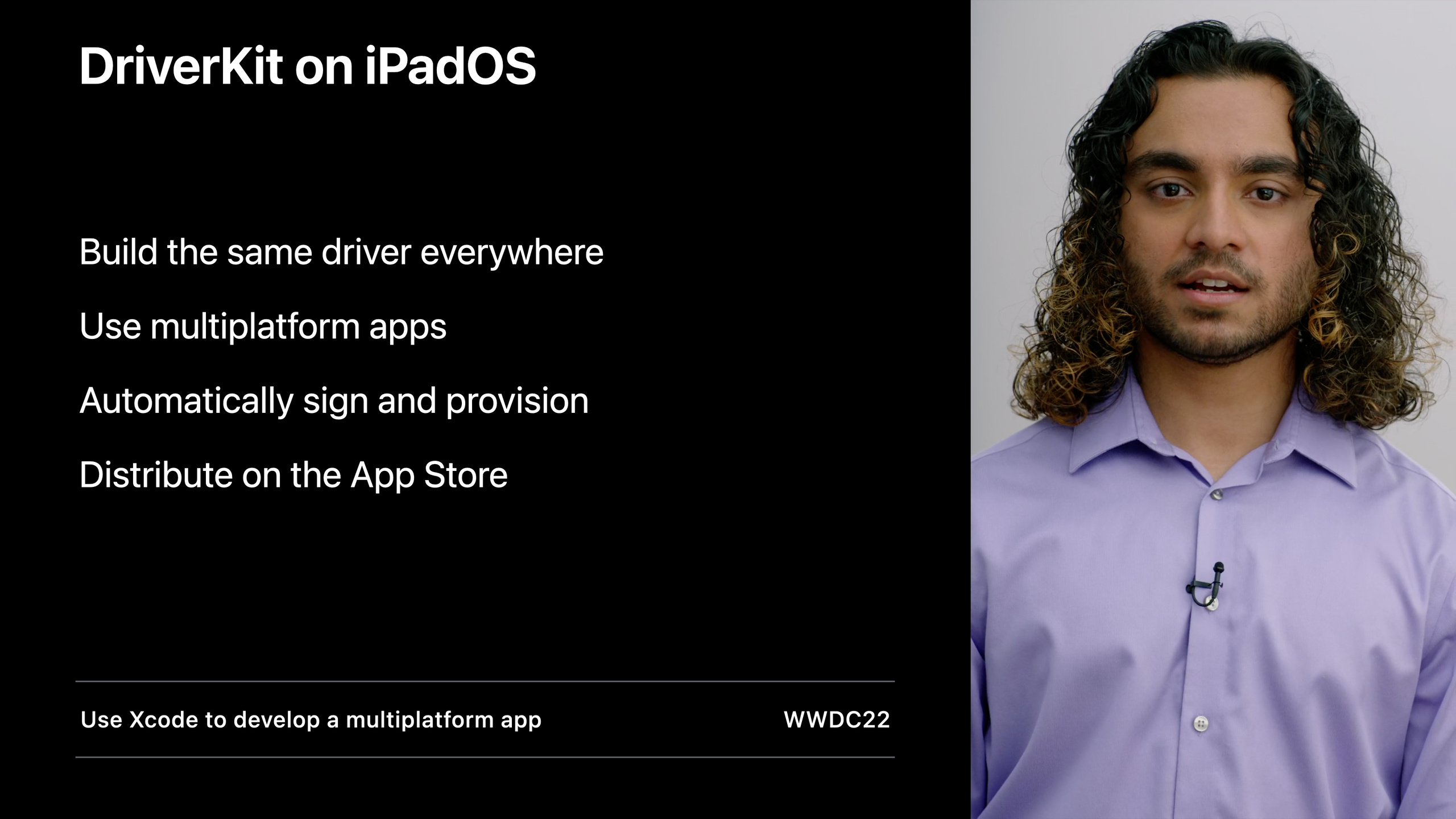
DriverKit comes to iPadOS 16, and M1 iPad supports Thunderbolt audio interface and other peripherals for the first time; existing macOS DriverKit drivers can run on iPad without modification, and the Mac and iPad versions can be delivered simultaneously through the multi-platform target of Xcode 14.
Core Content
You developed a professional audio interface that users have been asking for on iPad. However, the iPad did not support third-party drivers before, which means that your hardware cannot be connected to the iPad ecosystem.
(04:02) iPadOS 16 changes that. DriverKit has been extended from macOS to iPad, and is supported by all M1 chip iPads. USB, PCI, and Audio driver families are available first, and for the first time, Thunderbolt audio interfaces work on iPad.
What is DriverKit?
(00:39) In 2019, Apple launched DriverKit to replace the traditional IOKit kernel driver. The driver extension (dext) runs in user space and is loaded through the system extension mechanism. It is safer and more reliable than the kernel driver. A crash will not affect the entire system.
dext is packaged within the app and distributed through the Mac App Store. Users can find the driver by searching for the application, and deleting the application automatically uninstalls the driver.
The driver families currently supported by DriverKit include: Networking, Block Storage, Serial, Audio, SCSI controller and peripheral, as well as transport layers such as USB, PCI, HID and so on.
New capabilities of AudioDriverKit
(02:01) AudioDriverKit has added real-time operation capabilities. You can register a real-time callback, which is triggered every time an IO operation occurs, and is used to modify the audio buffer on the real-time thread, such as signal processing.
(02:25) How to register real-time callbacks:
io_operation = ^kern_return_t(IOUserAudioObjectID in_device,
                              IOUserAudioIOOperation in_io_operation,
                              uint32_t in_io_buffer_frame_size,
                              uint64_t in_sample_time,
                              uint64_t in_host_time)
{
    if (in_io_operation == IOUserAudioIOOperationWriteEnd) {
        // Process the output buffer
    } else if (in_io_operation == IOUserAudioIOOperationBeginRead) {
        // Process the input buffer
    }
    return kIOReturnSuccess;
};
this->SetIOOperationHandler(io_operation);(03:02) AudioDriverKit also introduces a new entitlement. The audio driver is required before macOS 12.1allow-any-userclient-access, it should now be migrated to dedicated audio family entitlement. This entitlement is open to development and no application is required to use it.
From macOS to iPad
(04:26) Existing macOS DriverKit drivers can be brought to iPad intact. USB, PCI, and Audio driver families are all supported without modifying the source code.
Xcode 14’s multi-platform targets make this process easier. A single target can support both Mac and iPad, automatically handling the signature configuration of both platforms, eliminating the need for manual signing.
(05:51) Drivers on iPad are distributed through the App Store, with features such as in-app purchases, and users can discover your driver through search.
Driver installation process on iPad
(07:09) Unlike macOS, there is no SystemExtensions framework on iPad. The driver is packaged within the application and will be automatically discovered by the system.
Users need to enable the driver in Settings:
- If at least one application containing drivers is installed on the device, the Drivers menu will appear in General Settings
- If the app contains a Settings bundle, there will be a Drivers link in the app’s own Settings page
- Each driver can be switched on or off individually
(08:36) The application should actively guide the user to go to Settings to enable the driver. The iPad version of the UI does not require interaction between the view model and the SystemExtensions framework, and the button action is changed to opening Settings:
// iPad version: open app settings
Button("Enable Driver in Settings") {
    if let url = URL(string: UIApplication.openSettingsURLString) {
        UIApplication.shared.open(url)
    }
}(11:06) The driver starts on demand. After the user enables the driver in Settings, the driver will not actually run until the corresponding hardware is plugged in. This can be debugged by attaching to the driver process through Xcode’s wireless debugging.
Application and driver communication
(12:17) The application communicates with the driver through the user client. Application requirements on macOSdriverkit userclient-accessentitlement, the new “Communicates With Drivers” entitlement is used on iPadOS.
Add it in Xcode: Signing & Capabilities > Add Capability > Search for “communicates with drivers”.
(13:43) If you want other developers’ applications to be able to communicate with your driver, the driver needs to add the “Allow Third Party User Clients” entitlement. Without this entitlement, only applications on the same team can open the user client.
Driver update mechanism
(15:01) When the application containing the driver is updated, the driver will not be replaced immediately:
- The application automatically updates to the new version
- Driver approval status is maintained across updates, no need to re-enable it
- But legacy drivers will continue to run until the hardware is disconnected
- The new driver will only start when the hardware is re-plugged.
This means that new versions of applications may need to communicate with older versions of drivers, and backward compatibility must be considered when designing protocols.
Device capability limitations
(17:01) If the only function of the application is to install the driver, it should be added in Info.plistUIRequiredDeviceCapabilitiesIncludeDriverKit, preventing installation on unsupported devices.
Detailed Content
Real-time audio callback
(02:25) AudioDriverKit’s real-time callback is executed on the real-time thread of audio IO, suitable for low-latency signal processing:
// Declare the IOOperationHandler block
io_operation = ^kern_return_t(IOUserAudioObjectID in_device,
                              IOUserAudioIOOperation in_io_operation,
                              uint32_t in_io_buffer_frame_size,
                              uint64_t in_sample_time,
                              uint64_t in_host_time)
{
    // Process buffers based on the operation type
    if (in_io_operation == IOUserAudioIOOperationWriteEnd) {
        // Audio output is complete; the output buffer can be modified
    } else if (in_io_operation == IOUserAudioIOOperationBeginRead) {
        // Audio input is starting; the input buffer can be processed
    }
    return kIOReturnSuccess;
};

// Set the callback on the audio device
this->SetIOOperationHandler(io_operation);
Key points:
- The callback is executed in the real-time thread and cannot be blocked.
-
IOUserAudioIOOperationWriteEndIndicates that the output operation is completed -IOUserAudioIOOperationBeginReadIndicates the start of the input operation - Pass
in_io_buffer_frame_sizeGet buffer frame number -in_sample_timeandin_host_timeProvide timestamp information
Multi-platform driver application structure
(06:36) When using Xcode 14 multi-platform target, you need to prepare UI separately for Mac and iPad:
// macOS view: use the SystemExtensions framework
#if os(macOS)
import SystemExtensions

struct MacDriverView: View {
    @StateObject private var viewModel = DriverViewModel()

    var body: some View {
        VStack {
            Text(viewModel.statusText)
            Button("Install Driver") {
                viewModel.installDriver()
            }
        }
    }
}
#endif

// iPad view: guide the user to Settings
#if os(iOS)
struct iPadDriverView: View {
    var body: some View {
        VStack {
            Text("Driver bundled with app")
            Button("Enable Driver in Settings") {
                if let url = URL(string: UIApplication.openSettingsURLString) {
                    UIApplication.shared.open(url)
                }
            }
        }
    }
}
#endif
Key points:
- macOS uses the SystemExtensions framework to request user authorization to install drivers
- iPad does not have the SystemExtensions framework, and the driver is automatically discovered after the application is installed.
- Compile the target through the platform filter control file of Build Phases
- iPad apps need to include the Settings bundle to display the Drivers link in app settings
Entitlement configuration
Entitlement required for iPad app and driver communication:
<!-- App entitlement: communicate with the driver -->
<key>com.apple.developer.driverkit.communicates-with-drivers</key>
<true/>

<!-- Driver entitlement: allow third-party app communication -->
<key>com.apple.developer.driverkit.allow-third-party-user-clients</key>
<true/>
Key points:
- These entitlements are open to development and no application is required
- When distributing to the App Store, you need to apply on the developer website
- Audio driver usage
com.apple.developer.driverkit.family.audioreplace oldallow-any-userclient-access
Core Takeaways
-
What: Bring existing Thunderbolt audio interface drivers to iPad
-
Why it’s worth it: M1 iPad user base is huge and audio pros want to use familiar hardware on the road
-
How to start: Confirm that the driver uses USB, PCI or Audio family, add iPad destination in Xcode, no need to modify the driver code
-
What: Develop a professional audio control panel app for iPad
-
Why it’s worth doing: AudioDriverKit’s real-time callback makes low-latency signal processing possible, and it can be used with the iPad’s touch interface to create an intuitive control panel
-
How to start: Use
SetIOOperationHandlerRegister real-time callbacks and pass control parameters between the application and the driver through the user client -
What: Build a cross-platform hardware configuration tool
-
Why it’s worth doing: One set of code serves both Mac and iPad users, reducing maintenance costs through multi-platform targets
-
How to start: Use
#if os()Separate platform-specific UI code and share driver core logic -
What: Add iPad support to existing hardware products
-
Why it’s worth it: DriverKit enables iPad to support third-party Thunderbolt/USB peripherals for the first time, opening up new markets
-
How to start: Check whether the hardware uses a supported transport layer (USB/PCI) and verify whether the macOS driver can be compiled on iPad
Related Sessions
- Create audio drivers with DriverKit — WWDC21 audio driver development
- Modernize PCI and SCSI drivers with DriverKit — WWDC20 Driver Modernization
- Use Xcode to develop a multiplatform app — Xcode 14 multi-platform application development
Comments
GitHub Issues · utterances