
Highlight
Apple has doubled the speed of the ld64 static linker and introduced chained fixups and page-in linking technology in dyld to make apps build faster, start faster, and be smaller in size.
Core Content
Static linking: from compilation to executable file
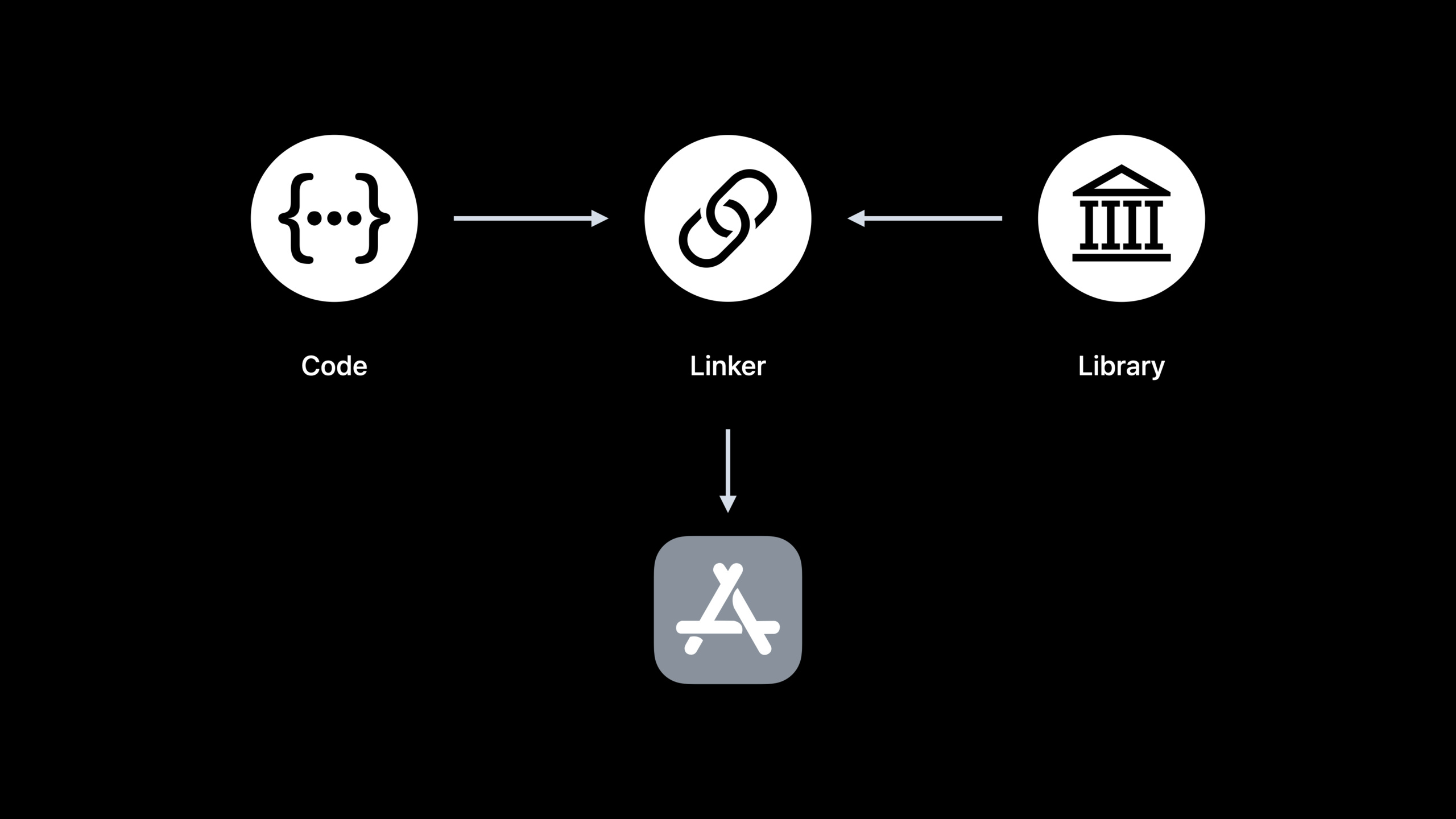
The code you write needs to work with other libraries to run. The static linker (ld) is responsible for merging multiple .o files and static libraries into an executable file. A static library (.a) essentially usesarA collection of packaged .o files, the linker only loads .o files that can resolve undefined symbols.
This selective loading mechanism is clever, but it also brings problems: the linker must process static libraries serially in a fixed order, and cannot fully utilize multi-cores.
(01:57)
ld64 is twice as fast this year
Apple’s static linker ld64 was significantly optimized this year. Link speeds are doubled by parallelizing content copying, LINKEDIT construction, UUID calculations, and code signing hashes.
(07:06)
Dynamic Linking: Hidden Costs at Startup
Dynamic libraries (dylib) only record symbol references and library paths when building, and do not copy code. This reduces the size of the app, but defers the cost to startup: dyld needs to be loaded, mapped, resolved symbols, and perform fixup at startup.
(15:47)
Chained fixups: smaller binaries, faster startup
This year Apple introduced the chained fixups format. Traditional fixups need to record each fixup position in LINKEDIT, while chained fixups only record the first fixup position of each page in LINKEDIT, and the rest of the information is encoded in the pointer of the DATA segment itself. This significantly reduces LINKEDIT size.
(22:37)
Page-in linking: The kernel does fixup for you
Together with chained fixups, dyld introduces page-in linking. Instead of performing a fixup on all dylibs at once on startup, the kernel lazily applies the fixup when the DATA page is first accessed. This reduces startup time and dirty memory, and DATA_CONST pages become clean pages that can be recycled and rebuilt.
(25:07)
Detailed Content
Selective loading mechanism of static libraries
// main.c
int main() {
    foo();
    return 0;
}

// foo.c
void foo() {
    bar();
}

// bar.c
void bar() {
    // implementation
}
void unused_func() {
    // never called
}

// baz.c
void baz() {
    undef(); // undefined symbol
}
After compilation, main.o, foo.o, bar.o, baz.o are obtained. Package bar.o and baz.o into static library lib.a.
Link command:
ld main.o foo.o -l.a -o appKey points:
- The linker processes files in command line order
- Load main.o first and find that main is defined and foo is undefined
- Load foo.o again and parse foo, but the new bar is undefined
- Check the static library lib.a, find that bar.o defines bar, load bar.o
- baz.o is also in lib.a, but there are no undefined symbols that require it, so it is not loaded.
- This is selective loading of static libraries, unused .o files will not enter the final program
Four options to speed up static linking
1. -all_load: Load all static library content in parallel
# Other Linker Flags
-all_load
Applicable scenario: App will eventually load most of the content in the static library. This option causes the linker to parse all static libraries in parallel, bypassing serial limitations. But if multiple static libraries implement the same symbol, conflicts will occur.
2. -dead_strip: Remove unused code
# Build Settings -> Dead Code Stripping -> YES
# Or add it in Other Linker Flags
-dead_stripCooperate-all_loadUsed to compensate for the increased size of loading all content. The linker removes code and data that are unreachable from main.
3. -no_exported_symbols: Skip exported symbol table construction
# Other Linker Flags
-no_exported_symbols
The main app usually does not need to export symbols. Skipping the exports trie build saves seconds of linking time. First check the number of exported symbols with the following command:
dyld_info -exports /path/to/YourAppNot applicable scenarios: App loads plug-ins linked back to the main executable file, or uses XCTest to run tests with App as the host.
4. -no_deduplicate: Debug build skips deduplication
# Other Linker Flags
-no_deduplicate
C++ template expansion will produce a large number of functions with the same instructions, and the linker will remove duplication to reduce the size. But the deduplication algorithm is time-consuming. Xcode 14 passes this option in the Debug configuration by default. If you use a custom build system, make sure the Debug build adds this option.
Fixup mechanism of dynamic linking
App TEXT segment:
  call _malloc    -> actually becomes:

  // stub code (TEXT segment)
  ldr x16, [DATA, #malloc_ptr]
  br x16

App DATA segment:
  malloc_ptr: 0x0  <- filled with malloc's actual address in libSystem when dyld starts
Key points:
- TEXT segment is immutable (code signing requirement)
- When calling external dylib functions, the linker generates stub code
- stub loads the function pointer from the DATA segment and jumps
- When dyld starts, it only modifies the DATA segment and completes symbol binding.
- All fixups are essentially dyld setting the pointer in the DATA segment
Chained fixups format
Traditional fixup: LINKEDIT records the address location of each fixup.
Chained fixups:
- LINKEDIT only records the first fixup position of DATA on each page
- Subsequent fixups are “chained” via offset bits in pointers
- The pointer is packed: whether it is bind, offset of next fixup, symbol index or internal offset
Requirements:
- Deployment target iOS 13.4+
- Xcode 14 automatically generates for qualified targets
Page-in linking workflow
Startup flow (before optimization):
1. Load the main executable
2. Recursively load dependent dylibs
3. Resolve all bind symbols
4. Perform fixups for all dylibs  <- time-consuming
5. Run initializers

Startup flow (after optimization):
1. Load the main executable
2. Recursively load dependent dylibs
3. Resolve all bind symbols
4. The kernel performs fixups lazily during page-in  <- saves time
5. Run initializers
Key points:
- dyld cache green step job on first startup
- Subsequent startup of reuse cache
- Page-in linking further optimizes the fixup step
- only works with dylibs loaded on startup,
dlopenThe dylib is still traditionally handled by dyld
Diagnostic Tools
dyld_usage: Track dyld startup behavior
dyld_usage -t /Applications/TextEdit.app/Contents/MacOS/TextEditOutput example:
launch time: 15ms
fixups: 1ms   <- contribution from page-in linking
static initializers: 12ms  <- now the biggest part
dyld_info: Check binary files
# View fixup information
dyld_info -fixups /path/to/binary

# View exported symbols
dyld_info -exports /System/Library/Frameworks/Foundation.framework/Foundation

# View libraries in the dyld cache
dyld_info -exports Foundation
Core Takeaways
-
Evaluate the balance point of static libraries vs dynamic libraries: ld64 is twice as fast this year. You can afford more static libraries or source files compiled directly into the App, reducing the number of dylibs to reduce startup costs. use
dyld_usageMeasure startup time and find the balance that works for your project. -
Debug build enabled -no_deduplicate: If you are using C++ or a custom build system, make sure the Debug configuration is added
-no_deduplicate, which can significantly reduce link time without affecting Release volume optimization. -
Check and enable chained fixups: Upgrading the deployment target to iOS 13.4+, Xcode 14 will automatically generate chained fixups format. use
dyld_info -fixupsVerify that your binary already uses the new format to get boot speed for page-in linking on iOS 16. -
Use -no_exported_symbols to speed up large App links: Try adding to the main App target
-no_exported_symbols, use firstdyld_info -exportsConfirm the number of exported symbols. If the number is large (e.g. hundreds of thousands), this option can save several seconds of link time. -
Reduce work in static initializers:
dyld_usageThe time consumption of static initializers will be displayed. Check the initialization logic of global variables in the code and avoid doing I/O, network requests or complex calculations in the initializer.
Related Sessions
- What’s new in Xcode — Overall update for Xcode 14, including faster linker
- Diagnose Power and Performance regressions in your app — Use Instruments to diagnose performance issues
- Improve app size and runtime performance — Further optimize app size and runtime
- Profile and optimize your game’s memory — Memory analysis and optimization skills
Comments
GitHub Issues · utterances