
Highlight
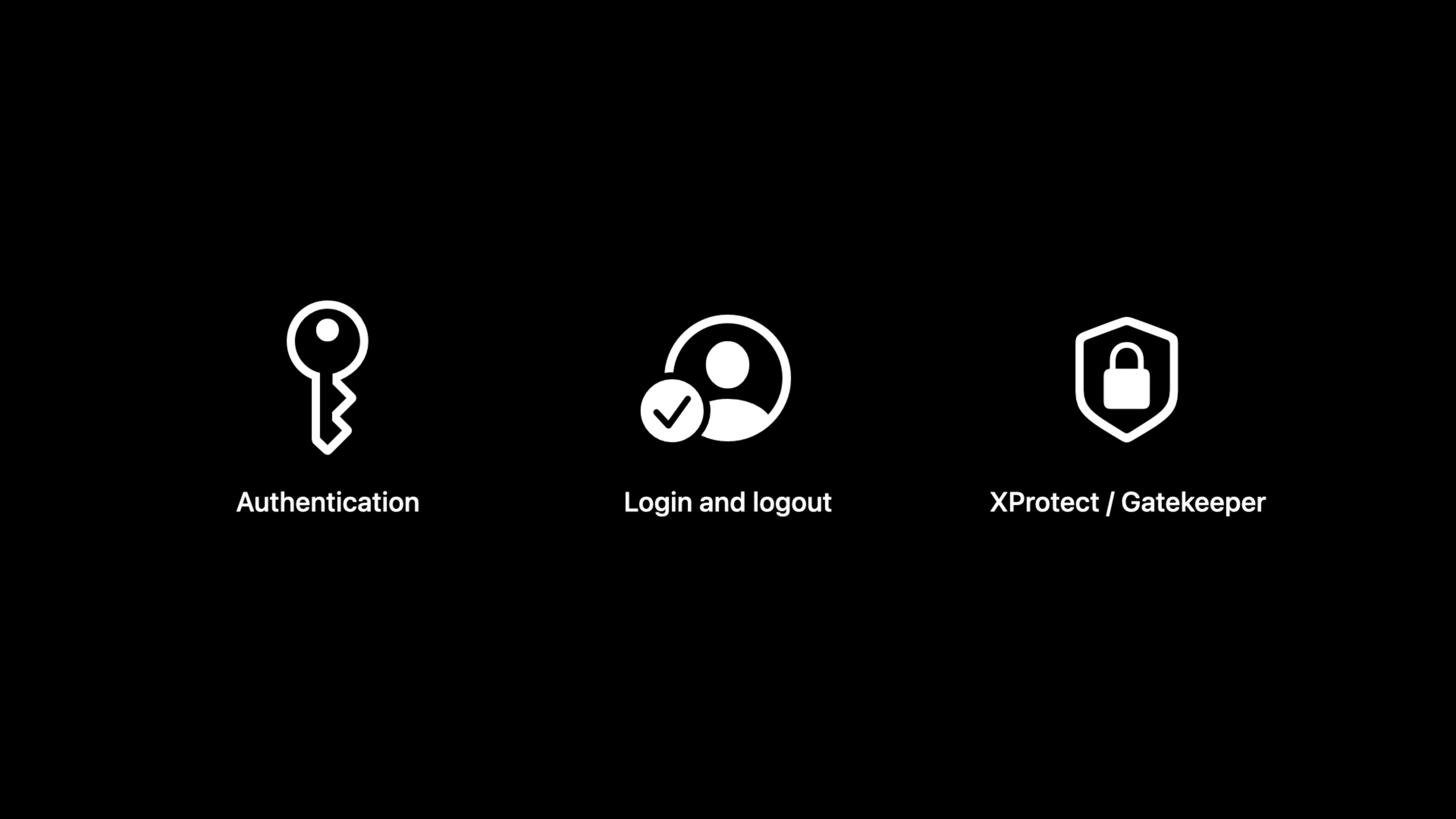
macOS Ventura adds three new types of user space events (authentication, login/logout, XProtect malware detection), precise muting capabilities based on target paths, muting logic reversal, and command-line debugging tool eslogger to the Endpoint Security API, so that security products no longer need to rely on the obsolete OpenBSM audit trail.
Core Content
What is Endpoint Security?
(00:18)
Endpoint Security is a C API provided by Apple for building macOS security products: antivirus, EDR (Endpoint Detection and Response), data leakage prevention, and more.
It was first introduced in macOS Catalina and replaces three deprecated/unsupported mechanisms:
- KAuth KPI (deprecated)
- MAC Kernel Framework (not supported)
- OpenBSM audit trail (deprecated)
As of macOS Monterey, Endpoint Security supports over 100 event types, but focuses primarily on critical events in the kernel (process forks, file opens, etc.).
New user space events
(01:23)
macOS Ventura expands the event scope and adds three new types of user space security events:
Authentication events: Covers scenarios where users authenticate to the operating system, including local account login, administrator authorization operations, etc. Security products can use it to observe suspicious access patterns. Compared with OpenBSM’s audit records, the new event information is richer and also supports the visibility of Apple Watch Auto Unlock.
Login/Logout Events: Covers local console logins and remote access (SSH, etc.) logins. This information helps enterprise security teams monitor lateral movement across devices.
XProtect Events: Gatekeeper’s behavior in detecting and blocking known malware is now observable through Endpoint Security, including detection events and block/removal actions.
(03:42)
OpenBSM audit trails are deprecated starting with macOS Big Sur and will be removed in a future release. With these new events, most Endpoint Security clients no longer need to rely on OpenBSM.
Muting based on target path
(03:52)
Muting is a key mechanism for reducing unnecessary event traffic, preventing deadlocks, hangs, and watchdog timeouts.
macOS Catalina supports muting by audit token or executable image path. macOS Monterey mutes some specific event types of system executable files by default.
macOS Ventura adds muting based on target path:
// Mute all events whose target paths are under /var/log
es_mute_path(client, "/private/var/log", ES_MUTE_PATH_TYPE_TARGET_PREFIX);

// Mute only write events to /dev/null
var events = [ ES_EVENT_TYPE_NOTIFY_WRITE ];
es_mute_path_events(client, "/dev/null", ES_MUTE_PATH_TYPE_TARGET_LITERAL,
                    &events, events.count);
Key Points:
-ES_MUTE_PATH_TYPE_TARGET_PREFIXMatch path prefix
-ES_MUTE_PATH_TYPE_TARGET_LITERALExactly match a single path
-es_mute_path_eventsYou can mute only specific event types
Mute logical inversion
(05:09)
In addition to “exclude specified content”, you can now also “receive only specified content”:
// Invert the muting logic for target paths
es_invert_muting(client, ES_MUTE_INVERSION_TYPE_TARGET_PATH);

// Clear previous target-path mute settings
es_unmute_all_target_paths(client);

// Receive only events under /Library/LaunchDaemons
es_mute_path(client, "/Library/LaunchDaemons", ES_MUTE_PATH_TYPE_TARGET_PREFIX);
Key Points:
- After inversion, only paths matching mute rules will trigger the event
- call first
es_unmute_all_target_pathsClear old settings and add new selective rules - Suitable for scenarios that only focus on specific persistence locations
eslogger debugging tool
(06:09)
eslogger is a built-in command line tool in macOS Ventura that can observe Endpoint Security events without writing a native client.
# Observe SSH login and logout events
sudo eslogger openssh_login openssh_logout > out.jsonl
Key Points:
- Supports all 80 NOTIFY events
- Output JSON format, consistent with the data structure of C API
- Requires running as superuser and Terminal.app or SSH requires full disk access
- The output format may change with software updates and is not suitable for direct use by applications
Detailed Content
Use eslogger to analyze events
# 1. Start eslogger to listen for SSH events
sudo eslogger openssh_login openssh_logout > out.jsonl

# 2. Log in and out over SSH in another terminal
ssh localhost
exit

# 3. Stop eslogger (Ctrl+C) and analyze the output
cat out.jsonl | jq '{
  event: .event,
  process: .process.signing_id,
  pid: .process.audit_token.pid,
  success: .event.openssh_login.success,
  username: .event.openssh_login.username
}'
Key Points:
- Output is in JSON Lines format (one JSON object per line)
- All events contain information about the process that triggered the event (audit token, signature ID, etc.)
- event specific fields in
.event.{event_type}under path - use
jqFields of interest can be easily extracted and filtered
Complete Muting strategy example
#include <EndpointSecurity/EndpointSecurity.h>

// Initialize the client
es_client_t *client;
es_new_client(&client, ^(es_client_t *c, const es_message_t *msg) {
    // Handle events
});

// Strategy 1: Mute all log-related events
es_mute_path(client, "/private/var/log", ES_MUTE_PATH_TYPE_TARGET_PREFIX);
es_mute_path(client, "/private/var/db/diagnostics", ES_MUTE_PATH_TYPE_TARGET_PREFIX);

// Strategy 2: Monitor only the LaunchDaemons directories (inverted mode)
es_invert_muting(client, ES_MUTE_INVERSION_TYPE_TARGET_PATH);
es_unmute_all_target_paths(client);
es_mute_path(client, "/Library/LaunchDaemons", ES_MUTE_PATH_TYPE_TARGET_PREFIX);
es_mute_path(client, "/Library/LaunchAgents", ES_MUTE_PATH_TYPE_TARGET_PREFIX);

// Strategy 3: Mute a specific process
es_mute_process(client, &system_process_audit_token);
Key Points:
- All three muting types (process, executable path, target path) can be reversed independently
- Clear old mute settings before reversing to avoid rule conflicts
- Proper use of muting can significantly reduce event traffic and improve system stability
Core Takeaways
1. Migrating from OpenBSM to Endpoint Security
- What to do: Migrate security monitoring logic that is still using OpenBSM audit trails to Endpoint Security
- Why it’s worth doing: OpenBSM has been deprecated and will be removed, new events are more informative than audit records, and also support scenarios such as Apple Watch Auto Unlock
- How to start: First use eslogger to observe the JSON structure of the new event. After confirming that the data fields meet the requirements, gradually replace the calls to OpenBSM.
2. Use target path muting to optimize performance
- What to do: For security products that only focus on a specific directory, use
es_mute_pathExclude events with irrelevant paths - Why it’s worth doing: Reducing unnecessary event traffic can reduce CPU usage and avoid watchdog timeouts.
- How to start: Analyze the list of paths that your security product actually focuses on, and add prefix muting to irrelevant system directories (such as /var/log)
3. Use eslogger for security event prototype verification
- What to do: Use eslogger to quickly verify the detection logic during the development phase and confirm that the event data contains the required fields
- Why it’s worth doing: Writing a C client requires compilation and deployment. eslogger allows you to see event data in a few seconds.
- How to start:
sudo eslogger {event_type} | jq '{field: .path.to.field}'Quickly extract and validate fields
Related Sessions
- Build an Endpoint Security app — Getting started with the Endpoint Security framework
- What’s new in notarization for Mac apps — Mac app notarization process update
- Discover Managed Device Attestation — Managed device authentication mechanism
Comments
GitHub Issues · utterances