
Highlight
The App Store requires all apps to fill in a Privacy Nutrition Label. Apple provided a systematic data inventory method and best practices at WWDC22 to help developers accurately disclose the data collection behavior of their apps.
Core Content
You develop an app and users check its privacy label before downloading it. The label lists the type of data collected by the app, its purpose, whether it is associated with the user’s identity, and whether it is used for tracking. It’s your obligation to fill out this label, but many people don’t know where to start.
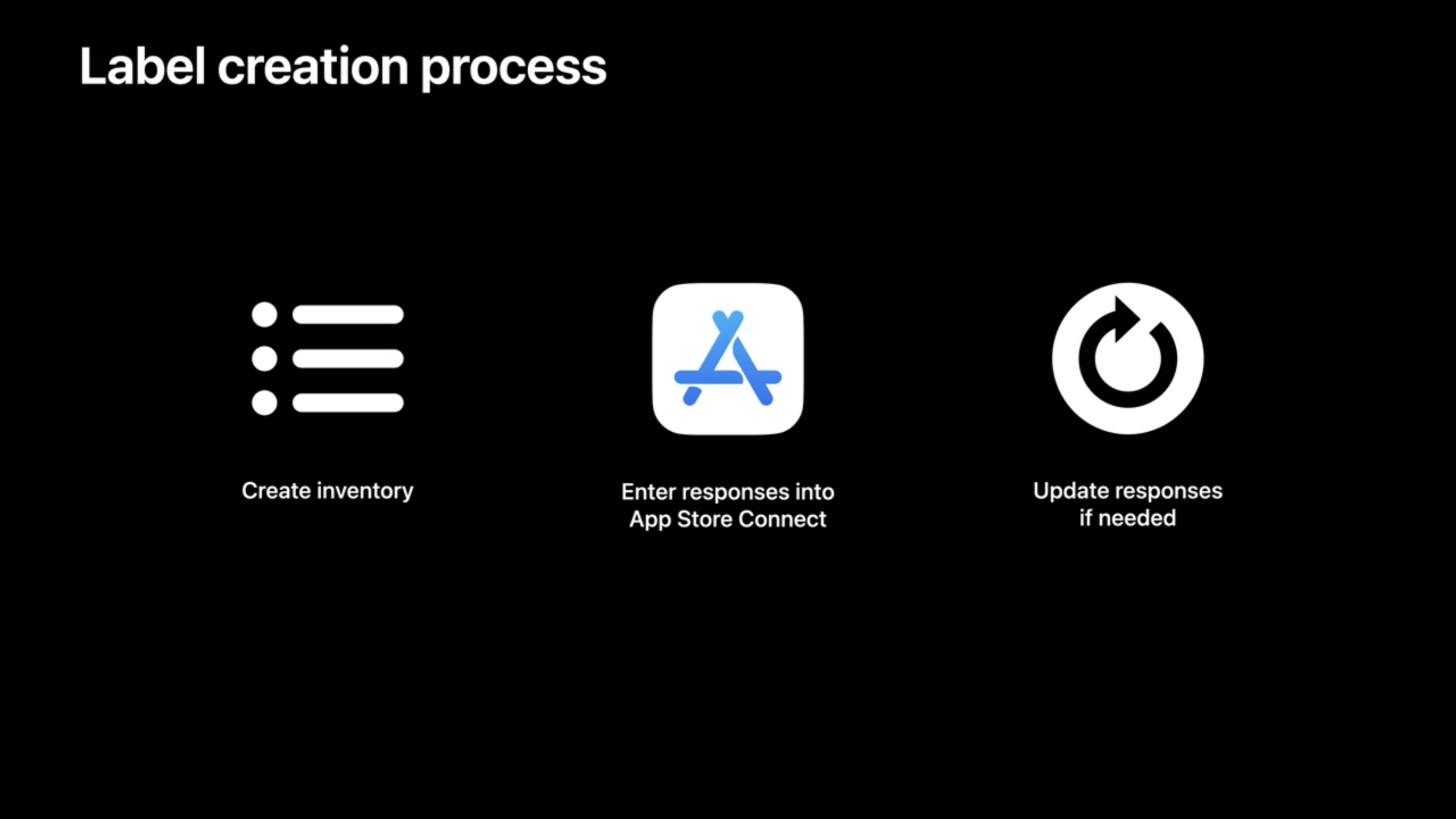
Apple’s advice: Don’t start thinking directly in terms of data categories, but start in terms of functionality. (02:31) List each function of the application, and then ask: What data does this function rely on? How long is data retained? What is it used for? The list sorted out in this way is the basic material for filling in labels.
Data inventory requires collaboration among multiple parties. The marketing team may be using some analytics data, the legal team has the full description of the privacy policy, and third-party SDKs may collect additional information without your knowledge. (03:30) You also need to check the database structure on the server, view network traffic (via the App Privacy Report or network proxy tool), and confirm the partner’s data handling methods.
This inventory process has value in itself. You may find that some data collection activities are no longer needed, and you can use this opportunity to reduce data collection, switch to on-device processing, or decouple data from identity. (04:56)
When filling out tags in App Store Connect, you need to answer four core questions: (05:29)
- Does the app collect data?
- What categories of data are collected?
- Purpose of each type of data
- Whether the data is associated with identity and used for tracking
“Collection” is defined as data being transferred off-device and retained longer than necessary to service a live request. (05:44) Server logs, user portraits, and analysis data are all collected.
“Associated with identity” means that data is bound to an account, device or user profile. (06:59) This is an opportunity to look at how data is stored - can it be stored in a non-associable form?
“Tracking” means correlating data collected by an application with third-party data for the purpose of targeting advertising or ad effectiveness measurement, or sharing it with a data broker. (07:23) If the application involves tracking, in addition to label disclosure, you also need to access App Tracking Transparency to request user authorization.
Detailed Content
How IP Addresses Are Disclosed
IP addresses are a common disclosure pain point. It may be used either as an identifier or to infer an approximate location. (09:33) Apple’s recommendation is to choose the category based on actual use: if it is used to display local content or location analysis, declare it as “location” data.
The difference between product interaction, browsing history, and search history
Three confusing categories: (09:59)
- Product Interaction (Product Interaction): User’s operation data within the application, such as which pages are opened
- Browsing History (Browsing History): Browsing activities outside the app, such as web pages accessed by the in-app browser
- Search History (Search History): Any searches performed by the user within the app, including in-app searches and in-app browser searches
Optional disclosure situations
Certain data collection may be subject to selective disclosure. The conditions are: collection is infrequent, user-optional, not related to the core functionality of the app, all collection practices are clearly disclosed at the time of submission, and use is limited (not for tracking or advertising). (10:37) Feedback forms and “report a problem” processes may fit this criteria. For specific rules, refer to the “App privacy details on the App Store” page in the Apple Developer documentation.
Label update timing
Labels can be updated at any time without releasing a new version of the application. (08:35) It is recommended to re-evaluate in the following scenarios:
- Release new features
- Integrate new third-party SDKs or partners
- Use collected data in new ways
Core Takeaways
1. Do a complete data audit
Open the App Privacy Report (Settings > Privacy & Security > App Privacy Report) to see which domains your app contacts. Check the function list one by one to confirm that each data collection point has a clear purpose. Organize the audit results into internal documents as a reference for subsequent iterations.
2. Clean up redundant data collection
During the inventory process, you may find that some data has been collected but no one is using it. For example, an analysis event records a precise location, but the report only looks at the city level. In this case, reducing accuracy or stopping collection can both simplify privacy labels and reduce compliance risks.
3. Evaluate the data behavior of third-party SDKs
You are responsible for declaring all data collection in your app, including third-party SDKs, analytics tools, and ad networks. (04:26) Check the privacy documentation for each SDK; some provide specific guidance on privacy labels. If an SDK collects more data than you expect, consider replacing or negotiating.
4. Decouple data from identity
When filling in “Is it associated with an identity”, review the data storage architecture. Can I replace the user ID with a random identifier? Can the processing be done on the device without uploading the raw data? Apple provides technical solutions such as differential privacy and device-side processing. Please refer to the “What’s New In Privacy” session.
Related Sessions
- What’s New In Privacy — Learn about Apple’s latest technological advances in privacy protection, including on-device processing and differential privacy
- Explore App Tracking Transparency — Learn more about the implementation details and best practices of the ATT framework
- Get to Know App Privacy Report — Learn how to use the App Privacy Report to audit your app’s network behavior
Comments
GitHub Issues · utterances