
Highlight
AVQT (Advanced Video Quality Tool) brings three key updates at WWDC 2022: interactive HTML visual reporting, time window selection to support precise evaluation of specific clips, and Linux platform support (beta version). At the same time, the raw YUV format supports expansion from a few to 20 types.
Core Content
Why AVQT is needed
After the video is encoded, how do you know whether the quality is good or not? Viewing with the naked eye is too subjective, and objective indicators such as PSNR deviate from people’s true feelings. AVQT is a full-reference video quality assessment tool that compares the original video and the compressed/processed video and outputs a quality score that is close to human subjective ratings.
(00:26)
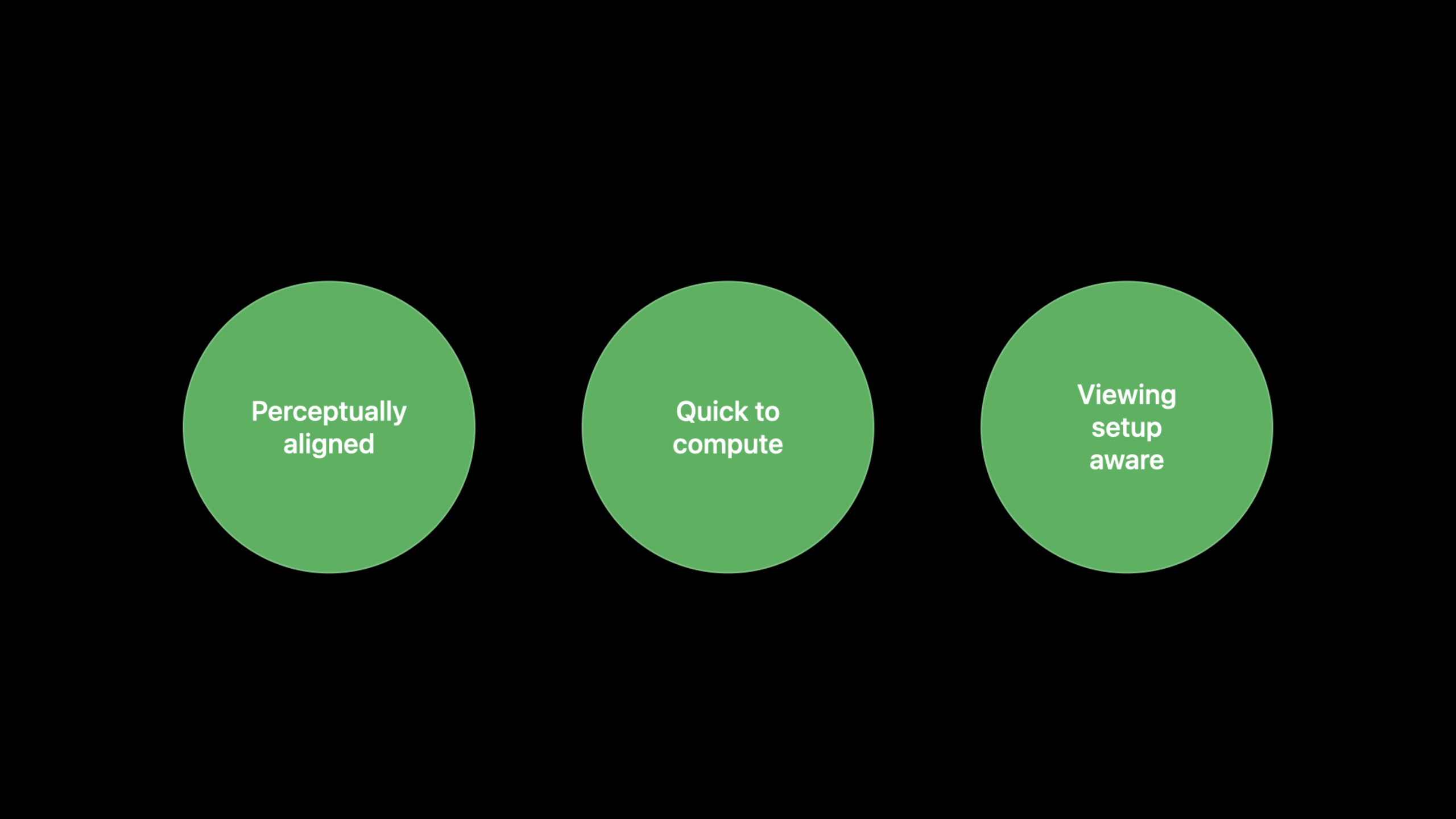
AVQT has three unique advantages:
- High Correlation: The scores are highly consistent with people’s subjective ratings, suitable for various content types such as animation, natural scenes, sports, etc.
- Fast: Evaluate a 2-hour 4K HEVC movie in just 20 minutes on M1 Ultra (6x real-time speed) based on AVFoundation and Metal
- Configurable: Support different viewing scenarios, adjust evaluation parameters through display resolution, size and viewing distance
Interactive HTML report
Previously, AVQT only output command line numbers, making it difficult to visually judge the distribution of quality on the timeline. The new version adds--visualizeParameters to generate an interactive HTML report.
(02:33)
The report contains:
- Frame-by-frame and segmented AVQT score graphs, supporting zooming and panning
- Display specific time, score and frame index on mouseover
- Pie chart showing the distribution of scores in five quality levels (Bad, Poor, Fair, Good, Excellent)
- PSNR score comparison included at the bottom
The generated reports are pure HTML files that can be opened directly in Safari without the need to install AVQT. Facilitate sharing and discussion among team members.
Time window evaluation
An average score for the entire video may mask local issues. Take a 10-minute video, for example, with 30 seconds showing severe compression artifacts, but the overall average score is still normal.
(05:03)
The new version supports four new parameters to precisely specify the evaluation range:
--start-frame/--end-frame: Specify by frame number ---start-time/--end-time: Specified by timestamp
This allows for direct evaluation of specific scenes, transitions, or high-complexity clips faster than processing the entire video and filtering it manually.
Raw YUV format extension
AVQT originally supports all AVFoundation video formats, and also supports raw YUV. In 2022, raw YUV support will be expanded from a few to 20 types, covering multiple chroma sampling (4:2:0, 4:2:2, 4:4:4) and bit depth (8/10/12/16-bit).
(06:37)
The parameter system has also been adjusted: the oldreference-fourccandtest-fourccDeprecated, changed tochroma-subsamplingandbit-depthtwo independent parameters. The new parameters are clearer and easier to extend.
Linux version (Beta)
Many video encoding pipelines are deployed on Linux servers or clouds. Previously, the video needed to be transferred back to Mac to run AVQT, which increased latency and complexity.
(07:31)
AVQT for Linux (beta) allows developers to evaluate video quality directly on a Linux server. Features:
- No external dependencies required, plug and play
- The command line parameters are exactly the same as the macOS version
- Supports all 20 raw YUV formats
- The output file format is the same as the macOS version
- Viewing condition parameters are currently unavailable and will be added in subsequent versions.
Detailed Content
Basic usage
Evaluate the quality of a compressed video:
avqt -reference reference.mov -test compressed.movOutput example:
AVQT Score: 0.85
Processing time: 18m 32s
Key points:
-referenceSpecify original lossless video --testSpecify the compressed/processed video to be evaluated- The resolution and duration of the two videos must match
- Score range 0-1, the closer to 1 the better the quality
Generate interactive reports
avqt -reference reference.mov -test compressed.mov --visualizeAfter the operation is completed, the terminal will output the report file path:
Report generated: /path/to/report.htmlOpen in Safari to view the interactive chart.
Key points:
--visualizeParameters trigger HTML report generation- Reports include interactive frame-by-frame quality score curves
- Supports zooming and panning to check any time period
- Pie chart showing distribution of quality levels
- Can be shared directly with colleagues without installing AVQT
Evaluate specific scenarios
Use QuickTime Player to find the start and end frame numbers of the target scene, then:
avqt -reference reference.mov \
     -test compressed.mov \
     --start-frame 270 \
     --end-frame 486
Key points:
--start-frameand--end-framePrecisely crop the evaluation range by frame number- Only process specified fragments, faster than full film evaluation
- Suitable for comparing the performance of different encoding parameters in specific scenarios
- Also available
--start-timeand--end-timeSpecify by timestamp
Processing Raw YUV video
avqt -reference reference.yuv \
     -test compressed.yuv \
     -width 1920 \
     -height 1080 \
     --chroma-subsampling 4:2:0 \
     --bit-depth 10
Key points:
- Raw YUV requires manual specification of width and height
-
--chroma-subsamplingSpecify chroma sampling format ---bit-depthSpecify bit depth - old parameters
reference-fourccandtest-fourccDeprecated and should be migrated to new parameters
Use on Linux server
# Download AVQT for Linux and extract it
./avqt -reference input.mov -test output.mov --visualize
Key points:
- The Linux version is beta, and the command line interface is exactly the same as macOS
- No need to install additional dependencies
- Suitable for integration into CI/CD coding pipelines
- Viewing condition parameters (display resolution, size, distance) are temporarily unavailable
Core Takeaways
Build an automated video quality monitoring pipeline
- What to do: Automatically run AVQT after the video encoding is completed, and automatically adjust the encoding parameters and try again when the quality is not up to standard.
- Why it’s worth it: The Linux version allows AVQT to be deployed on encoding servers, combined with
--visualizeGenerate reports for your team to review - How to start: Add an AVQT evaluation step after the encoding script, set a score threshold (such as 0.8), and increase the code rate to re-encode when it is below the threshold.
Build video quality regression testing
- What to do: Maintain a set of representative test clips and run AVQT to compare score changes after each encoder upgrade
- Why it’s worth it: The time window feature allows you to focus on scene types where the encoder is weakest (e.g. dark areas, fast motion)
- How to start: Pick 5-10 typical scenarios and use
--start-frame/--end-frameAccurate assessment, log scores to database to track trends
Video compression parameter tuning tool
- What: A visualization tool to batch test different encoding parameter combinations and use AVQT to report visual comparisons of quality differences
- Why it’s worth it: Interactive HTML reporting allows non-technical people to understand quality differences and accelerate decision-making
- How to start: Use a script to batch generate versions with different parameters and run AVQT
--visualize, aggregate the reports into a comparison page
Real-time quality monitoring for live streaming platforms
- What to do: Regularly intercept clips on the live streaming side, use AVQT to evaluate the encoding quality, and promptly detect the degradation of image quality
- Why it’s worth it: AVQT 6x real-time on M1 Ultra, fast enough for near real-time evaluation
- How to start: Intercept a comparison clip between the reference source and the encoding output every few minutes, run AVQT in the background, and alert when the score is abnormal.
Related Sessions
- Evaluate videos with Advanced Video Quality Tool — Introduction to the first version of AVQT 2021, understand the basic concepts and usage
- Create great video content for spatial computing — Video content production guide for spatial computing devices
- Deliver reliable streams with HLS Content Steering — HLS content scheduling to ensure video transmission reliability
Comments
GitHub Issues · utterances