
Highlight
The Apple Music API and MusicKit allow developers to integrate Apple Music features across iOS, Web, and Android platforms, including catalog search, content discovery, playback control, and personalized recommendations for subscribers.
Core Content
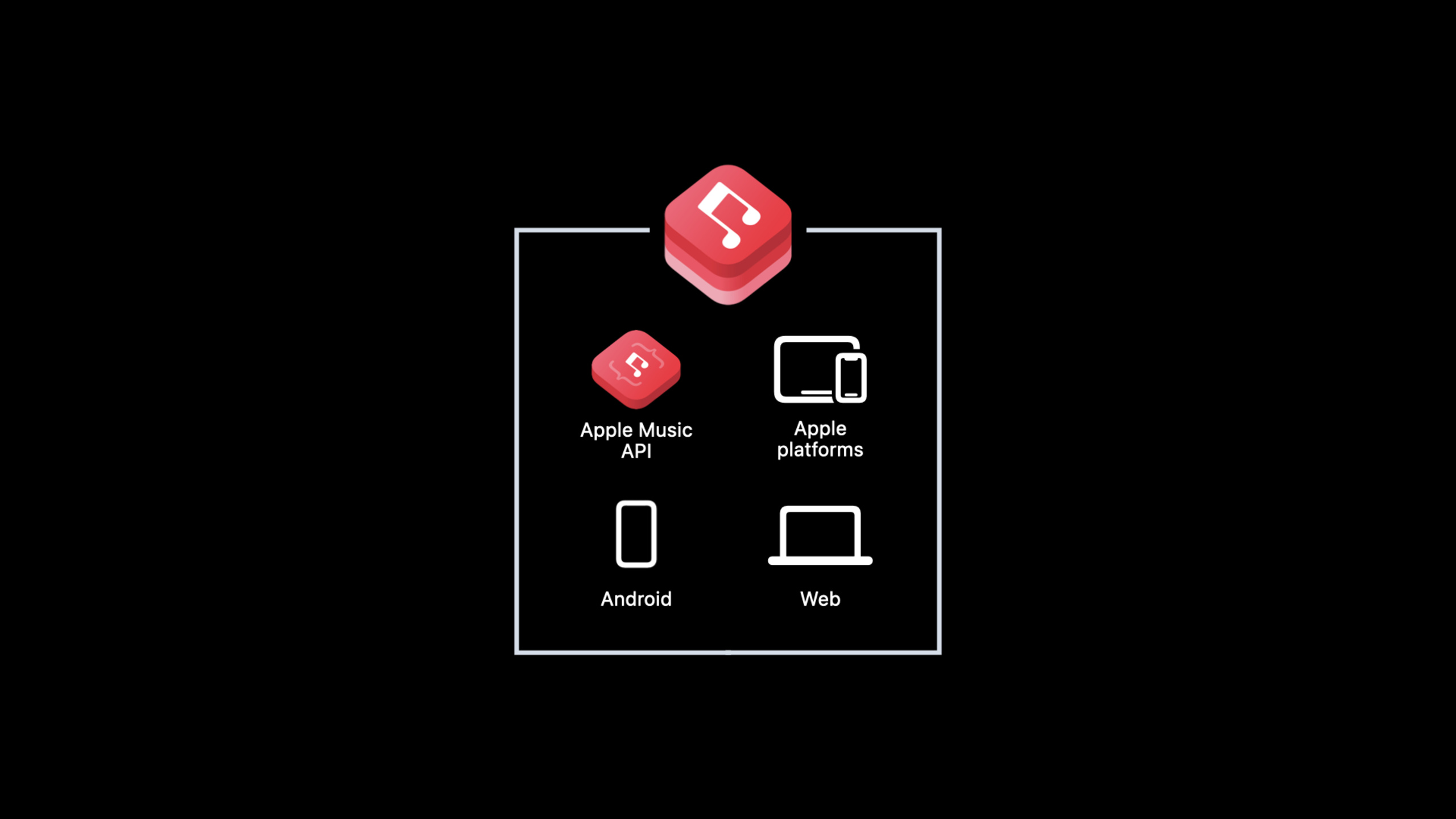
One API, three platforms
In the past, if you wanted to integrate music streaming into your app, you needed to build your own music library, handle copyrights, and set up a CDN. This is almost impossible for small and medium-sized developers.
The Apple Music API provides a RESTful JSON interface that provides direct access to Apple Music’s complete catalog. With the MusicKit client framework, developers can achieve a consistent music experience across iOS, Web, and Android.
(00:51)
MusicKit’s division of labor on each platform:
- Apple Platform: MusicKit handles authentication, playback control, and API calls, so developers rarely need to directly manipulate underlying network requests.
- Web: Provides JavaScript SDK and built-in components (including a full-featured media player).
- Android: Provides SDK to support subscriber authentication, playback control and full API access.
Get access
A Developer Token is required to call the Apple Music API. Different platforms have different access methods.
(03:42)
Apple platform: Enable the MusicKit service in the App ID of the Apple Developer Portal, and the system will automatically manage the Token.
Other platforms: Register as a MusicKit developer in the Apple Developer Portal, download the private key, and then generate a JWT (JSON Web Token).
JWT requires the following fields:
- Header:
algMust be ES256,kidis the private key identifier - Claims:
iss(Team ID)、iat(Issue time),exp(Expiration time, up to 6 months) - Web application suggestions plus
originclaim, restricting the Token to only be used in the specified domain name
Request resources
The URL for the Apple Music API uses a RESTful structure:
https://api.music.apple.com/v1/catalog/{storefront}/{resource-type}/{id}(05:36)
v1Is the API version, maintaining backward compatibility -{storefront}is a two-letter country code, such asus、cn{resource-type}likeplaylists、albums、songs{id}Is the unique identifier of the resource
Optional parameters:
l:Language tag, such asen-US、es-MXextend: Request extended attributes -include: Contains complete metadata for the associated resource
Detailed Content
Get playlist
curl "https://api.music.apple.com/v1/catalog/us/playlists/pl.u-55D6ZEMId7y" \
  -H "Authorization: Bearer YOUR_DEVELOPER_TOKEN"
Response structure:
{
  "data": [
    {
      "id": "pl.u-55D6ZEMId7y",
      "type": "playlists",
      "href": "/v1/catalog/us/playlists/pl.u-55D6ZEMId7y",
      "attributes": {
        "name": "Today's Hits",
        "curatorName": "Apple Music",
        "description": {
          "standard": "The biggest songs right now."
        },
        "artwork": {
          "width": 1200,
          "height": 1200,
          "url": "https://example.mzstatic.com/image/{w}x{h}bb.jpg"
        },
        "playParams": {
          "id": "pl.u-55D6ZEMId7y",
          "kind": "playlist"
        }
      },
      "relationships": {
        "curator": {
          "href": "/v1/catalog/us/playlists/pl.u-55D6ZEMId7y/curator",
          "data": [{ "id": "123456789", "type": "apple-curators" }]
        },
        "tracks": {
          "href": "/v1/catalog/us/playlists/pl.u-55D6ZEMId7y/tracks",
          "data": [
            {
              "id": "1234567890",
              "type": "songs",
              "attributes": {
                "name": "Song Title",
                "artistName": "Artist Name",
                "durationInMillis": 234000
              }
            }
          ]
        }
      }
    }
  ]
}
Key points:
dataArray containing requested resources -attributesStore metadata (name, description, artwork) -playParamsIndicates whether the content is available for subscribers to play -relationshipsContains associated resources (curator, tracks) -artwork.urlin{w}and{h}Need to be replaced with actual resolution
Load artwork
// Replace the size placeholders in the artwork URL
let width = 400
let height = 400
let artworkURL = artwork.url
    .replacingOccurrences(of: "{w}", with: "\(width)")
    .replacingOccurrences(of: "{h}", with: "\(height)")
Key points:
- artwork URL contains
{w}and{h}placeholder - Replace with the required resolution to get the corresponding size image
- Small size images have smaller file sizes and load faster
Pagination processing
The tracks relationship of the playlist only returns the top 100 tracks by default. If there are more than 100 songs, the response will includenextFields:
{
  "relationships": {
    "tracks": {
      "href": "/v1/catalog/us/playlists/pl.xxx/tracks",
      "data": [...],
      "next": "/v1/catalog/us/playlists/pl.xxx/tracks?offset=100"
    }
  }
}
Key points:
- Pass
nextURL Get next page - can be added
limitParameters to customize the size of each page - always use the
nextURL, don’t calculate offset yourself - When there is no more data,
nextField does not exist
Search directory
curl "https://api.music.apple.com/v1/catalog/us/search?term=pop&types=albums,songs&limit=10" \
  -H "Authorization: Bearer YOUR_DEVELOPER_TOKEN"
response containsresultsObject, each request type corresponds to a result group:
{
  "results": {
    "albums": {
      "href": "/v1/catalog/us/search?term=pop&types=albums",
      "data": [...],
      "next": "/v1/catalog/us/search?term=pop&types=albums&offset=10"
    },
    "songs": {
      "href": "/v1/catalog/us/search?term=pop&types=songs",
      "data": [...]
    }
  },
  "meta": {
    "results": {
      "order": ["albums", "songs"]
    }
  }
}
Key points:
typesParameters restrict content types searched -limitControl the number of returns per type -meta.results.orderProvides recommendation ranking based on relevance- Each result group has its own
nextPagination links
Access personalization features
Subscribers can access personalized data through Music User Token:
curl "https://api.music.apple.com/v1/me/library/albums" \
  -H "Authorization: Bearer YOUR_DEVELOPER_TOKEN" \
  -H "Music-User-Token: USER_TOKEN"
Key points:
- Music User Token is obtained through MusicKit’s authentication process
- Requires explicit user authorization to access music data
- Token is bound to the device and App and cannot be shared across devices
- Token may become invalid due to subscription changes, password modifications or permission revocation
Core Takeaways
Make a cross-platform music discovery app
- What: A web app that helps users discover new music, combining the Apple Music catalog and social recommendations
- Why it’s worth doing: Apple Music API provides complete catalog data and search capabilities, developers only need to focus on discovery algorithms and UI
- How to start: Initialize with JavaScript MusicKit SDK and call
/v1/catalog/{storefront}/searchSearch withplayParamsDetermine whether content is playable
Make a music trivia game
- What: A trivia game that lets users guess the song title, artist or album by playing song snippets
- Why it’s worth doing: Apple Music API provides artwork, song metadata and preview clips, and the game content is naturally rich
- How to start: Use the search API to obtain songs, extract artwork and artistName as title materials, and integrate MusicKit player to play preview
Make a smart playlist generator
- What: Automatically generate Apple Music playlists based on the user’s mood, activity, or weather
- Why it’s worth doing: Can combine Apple Music’s catalog data and user’s library data to generate highly personalized lists
- How to start: Call
/v1/me/recommendationsGet recommendations, combine/v1/catalog/{storefront}/searchTo add songs by keyword, use/v1/me/library/playlistsCreate playlist
Make a music learning aid
- What it does: Help music students learn repertoire, showing lyrics, chords, and song structure
- Why it’s worth doing: Apple Music API provides accurate song duration and artist information, which can accurately match the learning content
- How to start: Use the search API to locate the song and get
durationInMillisCalculate paragraph position and integrate player to achieve synchronous scrolling
Related Sessions
- Explore more content with MusicKit — Learn more about MusicKit’s features and best practices
- Meet MusicKit for Swift — A beginner’s guide to using MusicKit in Swift
- Cross reference content with the Apple Music API — Learn how to handle content associations across different storefronts
Comments
GitHub Issues · utterances