
Highlight
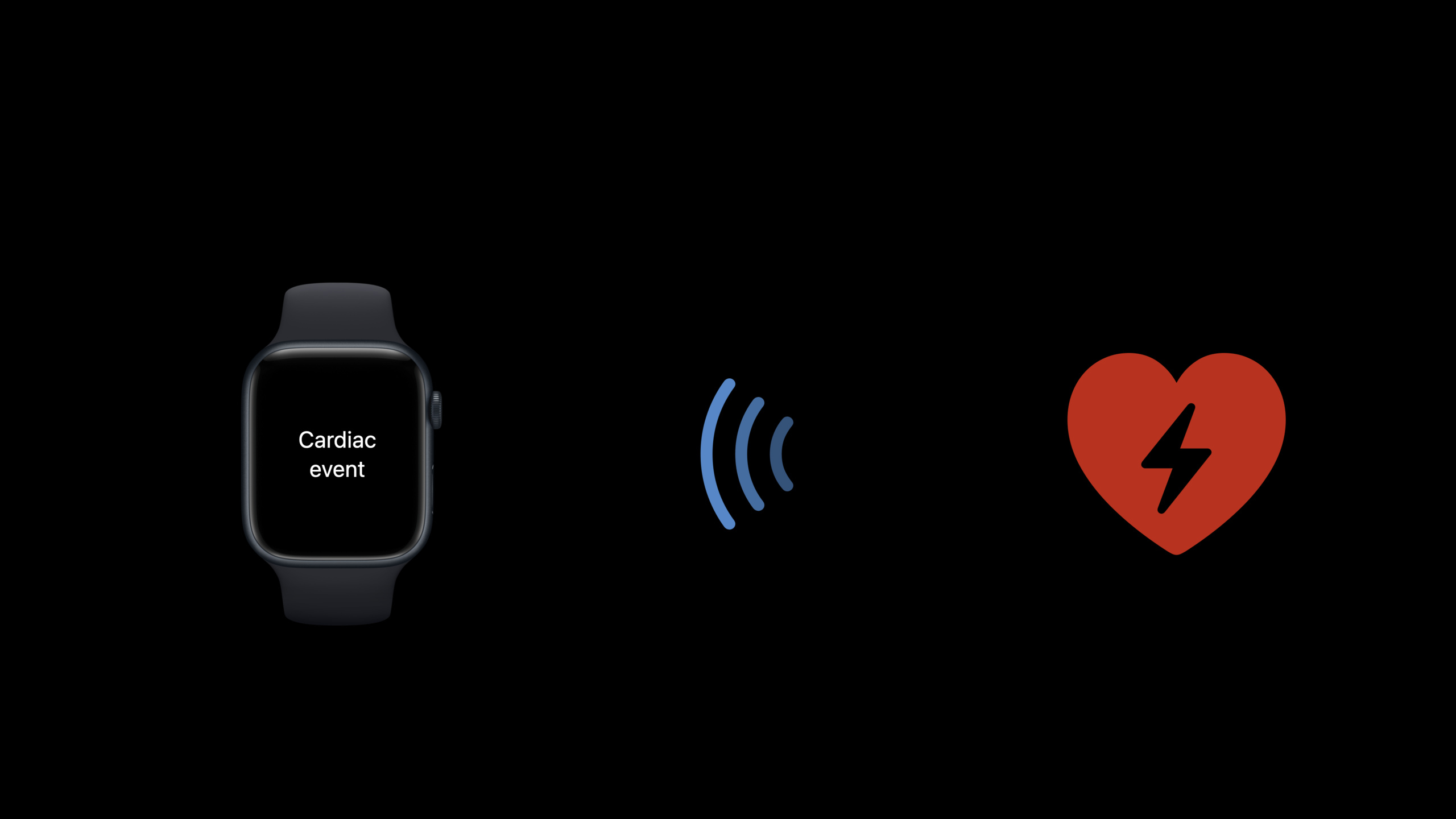
Apple Watch communicates with external accessories through Core Bluetooth, allowing Bluetooth devices to discover and continuously monitor feature changes in the background, regularly display data through complications, and ultimately send timely local notifications to users.
Core Content
The Apple Watch is different from the iPhone. It is worn on the wrist, needs to save power, and has tighter background restrictions.
But users hope that the device on their wrist can receive real-time reminders from Bluetooth accessories - abnormal blood sugar, excessive heart rate, and door locks being opened. These reminders can’t wait for the user to open the app, they have to be pushed proactively.
This session talked about three key technologies: periodic data updates of complications, background peripheral discovery, and feature change monitoring. The three combined together form a complete link for real-time reminders of Bluetooth accessories on watchOS.
Detailed Content
Listen for Bluetooth data via feature notifications
(03:41) Bluetooth accessories organize data through the GATT protocol. Services are functional groupings, and Characteristics are actual data points. When the accessory has new data, it can be proactively pushed to Apple Watch via feature notifications.
func peripheral(_ peripheral: CBPeripheral, didDiscoverCharacteristicsFor service: CBService, error: Error?) {
    peripheral.setNotifyValue(true, for: characteristic)
}

func peripheral(_ peripheral: CBPeripheral, didUpdateValueFor characteristic: CBCharacteristic, error: Error?) {
    if let newData = characteristic.value {
        // Post a local notification.
    }
}
Key points:
didDiscoverCharacteristicsForTriggered after discovering characteristics under the service. -setNotifyValue(true, for:)Turn on notifications for this feature to let the accessory push notifications when new data is available. -didUpdateValueForCalled when feature values are updated. -characteristic.valueWhat I got wasDataType needs to be parsed according to the accessory protocol.- After obtaining valid data, local notifications can be triggered to let users see reminders.
The core idea is very straightforward: subscribe to feature notifications and send local notifications after receiving data. Users do not need to open the app, the reminder will automatically appear on their wrist.
Background peripheral discovery
(09:15) Bluetooth scanning on watchOS cannot be as haphazard as on iOS. Foreground scanning affects battery, background scanning is more limited. Session gives a strategy: after the connection is successful, scan again and let the system discover other accessories at the right time.
func centralManager(_ central: CBCentralManager, didConnect peripheral: CBPeripheral) {
    central.scanForPeripherals(withServices: [myCustomUUID])
}
Key points:
didConnectTriggered after a successful connection to a peripheral.- Initiate a new scan immediately after the connection is successful, filtering by the specified service UUID.
- incoming
myCustomUUIDOnly scan peripherals with specific services to reduce unnecessary power consumption. - This “connect one and then scan the next” strategy is suitable for the background restrictions of watchOS.
Scanning cannot be turned on on Apple Watch all the time. A better approach is to know what service you want to connect to, and then initiate a limited scan at the appropriate time (for example, after the connection is successful). The system manages scan windows to balance discovery needs with battery life.
Periodic data display of Complications
Although Session did not provide specific code, it talked about the role of complications as a periodic data entry.
A Bluetooth accessory’s data may change infrequently—say, a blood sugar test every 5 minutes, or an ambient temperature update every hour. complications are suitable for this scenario: the system requests data according to the timeline, and the latest reading is displayed on the dial. When the accessory updates data through Core Bluetooth, the App refreshes the timeline of complications, and users can see the latest values the moment they raise their wrist.
Key points:
- Data for complications is driven by timeline entries.
- Called after each Bluetooth data update
CLKComplicationServerofreloadTimelineRefresh the watch face. - The timeline cannot be too dense - the system has limits on the refresh frequency, so it is recommended to set the entry interval reasonably.
- Combined with feature notifications: new data received -> update local cache -> refresh complications timeline -> send local notification.
These three steps form a closed loop: accessories push data -> complications display the latest values -> key events trigger notifications. Users do not need to actively operate, and the data flows to their wrists by itself.
Core Takeaways
1. Use feature notifications instead of polling
- What to do: Let the Bluetooth accessory actively push data via GATT notifications instead of having the Apple Watch query it periodically.
- Why is it worth doing: Polling will frequently wake up the Bluetooth module, which consumes significant power. The notification mechanism allows accessories to be sent when the data is ready, which saves power and is more real-time.
- How to start: Implement GATT notification on the accessory side and call it on the App side
setNotifyValue(true, for:)subscription. After receiving the data, first judge whether it is worth reminding (threshold judgment), and then decide whether to send a notification.
2. Design background scanning as “on-demand discovery”
- What to do: Don’t keep scanning for peripherals. A limited scan is initiated after an accessory is connected, or when explicitly requested by the user.
- Why it’s worth doing: watchOS is much stricter about background scanning than iOS, and continuous scanning will quickly consume battery and may be terminated by the system.
- How to start: In
didConnectCalled in callbackscanForPeripherals(withServices:), passing in a known service UUID. Scanning can be stopped after the connection is successful.
3. Let complications become a data transfer station
- What to do: Display the regular data of Bluetooth accessories on the watch face through complications.
- Why it’s worth it: Users can see the latest readings when they raise their wrist, no need to open the app. The refresh rhythm of complications is naturally suitable for low-frequency sensor data.
- How to start: Update the local cache in the data callback of Core Bluetooth, and then call
reloadTimelineRefresh complications. Set the interval between timeline items reasonably and do not exceed system limits.
4. Read the Accessory Design Guide
- What to do: Before designing a Bluetooth accessory, read Apple’s Accessory Design Guidelines.
- Why it’s worth doing: This document specifies the Bluetooth behavior, power consumption requirements and interaction modes of accessories. Aligning it in advance can avoid review rejection or poor user experience.
- How to start: Start from Accessory Design Guidelines, focusing on watchOS-related chapters.
Related Sessions
- What’s new in Core Bluetooth — Learn about the latest changes to the Core Bluetooth framework.
- What’s new in HealthKit — Data from Bluetooth health accessories ultimately flows to HealthKit, and learn about its latest API.
- Build a workout app for Apple Watch — Build a watchOS exercise app and understand the background running mode and data collection link.
Comments
GitHub Issues · utterances