
Highlight
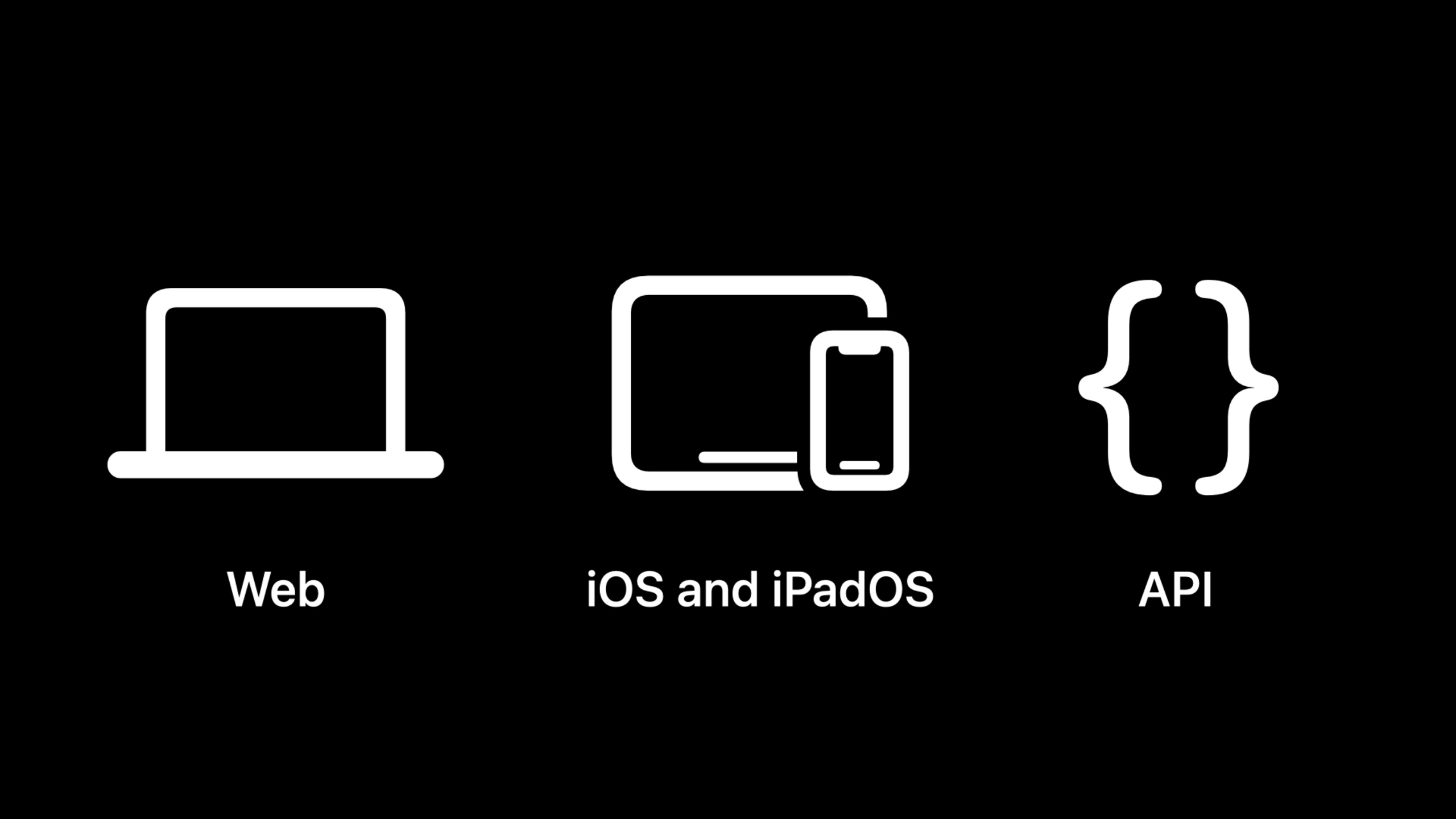
Session covers App Store Connect updates at three levels: Web, iOS App, and API.
Core Content
The trouble with App Store Connect is often not with a button.
A marketing campaign may require a new version of the app, an in-app campaign, a custom product page, and product page optimization testing. Previously, these projects were easily broken down and the review context was scattered. Rejected projects also affect release cadence, requiring teams to repeatedly judge what can continue and what should be resubmitted.
This session divided the changes in 2022 into two lines: submission experience and API automation.
The submission experience puts multiple review projects into the same review submission. App Review can review them in the same context. In most cases, teams can also submit in-app activities, custom product pages, and product page optimization tests separately once they already have an approved iOS version, without preparing new binaries for them.
The API line is geared toward automation. App Store Connect API 2.0 will expand the number of resources by 60% and add in-app purchases, subscriptions, user review replies, App hang diagnostics and other capabilities. For teams with publishing backends, operational systems, or quality platforms, these updates move more App Store Connect operations from web pages into orchestrated processes.
Detailed Content
Combine multiple review items into one submission
(01:24) The new enhanced App Store submission experience allows multiple review items to be put into one review submission. Review items explicitly listed in the session include App versions, in-app events, custom product pages, and product page optimization tests.
A review submission only requires one item to submit. The advantage of grouping multiple items is that App Review will review them in the same context. The speech also explained that review submissions are usually reviewed within 24 hours, regardless of the number or type of items.
This mechanism has an important rule: only if all items in the submission are accepted, will the items in it be approved. If a project is rejected, the team has two ways to deal with it: modify the rejected project and resubmit it, or move the rejected project out of the current submission and let the accepted project complete the review.
review submission
├─ app version
├─ in-app event
├─ custom product page
└─ product page optimization test

if all items are accepted:
  every item becomes approved
else:
  edit rejected items and resubmit
  or remove rejected items and submit them later
Key points:
review submissionIt is a container for review, not a single functional page. -app version、in-app event、custom product pageandproduct page optimization testIs a committable item explicitly listed in the session. -all items are acceptedCorresponding to the approval rules in the speech: the project will not be approved until all submitted projects are accepted. -editandremoveCorresponds to two ways to continue after being rejected.
Submit a marketing project without a new version of the binary
(03:24) The new submission process also solves another common problem: marketing content does not necessarily have to follow the new binary.
The speech explains that each submission has an associated platform, and each platform supports specific review items. App Review will use an App version as the review baseline. If the submission contains App version, use this version; if it does not contain a new version, the existing approved version is required.
This means that teams can submit in-app events, custom product pages, and product page optimization tests at any time after the first iOS version is approved, without requiring a new App binary.
approved iOS app version
└─ review against this version
   ├─ in-app events
   ├─ custom product pages
   └─ product page optimization tests
Key points:
approved iOS app versionThis is a prerequisite for submission without a new version. -review against this versionFrom the rule “items will be reviewed against this version” in speech.- The three sub-items are all content that can be submitted separately after the first iOS version is approved.
Manage reviews on the web, iOS, and iPadOS
(04:40) App Store Connect Web has added a dedicated App Review page. After entering the App, you can view an overview of submissions in the App Review on the left navigation, or you can enter a single submission to view details.
(05:04) The same enhanced submission experience is also coming to iOS and iPadOS apps in App Store Connect. Teams can submit Ready for Review submissions from their mobile device, track review progress, receive status notifications, remove items, view rejection reasons, and respond to App Reviews.
App Review page
├─ submission overview
├─ submission details
├─ App Review messages
└─ recently completed submissions

App Store Connect app on iOS and iPadOS
├─ submit Ready for Review submissions
├─ track review progress
├─ receive status notifications
├─ remove items
├─ view rejection reasons
└─ reply to App Review
Key points:
App Review pageIt is a new portal for centralized management of the review process on the Web. -submission overviewandsubmission detailsThe overview and details that can be seen on the corresponding page.- Each item in the iOS/iPadOS list comes from the description of the mobile capabilities in the transcript.
- There are no new business APIs here. The core changes are the entrance to audit operations and mobile processing capabilities.
App Store Connect API 2.0 Expands Automation Scope
(05:53) The App Store Connect API is used to customize and automate app workflows. The speech mentioned that in the past year, the API has supported App Clips, Xcode Cloud, in-app events, custom product pages, product page optimization and enhanced App Store submission experience.
The 2.0 release in summer 2022 will increase the number of API resources by 60%. The new capabilities are concentrated in three directions:
App Store Connect API 2.0
├─ in-app purchase and subscription lifecycle
│  ├─ create
│  ├─ edit
│  ├─ delete
│  ├─ manage pricing
│  ├─ submit for review
│  ├─ create special offers
│  └─ create promo codes
├─ customer reviews
│  ├─ fetch reviews
│  └─ respond to reviews
└─ app hangs diagnostics
   ├─ diagnostic signatures
   └─ diagnostic logs relationship
Key points:
in-app purchase and subscription lifecycleCovers creation, editing, deletion, pricing, review submission, discounts and redemption codes. -customer reviewsAdd the ability to obtain and reply to comments to build customer service or user interaction processes. -app hangs diagnosticsAdded hang diagnostic type, not only providing hang rate. -diagnostic logs relationshipDetailed stack traces of hang signatures are available.
XML feed begins to exit
(08:05) Apple calls App Store Connect API 2.0 an important milestone after four years of development and says REST APIs are the future of App Store Connect automation. Therefore, the XML feed will begin decommissioning in the fall of that year.
For existing integrations, this is a migration signal. Publishing, reporting, or internal systems that rely on XML feeds should turn to the App Store Connect API.
legacy XML feed integration
└─ migrate to App Store Connect API
   ├─ submission workflows
   ├─ in-app purchase workflows
   ├─ customer review workflows
   └─ power and performance diagnostics
Key points:
legacy XML feed integrationRepresents systems still using the old XML feed. -migrate to App Store Connect APIIt is the direction given by the speech.- The subsequent four workflows all come from the API automation scope mentioned in this session.
Core Takeaways
-
Make a marketing content release panel: Organize in-app activities, custom product pages, and product page optimization tests by campaign. Why it’s worth doing: Review submission can review multiple projects in the same context. How to start: First model the submission in App Store Connect Web, and record the review status and rejection reasons of each item.
-
Split operational release from app release: Let the operations team independently submit in-app activities and page experiments after the first iOS version is approved. Why it’s worth doing: The session clearly states that these projects do not require a new App binary in most cases. How to start: Set rules: Only changes involving binary functions will enter the App version release, and other marketing projects will be submitted separately.
-
Build an in-app purchase backend: Use App Store Connect API 2.0 to manage the creation, pricing, review submission, discounts and redemption codes of in-app purchases and subscriptions. Why it’s worth doing: API 2.0 opens the complete life cycle to automated systems. How to start: Start with in-app purchase and subscription resources in the App Store Connect API documentation, and map manual operations to internal state machines.
-
Centralized processing of App Store reviews: Pull reviews into the customer service system, and then reply from the same system. Why it’s worth doing: API 2.0 adds fetch and respond to customer reviews. How to start: First create a comment queue by app, country, region, rating and version number, and then access the reply approval process.
-
Connect hang diagnostics to the quality dashboard: Read hang diagnostic signatures and corresponding logs regularly. Why it’s worth doing: The new hang diagnostic type can locate the hang positions that contribute the most and view stack traces through diagnostic logs relationship. How to start: Aggregate hang signatures into existing performance dashboards, and sort by the number of users affected or occurrence rate.
Related Sessions
- What’s new with in-app purchase — Learn about updates to in-app purchases and subscriptions on the App Store side.
- What’s new in StoreKit testing — Test your purchase flow with StoreKit before committing.
- Explore in-app purchase integration and migration — Plan your in-app purchase integration and migration path.
- Discover Benchmarks in App Analytics — Compare performance with App Analytics benchmarks in App Store Connect.
- Implement proactive in-app purchase restore — Proactively restore purchases to reduce user support costs.
Comments
GitHub Issues · utterances