
Highlight
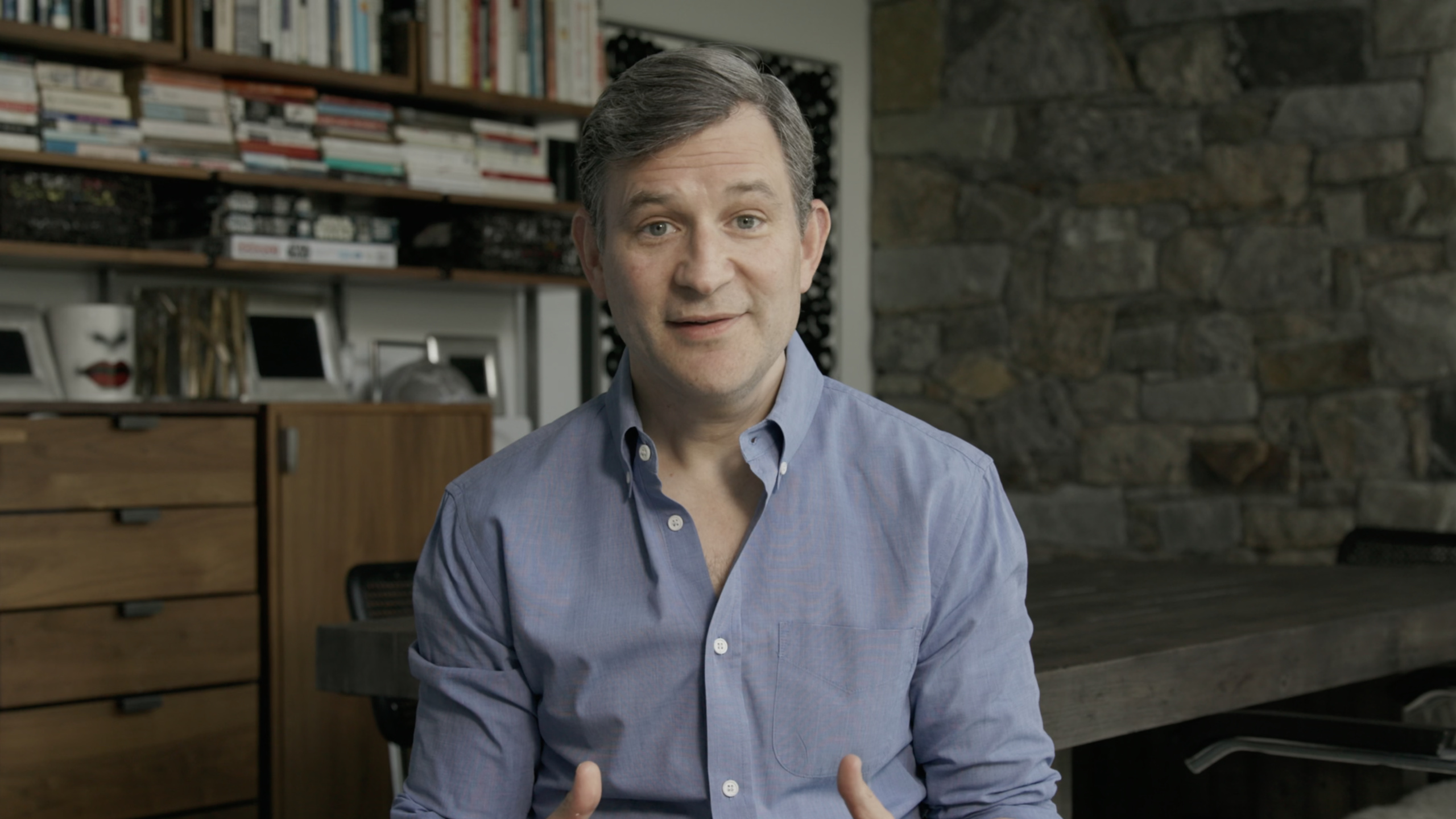
Apple arranged for Dan Harris and Jeff Warren to explain how to get started with meditation at WWDC21, and developers got a clear process for turning stress management, focus training, and habit formation into health app functions.
Core Content
No new Apple APIs were released during this session. It solves another common developer problem: after staring at the screen for a long time, catching up on progress, and dealing with online accidents, the body is still sitting in the chair, and the attention has been taken away by anxiety, fatigue, and impulse.
Dan Harris begins with a panic attack on live television. He traced the root causes to long-term high-pressure work, depression after reporting in the war, and wrong ways of handling himself. Later, he started practicing meditation for five to ten minutes every day and concluded three results: calmer, more focused, and more aware of the thoughts in his mind.
Apple put this presentation under the Health & Fitness theme. The point is straightforward: It’s not enough for a health app to record steps, heart rate, and sleep. What users really need is a small executable action to help them pause, identify, and return to the present moment when stress occurs.
Jeff Warren’s exercise routine is short. Sit down, take a few deep breaths, and relax your forehead, shoulders, and abdomen. Choose an object to focus on, such as your breath. Find it when your mind wanders and come back to your breath. This cycle is the practice itself.
For App developers, the value of this session lies in the product structure. A good meditation or mental health feature doesn’t require pursuing long sessions first. It can start from one minute, with the core of “low threshold, repeatability, and allowing restart after interruption” to help users establish stable habits.
Detailed Content
1. Start designing habits in one minute
(14:17)
The minimum threshold given by Dan Harris is: at least one minute a day for 25 out of 31 days. He emphasized two short sentences:One minute countsanddaily-ish. The former reduces starting costs, and the latter leaves room for recovery for users.
This rule can first be written as a pure Swift model. It does not rely on any private APIs and does not assume new system capabilities.
import Foundation

struct MeditationCheckIn {
    let date: Date
    let minutes: Int
}

struct DailyIshHabit {
    let targetDays = 25
    let windowDays = 31

    func isOnTrack(checkIns: [MeditationCheckIn], calendar: Calendar = .current) -> Bool {
        let practicedDays = Set(checkIns
            .filter { $0.minutes >= 1 }
            .map { calendar.startOfDay(for: $0.date) })

        return practicedDays.count >= targetDays
    }
}
Key points:
MeditationCheckInOnly the date and practice minutes are recorded, corresponding to the threshold of “at least one minute”. -targetDaysIt’s 25, which corresponds to the 25 out of 31 days Dan mentioned. -windowDaysKeep a 31-day window to facilitate the interface to display the target period. -filter { $0.minutes >= 1 }Exclude records under one minute. -calendar.startOfDay(for:)Combine multiple exercises from the same day into one day. -practicedDays.count >= targetDaysUse days to completion to determine if the user is still on track.
The product implication of this model is: Don’t make one day of missed training a failure state. The interface can display “This cycle has completed 18 days, and there are still 7 days left”, making it easier for users to continue.
2. Break meditation into executable state machines
(17:29)
Jeff Warren’s five-minute practice has a clear sequence: prepare the posture, take a deep breath, relax the body, accept imperfections in the environment, choose the breath as the object of attention, notice when the mind wanders, return to the breath.
By writing it as a state machine, the App can stably control copywriting, timing and vibration prompts.
enum MeditationStep: String, CaseIterable {
    case posture
    case deepBreath
    case softenBody
    case allowExperience
    case noticeBreath
    case returnToBreath
    case close

    var prompt: String {
        switch self {
        case .posture:
            return "Choose a comfortable sitting posture; your eyes can be closed or looking toward the floor."
        case .deepBreath:
            return "Take a few deep breaths; lengthen the spine as you inhale and relax as you exhale."
        case .softenBody:
            return "Relax your forehead, shoulders, and abdomen."
        case .allowExperience:
            return "Let sounds, body sensations, and thoughts arise naturally."
        case .noticeBreath:
            return "Place your attention on the feeling of breathing."
        case .returnToBreath:
            return "When you notice your mind has wandered, return to the breath."
        case .close:
            return "Notice whether you feel more settled and present, then open your eyes."
        }
    }
}
Key points:
MeditationStepCorresponds to the exercise steps in the verbatim manuscript. -CaseIterableMake the interface walk through all the steps in order. -promptConvert each step into a sentence that users can directly follow. -postureGuidance from Jeff asking the listener to choose a comfortable position. -softenBodyRelax your forehead, shoulders, and abdomen accordingly. -allowExperienceCorrespondence allows sounds, body sensations, and thoughts to arise naturally. -returnToBreathReturn to breathing when you notice your mind is wandering.
This code is suitable for placing on the onboarding page of SwiftUI, a short exercise on watchOS, or a subtitle prompt in an audio course.
3. Treat “mind wandering” as a practice event
(20:25)
Jeff says it’s natural to zone out. Dan later added that the core action of meditation is to repeatedly find yourself distracted and then start again. It is easy for users to give up on the first day if they think that meditating correctly equals clearing their mind.
App can turn “discovering mind wandering” into a positive event. The user clicks the button and logs a return instead of a failure.
struct DistractionEvent {
    let occurredAt: Date
    let returnedToAnchor: Bool
}

struct MeditationSession {
    private(set) var distractions: [DistractionEvent] = []

    mutating func recordReturn(at date: Date = Date()) {
        let event = DistractionEvent(
            occurredAt: date,
            returnedToAnchor: true
        )
        distractions.append(event)
    }
}
Key points:
DistractionEventDocumenting a return after a distraction. -returnedToAnchorIndicates that the user has returned to the object of attention, such as breathing. -MeditationSessionSaves all regression events from an exercise. -recordReturnOnly append records when the user completes “discovery and return”.- There is no failure count here because the transcript emphasizes that mind wandering is part of the practice.
The interface can write the button as “I’m back.” After the user presses it, the App displays “This is an exercise.” This is closer to session guidance than showing “number of distractions +1”.
4. Manage screen pressure with pause checks
(26:22)
Dan asked Jeff how he deals with his tense relationship with technology. Jeff’s approach is to pause at work, check in with where he is, stretch, take a walk, and come back again. He also limits screen time each day.
This can be turned into a simple checklist. It’s suitable for placement in a menu bar app, Pomodoro, Apple Watch reminder, or developer tools plug-in.
struct NervousSystemCheck {
    var bodyTension: Int
    var attentionStuck: Bool
    var needsWalk: Bool

    var suggestedAction: String {
        if needsWalk {
            return "Step away from the screen and walk for a few minutes."
        }

        if bodyTension >= 7 {
            return "Pause for a minute and relax your shoulders and abdomen."
        }

        if attentionStuck {
            return "Take three deep breaths, then decide the next step."
        }

        return "Keep working and check again at your next break."
    }
}
Key points:
bodyTensionRecord the level of physical tension, corresponding to what Jeff said to check your own status. -attentionStuckIndicates that attention is stuck on a single object. -needsWalkCorresponding to the walk Jeff mentioned. -suggestedActionGive a specific action based on the status.- Return values are short, suitable for notifications, Complication or widgets.
The whole point of this feature is timing. Reminders should not interrupt the user’s focus every time. It’s better suited after long screen use, at the end of a meeting, or after multiple compilation failures.
5. View happiness as a trainable state
(27:48)
Dan’s final conclusion is that peace, happiness, connection, compassion and love can all be trained, and meditation is one of the ways. For health apps, this means the goal is not just a completion record, but also the user’s status changes after practicing.
You can take a light note after each exercise.
struct PostMeditationReflection {
    let settled: Bool
    let present: Bool
    let note: String?

    var summary: String {
        switch (settled, present) {
        case (true, true):
            return "More settled and more present."
        case (true, false):
            return "The body feels more settled."
        case (false, true):
            return "Attention feels more present."
        case (false, false):
            return "A practice session is complete."
        }
    }
}
Key points:
settledCorresponding to what Jeff asked before ending, “Is it more settled?” -presentCorresponds to “whether it is more present”. -noteLeave free recording space for users. -summaryGenerating short feedback with binary states.- even if both values are
false, the feedback still acknowledges that the user completed the exercise.
This design avoids turning meditation into a performance review. Users only need to observe the changes and continue next time.
Core Takeaways
-
What to do: Make a one-minute meditation portal and place it on the home page of the app or Apple Watch Complication.
- Why it’s worth doing: Dan made it clear that one minute counts and a low threshold helps to form habits.
- How to start: Use
DailyIshHabitRecord the number of practice days within 31 days, and only provide a “Start 1 Minute” button on the homepage.
-
What to do: Make an “I’m back” button and record the number of times the user returns to breathing after being distracted.
- Why it’s worth doing: Both Jeff and Dan emphasize that coming back after your mind wanders is to practice the movements.
- How to start: Use
MeditationSession.recordReturn()Add an event and display “You came back 6 times” on the end page.
-
What to do: Make a screen pressure pause reminder.
- Why it’s worth doing: Jeff mentioned that technology use relies on pausing, stretching, and walking to restore balance.
- How to start: Pops up after long periods of concentration
NervousSystemCheckQ&A with suggestions for a minute to relax or take a walk.
-
What to do: Make a social anxiety prep card.
- Why it’s worth doing: Jeff recommends identifying the specific anxiety first, and then communicating the agreement with the relevant people.
- How to start: Ask users to write down “what they are worried about” and “how they hope the other party will cooperate” and save it as a short message that can be copied.
-
What to do: Make a post-exercise status record.
- Why It’s Worth Doing: Jeff asked at the end of practice to see if he was more consistent and present.
- How to start: Use
PostMeditationReflectionSave two Boolean values and a short note showing changes by week.
Related Sessions
- Build a workout app for Apple Watch — Use SwiftUI and HealthKit for complete exercise tracking, suitable as a sports-side entry for physical and mental health apps.
- Measure health with motion — Explains Walking Steadiness and Six-Minute Walk to supplement the health judgment of physical activity data.
- Build a research and care app, part 1: Setup onboarding — Demonstrates how ResearchKit and CareKit can design health research and care processes.
- Explore Verifiable Health Records — Explains the secure request and processing of health records, suitable for apps that require medical data.
Comments
GitHub Issues · utterances