
Highlight
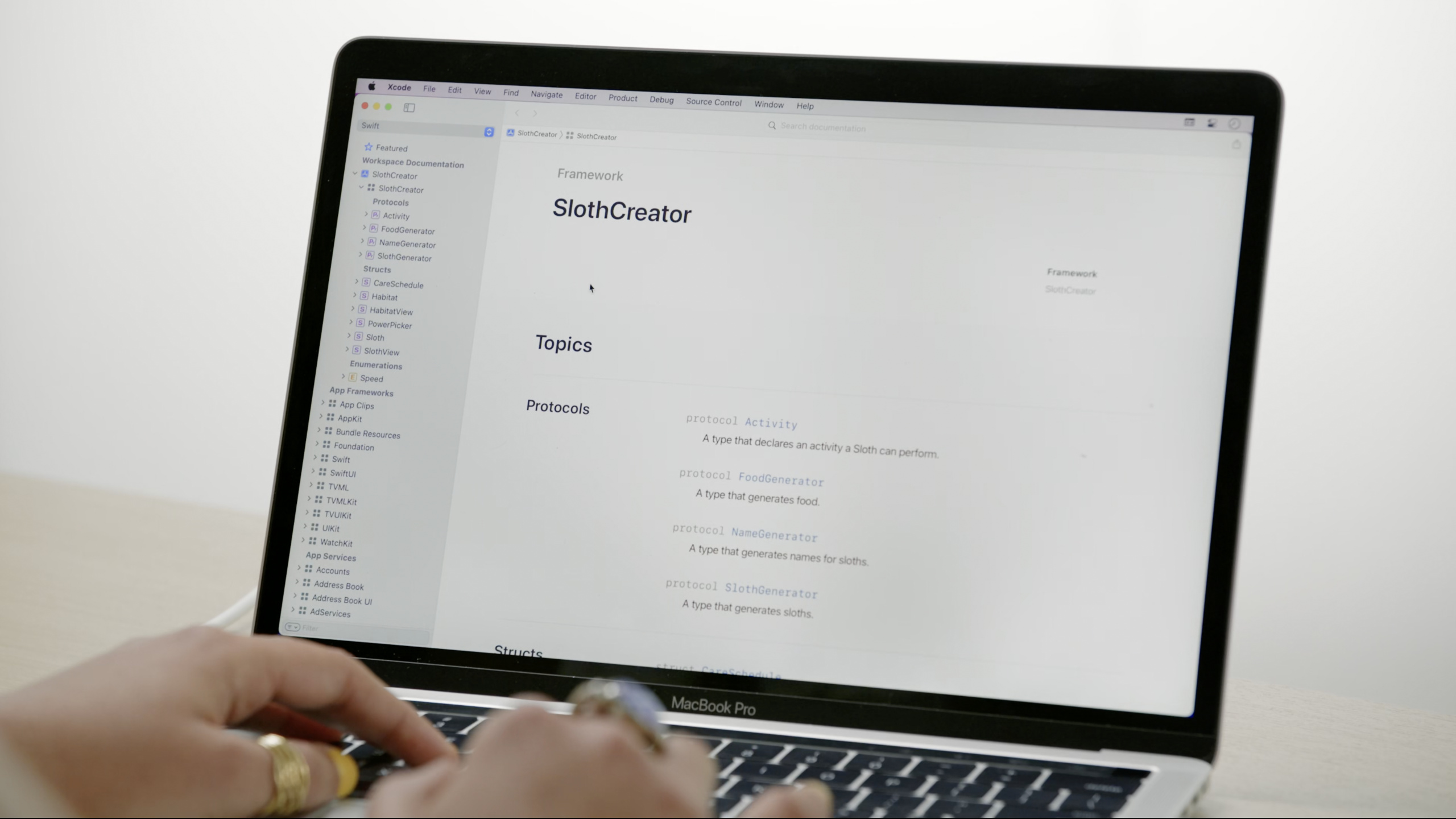
DocC’s Documentation Catalog supports Articles and Extensions, and uses Topics to organize API navigation, turning the framework document from an automatically generated list into structured content with stories.
Core Content
Your framework has 50 public APIs. DocC defaults to alphabetical order, and users see a long list and don’t know where to start. You need a way to organize these APIs and tell users “learn this first, then learn that”.
DocC’s article and extended file mechanisms solve this problem.
Detailed Content
Documentation Catalog
(03:59)
Documentation Catalog is a special directory that contains all documentation files:
SlothCreator.docc/
  SlothCreator.md          # Framework overview article
  GettingStarted.md        # Getting started tutorial article
  Sloth.md                 # Type extension file
  Resources/
    sloth.png              # Image asset
Creation method: Right-click the Sources directory in Xcode → New File → Documentation Catalog.
(04:55)
Key points:
.doccsuffix directory- Contains Markdown articles and expansion files
- Resources subdirectory stores images and other resources
- Place it in the same target as the source code
Top-level articles
(05:00)
The top-level article is the first page that users see and needs to answer “What does this framework do?”
# SlothCreator
Create and care for adorable virtual sloths.
## Overview
SlothCreator provides everything you need to research,
create, and care for sloths in your app.

## Topics
### Essentials
- ``Sloth``
- ``Habitat``
### Creating Sloths
- ``SlothGenerator``
- ``Sloth/name``(05:00)
Key points:
- The title is the frame name
- The first paragraph is a one-line summary
- Overview provides more context
- Topics Some organization-related symbols
- for pictures
grammar
Topics Organization
(09:14)
Topics uses three-level headings to organize symbols:
## Topics

### Essentials

- ``GettingStarted``
- ``Sloth``

### Research

- ``SlothGenerator``
- ``Sloth/name``

### Care

- ``Habitat``
- ``Habitat/comfortLevel``(10:00)
Key points:
## TopicsIt’s a secondary title### GroupNameIt is a third-level heading that defines grouping- Symbols are linked with double backticks
- Articles are linked by file name (without extension)
- Groups are arranged from low to high complexity
Extension file
(13:56)
Extension files allow you to add Topics organization to types without modifying the source code.
# ``SlothCreator/Sloth``

## Topics

### Creating a Sloth

- ``init(name:color:power:)``
- ``init?(from:)``

### Inspecting a Sloth

- ``name``
- ``color``
- ``power``

### Caring for a Sloth

- ``sleep(in:for:)``
- ``eat(_:quantity:)``(15:00)
Key points:
- The file name is arbitrary, but it is recommended to have the same name as the expanded symbol.
- Use
for the titleModuleName/SymbolName“ format - Documentation comments merged in content and source code
- Suitable for separating Topics organization from source code
Picture resources
(05:28)
DocC supports Dark Mode images and 2x resolution:
sloth.png          # Default image
sloth~dark.png     # Dark Mode version
[email protected]       # 2x resolution
[email protected]  # Dark Mode + 2x
Only the base file name is written in Markdown:
(06:02)
Key points:
- base file name without modifiers
- DocC automatically selects the correct variant
- 2x resolution recommended
- Dark Mode pictures for
~darksuffix
Core Takeaways
-
Create a top-level overview article for the framework. To answer “What does this framework do?” provide an overview. Entry API: Documentation Catalog + top-level Markdown file.
-
Use Topics to organize the API into story lines. Grouped by function, arranged from basic to advanced. Entrance API:
## Topics+### GroupName。 -
Separate the Topics organization using extension files. Keep source code simple and document structure maintained in separate files. Entry API: extension file +
`ModuleName/SymbolName`Title. -
Provide Dark Mode compatible pictures. use
~darkSuffix named Dark Mode version. Entrance API:sloth~dark.png。 -
Write task articles for complex types. Teach users to complete a specific task rather than listing APIs. Entrance API: independent Markdown article.
Related Sessions
- Meet DocC documentation in Xcode — DocC basic introduction and quick start
- Build interactive tutorials in DocC — DocC interactive tutorials
- Host and automate your DocC documentation — DocC document hosting and automation
Comments
GitHub Issues · utterances