
Highlight
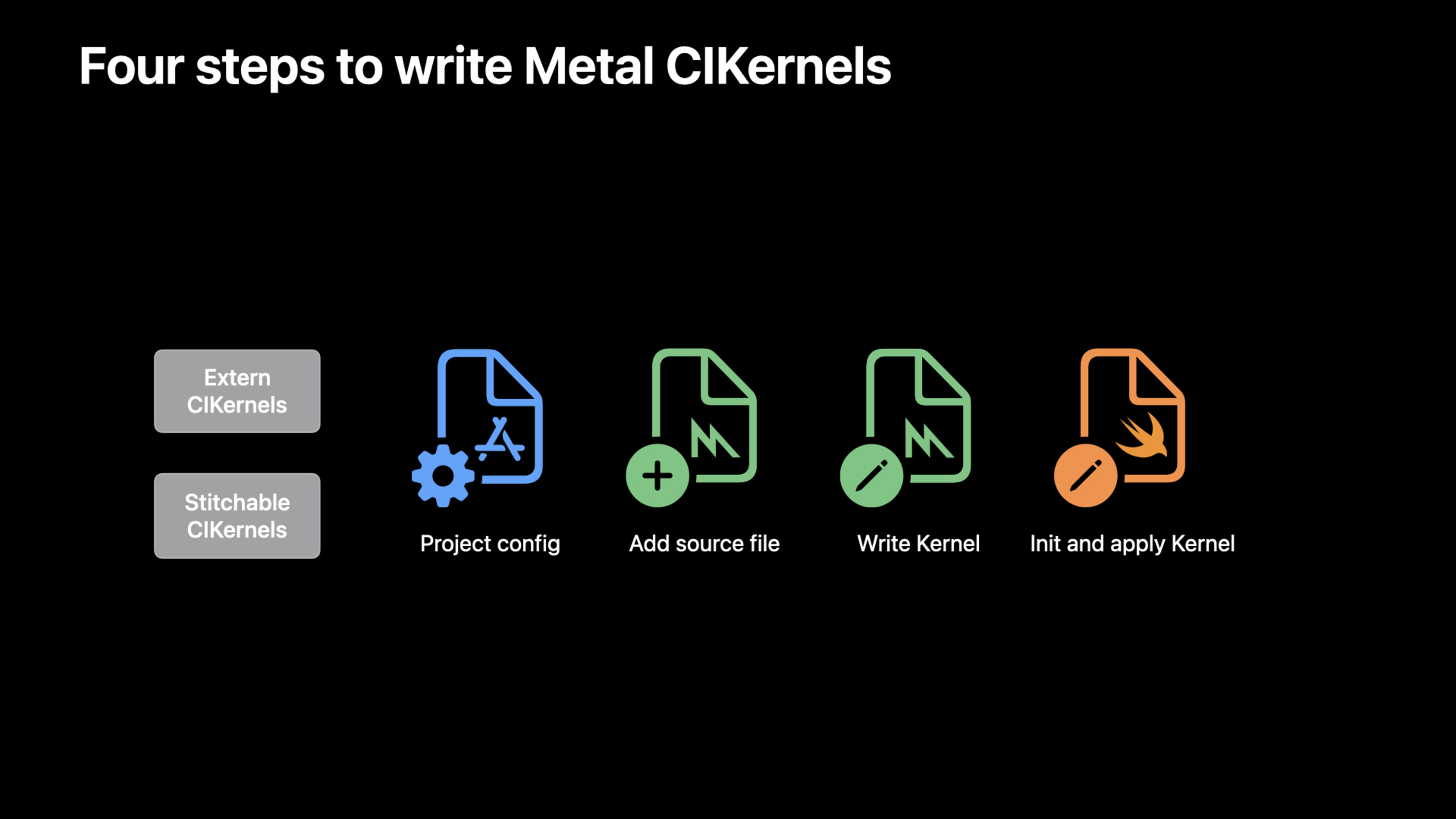
Core Image now supports two ways of writing Metal kernel: extern CIKernel (requires custom build rules, compatible with all devices) and stitchable CIKernel (using Metal Dynamic Libraries, only A11+/Apple Silicon/AMD Navi/Vega).
Core Content
You want to write a custom image filter. Core Image’s CIFilter already provides more than 200 built-in filters, but there are always needs that cannot be met. In the past, CIKL (Core Image Kernel Language) was used to write custom kernels, and the syntax and tool chain were different from Metal.
Now that Core Image directly supports Metal Shading Language, you can write Metal kernels in Xcode and enjoy syntax highlighting and compile-time error checking.
Detailed Content
Why use Metal to write CIKernel
(00:46)
Writing CIKernel in Metal has three benefits:
- Automatic tiling and concatenation. Core Image automatically divides large images into small pieces for processing, and combines multiple filters into one execution.
- Compile time optimization. The kernel is compiled when the application is built, not when it is run. Better performance and faster startup.
- Access advanced features. Metal features such as gather-reads, group-writes, half-float math, etc. can all be used.
- Development experience. Xcode provides syntax highlighting and compile-time error checking.
Method 1: Extern CIKernel
(02:32)
The Extern method requires custom build rules and is compatible with all devices that support Core Image.
Step 1: Add build rule
Add two build rules to the Target settings:
.ci.metalfile → usemetal -fcikernelCompile as.ci.air.ci.airfile → usemetallib -cikernelThe link is.ci.metallib
Step 2: Write kernel
// MyFilter.ci.metal
#include <CoreImage/CoreImage.h>

// extern "C" lets Core Image recognize this function
extern "C" {
    namespace coreimage {
        float4 myKernel(sampler src, float amount) {
            float4 color = src.sample(src.coord());
            // Custom processing logic
            return color * amount;
        }
    }
}(03:54)
Step 3: Load and use
class MyFilter: CIFilter {
    var inputImage: CIImage?
    var amount: Float = 1.0

    static var kernel: CIKernel = {
        let url = Bundle.main.url(
            forResource: "MyFilter",
            withExtension: "ci.metallib"
        )!
        let data = try! Data(contentsOf: url)
        return try! CIKernel(
            functionName: "myKernel",
            fromMetalLibraryData: data
        )
    }()

    override var outputImage: CIImage? {
        guard let input = inputImage else { return nil }
        return MyFilter.kernel.apply(
            extent: input.extent,
            roiCallback: { _, rect in rect },
            arguments: [input, amount]
        )
    }
}(04:32)
Key points:
- The file suffix is
.ci.metal - Functions are marked as
extern "C" - The suffix of the compiled product is
.ci.metallib - for kernel
staticLazy loading of properties roiCallbackReturns the desired area in the input image
Method 2: Stitchable CIKernel
(05:42)
The Stitchable method is simpler and requires only a build setting, but only supports newer devices.
Step 1: Set build setting
Add to “Other Metal Linker Flags” in Target-framework CoreImage。
Step 2: Write kernel
// MyFilter.metal (ordinary .metal file)
#include <CoreImage/CoreImage.h>

// [[stitchable]] attribute marker
[[stitchable]] float4 myStitchableKernel(
    sampler src,
    float amount
) {
    float4 color = src.sample(src.coord());
    return color * amount;
}(06:18)
Step 3: Load and use
class MyFilter: CIFilter {
    var inputImage: CIImage?
    var amount: Float = 1.0

    static var kernel: CIKernel = {
        let url = Bundle.main.url(
            forResource: "default",
            withExtension: "metallib"
        )!
        let data = try! Data(contentsOf: url)
        return try! CIKernel(
            functionName: "myStitchableKernel",
            fromMetalLibraryData: data
        )
    }()

    override var outputImage: CIImage? {
        guard let input = inputImage else { return nil }
        return MyFilter.kernel.apply(
            extent: input.extent,
            roiCallback: { _, rect in rect },
            arguments: [input, amount]
        )
    }
}(06:40)
Key points:
- ordinary
.metalFile, no special suffix required - Functions are marked as
[[stitchable]] - compile to
default.metallib - No need to customize build rules
- Can link to other Metal libraries
Device Compatibility
(08:08)
Stitchable kernel relies on Metal Dynamic Libraries and needs to check device support:
if device.supportsDynamicLibraries {
    // Can use a stitchable kernel
} else {
    // Fall back to an extern kernel or another approach
}
Supported devices:
- iPhone/iPad: A11 and newer chips
- Mac: All Apple Silicon
- Intel Mac: AMD Navi and Vega GPU
(08:21)
Key points:
supportsDynamicLibrariesCheck device compatibility- A fallback plan is required when it is not supported
- Extern kernel has better compatibility
- Stitchable kernel development experience is better
Core Takeaways
-
New projects are given priority to use stitchable kernel. The development experience is better and there is no need to customize build rules. Entrance API:
[[stitchable]]+-framework CoreImagelinker flag。 -
Use extern kernel when compatibility with old devices is required. Stitchable is not supported on devices prior to A11. Entrance API:
extern "C"+.ci.metalbuild rule。 -
use
supportsDynamicLibrariesDo runtime detection. Choose different kernel loading methods according to device capabilities. Entrance API:MTLDevice.supportsDynamicLibraries。 -
Compile the kernel into static attributes for lazy loading. Avoid reloading metallib every time you create a filter. Entrance API:
static var kernel。 -
roiCallback returns the minimum required area. Don’t bother returning the entire image to reduce unnecessary sampling. Entrance API:
roiCallback: { _, rect in rect }。
Related Sessions
- Create image processing apps powered by Apple silicon — Apple Silicon image processing optimization
- Explore HDR rendering with EDR — EDR HDR rendering pipeline
- What’s new in AVFoundation — AVFoundation asynchronous property loading new API
Comments
GitHub Issues · utterances