
#HLS Seamless Media Transition
Highlight
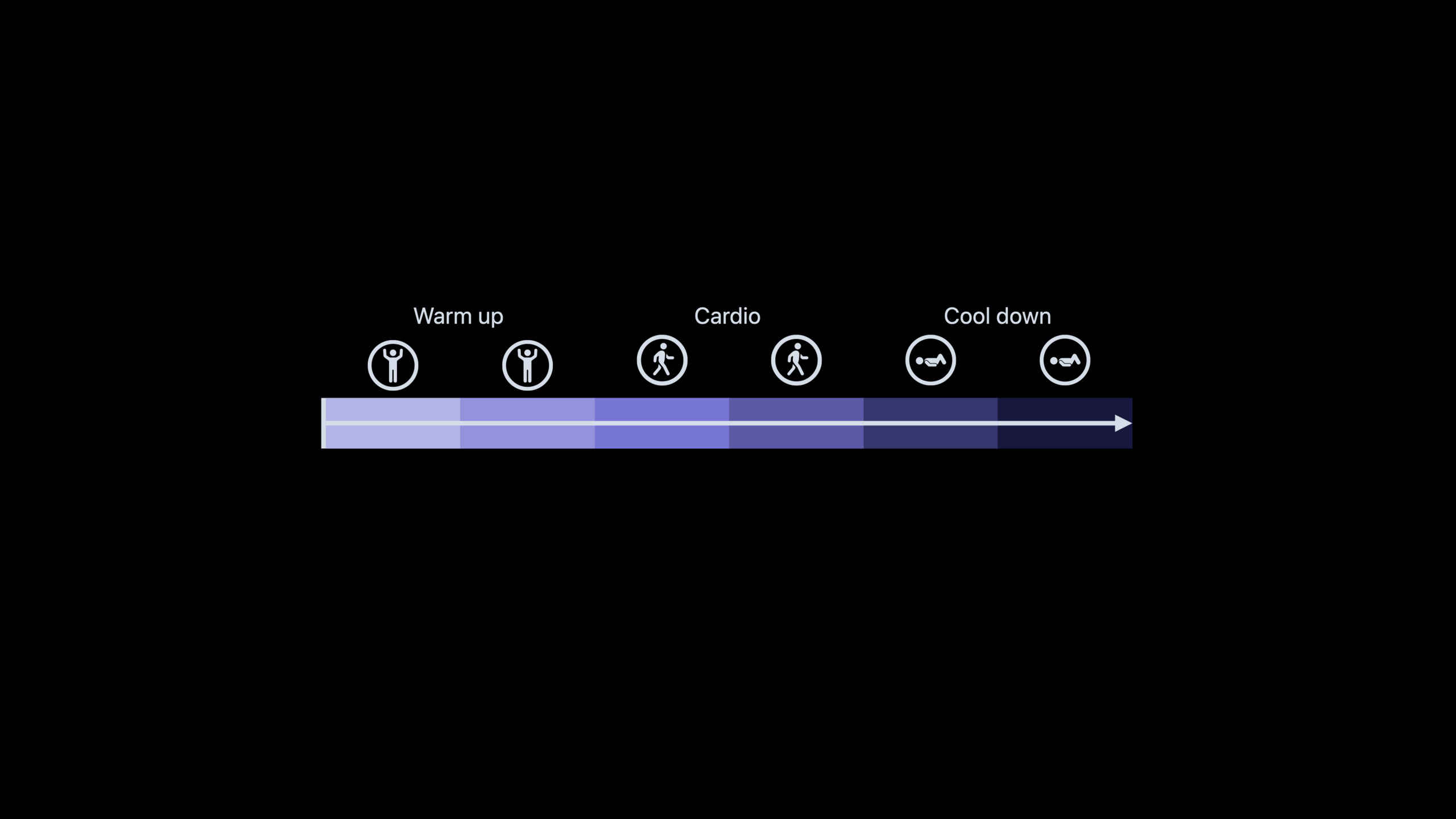
Gapless HLS Playback allows multiple playlists to be spliced into a continuous playback sequence. The player automatically handles encoding parameter changes, timestamp alignment and buffer coordination to achieve continuous playback of episodes, seamless playback of albums and smooth scene switching.
Core Content
There is a common but difficult requirement in streaming media applications: to allow multiple independent media resources to be played continuously without the user noticing the switching. Podcast applications need to automatically play back episodes, music applications need album tracks to be seamlessly connected, and video platforms need to be seamless from the beginning to the main film to the end.
In the traditional solution, each resource is played with an independent AVPlayerItem. When switching, the old player needs to be destroyed and a new player created - inevitably causing lag. The Gapless HLS Playback introduced in WWDC2021 treats multiple playlists as a continuous playback sequence. The player automatically handles timestamp mapping, buffer coordination and encoding parameter adaptation, and the switching process is completely transparent to the user.
Detailed Content
The challenge of seamless switching
Stuttering when switching media comes from multiple levels:
- Decoder Reinitialization: Encoding parameter changes (SDR to HDR, 1080p to 4K) require decoder reconfiguration
- Buffering Interruption: The initial segment of the new resource needs to be re-downloaded and buffered
- Inconsecutive timestamps: PTS/DTS of different resources are not aligned, and the player needs to manually handle jumps
- Audio format changes: Changes in sampling rate and number of channels cause audio rendering to be interrupted.
The core mechanism of Gapless HLS
Gapless HLS Playback solves the above problems through the following mechanism:
Playlist Cascade: Main playlist passedEXT-X-STREAM-INFReference multiple child playlists, each corresponding to an independent resource (such as a podcast episode or a song). The player sees the entire cascade as a continuous timeline.
Timestamp mapping: The player automatically maps the timestamps of subsequent resources to the global timeline. The duration of the first song is 180 seconds, and the second song starts timing from 180 seconds. When the user seeks, he or she sees continuous time.
Buffer coordination: When playing the current resource, the player buffers the initial segment of the next resource in the background in advance. When the switch point is reached, the new resource is ready and there is no need to wait.
Encoding parameter adaptation: When the encoding parameters change (such as switching from SDR to HDR), the player pre-initializes the new decoder pipeline in the background, and the handover is completed instantly.
HLS Playlist structure
Example of playlist structure to implement gapless playback:
#EXTM3U
#EXT-X-TARGETDURATION:6
#EXT-X-VERSION:6
#EXT-X-PLAYLIST-TYPE:VOD
#EXT-X-INDEPENDENT-SEGMENTS

# First song
#EXTINF:6.000,
song1_segment1.m4s
#EXTINF:6.000,
song1_segment2.m4s
#EXTINF:3.000,
song1_segment3.m4s

# Second song (seamless transition)
#EXT-X-DISCONTINUITY
#EXTINF:6.000,
song2_segment1.m4s
#EXTINF:6.000,
song2_segment2.m4sEXT-X-DISCONTINUITYMark changes in encoding parameters or content, but the player guarantees continuity via an internal timestamp mapping.
Key tags
EXT-X-GAP: Mark placeholder segments in the playlist. When the content of a certain period is not ready yet, the GAP segment is used as a placeholder. The player knows that the content here is missing but will not report an error and will replace it when the actual content arrives (04:15).
#EXT-X-GAP
#EXTINF:6.000,
gap.m4s
This is particularly useful in live broadcast scenarios: when the advertising content has not yet been decided, GAP is used as a placeholder and seamlessly replaced when the creative is ready.
Coding consistency requirements:
- The I-frame of the switch point must be aligned
- Use the same codec profile and level
- Timestamps must be consecutive or the player can map them correctly
- Audio sampling rate and number of channels remain consistent
AVFoundation API
The player handles gapless playback automatically, no special API is required. For applications that need to listen for switching events:
let player = AVPlayer(playerItem: item)

// Observe current item changes
player.observe(\.currentItem) { player, _ in
    // Switch to the new sub-resource
}

// Observe timeline changes (global time in the gapless sequence)
let timeObserver = player.addPeriodicTimeObserver(
    forInterval: CMTime(seconds: 1, preferredTimescale: 1),
    queue: .main
) { time in
    // time is the position on the global timeline
}
Scenario application
Podcast Episode Streaming: After the user listens to one episode, the next episode automatically plays, keeping the same playback speed and sleep timer status.
Music Album Playback: There are no gaps between tracks in the album, consistent with the seamless playback experience of CDs.
Video scene switching: In documentaries, the transition is smooth and imperceptible when switching from feature film to information clips and back again.
Live Channel Switching: Switching between linear TV channels, maintaining continuity of the EPG timeline.
Core Takeaways
-
Unified encoding parameters: All resources participating in the gapless sequence use the same encoding profile (resolution ladder, code rate, frame rate, GOP size, codec profile). Inconsistent parameters will cause the decoder to be reinitialized and cause lags.
-
I-frame alignment switching point: Ensure that each resource has an I-frame at the switching boundary and the timestamps are continuous. This requires planning a segmentation strategy during the coding phase.
-
Use EXT-X-GAP to process dynamic content: In live broadcast or advertising scenarios, use GAP segments to occupy spaces when the content is not ready to avoid player errors. After the content arrives, the playlist is updated and the player is automatically replaced.
-
Pay attention to audio continuity when testing: The human ear is much more sensitive to audio discontinuities than the eyes to frame skipping in the picture. Audio breaks of 0.5ms can be detected, and professional audio analysis tools should be used during testing.
-
Pre-buffering strategy: The player automatically buffers the next resource in the background, but the application can adjust
preferredForwardBufferDurationControl the buffering depth to provide longer buffering protection when the network is unstable.
Related Sessions
- WWDC2021 10140 - Exploration of HLS dynamic ad insertion — Cooperation of HLS Interstitials and gapless playback
- WWDC2021 10141 - HLS Content Steering — Seamless playback in multiple CDN scenarios
- WWDC2021 10187 - Build custom experiences with Group Activities — Continuous playback in SharePlay
- WWDC2021 10225 - Use Group Activities to coordinate media experiences — Timeline management for multi-player simultaneous playback
Comments
GitHub Issues · utterances