
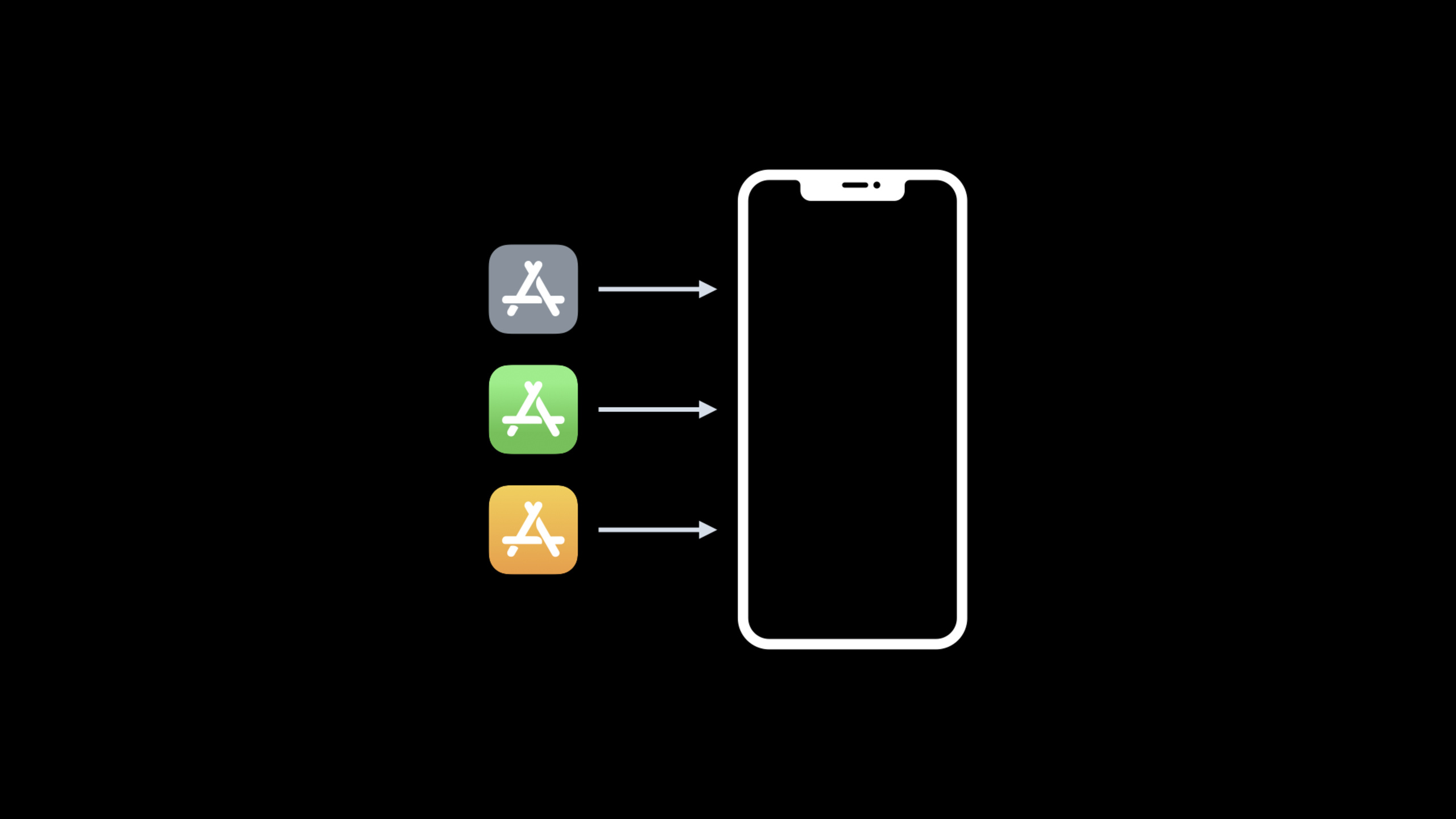
Improve MDM distribution for apps and books
Highlight
The new Apps and Books Management API introduces real-time notifications and asynchronous processing, reducing 250,000 app allocations from a minimum of 25,000 requests to just 10 requests. Up to 25 apps can be allocated to 1,000 devices in a single request, with allocation status delivered in real time via push notifications.
Core Content
Managing application distribution to an enterprise or educational institution has always been a scaling challenge. A school with 10,000 students, one device per student, would need to distribute 25 core applications—a total of 250,000 distributions. The legacy API handled a single app allocation of up to 10 devices per request, which meant a minimum of 25,000 HTTP requests.
The new version of the Apps and Books Management API introduced at WWDC2021 solves this problem with two core improvements: real-time notifications eliminate the need for continuous polling, and asynchronous processing allows allocation operations to be performed in parallel on the server side. The same 250,000 allocations now require just 10 requests.
Detailed Content
Real-time notification type
The new version of the API supports four notification types, which need to be subscribed to separately by sToken in the client config (01:20):
Asset Management Notifications
Triggered when the allocation status changes, including associate (allocation), disassociate (deallocation), revoke (revocation) events (01:44):
{
  "notification": {
    "assignments": [
      {
        "adamId": "408709785",
        "pricingParam": "STDQ",
        "serialNumber": "C02Y402HLCM6"
      }
    ],
    "eventId": "87cbc650-16cc-4f9e-a833-e622f377a9f7",
    "result": "SUCCESS",
    "type": "ASSOCIATE"
  },
  "notificationType": "ASSET_MANAGEMENT",
  "uId": "2049025000431439"
}
After receiving the notification, you can send the installation command to the corresponding device without waiting for all batch operations to be completed.
Asset Count notification
Triggered when the app quantity changes as a result of a purchase, transfer, or refund (03:37):
{
  "notification": {
    "adamId": "408709785",
    "countDelta": 50,
    "pricingParam": "STDQ"
  },
  "notificationType": "ASSET_COUNT",
  "uId": "2049025000431439"
}countDeltaA positive value indicates a purchase or transfer in, and a negative value indicates a refund or transfer out. MDM can directly update the local count with this increment without calling the sync endpoint.
User Management Notification
Triggered when registered user status changes, including create, update, and retire events (05:34):
{
  "notification": {
    "users": [
      {
        "clientUserId": "client-100",
        "idHash": "leSKk3IaE2vk2KLmv2k3/200D3=",
        "status": "Associated"
      }
    ],
    "eventId": "e0def1f8-9158-4343-9c52-8dd32da50b9b",
    "result": "SUCCESS",
    "type": "UPDATE"
  },
  "notificationType": "USER_MANAGEMENT"
}
User Associated Notifications
Triggered when the user accepts the invitation and associates the personal Apple ID with the registered account (08:33):
{
  "notification": {
    "associatedUsers": [
      {
        "clientUserId": "client-100",
        "idHash": "leSKk3IaE2vk2KLmv2k3/200D3=",
        "inviteCode": "f551b37da07146628e8dcbe0111f0364",
        "status": "Associated"
      }
    ]
  },
  "notificationType": "USER_ASSOCIATED"
}
Notification subscription configuration
Configure notification reception in client config (09:00):
notificationAuthToken: Shared secret, used by Apple in the notification’s Authorization headernotificationUrl: HTTPS endpoint to receive notifications
Returning HTTP 200 after receiving the notification indicates successful delivery. In case of non-200 response or timeout, Apple will retry a few times (best-effort). If you cannot receive notifications for a long time, you need to perform polling and synchronization for possible expired status.
Asynchronous processing
All operations in the legacy API were synchronous: you sent a request and waited for Apple to complete the allocation before returning a response (10:07). The new version is changed to asynchronous processing:
Legacy flow:
Request -> Apple performs the assignment synchronously -> return result (up to 10 devices x 1 app per request)

New flow:
Request -> Apple immediately returns eventId -> process asynchronously in the background -> push results through notifications
(up to 1,000 devices x 25 apps per request)
Advantages of asynchronous processing (10:25):
- Forced parallelism on the server side to optimize processing speed
- Orderly processing reduces intermittent failures and retries
- Large-scale deployment is more reliable, making it easier for educational institutions to deploy during the back-to-school season
Actual comparison: 250,000 allocations
Take the scenario of 10,000 users × 25 applications as an example (11:08):
| Metrics | Old API | New API |
|---|---|---|
| Single request processing capacity | 1 application × 10 devices | 25 applications × 1,000 devices |
| Minimum number of requests | 25,000 | 10 |
| Response mode | Synchronous waiting | Return eventId immediately |
| Result acquisition | Obtain directly from the response body | Notification push or query event status endpoint |
Request format changes
The new API uses versioned URIs and correct HTTP methods (04:34). All requests carry sToken in the Authorization header in Bearer token format:
Authorization: Bearer <sToken>Get asset status (GET request):
GET /v1/assets?adamId=408709785&pricingParam=STDQThe response contains pagination information and asset count:
{
  "assets": [
    {
      "adamId": "408709785",
      "pricingParam": "STDQ",
      "assignedCount": 5000,
      "availableCount": 10000,
      "totalCount": 15000
    }
  ],
  "currentPageIndex": 0,
  "size": 1,
  "totalPages": 1
}
Assign assets (POST request):
// Request
{
  "assets": [
    { "adamId": "361309726", "pricingParam": "STDQ" }
  ],
  "serialNumbers": [
    "serial-1", "serial-2", ..., "serial-1000"
  ]
}

// Response
{
  "eventId": "92467a8e-8a50-4df9-9b30-f7ff4a99dea7",
  "tokenExpirationDate": "2021-07-06T14:12:10+0000"
}
Orderly processing
The new API ensures that operations within the same event are executed in the order of submission (13:49). For example, redistribution: first send a disassociate request to obtain eventId1, and then send an associate request to obtain eventId2. Apple ensures that all operations on eventId1 are completed before starting the operation on eventId2.
Version identification of Sync API
All sync API responses containversionId(07:28), changes when the underlying data is written. When traversing a large number of paginated responses, you can use versionId to detect whether the data of the previous page has changed.
Core Takeaways
-
Migrate to the new version of API immediately: The old version of the API continues to be supported, but mixing old and new versions of the same sToken is not officially supported. The asynchronous processing and batch capabilities of the new API are the only way forward.
-
Deployment notification receiving endpoint: Configuration
notificationUrlandnotificationAuthToken, subscribe to all four notification types. This is key to eliminating polling and enabling real-time state synchronization. -
Use batch requests to reduce the number of calls: Up to 25 applications × 1,000 devices in a single request. Organize and distribute batches rationally to keep the number of requests to a minimum.
-
Use eventId to track asynchronous operations: Record the returned eventId after sending the allocation request, and then track the progress through notification or event status endpoint. Send the installation command to the device after receiving the success notification.
-
Processing notification delivery failure: Apple’s notifications are best-effort delivery. If the service is unavailable and notifications are lost, perform targeted polling for potentially expired status instead of full synchronization.
Related Sessions
- WWDC2021 10130 - New features for managing Apple devices — Installation mechanism for managed apps and Required Apps
- WWDC2021 10136 - Exploring account-driven User Enrollment — Application allocation for BYOD scenarios
- WWDC2021 10129 - Managing software updates in your organization — Collaborative management of application and system updates
- WWDC2021 10297 - Use Apple Configurator to manage devices — Device configuration and application deployment
Comments
GitHub Issues · utterances