
Highlight
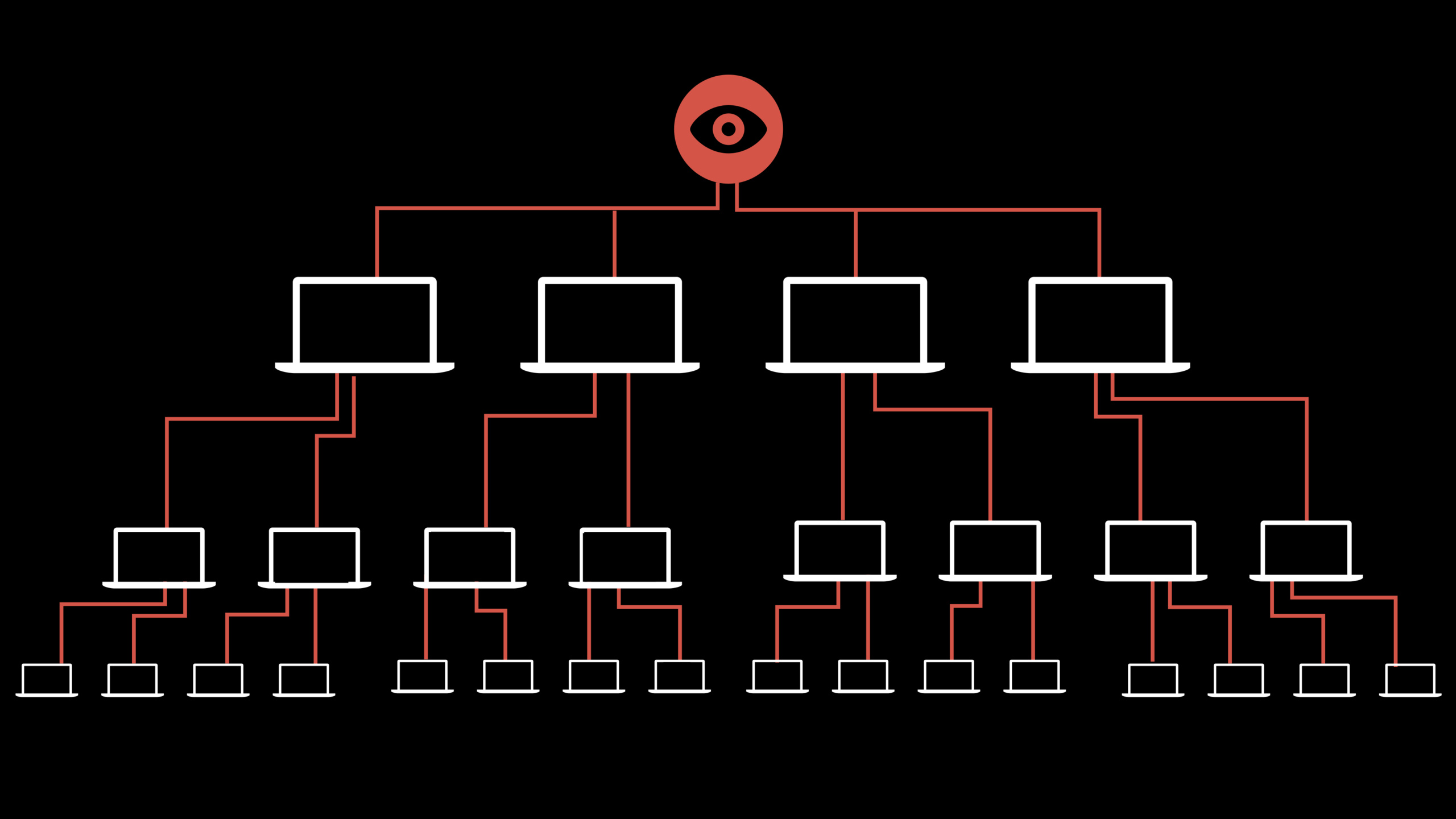
Apple provides three-layer security tools: Sign in with Apple to prevent account hijacking (with built-in two-factor authentication + real user detection), DeviceCheck to prevent promotional abuse (2 bit persistent tag per device), and App Attest to prevent content theft (verify that the App connected to the server is genuine and has not been tampered with).
Core Content
Your app has a user account system.Some people use phishing websites to steal passwords in batches and sell them on the black market.Your users used the same password on other websites, and the attacker used the leaked credential library to compromise your login interface.
There is a promotion on your app.New users get 50% off their first order.Someone wrote a script to register fake accounts in batches, and then abandoned the accounts after collecting the discounts.
Your app has paid content.Someone captured the packet and analyzed your API, wrote a third-party client to bypass paid verification, and distributed it for free.
These three scenarios correspond to three types of risks: account risk, promotion abuse, and content theft.Session gives three locks on the Apple platform.
Detailed Content
Sign in with Apple: The first line of defense for account security
(04:42)
Sign in with Apple comes with two-factor authentication.Users can re-authenticate with Face ID or Touch ID on Apple devices without entering a password.
What’s more important is the information returned during the first authorization.realUserStatuslogo.Apple uses a device-side private machine learning model combined with server-side inference to determine whether the user is a real person or a robot:
let credential: ASAuthorizationAppleIDCredential = // ...
switch credential.realUserStatus {
case .likelyReal:
    // High confidence real person, no extra verification needed
    proceedWithRegistration()
case .unknown, .unsupported:
    // Additional challenge required, such as CAPTCHA, to prevent scripted traffic
    showAdditionalVerification()
}
Key points:
realUserStatusYou can check it on the client without waiting for server verification.- When the platform does not support it or returns unknown, it is recommended to add human-machine verification.
- 2020 Anti-Phishing Working Group Report: Number of global phishing attacks doubles in one year
DeviceCheck: 2 bit persistent tag per device
(07:03)
DeviceCheck allows you to set 2 bits of information (value 0-3) on each Apple device that:
- Strong binding with device authenticity
- Readable even after a complete device reset
- Does not expose any device identity or user privacy
Two typical uses:
Limit the number of promotion redemptions:
1. When the user redeems a promotion for the first time, query DeviceCheck's 2-bit value
2. If the value is 0 (not redeemed), allow redemption and set the value to 1 (redeemed)
3. If the value is 1, reject the repeat redemption
4. After a period of time, such as one year, reset it to 0 to allow redemption again
Limit the number of registered accounts for a single device:
1. When the user registers an account, query the DeviceCheck value
2. Value is 0: allow registration and set it to 1
3. Value is 1: allow registration and set it to 2
4. Value is 2: allow registration and set it to 3
5. Value is 3: reject registration because the limit has been reached
Key points:
- 2 bit value set and queried by your server via Apple servers
- You can freely define the meaning of each value according to business needs
- It is recommended to reset regularly to deal with the situation when the device changes hands.
App Attest: Verify the authenticity of the App
(10:04)
The core problem that App Attest solves: Is the client connected to your server really the genuine app you published?
An attacker can:
- Decompile your app, modify the logic and repackage it for distribution
- Call your API directly, bypassing client verification
- Use automated tools to flash interfaces in batches
App Attest uses Secure Enclave to generate cryptographic proofs:
- App requests attestation from the device
- Secure Enclave generates encrypted assertions containing App identity information
- The app sends the assertion to your server
- Your server verification assertion: Confirm that the App is genuine from the App Store, has not been modified, and is running on a real device
- Sensitive content will be returned only after the verification is passed.
Key points:
- Supports iOS 14+ and tvOS 15+
- Can be verified before every key operation
- Verification is completely done on the server side, no need to connect to Apple servers
- For detailed server verification process, please refer to “Mitigate fraud with App Attest and DeviceCheck” session
Protection strategies for three types of risks
(00:37)
| Risk types | Attack methods | Protection tools | Core mechanisms |
|---|---|---|---|
| Account hijacking | Password leaks, phishing attacks | Sign in with Apple | Two-factor authentication + real user detection |
| Promotion abuse | Batch registration, repeated redemption | DeviceCheck | Device-level 2-bit persistent tag |
| Content theft | Reverse engineering, API packet capture | App Attest | Secure Enclave encryption verification |
Key points:
- The three-layer tools can be used independently or in combination
- Sign in with Apple and DeviceCheck both protect user privacy and do not expose device or identity information
- App Attest’s verification overhead is very small and is suitable for execution before each sensitive request.
Core Takeaways
-
Use Sign in with Apple instead of self-created account system.If your app does not require a complicated account system, just connect to Sign in with Apple.Users don’t need to remember passwords, and you don’t have to worry about passwords being leaked.
realUserStatusIt can also help you filter out robots registered in batches.Entrance API:ASAuthorizationAppleIDCredential.realUserStatus。 -
Add DeviceCheck restrictions to new user discounts.Promotions such as 50% off the first order and free trials are easy to get.Use DeviceCheck’s 2-bit mark to record whether the device has enjoyed discounts. Even if you uninstall, reinstall, or restore factory settings, you cannot escape.Entrance API:
DCDevice.current.generateToken()+ Apple server query. -
Add App Attest verification before the content API.If your app provides paid video, audio, and game content, verify the client’s attestation before returning the resource URL.Make sure the caller is the genuine app you published and not a third-party packet capture tool.Entrance API:
DCAppAttestService.shared.attestKey()。 -
Use a combination of three layers of tools to build defense in depth.Sign in with Apple ensures that the person logging in is a real person, DeviceCheck ensures that the number of operations per device is limited, and App Attest ensures that the client connecting to your server is genuine.With three layers superimposed, the attack cost increases exponentially.Entry: The three APIs are deployed in order of request links.
-
Regularly audit account creation and promotional redemptions for unusual patterns.Even if you have protection tools, you still need to monitor the data: batch registration of the same IP range, a large number of redemption requests in a short period of time, and abnormal geographic locations.Tools prevent automation and manual review prevents advanced attacks.Entry: server log + anomaly detection rules.
Related Sessions
- Mitigate fraud with App Attest and DeviceCheck — In-depth explanation of the technical implementation details and server-side verification process of App Attest and DeviceCheck
- One tap account security upgrades — One tap account security upgrades, strong passwords and autofill best practices
- Autofill everywhere — Complete implementation guide for password autofill
- Privacy and your apps — Privacy protection framework and best practices
Comments
GitHub Issues · utterances