
Highlight
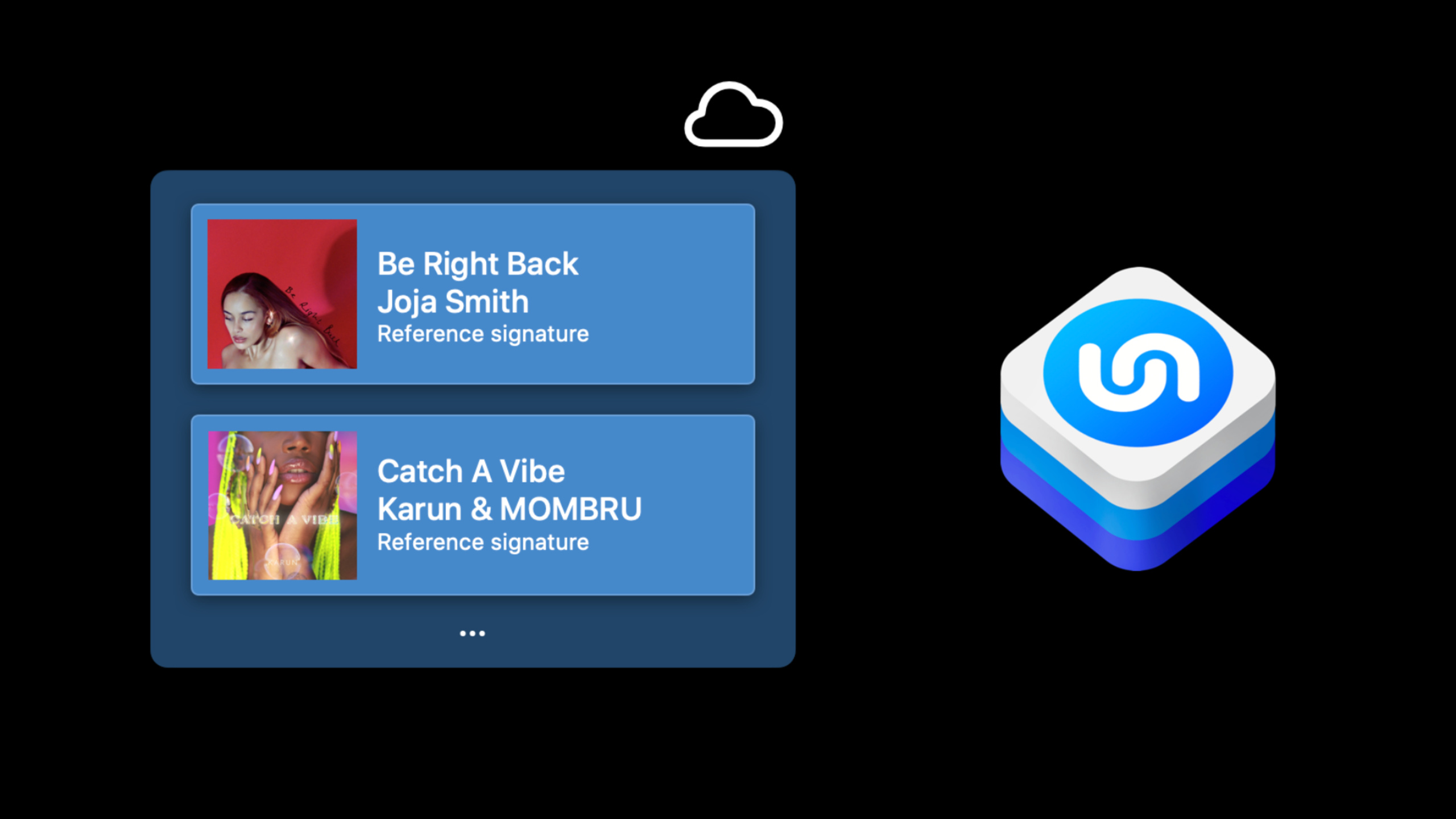
Apple has encapsulated Shazam’s core audio recognition technology into the ShazamKit framework. Developers can directly call Shazam’s massive music library in the app for song recognition, or create custom audio directories to achieve offline any audio matching.
Core Content
You took a video and the background music is nice, but you don’t know the title of the song.The previous approach was to send the video to a friend or open another recognition app.Now, ShazamKit makes this possible right within your app.
ShazamKit includes three core capabilities: Shazam music library identification, custom catalog identification, and music library management.The first two solve the problem of “what audio is this”, and the third solves the problem of “how to save the recognized content”.
The technical principle of Shazam is completely different from common audio classifiers.The SoundAnalysis framework can identify “there is laughter in this audio,” but Shazam does an exact match: it extracts a compressed representation called a signature from the audio, and then searches the library for an exact signature.The signature is at least one order of magnitude smaller than the original audio and is irreversible. The original audio cannot be restored from the signature.
(05:41) This design brings two benefits: the network transmission volume is extremely small, and user privacy is protected.
Custom directory recognition moves the matching locally to the device.You can generate a signature for any audio (such as teaching videos, TV programs) and save it in a custom directory, and the App can complete the matching locally.This is particularly useful in remote teaching scenarios: when the teacher plays the course video, the student-side app can automatically turn pages and display interactive content synchronously, and can keep up with the progress even if it is paused or played back.
(04:13) Another typical scenario is “shoppable video”: when the viewer is watching a TV show, the App recognizes the furniture in the current screen and pops up an AR preview and purchase link.
Detailed Content
Initiate a Shazam library match
The core objects of ShazamKit areSHSession.When initialized by default, it will connect to the Shazam cloud music library.
let session = SHSession()
session.delegate = self

let signatureGenerator = SHSignatureGenerator()
try signatureGenerator.append(buffer, at: nil)

let signature = signatureGenerator.signature()
session.match(signature)
Key points:
SHSession()Matches the Shazam cloud music library by default. ShazamKit App Service needs to be enabled in the Developer Portal.SHSignatureGeneratorConvert raw audio data into a signature, the core data structure for Shazam matchingappend(buffer, at: nil)Append the audio buffer to the generator,bufferyesAVAudioPCMBuffertypesignature()Generate the final signature objectmatch(signature)Send signature to Shazam server for matching
If you are getting audio from the microphone in real time, you should usematchStreamingBuffer(_:)method, which automatically handles the details of signature generation.
Receive matching results
Match result passedSHSessionDelegateThe callback returns.
extension SongResultViewController: SHSessionDelegate {

    public func session(_ session: SHSession, didFind match: SHMatch) {

        guard let matchedMediaItem = match.mediaItems.first else {
            return
        }

        DispatchQueue.main.async {
            self.songView.titleLabel.text = matchedMediaItem.title
            self.songView.artistLabel.text = matchedMediaItem.artist
        }
    }
}
Key points:
SHMatchcontains amediaItemsArray, since one signature may match multiple songsmatchedMediaItemyesSHMatchedMediaItemType, inherited fromSHMediaItemtitleandartistare the two most commonly used attributes, corresponding to song title and performer respectively.- The callback occurs in the background thread, and updating the UI requires switching to the main thread.
- Each match also contains
matchOffset, indicating at which time point in the song the match occurred
Save to Shazam Library
Recognized songs can be saved to the user’s Shazam library, which is synced across devices.
guard let matchedMediaItem = match.mediaItems.first else {
    return
}

SHMediaLibrary.default.add([matchedMediaItem]) { error in

    if error != nil {
        // handle the error
    }
}
Key points:
SHMediaLibrary.defaultCorresponding to the user’s Shazam music library, using end-to-end encryption- Only matches from the Shazam library can be written, not matches from custom directories.
- No special permissions are required, but it is recommended that users clearly know and agree
- Saved songs will be tagged with the name of the source app
Integration with MusicKit
(13:04) returned by ShazamKitSHMediaItemIncludesongsProperty, a strongly typed object in the MusicKit framework.You can use it directly to obtain richer music metadata, or jump to the Apple Music playback page.
Core Takeaways
- Video background music recognition
- What to do: Allow users to identify background music and save playlists with one click when editing videos
- Why it’s worth it: ShazamKit can directly process the audio track of a video file without requiring the user to switch to other apps.
- How to start: Use
AVAssetReaderExtract video audio and pass it toSHSignatureGenerator, and then callsession.match(signature)
- Classroom Synchronous Learning Assistant
- What to do: The education app automatically displays courseware and interactive questions synchronously based on the teaching video played by the teacher.
- Why it’s worth doing: Custom directory identification is completely completed locally and does not rely on the network. Students can get an immersive experience even if they take online classes at home.
- How to start: Refer to code-along session 10045, use
SHCustomCatalogGenerate a signature directory from course audio for student usematchStreamingBufferReal-time matching
- Social Video Music Tag
- What to do: Automatically tag videos with background music in short video sharing apps
- Why it’s worth it: The Shazam music library covers a massive amount of music around the world, with high recognition accuracy. Users can jump directly to Apple Music by clicking on the label.
- How to start: Extract the audio signature in the background when uploading the video, call Shazam matching, and
title、artist、artworkURLSave video metadata
- Live performance interactive experience
- What: Concert or event live app switches lighting effects and visual themes based on the currently playing song
- Why it’s worth doing:
matchStreamingBufferOptimized for real-time audio streaming, low latency, and returngenreAttributes can be used to match different visual styles - How to start: Use
AVAudioEngineCapture ambient audio viamatchStreamingBufferContinuous identification, based on the returnedgenreortitleSwitch UI theme
Related Sessions
- Create custom audio experiences with ShazamKit — Code-along Practice: Build an educational synchronization app with a custom directory
- Meet MusicKit for Swift — The media items returned by ShazamKit can be directly connected to MusicKit strongly typed objects
- Classify sound in video with Sound Analysis — If you need to identify sound categories such as “laughter” and “applause”, use SoundAnalysis instead of ShazamKit
Comments
GitHub Issues · utterances