
Highlight
The rendering behavior of SwiftUI is determined by three core concepts: Identity determines whether the view is reused, Lifetime determines when the State is reset, and Dependency determines when it is refreshed.Understanding these three can eliminate most of the weird bugs in SwiftUI.
Core Content
When writing SwiftUI, developers often encounter three types of problems: status is inexplicably reset, animations are not triggered, and views are refreshed too frequently.These problems appear to be bugs on the surface, but the root cause is often insufficient understanding of the core mechanism of SwiftUI.
This session does not talk about new APIs, but provides an in-depth analysis of the underlying philosophy of SwiftUI.
Identity: How SwiftUI identifies views
Identity answers a question: Is this view and that view the same in two renderings?
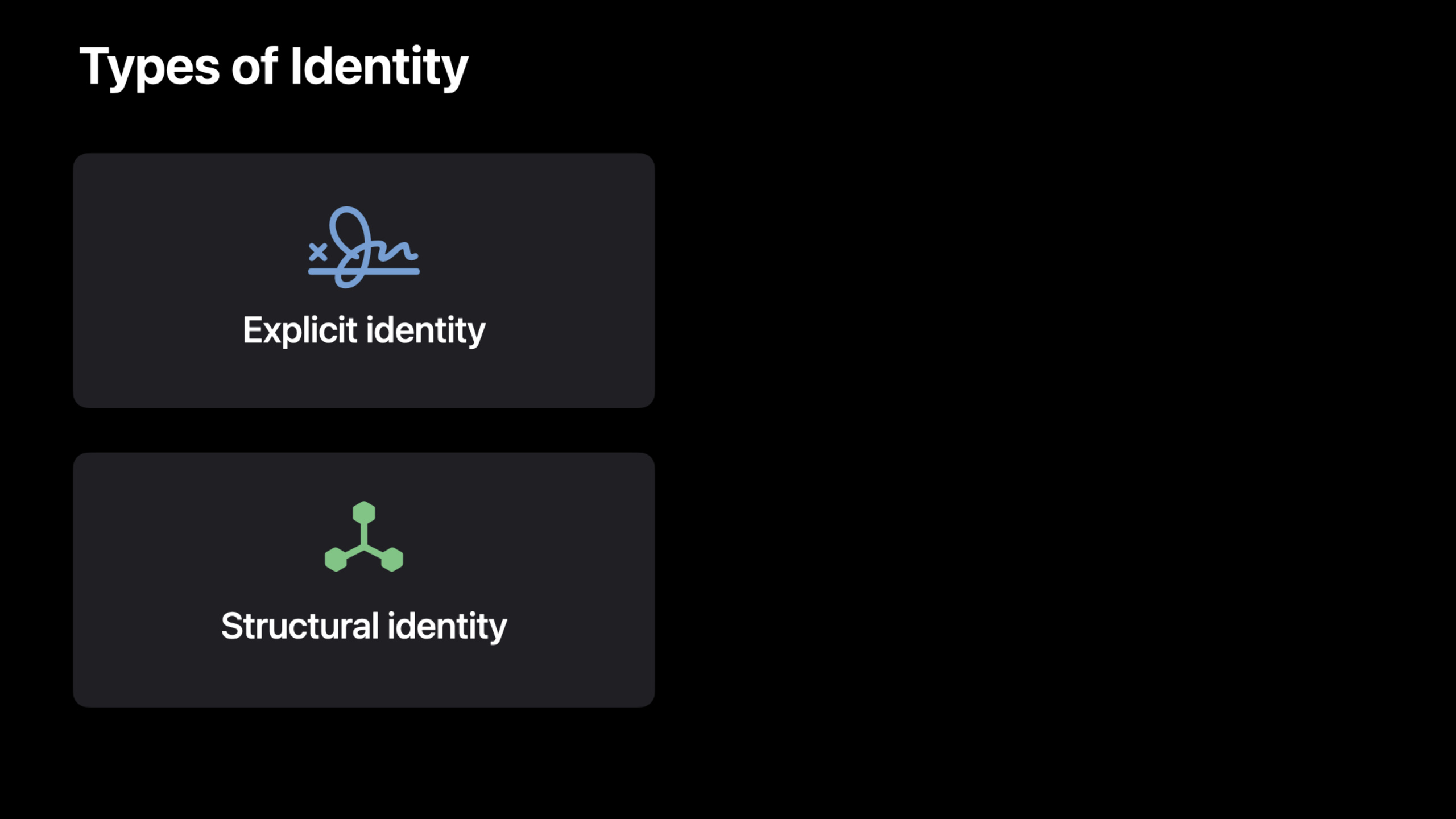
SwiftUI uses two identities:
Structural identity: Determined by the view’s position in the view tree.The same position means the same view.
Explicit identity: Pass.id()Modifier specified.When the id changes, SwiftUI thinks it’s a completely new view.
ForEach(items) { item in
    RowView(item: item)
}hereitemThe id is eachRowViewidentity.if you putitemsWhen reordering, SwiftUI will reuse the existing view instance and only update the data.
But if it is written as:
ForEach(0..<items.count, id: \.self) { index in
    RowView(item: items[index])
}
When an element is inserted into the middle of the array, the index and identity of all subsequent elements change. SwiftUI will destroy and rebuild these views, and all State will be lost.
Lifetime: State’s life cycle
@Stateand@StateObjectThe life cycle is bound to the view’s identity.If the identity does not change, the State will be retained; if the identity changes, the State will be reset.
struct CounterView: View {
    @State private var count = 0

    var body: some View {
        Button("Count: \(count)") {
            count += 1
        }
        .id(someValue) // When someValue changes, count resets to 0
    }
}
Dependency: How SwiftUI knows when to refresh
SwiftUI inbodyAll read dependencies are automatically tracked during execution.When dependencies change, the view automatically refreshes.
struct UserView: View {
    @ObservedObject var user: User

    var body: some View {
        Text(user.name) // SwiftUI remembers: this view depends on user.name
    }
}ifuser.namechanges, SwiftUI refreshes this view.But ifuser.agechanges without reading in this viewuser.age, SwiftUI won’t refresh it.
Detailed Content
Common Identity Traps
Conditional branch switching view type
if isEditing {
    TextField("Name", text: $name)
} else {
    Text(name)
}whenisEditingWhen switching, TextField and Text occupy the same position in the view tree, but are of different types.SwiftUI will destroy the TextField and create a Text, and then destroy the Text and create a new TextField when switching back.The TextField’s focus state is lost.
Fix: Add stable ids to both views.
if isEditing {
    TextField("Name", text: $name)
        .id("nameField")
} else {
    Text(name)
        .id("nameField")
}
This way SwiftUI knows that they are the same logical view, just of different types.
ForEach uses unstable id
ForEach(items.indices, id: \.self) { index in
    // Using index as the id rebuilds everything after inserting an element
}
Fix: Use stable identification of the data itself.
ForEach(items, id: \.id) { item in
    // item.id is stable
}
@StateObject vs @ObservedObject
struct ParentView: View {
    @StateObject private var model = ViewModel()

    var body: some View {
        ChildView(model: model)
    }
}

struct ChildView: View {
    @ObservedObject var model: ViewModel

    var body: some View {
        Text(model.title)
    }
}
Key points:
@StateObjectInitialize when the view is first created and reuse the same instance later@ObservedObjectJust observe the object passed in from the outside and do not manage its life cycle- Never in
bodyCreated inObservableObjectInstance, a new one will be created on every refresh
Accurate tracking of Dependency
SwiftUI’s dependency tracking is at the property level.
struct DetailView: View {
    let item: Item

    var body: some View {
        VStack {
            Text(item.title)
            Text(item.description)
        }
    }
}ifitemIs a value type (struct), each time the parent view passes in a newitem(even if the content is the same), SwiftUI will refreshDetailView。
ifitemIt is a reference type (class), and SwiftUI compares the reference address.It is only refreshed when a different instance is passed in.
Core Takeaways
1. Design the list with a stable identity
When implementing an editable list, ensure that the identity of each cell is based on the business ID of the data, not the array index.In this way, SwiftUI can correctly reuse views when inserting, deleting, and sorting, and the animation will be smoother.Entrance API:ForEach(items, id: \.id)。
2. Decouple the life cycle of ViewModel from the view
use@StateObjectCreate a ViewModel in the root view by@ObservedObjector environment object passed to the subview.In this way, even if the subview is rebuilt due to identity changes, the data will not be lost.Entrance API:@StateObject + environmentObject()。
3. Use EquatableView to optimize large amounts of static content
For containers that contain a large number of subviews that rarely change, implementEquatableprotocol and packaged asEquatableView, let SwiftUI skip unnecessary diffs.Entrance API:static func == + .equatable()。
4. Diagnosing State reset issues
When you find that State has been reset unexpectedly, check three things: Whether it is used.id()And the value has changed, whether the id of ForEach is stable, whether the views in the conditional branch share the same position.Use Xcode’s SwiftUI debugging tools to view identity changes in the view tree.
5. Design predictable refresh boundaries
Isolate frequently changing data (such as timers, sensor data) into independent subviews to avoid triggering a refresh of the entire page.Entrance API: Extract the dynamic part into an independent View and only pass necessary data.
Related Sessions
- Add rich graphics to your SwiftUI app — Graphics drawing with Canvas and TimelineView
- Direct and reflect focus in SwiftUI — Focus management and view interaction
- SwiftUI on the Mac: Build the fundamentals — SwiftUI architecture practice on macOS
- Discover concurrency in SwiftUI — Asynchronous data flow and view update
Comments
GitHub Issues · utterances