
Highlight
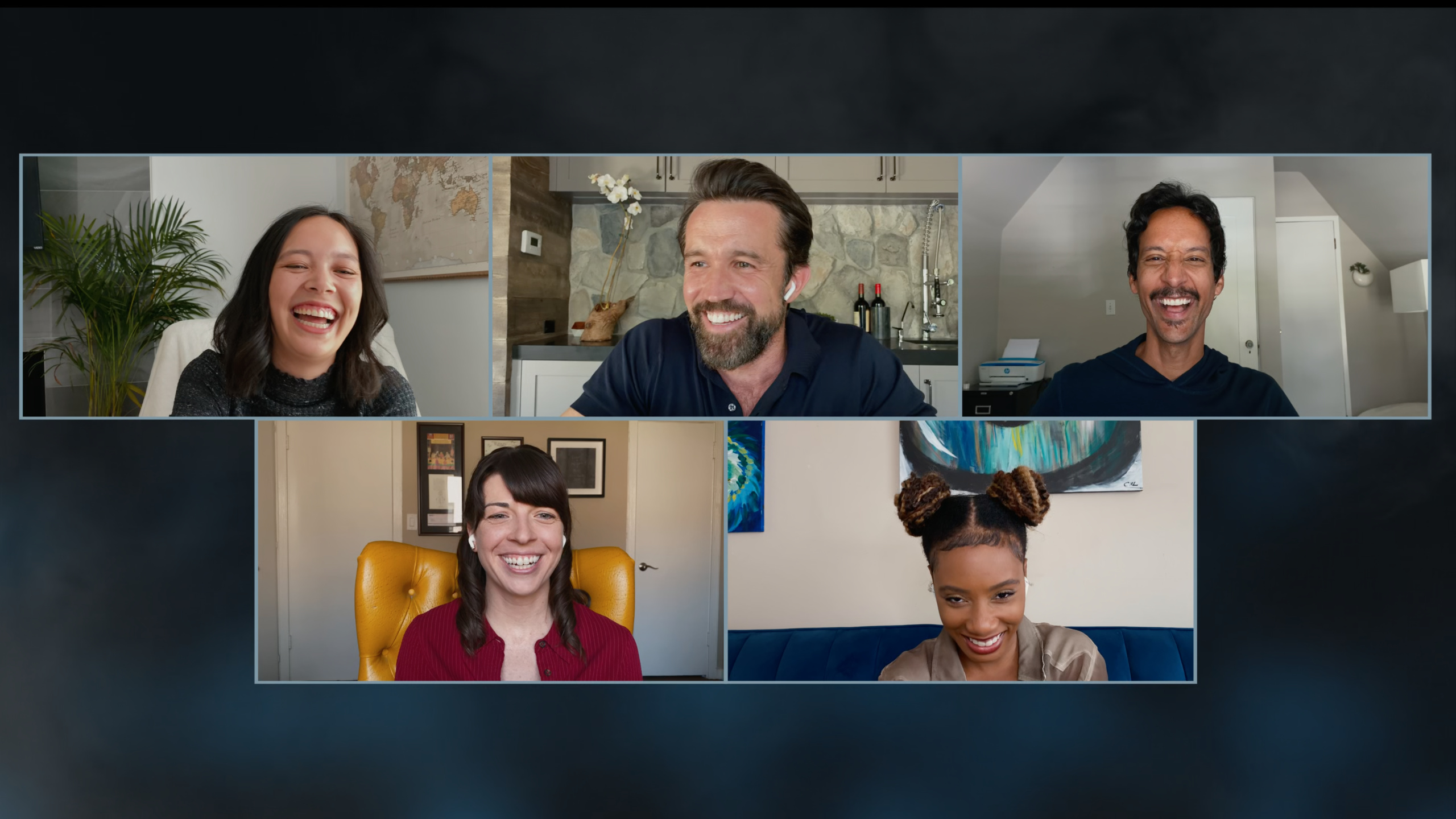
Apple hands over the Mythic Quest: Raven’s Banquet team for an Essentials special at WWDC 2020, with Rob McElhenney, Charlotte Nicdao, Imani Hakim, Danny Pudi and Megan Ganz discussing Ubisoft’s involvement in the script, remote filming and game industry culture.
Core Content
When developers watch programmers in movies and TV shows, the most common worry is distortion. Lines sound like keyword stuffing, engineers are written as symbols, and game studios easily become the backdrop for jokes. This conversation begins by answering the question: why Mythic Quest: Raven’s Banquet feels “true to life” to a viewer from Phoenix.
Megan Ganz’s answer is straightforward. Ubisoft is a partner on the show and participates in the writers room to provide ongoing feedback on the script. They also arranged for programmers, commercialization experts, screenwriters and other people from different positions to communicate with the creative team. The technical language in the show is often written by the screenwriter first, and then handed over to Ubisoft people to replace it with words that people in the industry would actually speak.
This also explains why Ian and Poppy’s relationship is so recognizable. Charlotte Nicdao mentioned that Poppy actually “builds everything” but Ian was treated like a genius. This conflict is not a simple role contrast, it corresponds to common issues of authorship, power, and visibility of technical labor in real teams.
The second half of the conversation turned to the filming of the quarantine episode. Rob McElhenney said that they used iPhones with Filmic Pro, MOTIV Audio and Shure MV88 Plus microphones to complete the main shooting; the actors received remote guidance through Zoom, AirPods and the setup of multiple iPhones. For developers, the value of this session is not in the API, but in a complete case: ordinary consumer-grade equipment, clear processes and team collaboration can push a restricted remote production task to broadcastable quality.
Detailed Content
Calibrate scripts with real practitioners
(04:35) The first developer question asked why the episode looked real. Megan Ganz said that Ubisoft maintains continuous communication with the crew, participates in the writers room, and brings in people from different types of work to communicate, including programmers, monetization experts and writers.
Key points:
- Ubisoft didn’t just have a name at the end of the film, it was involved in calibrating the script stage.
- The crew is exposed to not only programmers, but also commercialization and narrative positions, so the studio in the show is not just about writing code.
- Megan specifically mentioned that one female coder was wary of the portrayal of programmers in film and television, which forced the creative team to take characters like Poppy more seriously.
Write technical labor into role relationships
(06:01) Charlotte Nicdao said that there is something strange about the relationship between Ian and Poppy: Poppy literally builds everything, but Ian is considered a genius. This observation brings the show’s comedic conflicts closer to the real tensions of the development team.
Key points:
- Poppy’s role focuses on system building responsibilities rather than a “can write code” label.
- Ian represents the creative lead for external recognition and Poppy represents the implementer for concrete deliverables.
- This misalignment allows game developers and software engineers to see familiar team problems in a comedic setting.
Complete your quarantine set using your iPhone
(12:03) Rob McElhenney answered what apps were used for the isolation set. He mentioned that the camera app is Filmic Pro 6.10.9, the audio app is MOTIV Audio, the microphone hardware is Shure Mic MV88 Plus, and the main picture is from an iPhone.
Key points:
- This is about dismantling the production process, not developing API demonstrations.
- iPhone provides the picture foundation, Filmic Pro is responsible for shooting control, and MOTIV Audio and Shure microphones are responsible for the sound link.
- Rob attributes the quality of the final film to a combination of apps, hardware, and iPhone, rather than a single point tool.
Remote directors rely on clear communication links
(15:56) Imani Hakim explains how the remote shooting set works: Apple sends the actors iPhones, sound equipment, and lights; the actors attach the iPhones to the rig, allowing the director and crew members on Zoom to see the filming in real time. Rob later added that they also communicate via AirPods.
Key points:
- Remote shooting requires reorganizing the director, actors, equipment and monitoring links. You cannot just leave the actors alone in the room to take selfies.
- Zoom is responsible for on-site monitoring, and AirPods is responsible for instructions and performance communication.
- Danny Pudi mentioned that network delay will affect the rhythm of answering, so actors need to listen more carefully to each line.
Start practicing with low-threshold tools
(23:26) Megan Ganz said when talking about iPhone shooting, just by adjusting a few settings on the phone, you can take pictures that are close to those of a large machine on site. She gave a piece of advice to people who want to enter the film and television industry: start shooting now, cut it together, look at the problem, and then reshoot and re-edit.
Key points:
- After the tool threshold is lowered, the focus of learning shifts to repeated practice and review.
- It is more important to “shoot first” than to wait for a formal opportunity, as mistakes can be exposed at the low-cost stage.
- This advice also applies to app prototypes: make a trial-ready version first, then revise it with real feedback.
Core Takeaways
- Remote Shooting Equipment Checklist: Make a shooting preparation app for small teams. Why it’s worth doing: iPhone, sound equipment, lights, Zoom and AirPods appear repeatedly in the session, so remote production is most afraid of missing a link. How to start: Break down a shooting into five lists: camera, audio, lighting, monitoring, and communication, and record the equipment status and person in charge for each actor.
- Script technical terminology proofreading platform: Create a terminology review tool to help screenwriters and technical consultants collaborate. Why it’s worth doing: Megan mentioned that the writers would write placeholder words like haptics first, and then Ubisoft would replace them with real language. How to start: Create four fields for each technical line: “placeholder, consultant’s suggestion, final line, and character tone.”
- Team Contribution Visibility Record: An internal tool for game teams to review creative decisions and implementation contributions. Why it’s worth doing: Poppy “builds everything” gives Ian a halo of genius, which is an easily overlooked labor distribution issue in the team. How to start: Record the proposer, implementer, reviewer and online result by feature, so that you can see the complete link during review.
- Creator Practice Log: Make a personal practice app that records shooting, editing, reshooting and re-editing. Why it’s worth it: Megan’s advice is to start shooting right away and expose your mistakes before the opportunity arises. How to get started: Save footage, edits, problem lists, and next improvement goals for each exercise project.
- Game Culture Observation Notes: Make a library of interview excerpts and team observations for game developers. Why it’s worth doing: The session discusses female gamers, female creators, narrative gaming, and studio roles that impact product storytelling and team management. How to start: Organize the interview clips using the four tags of person, position, conflict, and inspiration.
Related Sessions
- A conversation with Lisa Jackson and former Attorney General Eric Holder — A special conversation also at WWDC 2020, focusing on social issues beyond the developer community.
- The winners of the 2020 Apple Design Awards — See how Apple evaluates design, innovation, and experiences through award-winning apps and games.
- Design for Game Center — Game Center design session in the direction of Graphics & Games, complementing the game interface and player experience perspective.
- Tap into Game Center: Dashboard, Access Point, and Profile — Explains Game Center’s in-game entrance, Dashboard, and player profile.
- Tap into Game Center: Leaderboards, Achievements, and Multiplayer — Continues to explain leaderboards, achievements, challenges, and multiplayer capabilities.
Comments
GitHub Issues · utterances