
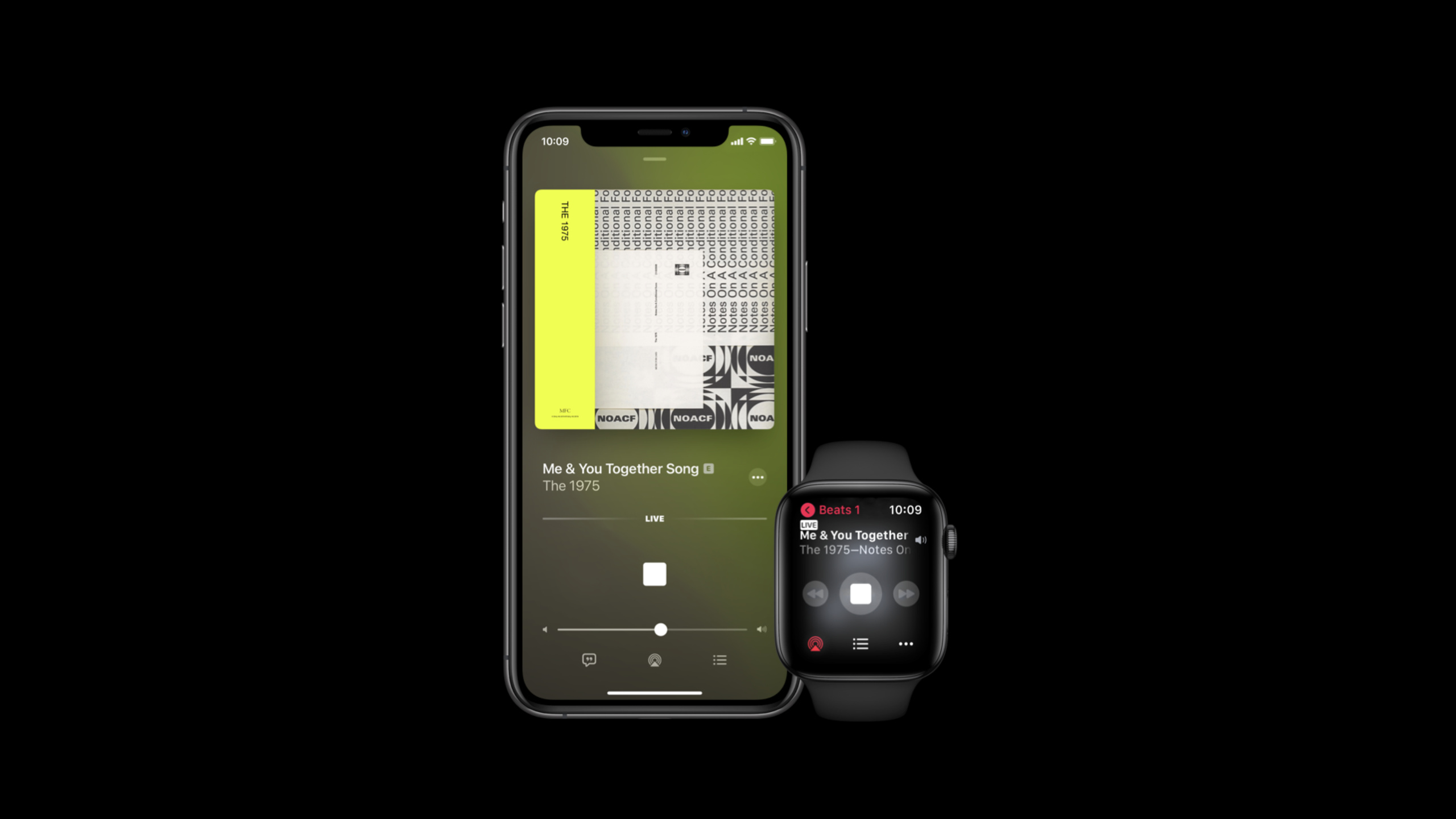
Highlight
watchOS 7 adds xHE-AAC to Apple Watch’s AVPlayer and combines FairPlay Streaming with
AVContentKeySessionBring it to your watch, allowing audio apps to playback and deliver protected content at lower bitrates.
Core Content
watchOS 6 already allows Apple Watch to play streaming audio directly. Developers can use AVPlayer or their own audio protocols to deliver content to their wrists. The problem lies in the next step: the network environment of the watch changes more drastically, the battery is more limited, and many audio services also come with protected membership content.
This session addresses these real pre-launch headwinds. Apple first added xHE-AAC to AVPlayer in watchOS 7. It can deliver comparable quality at a lower bitrate, or higher quality at the same bitrate. For watches, the bit rate is not a small optimization. The lower the bit rate, the easier it is to play stably on mobile networks.
The second change is that FairPlay Streaming comes to watchOS 7. Many music, audiobook, podcast or course services cannot nakedly stream the entire library to the client. Now the App can connect Apple Watch to the same set of protected content links: the platform initiates a key request, the App contacts the key server, and then returns the encrypted key response to AVFoundation.
Finally, Apple puts performance recommendations down to very specific playback paths. One less HTTP redirect and one less wait for the network to start. Obtain the key and certificate in advance, and there will be one less set of key requests to make after the play button is pressed. For audio-only content, you can adjust the HLS target duration to about 20 seconds, trading longer clips for stability in mobile network and battery performance.
Detailed Content
xHE-AAC into AVPlayer for watchOS 7
(00:38) watchOS 7 adds xHE-AAC support to AVPlayer. The speech calls it extended high efficiency advanced audio coding, which is used to achieve equivalent quality with a lower bitrate, or to provide higher quality at the same bitrate.
Apple’s advice is straightforward: Apple Watch network conditions are highly variable, and audio assets should be kept at a low bitrate to maintain high quality. Therefore, xHE-AAC encoding is recommended for all audio assets.
Key points:
- xHE-AAC is the new codec named in this session, and the focus is AVPlayer of watchOS 7.
- It serves the network reality of Apple Watch: users are on the move and connection quality changes frequently.
- The manifest should still include AAC-LC, HE-AAC or HE-AACv2 variants to leave fallback for interoperability scenarios.
- The variant selection is handed over to AVPlayer, and the App does not need to manually specify the audio format in each network state before playing.
FairPlay Streaming supports protected content
(02:15) What many audio services really want to bring to Apple Watch is the large amount of existing protected content. watchOS 7 adds FairPlay Streaming for this purpose. It describes a set of steps to securely deliver content decryption keys so that the platform can decrypt and play encrypted media.
In this process, the role of App is the liaison between the platform and the key server. AVFoundation issues an on-demand key loading request, the App handles the key loading steps, and then returns the encrypted key response to AVFoundation. After that, AVFoundation can start decrypting and playing.
Key points:
- FairPlay Streaming is not a new audio format, it handles key delivery for protected content.
- The App does not directly decrypt the media content, but is responsible for connecting the platform request and the key server response.
- This allows member music libraries, paid courses, and authorized audio content to access the Apple Watch playback link.
- This capability has appeared on the watch side since watchOS 7, complementing the direct streaming introduced the previous year.
useAVContentKeySessionManage key life cycle
(03:04)AVContentKeySessionIt is a class in AVFoundation that specifically handles decryption keys. watchOS 7 brings it to Apple Watch to take over key handling in FairPlay Streaming.
Its key feature is the decoupling of key loading and asset loading.AVContentKeySessionWithout binding the life cycle of a certain asset, the app can decide when to initiate key loading and control the key life cycle in more detail. The speech clearly stated that this can help the app optimize key delivery and improve the playback experience.
Key points:
AVContentKeySessionThis corresponds to key processing, not the player UI.- It can actively initiate key loading before playing, reducing the user’s wait after clicking play.
- Because it is not tied to the asset life cycle, the App can better handle key preparation, reuse, and invalidation.
- Apple recommends viewing during presentation
AVContentKeySessionbest practices document and continue to refine implementation strategies.
Shorten Apple Watch playback startup path
(04:40) Apple Watch is a low-power wearable device, and user movement will make network conditions more unstable. The first practice given in the talk is to avoid unnecessary network round trips, including HTTP redirects on resources required for playback. Each time a redirect is added, the startup time will be lengthened.
(05:19) The second practice is to obtain resources in advance. Keys and certificates can be prefetched before playing the critical path.AVContentKeySessionCan be used to prefetch content keys; certificate can be cached, and the expiry tag in the HTTP response is used to determine the cache duration.
(05:49) The third practice is to adjust the HLS target duration. When Apple Watch only handles audio-only content, Apple recommends a target duration of about 20 seconds. This improves resilience to network mobility and battery performance without drastically impacting playback startup times.
Key points:
- The critical path for playback startup should be as short as possible. Redirects and additional requests will be reflected in the user’s waiting time.
- Key and certificate are resources that can be prepared in advance and should not be pushed behind the play button.
- HTTP expiry tag is the basis for certificate cache duration and cannot be saved indefinitely.
- A target duration of about 20 seconds is the specific recommendation for audio-only watchOS streaming for this session.
Core Takeaways
-
Low-bitrate-first watch radio: What to do: Prepare xHE-AAC audio variant for Apple Watch and retain AAC-LC, HE-AAC or HE-AACv2 fallback. Why it’s worth doing: The transcript clearly recommends xHE-AAC, which uses lower bitrate to maintain quality and is suitable for watches with large changes in network conditions. How to start: First convert the popular stream to xHE-AAC, then put the compatible variants into the manifest and watch AVPlayer choose between cellular and Wi-Fi.
-
Protected Membership Audio Library: What it does: Extend paid music, audiobooks, or course content to Apple Watch. Why it’s worth doing: watchOS 7 supports FairPlay Streaming, and the App can serve as a key delivery bridge between the platform and the key server. How to start: First access FairPlay key loading on the watch, and then use
AVContentKeySessionHandle on-demand key loading request and encrypted key response. -
Pre-play key warm-up: What to do: Prefetch content keys and certificates when the user enters the play details page. Why it’s worth doing: Prefetching keys and certificates by name reduces network requests on the critical path to playback startup. How to start: Use
AVContentKeySessionActively initiate key loading, certificate is cached according to HTTP expiry tag, and the play button is only responsible for starting playback. -
HLS Cleanup for Mobile Networks: What to do: Check the playlist, key, certificate and segment URL required for watch side playback, and remove unnecessary HTTP redirects. Why it’s worth doing: Each redirect will directly increase the startup time, and the watch network environment is more likely to amplify this cost. How to start: Record the request link for the first playback, change the resources with more redirects to the final URL, and then compare the startup time and failure rate.
-
audio-only long clip configuration: What to do: Test a target duration of about 20 seconds for an audio-only stream to Apple Watch. Why it’s worth it: Apple recommends using a higher target duration for audio-only content to achieve a more stable result between network mobility and battery performance. How to start: Prepare HLS versions with different target durations for the same stream, and measure startup time, number of freezes, and battery impact on a real watch.
Related Sessions
- Deliver a better HLS audio experience — Continuing our dive into xHE-AAC, FLAC, Apple Lossless, and HLS audio encoding trade-offs.
- Discover how to download and play HLS offline — Talk about AVFoundation download HLS, offline playback, and FairPlay Streaming to protect offline content.
- Author fragmented MPEG-4 content with AVAssetWriter — Describes how to prepare fragmented MPEG-4 fragments for HLS output.
- Reduce latency with HLS Blocking Playlist Reload — Explain the mechanism to reduce playlist wait in Low-Latency HLS.
- Discover HLS Blocking Preload Hints — Describes how Blocking Preload Hints reduce HLS audio and video stream delivery delays.
Comments
GitHub Issues · utterances