
Highlight
Xcode 12 adds Execution Time Allowance and Parallel Distributed Testing on physical devices to XCTest, allowing suspended tests to generate spindumps and continue executing the rest of the suite, and also allows xcodebuild to distribute test classes to multiple iOS or tvOS devices to run in parallel.
Core Content
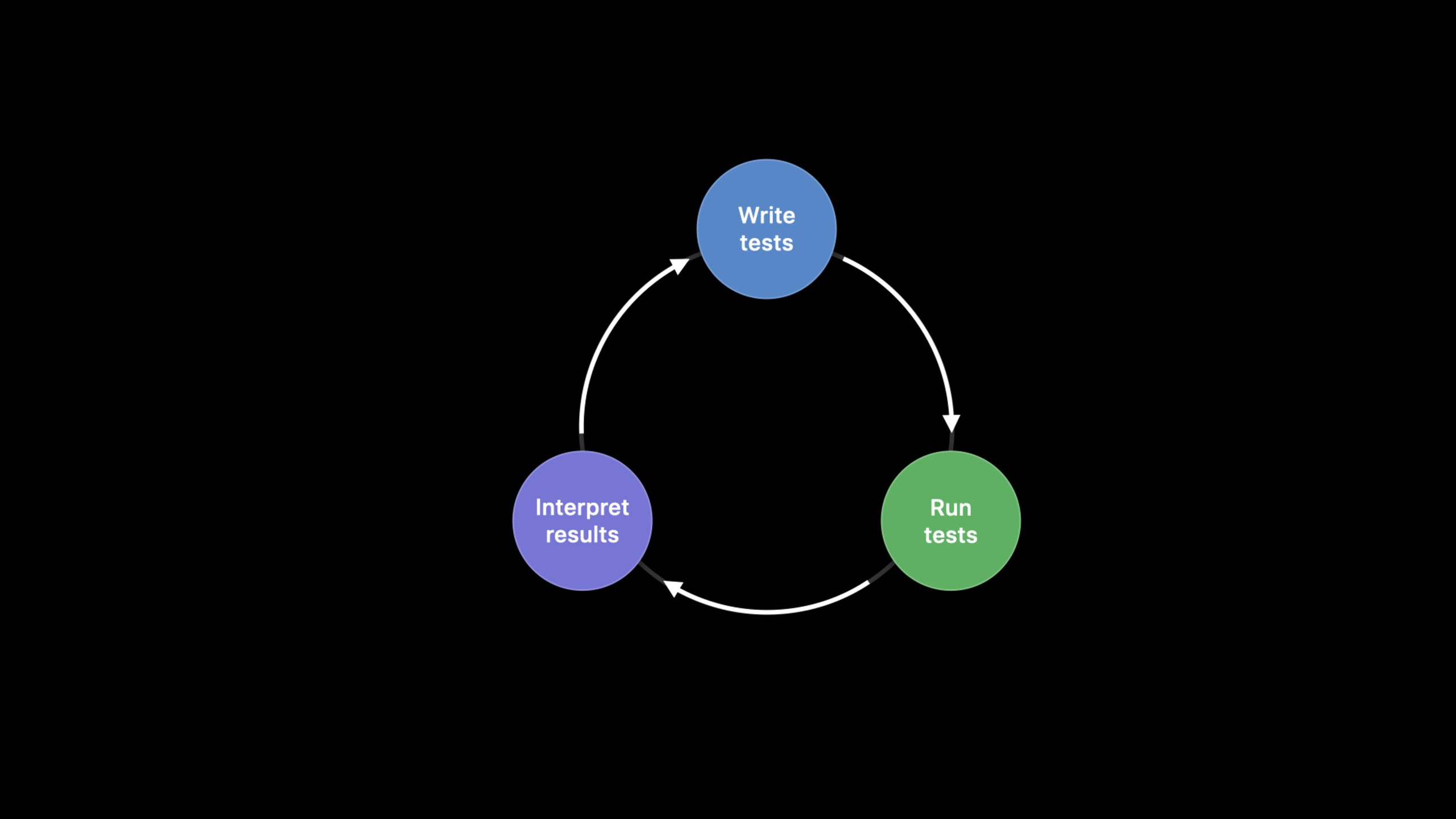
The test feedback loop is simple: write the test, run the test, read the report, and then decide to continue fixing the code, adding tests, or releasing the feature. The problem is that loops are most likely to get stuck at the “run test” step. The CI started before get off work on Friday was not finished on Monday morning; the report only said that the task was cancelled, and the team could not get the results, nor did it know which piece of code hung the test.
When I encountered this kind of long-term no response in the past, I could only guess. It may be a deadlock, the main thread CPU may be working too much, or a timeout may be set too wide. Speculation turns test maintenance into archeology. Xcode 12’s Execution Time Allowance turns the maximum running time of each test into a configuration item: after the timeout, Xcode first grabs the spindump, then ends the suspended test, restarts the test runner, and allows the remaining tests to continue running.
After getting the complete report, the next pain point is speed. In the Fruita example, it takes nearly 13 minutes to run a dozen tests serially. Their time consumption is unevenly distributed, some are hundreds of milliseconds, and some are several minutes. Xcode 12 extends Parallel Distributed Testing: xcodebuild can distribute test classes to multiple run destinations. After each device finishes running one class, it continues to receive the next class until there are no more tests to assign.
The “fast” discussed in this session has a clear order: first ensure that the test will not get stuck indefinitely, then use spindump to point to the suspension position, and finally distribute the tests suitable for splitting in parallel. In this way, the CI report changes from “no results” to “failures, diagnoses, and total time spent”, and the team can act based on the results.
Detailed Content
1. Use Execution Time Allowance to handle suspended tests
(03:56) Xcode 12’s new test plan option is called Execution Time Allowance. When turned on, Xcode limits the running time of each individual test. When a test exceeds the limit, Xcode grabs the spindump, kills the pending test, restarts the test runner, and continues running other tests in the suite.
import XCTest
@testable import Fruta

class SmoothieNetworkingTests: XCTestCase {
    func testUpdatingSmoothiesFromServer() throws {
        let originalSmoothies = Smoothie.all
        try Smoothie.fetchSynchronouslyFromServer()
        XCTAssertNotEqual(originalSmoothies, Smoothie.all)
    }
}
Key points:
SmoothieNetworkingTestsinheritXCTestCase, which is the test class that is executed and timed by Xcode.testUpdatingSmoothiesFromServer()It is the test method that will hang in the session demo.let originalSmoothies = Smoothie.allRecord data before network update.try Smoothie.fetchSynchronouslyFromServer()Call the synchronization network update logic to be tested, and the suspension point is in this call chain.XCTAssertNotEqual(originalSmoothies, Smoothie.all)Verify that server-side data has changed the local smoothie list.
(04:18) The spindump will be appended to the test report. It shows which functions each thread is mainly stuck on, and is more actionable than “CI was canceled”. session also pointed out that spindump can also be done from Terminal’sspindumpcommand or Activity Monitor to obtain manually.
2. Locate deadlock from spindump
(07:56) After the demo generates the report, the test name can be searched in spindumptestUpdatingSmoothiesFromServer. The call stack shows test entryfetchSynchronouslyFromServer(), then enterperformGETRequest(to:), and finally stops at lock wait. This is faster than looking at the entire set of business code.
SmoothieNetworkingTests.testUpdatingSmoothiesFromServer()
  static Smoothie.fetchSynchronouslyFromServer()
    static Smoothie.performGETRequest(to:)
      psynch_mtxcontinue
Key points:
- The first line binds the hang to a specific XCTest method.
- The second line indicates that the test has entered the API under test, rather than being stuck outside the test framework.
- The third line narrows the scope to helper method
performGETRequest(to:)。 psynch_mtxcontinueIndicates that the thread is waiting for the mutex lock, which is consistent with the deadlock analysis in transcript.
(08:23) The source code displays,fetchSynchronouslyFromServer()Already locked and called internallyperformGETRequest(to:)Another attempt was made to acquire the same lock. This helper only performs GET requests and should not acquire the lock repeatedly.
extension Smoothie {

    enum Errors: Error {
        case noData
    }

    static var serverIsAvailable: Bool { false }
    static var smoothieEndpoint: URL {
        URL(string: "https://smoothies.food.com")!
    }

    static func fetchSynchronouslyFromServer() throws {
        fetchSmoothieLock.lock()
        defer { fetchSmoothieLock.unlock() }

        guard let data = performGETRequest(to: smoothieEndpoint) else {
            throw Errors.noData
        }

        let smoothies = try JSONDecoder().decode([Smoothie].self, from: data)
        Smoothie.all += smoothies
    }

    static func performGETRequest(to url: URL) -> Data? {
        defer { fetchSmoothieLock.unlock() }

        if url == smoothieEndpoint {
            fetchSmoothieLock.lock()
        }

        return performNetworkRequest(method: .get, url: url)
    }
}
Key points:
fetchSynchronouslyFromServer()call firstfetchSmoothieLock.lock(), and usedeferUnlocked when scheduled to exit.performGETRequest(to:)Internally again in URL equalssmoothieEndpointLock time.- The same call chain repeatedly contends for this lock, and the wait stack in spindump has a specific reason.
- This code snippet illustrates the value of Execution Time Allowance: it not only ends the pending test, but also writes the positioning material to the report.
(08:43) The fix is to remove the lock logic in the helper method and make it only responsible for network requests. The test ends immediately after re-running and the hang is eliminated.
extension Smoothie {

    // Omitted for brevity. See previous code snippet for content.

    static func performGETRequest(to url: URL) -> Data? {
        return performNetworkRequest(method: .get, url: url)
    }
}
Key points:
performGETRequest(to:)Retain the original responsibilities: initiate a GET request and returnData?。- Lock acquisition and release are no longer scattered into helper methods.
- Upper floor
fetchSynchronouslyFromServer()Critical sections that can still control data updates. - After fix, the test feedback loop changes from “stuck and cancels” to “runs and gives results”.
3. Configure default and maximum time allowance
(05:13) By default, each test has a 10-minute allowance. Once a test completes within 10 minutes, the timer resets for the next test. Global defaults can be adjusted in the test plan configuration; specific tests or test classes can be usedexecutionTimeAllowanceThe API is set individually.
XCTestCase.executionTimeAllowance -> TimeInterval
values are rounded up to the nearest minute
Key points:
executionTimeAllowanceyesXCTestCaseonTimeIntervalproperty, transcript explicitly uses it as the configuration entry for a specific test or test class.- The return value represents a more fine-grained upper bound on running time and does not need to override the global test plan default value.
- transcript description The allowance will be rounded up to minutes; if it is less than 60 seconds, it will be rounded up to 60 seconds, and if it is 100 seconds, it will be rounded up to 120 seconds.
- API level settings have the highest priority and are suitable for the few tests that really take longer.
(09:18) Configured with priority:executionTimeAllowanceThe API is the highest, followed by the time allowance option of xcodebuild, followed by the test plan setting, and the system default is 10 minutes, which is the lowest. In order to avoid unlimited test requests, Xcode 12 also provides a maximum allowance, which can be enforced in test plan or xcodebuild.
4. Use Parallel Distributed Testing to shorten the total time
(12:21) Parallel Distributed Testing will distribute tests to various run destinations by class. Each device runs one test class at a time and continues to obtain the next class after running. New in Xcode 12: xcodebuild can run tests in parallel on physical iOS and tvOS devices.
parallel-testing-enabled = YES
parallelize-tests-among-destinations = YES
Key points:
parallel-testing-enabledTurn on parallel testing capabilities.parallelize-tests-among-destinationsAsk xcodebuild to spread the tests to specified destinations instead of running a complete set of tests on each destination.- transcript explicitly says that new in Xcode 12 is the ability to run tests in parallel on physical iOS and tvOS devices via xcodebuild.
- The destination participating in the distribution should be provided by the CI environment. It is recommended that the device pool of the same model and OS version be used first for the session.
(12:47) The process of assigning test classes to destination is undefined. If the test depends on the device model or OS version, hard-to-reproduce failures or skips may occur after distribution. The recommendation for session is to use a device pool with the same device and system version; if the pool mixes devices and OSs, only distribute tests that are not destination-sensitive, such as tests of pure business logic framework.
(14:50) If the goal is to verify that the same set of code works on more OS and devices, you should use Parallel Destination Testing. It will run the complete test suite on each destination and will not split individual suites to different destinations.
Core Takeaways
- **What to do: Enable Execution Time Allowance for CI’s long-running test suite. ** Why it’s worth doing: Suspending the test will cause the result bundle to have no valid conclusion. The session shows the process of grabbing the spindump after timeout and continuing to execute the remaining tests. How to start: Open test time-outs in the test plan, first use the default 10 minutes, and then adjust it based on historical time-consuming.
- **What to do: Set a separate allowance for known slow tests. ** Why it’s worth doing: If the global allowance is too large, it will slow down the time to detect suspended tests; if it is too small, it will cause accidental damage and require longer testing. How to start: In correspondence
XCTestCaseoverlayexecutionTimeAllowance, and configure the maximum allowance in test plan or xcodebuild. - **What to do: Incorporate spindump into the test failure troubleshooting process. ** Why it’s worth doing: Use spindump to locate the demo from the test name all the way to
performGETRequest(to:)The lock is waiting. How to start: Keep the result bundle of CI. When encountering allowance failure, first open the attachment and search for the test method name and business method name. - **What to do: Create a parallel device pool for pure business logic testing. ** Why it’s worth doing: The session description distribution algorithm dispatches work to the destination according to the test class, which is suitable for tests that do not rely on device differences. How to start: Prepare devices of the same model and OS version in CI
xcodebuild testAdd multiple to the command-destinationand two parallel flags. - **What to do: Split “distribution testing” and “multi-system verification” into two CI jobs. ** Why it’s worth doing: Parallel Distributed Testing pursues shortening the kit time, and Parallel Destination Testing pursues covering multiple OS or devices. How to get started: One job uses an identical device pool for distribution, and another job runs a complete set of tests on the target OS matrix.
Related Sessions
- XCTSkip your tests — Talk about how to mark tests that do not meet runtime conditions as skipped to avoid interfering with CI result judgment.
- Write tests to fail — Talk about how to design XCTest and UI tests that have more diagnostic value when they fail.
- Handle interruptions and alerts in UI tests — Handle system pop-ups and expected alerts in UI tests to reduce unstable failures.
- Triage test failures with XCTIssue — Use XCTIssue to supplement failure results with structured context, complementary to spindump diagnostics.
- Eliminate animation hits with XCTest — Demonstrates the performance regression detection practice of XCTest, suitable for use separately from time allowance.
Comments
GitHub Issues · utterances