
Highlight
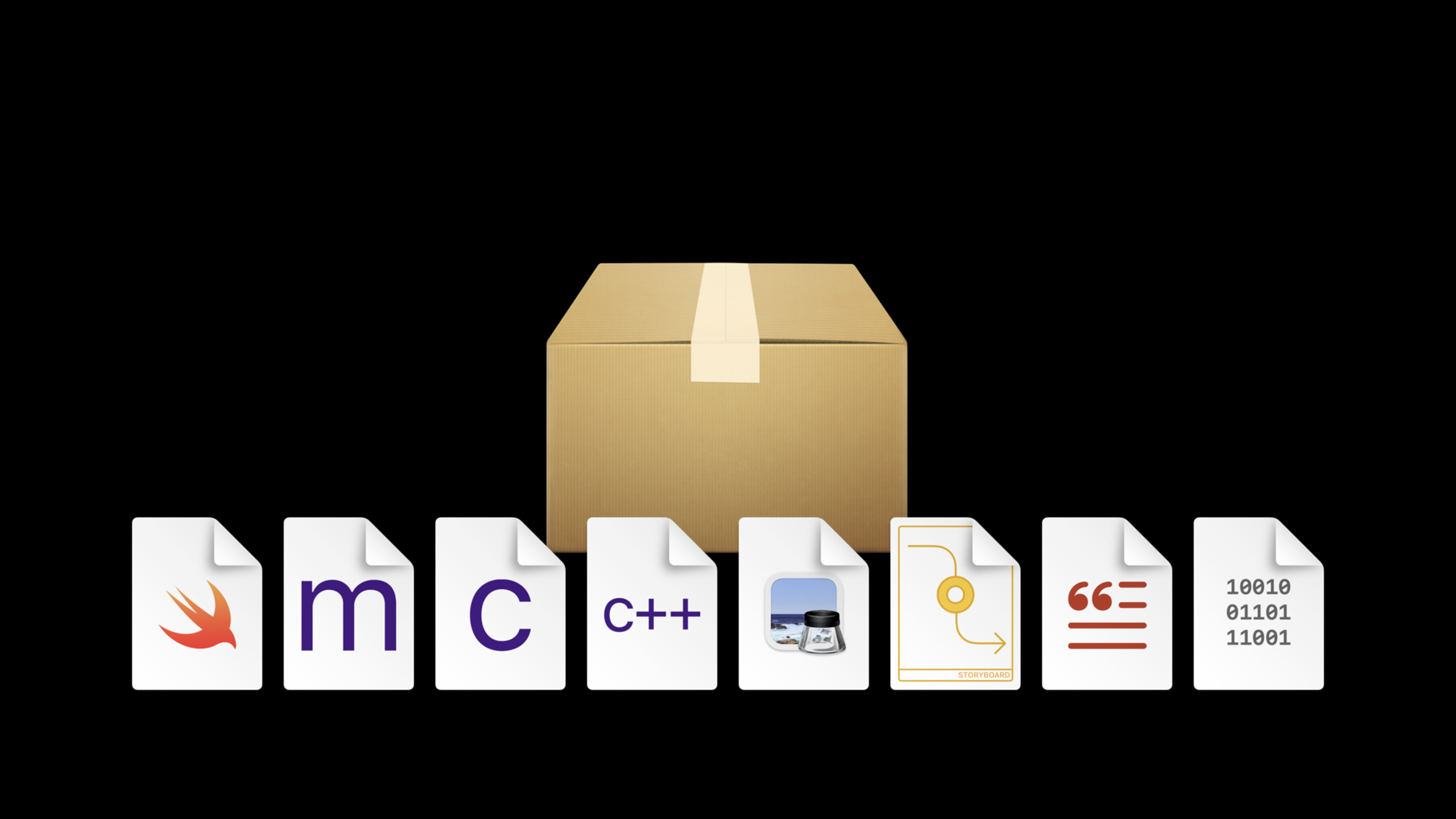
Xcode 12 adds resource and localization support to Swift Package Manager with Swift tools version 5.3, allowing package targets to carry resources such as images, storyboards, Core Data models, string files, etc., and pass
Bundle.moduleAccess them at runtime.
Core Content
Swift package is very suitable for detaching a piece of business logic and reusing it. The problem occurs when this logic begins to require interfaces and resources: a dice view can be put into the package, and the button can also refresh the points, but the image resource is not in the module, and there is only a black square left in the preview. Developers either leave resources in the client app or agree on file paths themselves, and reuse boundaries quickly become fragile.
Xcode 12 fixes this. Package targets can now include images, storyboards, Core Data models, and other runtime files. When the file type is clear, Xcode will automatically process it according to the suffix; when the file purpose is ambiguous, the developer willPackage.swiftwhere it states whether it should be excluded, processed, or copied unchanged.
Resources are structured into resource bundles belonging to each code module. The code passes through Foundation’sBundleAPI to access it, the most direct entry point in Swift code isBundle.module. This design continues the existing API of the system, so adding resources to the package will not increase the minimum OS version supported by the package.
Localization also comes into the same model. Package manifest statementdefaultLocalization, put it in the resource directoryen.lproj、fr.lprojIn this localization directory, SwiftUI and UIKit continue to look for strings and images through the bundle parameter. In this way, the functionality provided by a package can be distributed with its own default language, translation files and localization resources.
Detailed Content
Package target can directly carry resources of specific types
(01:10) The demo starts with a SwiftUI dice view. Xcode 12 can preview the SwiftUI view in a package in a workspace without a client app. The view logic works and the buttons change the points, but what is missing is an image showing the points.
(01:42) The speaker isDiceUICreate an asset catalog next to the target and put dice images of different resolutions. because.xcassetsThe suffix has a clear meaning and Xcode knows it should be processed at build time and packaged into the client product.
The key API is to pass in module bundle to the resource loading entrance:
Image("dice-one", bundle: .module)Key points:
ImageStill use SwiftUI’s image loading entry. -"dice-one"It is the resource name in the asset catalog, and the image name in the session is matched by points. -bundle: .modulePoints to the resource bundle of the current package module.- transcript mentioned that the complete writing method can specify the module resource bundle, and then use Swift type inference to abbreviate it as
.module。
manifest is responsible for explaining the purpose of the ambiguous file
(03:13) Xcode will determine some resources based on the file suffix. Files such as Asset catalog, storyboard, and Core Data model have clear purposes and can be directly added to the target. The purpose of plain text, ordinary images, shell scripts, or arbitrary directories is more ambiguous. They may be runtime resources or just development materials.
(04:09) The official code snippet shows how to declare the intent of a target file in the package manifest:
// swift-tools-version:5.3
import PackageDescription

let package = Package(name: "MyGame",
    products: [
        .library(name: "GameLogic",
            targets: ["GameLogic"])
    ],
    targets: [
        .target(name: "GameLogic",
            excludes: [
                "Internal Notes.txt",
                "Artwork Creation"],
            resources: [
                .process("Logo.png"),
                .copy("Game Data")]
        )
    ]
)
Key points:
// swift-tools-version:5.3Is the tool chain boundary supported by the resource. SwiftPM’s resource capabilities come from Swift 5.3. -excludesWill cause the build system to skip internal notes and design asset directories. -.process("Logo.png")Indicates that this file needs to be processed as a resource. Most resources should useprocess, letting the build system apply built-in rules based on the target platform. -.copy("Game Data")Indicates that the directory should be copied as it is, retaining the hierarchical structure, which is suitable for data that needs to be accessed by directory at runtime.
The difference between process and copy affects the build product
(06:56)processProcessing rules are applied recursively to directories. Asset catalogs or storyboards are converted into a form suitable for runtime use, and images may be compressed according to platform rules. Files of unknown type or that do not require special handling will eventually be copied into the product.
(07:35)copyThe semantics are more direct: copy bytes, no conversion. Typical scenarios given by session are to preserve the entire directory structure, or to use source files that might have been compiled as runtime templates.
The key difference between these two options can be simplified into the manifest decision:
.process("Logo.png")
.copy("Game Data")
Key points:
processis the default priority resource action because it allows Xcode to use the platform’s built-in rules. -copyFitting the resource directory structure itself is part of the runtime protocol.- Both belong to target
resourcesArrays, scoped to the package target in which they are declared.
Bundle.module is the resource entrance inside the module
(07:59) When building, the source files of the target will be compiled into code modules, and the resources of the target will be processed into the resource bundle corresponding to the module. Apps and extensions on the Apple platform themselves are bundles, and the resource bundle of the package will be embedded in the App bundle. Unbundled products such as command line tools require the resource bundle to be installed next to the tool.
(09:38) Access resources at runtime using Foundation’sBundleAPI. Xcode synthesizes bundle accessors for package targets containing resources, and both Swift and Objective-C modules can get the corresponding bundles. Common entry points in Swift are:
let logoURL = Bundle.module.url(forResource: "Logo", withExtension: "png")Key points:
Bundle.moduleReturns the resource bundle corresponding to the current code module. -url(forResource:withExtension:)It is an existing Foundation API, and no new resource lookup model is introduced for package resources.- This accessor is only visible to code within the same module.
- If other modules require resources, the session is recommended to provide accessors with clear types, such as returning a certain picture or a certain data file, to avoid exposing the entire bundle as a public dependency.
Localized resources use defaultLocalization and .lproj
(11:27) Xcode 12 also supports localized resources within packages. The first step is to declare the default development language in the manifest. This language will serve as a fallback when a more suitable language is not available at runtime.
// swift-tools-version:5.3
import PackageDescription

let package = Package(
    name: "DiceUI",
    defaultLocalization: "en",
    targets: [
        .target(name: "DiceUI")
    ]
)
Key points:
defaultLocalization: "en"Declare the default localization language for package.- session explicitly states that packages containing resources need to declare a default localization.
- Language IDs use the same language identification rules as in Apple platform localization.
(12:02) Then createen.lprojandfr.lproj, put in each directoryLocalizable.strings。.lprojThe suffix lets Xcode understand that this is the localization directory, so it is usually not used in the manifest.resourceslisted separately.
Sources/DiceUI/en.lproj/Localizable.strings
Sources/DiceUI/fr.lproj/Localizable.strings
Key points:
Localizable.stringsSaves a mapping of key to target language text. -.stringsdictIt can also be placed in the localization directory for rules such as pluralization.- The localization directory can also contain language-specific versions of resources.
- The Asset catalog itself can also be localized, providing different images in different languages.
(13:01) SwiftUI text also gets localized strings through module bundle:
Text("roll", bundle: .module)Key points:
"roll"is the localization key, and the English mapping in session isroll, French is mapped to the corresponding translation. -bundle: .moduleTell SwiftUI to look for the string in the package’s resource bundle.- SwiftUI preview can override the language through environment, and the session has been previewed in French to verify that the strings in the package will take effect.
Core Takeaways
-
What to do: Really encapsulate shared components with UI into Swift packages. Why it’s worth doing: Xcode 12 allows package targets to carry asset catalogs, and SwiftUI preview can also display resources in workspaces without client apps. How to start: Put the component’s own image into the asset catalog next to the target, and pass it in when loading the image
bundle: .module。 -
What: Put sample data, template files or game levels into a package. Why is it worth doing: Manifest can distinguish
.processand.copy, runtime data no longer needs to rely on the directory convention of the client App. How to start: Use resources that require platform processing.process(...), used for resources that must retain the directory hierarchy.copy(...)。 -
What: Provide a narrow-bore resource access API for packages. Why it’s worth doing:
Bundle.moduleOnly visible within the same module, session is also recommended not to expose the entire bundle to other modules. How to start: Write inside packageImageProvider、TemplateLoaderor similar type that returns only the image, URL, or data the caller actually needs. -
What: Let reusable components bring their own localized strings. Why it’s worth doing: packages can be declared
defaultLocalization, and carry.lprojdownLocalizable.stringsand.stringsdict. How to start: Create for default language firsten.lproj/Localizable.strings, then add the target language directory, and use SwiftUI textbundle: .module。 -
What to do: Preview the UI in different languages in the package. Why it’s worth doing: The session demonstrates language coverage through SwiftUI preview’s environment, directly verifying that the French string comes from the generated resource bundle. How to start: Add a localized preview to the key view. After overriding the locale, check whether the button copy, image and layout are still correct.
Related Sessions
- Distribute binary frameworks as Swift packages — Continue to see how Swift Package Manager distributes precompiled XCFramework in Xcode 12.
- Explore Packages and Projects with Xcode Playgrounds — Learn how Xcode 12’s modern build system handles playgrounds, packages, frameworks, and resources.
- Formatters: Make data human-friendly — Learn to localize dates, units, names, lists, numbers, and stringsdict to the system.
- Build localization-friendly layouts using Xcode — Continuing work on translation lengths, right-to-left languages, and Xcode localization layout previews.
- What’s new in Swift — Back to the overall background of Swift 5.3, package ecosystem, and developer experience updates.
Comments
GitHub Issues · utterances