
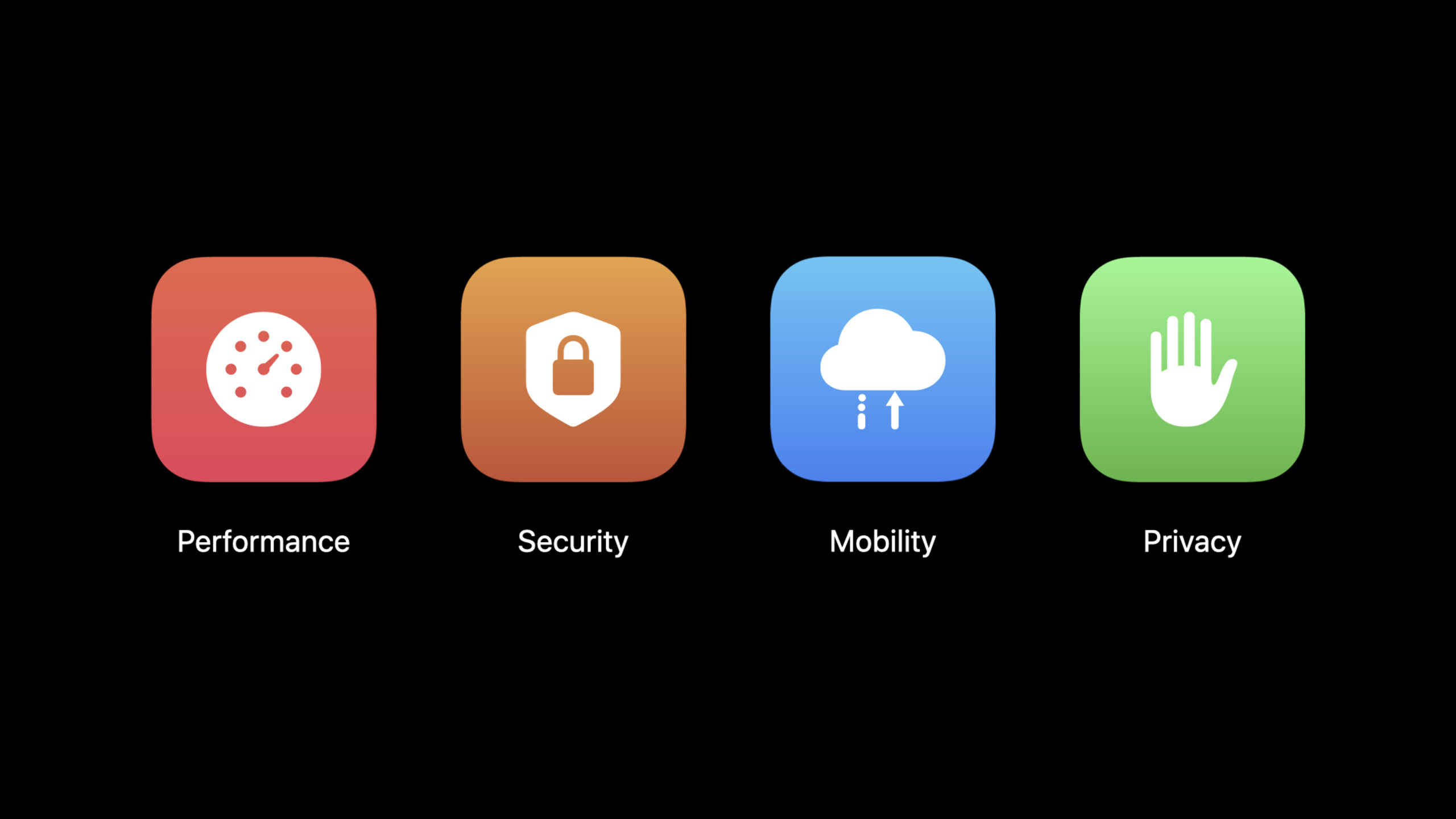
Highlight
Apple recommends that developers use URLSession or Network.framework as a modern network entrance, and enable IPv6, HTTP/2, TLS 1.3, Multipath TCP, encrypted DNS, and HTTP/3 preview in conjunction with server and system configuration to reduce latency, improve security, and protect privacy.
Core Content
Network performance issues often hide outside of apps. The client has used modern APIs, but the server has not enabled IPv6, HTTP/2 or TLS 1.3. As a result, users still have to wait for slower connection establishment, longer handshakes and more request queues.
The entry point of this session is very pragmatic: on the Apple platformURLSessionandNetwork.frameworkThese protocol capabilities are already built in, and clients usually do not need to rewrite the network layer. What really needs to be completed is the server-side configuration. Enabling IPv6, HTTP/2, and TLS 1.3 allows the system to reap the benefits of connection establishment, request multiplexing, header compression, and encrypted handshakes.
Mobile devices also have a problem that’s rare on desktops: the network changes. Ordinary TCP connections are prone to interruption when users move from Wi-Fi to cellular networks, or when moving in an environment with unstable signals. Multipath TCP allows a TCP connection to survive network switches. With Apple Music enabled, Apple observed a 13% reduction in Music stalls and a 22% reduction in stall duration.
iOS 14 also puts privacy at the entrance of the network stack. Local network access will require explicit user permission; DNS over TLS and DNS over HTTPS are added to the system resolver; HTTP/3 and QUIC are also coming in experimental preview formURLSessionand Safari. Developers need to include client APIs, server protocols, and user privacy tips in network capability checks.
Detailed Content
1. The client API is the entrance, and the server configuration determines the income.
(00:54)
Apple explicitly defines modern network APIs asURLSessionandNetwork.framework. After using these APIs, the client can automatically obtain support for many protocols; if the server does not enable the corresponding capabilities, the system cannot complete the negotiation for the developer.
Client API:
- URLSession
- Network.framework

Server capabilities to verify:
- IPv6
- HTTP/2
- TLS 1.3
- Multipath TCP
- encrypted DNS support where applicable
Key points:
URLSessionCovers standard HTTP requests and is the main entry point for HTTP/2, TLS 1.3 and HTTP/3 previews. -Network.frameworkSuitable for scenarios where direct control of connection parameters is required.- This session emphasized the same thing many times: the client is ready, and the corresponding protocol must be opened on the server side.
2. IPv6, HTTP/2, and TLS 1.3 are the basics to check today
(01:13)
IPv6 already accounts for 26% of Apple device connections. The comparison given by the verbatim is that when using IPv6, the median connection setup is 1.4 times faster than IPv4. Apple also reminds developers to test IPv6-only networks with NAT64 support for Mac Internet Sharing, as this is an App Store submission requirement.
The benefits of HTTP/2 come from three places: multiplexing multiple requests on the same connection, connection merging, and header compression. 79% of Safari requests over the past month used HTTP/2,URLSessionTask median duration is 1.8x faster than HTTP/1.1.
TLS 1.3 reduces the handshake round trip. It works as of iOS 13.4URLSessionandNetwork.frameworkEnabled by default; on the latest iOS devices, approximately 49% of connections use TLS 1.3, which is established 1.3 times faster than TLS 1.2.
Protocol check:
1. Test the app on IPv6-only NAT64 networks.
2. Enable HTTP/2 on servers used by URLSession clients.
3. Enable TLS 1.3 on servers used by URLSession and Network.framework clients.
Key points:
- NAT64 testing verifies that app code is truly compatible with IPv6-only environments.
- HTTP/2 is a server-side switch;
URLSessionWill be negotiated by default when supported by the server. - TLS 1.3 is also a server-side switch; client-side modern APIs will try to use it by default.
3. Multipath TCP solves connection interruption on the move
(06:26)
Multipath TCP allows a TCP connection to survive when a device switches networks. When the user goes out of Wi-Fi coverage, the app does not have to restart a network operation.
The client entry given by Transcript is very specific: inURLSessionConfigurationorNWParameterssettings onmultipathServiceType。
URLSessionConfiguration.multipathServiceType
NWParameters.multipathServiceType
Key points:
URLSessionConfigurationApplies to based onURLSessionHTTP request. -NWParametersApplies to based onNetwork.frameworkconnection.- The server side also needs to support Multipath TCP; it is recommended to refer to the deployment instructions of multipath-tcp.org for session.
4. Local network privacy and encryption DNS turns network access into user-visible behavior
(08:03)
iOS 14 introduces local network privacy protection. Directly accessing local network resources, using multicast or broadcast, requires explicit user permission. The app also needs to provide a purpose description in Info.plist to let users know why they want to access the local network.
The same paragraph also describes secure name resolution. iOS 14 and macOS Big Sur support DNS over TLS and DNS over HTTPS. This capability is located in the system resolver, and all apps on the device can benefit from it after configuration. Developers can also useNetworkExtensionApps deliver system-level encrypted DNS settings, or require encrypted resolution within the app.
Privacy work items:
- Add a local network usage reason string when the app accesses local resources.
- Use NetworkExtension when delivering system-wide encrypted DNS settings.
- Ask the DNS provider to offer DNS-over-HTTPS when it is not available.
Key points:
- Local network permissions prevent apps or third-party SDKs from exploiting LAN device presence to locate or fingerprint users.
- Encrypted DNS protects domain name resolution content and reduces the opportunity for third parties on the network to observe DNS queries.
- Both themes have separate sessions:
Support local network privacy in your appandEnable encrypted DNS。
5. HTTP/3 is the experimental entrance to the next generation protocol
(10:44)
HTTP/3 is built on the QUIC transport protocol, has built-in TLS 1.3 security, and retains HTTP/2’s multiplexed stream support. It also reduces head-of-line blocking: the loss of a single request or response does not block other unrelated messages.
For iOS 14 and macOS Big SurURLSessionThe app provides an experimental preview of HTTP/3. Safari can also be tried out via experimental settings. macOS Big Sur is still availableCFNetworkHTTP3Overrideuser default isURLSessionApp enables experimental support.
HTTP/3 preview:
- iOS 14: enable experimental HTTP/3 for URLSession in Developer settings.
- macOS Big Sur: set CFNetworkHTTP3Override for URLSession apps.
- Safari: enable HTTP/3 from Experimental Features.
Key points:
- HTTP/3 is still an ongoing specification by the IETF in session.
- Apple requires developers to test real server deployments and report issues encountered.
- The value of HTTP/3 lies in verifying the next generation transport protocol in advance, without reducing basic checks such as IPv6, HTTP/2, and TLS 1.3.
Core Takeaways
-
Network Protocol Physical Examination Panel What it does: Displays on the app’s internal diagnostics page whether the current request went to IPv6, HTTP/2, TLS 1.3, or experimental HTTP/3. Why it’s worth doing: Session repeatedly emphasizes that the client API and server configuration must be in place at the same time. The physical examination page can quickly find missing items on the server side. How to start: sort through everything
URLSessionFor the requested domain name, create a server capability list for each domain name, and then display the test results to the development and operation and maintenance teams. -
IPv6-only regression testing process What to do: Add NAT64 IPv6-only network testing to pre-release checks. Why it’s worth doing: The verbatim draft clearly says this is an App Store submission requirement, and IPv6 median connection setup is 1.4 times faster than IPv4. How to get started: Use Mac Internet Sharing’s NAT64 support to create a test network and run the main links such as login, pull list, download resources, and upload.
-
Special optimization for mobile network switching What to do: Evaluate Multipath TCP for long-term tasks such as music, voice, navigation, and instant messaging. Why it’s worth doing: With Apple Music enabled, Music stalls are reduced by 13% and stall duration is reduced by 22%. How to get started: Find what you fear most about interruptions
URLSessionorNetwork.frameworkconnect, evaluatemultipathServiceType, and then confirm the server-side Multipath TCP deployment conditions. -
LAN device discovery privacy improvements What to do: Register Bonjour, multicast, broadcast and local IP access in a unified manner, and supplement the local network usage description. Why it’s worth doing: iOS 14 will turn local network access into a user authorization process, and unprepared device discovery capabilities will directly affect the first-day experience. How to start: Audit the local network access points of the App and third-party SDK, write clearly the purpose description in Info.plist, and then jump to read the complete permission process of 10110.
-
Encrypted DNS Publishing Strategy What to do: Design DNS over TLS / DNS over HTTPS support for enterprise, home networks, or privacy-sensitive apps. Why it’s worth doing: After the system resolver supports encrypted DNS, one configuration can benefit all apps on the device. How to get started: If you want to deliver a system-level setup, research
NetworkExtension; If you are only protecting in-app connections, continue reading API usage for app-level encrypted DNS in 10047.
Related Sessions
- Enable encrypted DNS — An in-depth discussion of DNS over TLS, DNS over HTTPS, NetworkExtension, and App-level encrypted resolution, which is a direct follow-up to this section on encrypted DNS.
- Support local network privacy in your app — Explain the triggering conditions of iOS 14 local network permissions, Info.plist purpose description and testing process, which is an expansion of the local network privacy paragraph in this session.
- Build local push connectivity for restricted networks — Discussing local push connectivity in restricted networks without Internet, suitable for continuing to understand LAN communication capabilities on Apple platforms.
Comments
GitHub Issues · utterances