
Highlight
Apple defines system intelligence as a design practice in which the operating system collaborates with daily apps to reduce user operation costs, and requires developers to bring app functions to Siri Suggestions, Shortcuts, widgets, App Clips and cross-device scenarios through extensibility.
Core Content
The default entry for many apps is still the icon.The user clicks on the icon to enter the complete interface, completes the task, and then closes the app.The model is clear, but the cost is obvious: users must remember which feature is where and proactively turn it on at the right time.
The starting point for this session is another design perspective.Apple explains system intelligence as the operating system and the apps users use every day working together to make daily tasks easier to complete.The capabilities of Siri Suggestions, Voice, widgets, and App Clips are not just convenient entrances, they together form a platform convention.
Mark Mikin uses the analogy of a share button.The share icon is useful because it appears repeatedly in the system and third-party apps, so users know what can be done at a glance.Intelligence also requires this consistency, but it is more alive than a static icon.Everyone sees Siri Suggestions, Siri conversations, and system suggestions differently, and the same person sees different results at different times.
This changes the boundaries of developer responsibility.Users won’t be able to distinguish whether a failed suggestion is a system problem or an app problem, and will simply feel that the entire experience is not smart enough.To participate in system intelligence, an app must take its core capabilities out of the app icon and provide them to the system through extensibility, allowing the system to present them at the appropriate place, time, and device.
Detailed Content
System intelligence: Making everyday tasks easier
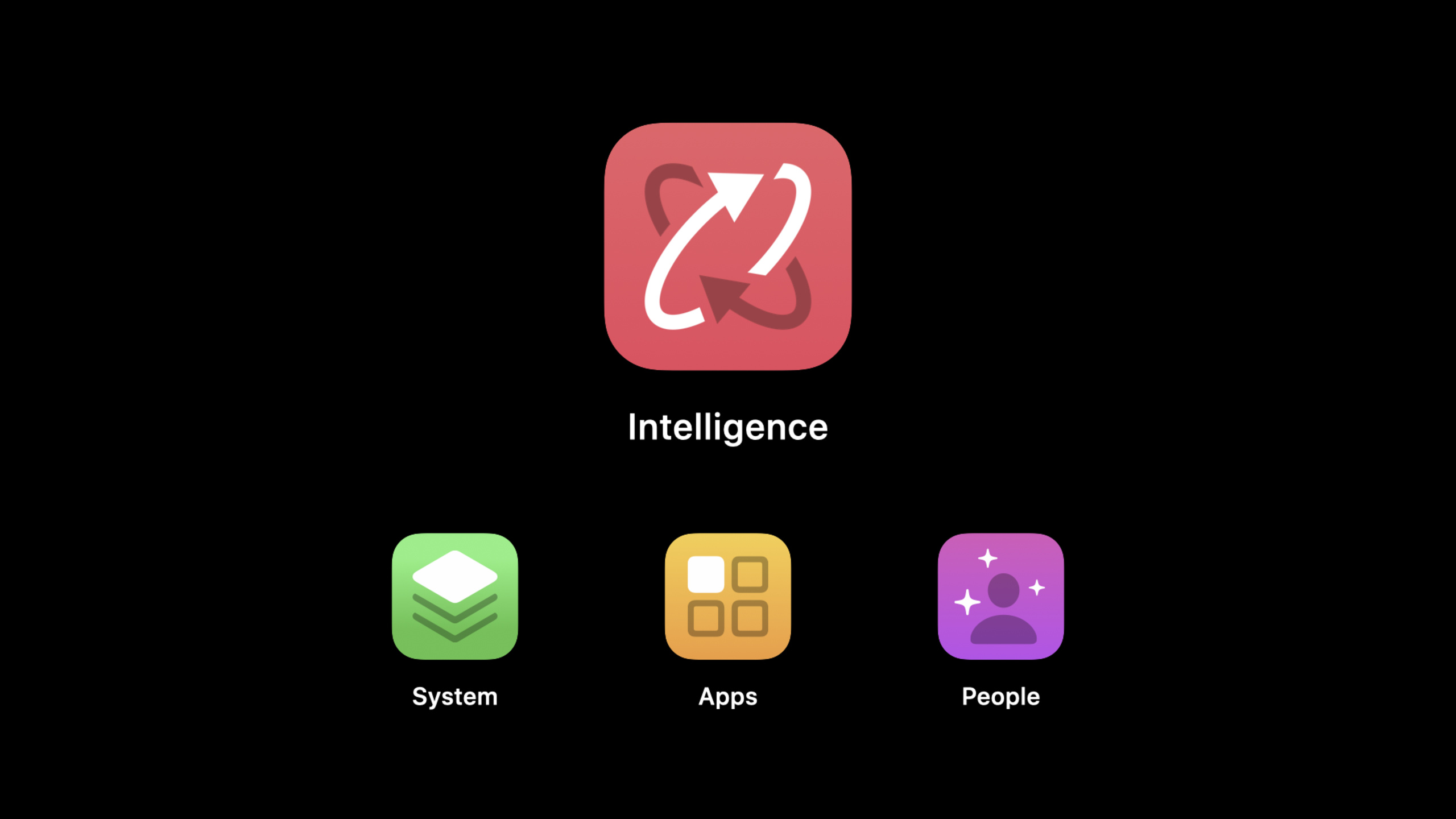
(01:23) The definition given in this speech is very straightforward: intelligence is the operating system and the apps that people use every day working together to make daily tasks easier to complete.The focus here is on the collaborative relationship between the system and the App, rather than on a specific function name.
Key points:
system intelligenceIt is an experience layer definition covering capabilities such as proactive, Siri, Voice, Siri Suggestions, etc.- Apple discusses this in the context of design because it affects the path users take to complete tasks.
- The more fully the App participates, the more the system can put the App’s functions where the user needs them.
Living design: Intelligence is a dynamic platform convention
(01:58) Apple has made it clear that intelligence should be seen as a design practice.The talk then used the share button to explain the platform convention: when the same symbol appears consistently across systems and apps, users will form expectations.
(03:01) The difference with Intelligence is that it changes.Siri Suggestions and Siri conversations change based on the person, time of day, device status, and usage.A static button only expresses a fixed action, while smart suggestions determine what is most useful at the moment.
Key points:
- Intelligent experiences must be as identifiable as platform controls, and each app cannot invent its own set of rules.
- It needs to respond to the context like a living design, and cannot just display the same shortcut entrance to everyone.
- When suggestions are inaccurate, users will feel that the App experience becomes worse, so developers need to provide high-quality functional entrances that can be understood by the system.
Extensibility: App no longer just waits for users to open it
(04:03) The speech first restores the App to the most traditional model: one icon plus a complete experience.The user clicks on the icon to enter, closes when leaving, and comes back from the icon next time.
(04:42) Apple later reviewed the evolution of the line.App extensions in 2014 allow apps to transfer some of their capabilities to the system entrance.2016’s SiriKit is based on the same set of extensions, allowing apps to work with Siri for the first time.Later, Shortcuts, widgets, and App Clips continued to split the functions of the App into more scenarios.
(05:17) Handoff is another example.It originally connected iPads, iPhones, and Macs, and later became critical to the Apple Watch.Apple calls this cross-device, cross-App, and cross-operating system connection intelligent glue: it glues devices, apps, and systems together to reduce switching costs when users complete daily tasks.
Key points:
- Extensibility is the infrastructure of system intelligence, responsible for exposing App functions beyond the App icon.
- SiriKit, Shortcuts, widgets, and App Clips are all evolving in the same direction: allowing users to complete tasks directly in the current scene.
- When designing an app, first identify core capabilities that can be detached, rather than locking all operations in a complete interface.
Privacy: Smart experiences must be built on trust
(05:36) Apple emphasizes privacy when introducing system intelligence.The speech said that this system must respect privacy from the basics; any intelligent system is not worth sacrificing basic human rights in exchange.
This reminder is important.System intelligence is about understanding context, predicting intent, and connecting multiple devices and portals.If apps collect too much data in order to make “smarter” recommendations, users will lose trust and system entry points will become a source of stress.
Key points:
- Intelligent suggestions require context, but context collection must have a clear purpose.
- Only provide signals for the task value that users can perceive, and avoid treating all behaviors as data that can be donated.
- Recommendations, quick entry and cross-device continuation must have failure paths so that users can return to the complete App control process.
Follow-up route: From design reasons to implementation methods
(05:53) This session is the beginning of the series.It does not expand on the specific API, but explains the questions to be answered in the following sessions: how intelligent interaction saves time, how to measure success, where the user will benefit during the journey, and how the underlying technology supports it.
(06:38) Mark mentioned that the subsequent content will be centered around three consistent concepts and provide a lot of user value with a small amount of API.The next few sessions will go into the details of intents, donations, shortcuts, SiriKit, and system entry.
Key points:
- 10086 is responsible for establishing judgment criteria: why apps should participate in system intelligence.
- 10087, 10088, and 10200 continue the same design series, discussing system collaboration, discovery portals, and user journeys respectively.
- 10068, 10073 Connect design rationale to implementation paths for SiriKit, Shortcuts, and intents.
Core Takeaways
1. Split high-frequency tasks into system entrances
What to do: List the 3 most frequently repeated tasks by users in your app and design them as separate portals accessible from Siri Suggestions, Shortcuts, widgets, or App Clips.
Why it’s worth doing: The core judgment of this speech is that apps should not rely solely on icon entry.The system can present tasks in the user’s current scenario, and the core functions of the App are easier to use.
How to start: First write clearly the triggering scenario, input, output and completion status of each task in product language, and then choose the appropriate intents, Shortcuts or SiriKit implementation method among 10087, 10068 and 10073.
2. Write a design specification for the smart suggestion
What to do: Add display rules for each suggestion entry: when it will appear, what copy will be displayed, where the user will click to enter, and how to exit when the suggestion is inappropriate.
Why it’s worth doing: Intelligence is a dynamic platform convention.Suggested content will change between people and time, but users still need stable, understandable interaction rules.
How to start: Design a suggestion as a small interface. First draw the normal path, and then add the handling of accidental touches, expiration, no data and when the user is not interested.
3. Incorporate cross-device continuity into core processes
What to do: Find tasks that carry over from iPhone to Apple Watch, Mac, or iPad, like navigation, playback, recording, pre-pay checks, and quick confirmations.
Why it’s worth doing: The speech uses Handoff to illustrate that part of the value of system intelligence comes from the connection between the device and the app.Users want to complete tasks, not manage device boundaries.
How to start: Divide the process into three stages: “start, continue, and complete”, and confirm which device and system entrance is most suitable for each stage.
4. Write privacy boundaries into smart experiences
What to do: Write clearly for each intelligent portal what contextual signals are required, which user tasks these signals serve, and how users can return to manual control.
Why it’s worth doing: Apple put privacy into the basic definition of system intelligence in this opening session.Once a smart experience crosses the line, users will interpret it as an interruption.
How to start: Remove signal requirements that are irrelevant to the task, keep only the context that directly improves suggestion accuracy or speed of completion, and keep clear setup and undo paths in the full app.
Related Sessions
- Design for intelligence: Make friends with “The System” — Split system intelligence into define, learn, and execute, and explain how intents, donations, and extensibility allow the system to understand and execute the key functions of the App.
- Design for intelligence: Discover new opportunities — Explain how to bring the important functions of the App to the new entrance of the operating system, including Lock Screen, Calendar, voice interactions and other system suggestion scenarios.
- Design for intelligence: Meet people where they are — Starting from the user journey, explain how system intelligence can provide value at the right time, making apps become part of daily habits.
- What’s new in SiriKit and Shortcuts — Overview of updates to Siri, Shortcuts, compact Siri UI, rich conversational experiences, and how App actions are organized in iOS 14.
- Empower your intents — A deep dive into intents, in-app intent handling, Intent extension capabilities, and the SiriKit experience with images and subtitles.
Comments
GitHub Issues · utterances