
Highlight
In iOS 14, Apple brought car keys into Wallet. Users can lock, unlock, and start their car offline with iPhone or Apple Watch over NFC. Sharing happens in Messages on iPhone; key registration, remote revocation, and device notifications require interfaces between the automaker’s servers and Apple’s backend.
Core Content
The problem with physical car keys is not opening the door itself—it is how hard they are to copy securely, revoke, and manage remotely. When a family member needs the car temporarily, the owner hands over a physical key. If a phone is lost, the owner worries whether the key is compromised. After upgrading to a new phone, the car key must be migrated again.
Car Keys fold these actions into iPhone, Apple Watch, and Wallet. Holding the device near the door NFC reader locks or unlocks the car; placing it on the in-dash reader authorizes engine start. Express Mode is on by default, so Face ID or a passcode is not required; users who want higher security can require authentication before each transaction.
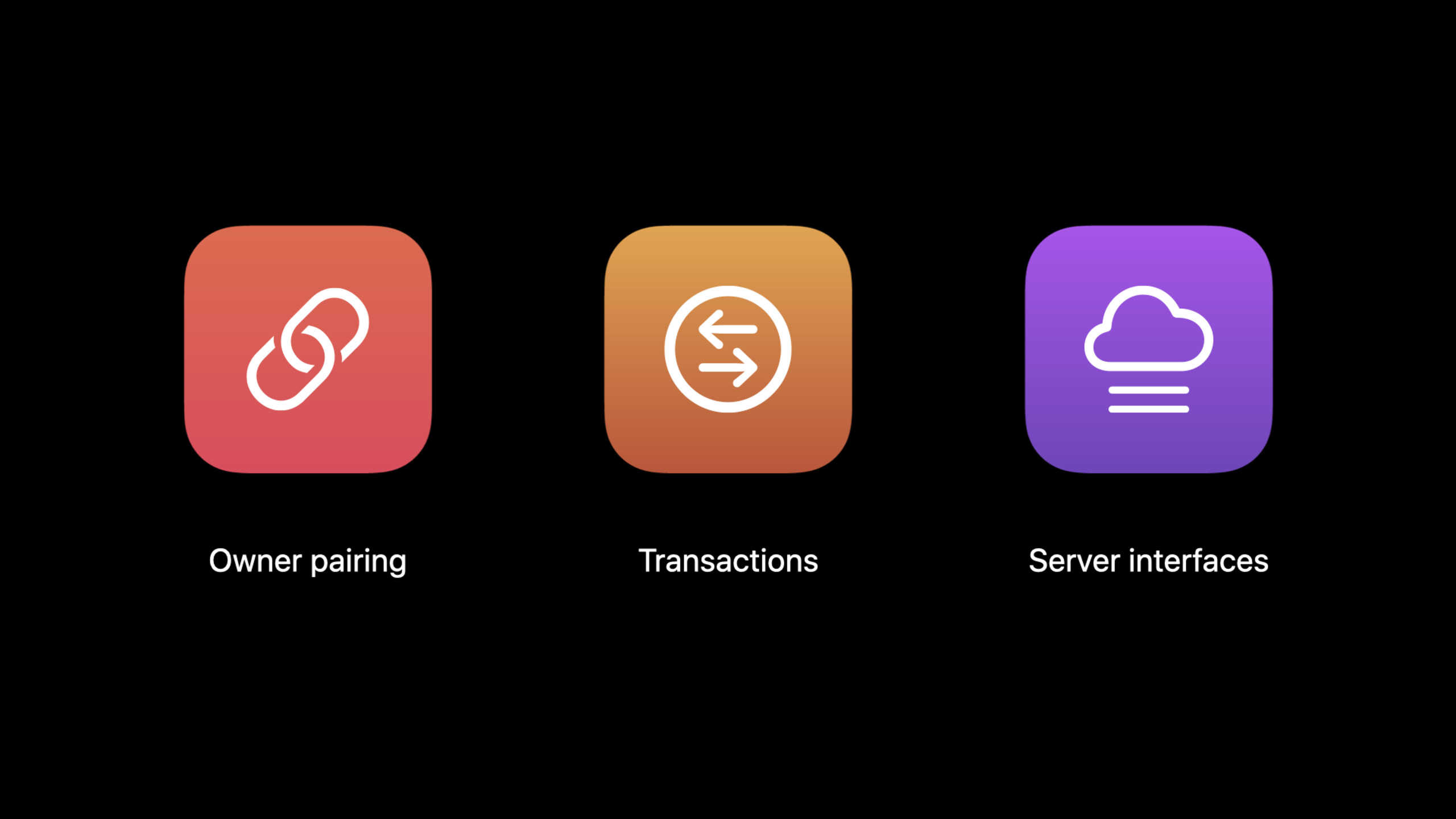
This session is aimed mainly at automakers. Apple does not focus on app UI. Instead, it breaks out three things automakers must implement: owner pairing, transactions, and server interfaces. Automakers prove vehicle ownership, write the verifier into the vehicle or deliver it over telematics, and implement remote registration and revocation APIs. iOS handles the Wallet pass, keys in the Secure Element, the sharing flow in Messages, and iCloud Lost Mode.
The most important experience boundary is offline operation. Lock, unlock, and start transactions do not need a network, and transaction data is not sent to Apple. Sharing and remote management need servers, but private data in sharing invitations is encrypted, and when the car is offline, attestation can still be delivered to the vehicle on the first NFC use.
Detailed Content
Owner pairing: establishing a secure link between the owner’s device and the vehicle
(01:22) Owner pairing is the first step for a digital car key. The owner proves they own the vehicle; requirements are defined by the automaker. The most common entry point is the automaker app, but it can also be a link in a new-car delivery email. The vehicle must also provide a fallback so the user can start pairing inside the car and enter a pairing passcode.
owner pairing
1. Automaker server -> Car: verifier
2. Automaker app -> Owner iPhone: pairing password
3. Car -> iPhone over NFC: vehicle identity certificates
4. iPhone Secure Element: create owner key after certificate verification
5. iPhone -> Car: new key identity certificates
6. iPhone -> Automaker server: encrypted registration data
7. Apple server -> iPhone: activate key and load Wallet pass
8. iPhone -> Car over NFC: confirmation attestation
Key points:
- The
verifiercan be written into the car at production or delivered over a telematics link; the pairing password the owner receives establishes a secure channel for the pairing transaction together with it. - The owner key is created in the iPhone Secure Element; the private key is never exported. The vehicle receives identity chains for verification and subsequent attestation.
- Confirmation attestation is usually delivered to the vehicle during the owner pairing NFC transaction; if the device is offline at that moment, it can be supplied on this key’s first use.
Transaction: lock, unlock, and start offline
(02:29) Transaction is the core of the car key system. The car needs at least two NFC readers: one near the door handle for lock or unlock, and one on the in-dash reader to authorize start. Unlocking should use a fast transaction; starting uses a standard transaction.
standard transaction
1. Car -> Device: car identifier + ephemeral key
2. Device -> Car: ephemeral key
3. Device: authenticate the car before sending key information
4. Device -> Car: encrypted key identifier + signature
5. Car: authenticate the device and authorize the requested action
6. Car: read mailbox attestation when a shared key appears for the first time
Key points:
- The device does not send a trackable device identifier directly; it only sends an encrypted key identifier after confirming it is talking to a known vehicle.
- A standard transaction provides mutual authentication between car and device; a fast transaction optimizes door unlock speed.
- On a friend key’s first use, the door reader can extend a fast transaction into a standard transaction and read the friend key attestation from the mailbox.
- Transaction data has forward secrecy, so later key compromise does not directly expose past transaction content.
Key sharing: sending a controlled car key through Messages
(03:54) Car key sharing happens in Messages. The owner can set the shared key’s access level, for example Unlock and Drive or Access and Drive Restricted. In the session example, the latter limits speed to 65 miles per hour; levels are defined by the automaker.
key sharing
1. Owner iPhone -> Friend: Messages invitation(access level, car identity)
2. Friend iPhone: create a new car key from the invitation
3. Friend iPhone -> Owner iPhone via IDS: identity certificate chain
4. Owner iPhone: verify certificate and sign confirmation attestation
5. Owner iPhone -> Friend iPhone via IDS: confirmation attestation
6. Friend iPhone -> Car: present attestation during first NFC transaction
Key points:
- The sharing invitation includes key configuration such as access level and car identity.
- Apple Identity Service handles certificate chains and attestation between devices; these steps are invisible to the user.
- A shared key can complete its first use even when the car is offline, because the friend’s iPhone can present the registered confirmation attestation during the first transaction.
Certificates and server interfaces: controlled revocation and device changes
(11:31) Certificates are the backbone of car key lifecycle management. Each automaker has its own root certificate and can set intermediate certificates by region or brand. Each automaker has an instance CA in the Secure Element on iPhone. When the owner signs out of iCloud or erases the device, the instance CA is deleted and the automaker can no longer use it to identify the device.
(18:04) Server integration handles remote key management. The automaker’s servers must connect to Apple’s backend and exchange certificates separately for testing, production, and other environments. In this segment Apple explicitly mentions interfaces to register a new key, remotely revoke keys, and send important device notifications.
server integration checklist
1. Build a secure connection between automaker server and Apple backend
2. Exchange certificates for each environment: testing and production
3. Implement interfaces to register a new key
4. Implement interfaces to remotely revoke keys
5. Implement interfaces to send important device notifications
6. Provide Wallet pass artwork through Apple's template and portal
Key points:
- Automakers need certificate sets for testing and production, including external CA certificate, root certificate, and certificates for privacy encryption and signature verification.
- The Wallet pass is created automatically; automakers mainly supply logo and background artwork and do not need code for pass generation.
- The automaker app can start owner pairing and obtain a pairing password; if the app supports key deletion, it must also send a termination request through the automaker’s servers.
- (19:55) Related APIs are automaker-only and require an app entitlement; more integration information is in PassKit documentation, the Car Connectivity Consortium, and the Apple MFi program.
Core Takeaways
-
Temporary remote lending: What to do: Offer “temporary shared keys” in the automaker app so owners can grant family members restricted access with an expiration. Why it’s worth it: The session clearly demonstrates Messages sharing, access levels, and remote revoke. How to start: Define your own access levels, then align invitation configuration with revoke state on the server.
-
Low-battery availability test bench: What to do: Build acceptance cases for power reserve, offline unlock, and offline start for the car key team. Why it’s worth it: Car Keys promises network-free use and power reserve after the battery is depleted. How to start: Test fast transaction, standard transaction, and first friend key attestation separately on the door-handle reader and the dashboard reader.
-
Device upgrade migration: What to do: In the automaker app, guide owners through pairing a new iPhone and explain that keys on the old device are removed while shared keys keep working. Why it’s worth it: The session lists device upgrade as a key lifecycle scenario. How to start: Turn owner pairing entry, server registration state, and key deletion state into one recoverable flow.
-
Lost Mode response panel: What to do: Give support staff and owners a status panel for key suspension, revocation, and re-pairing. Why it’s worth it: iCloud Lost Mode locks the car key applet in the Secure Element, and the owner can also revoke shared keys. How to start: Integrate the remote revoke key API first, then show revoke success, device offline pending sync, and vehicle received as separate states.
Related Sessions
- What’s new in Wallet and Apple Pay — Wallet and PassKit updates that explain how car keys are presented and managed in Wallet.
- What’s new in Core NFC — iOS 14 NFC read/write capabilities, comparable to the NFC reader interactions car keys use today.
- Meet Nearby Interaction — U1 chip distance and direction capabilities, aligned with the future Ultra Wideband passive entry direction for car keys.
- Accelerate your app with CarPlay — In-car iPhone app experiences for supplementing service design in automotive scenarios.
- Secure your app: threat modeling and anti-patterns — Threat modeling perspective on offline authentication, revocation, and platform security protections.
Comments
GitHub Issues · utterances