
Highlight
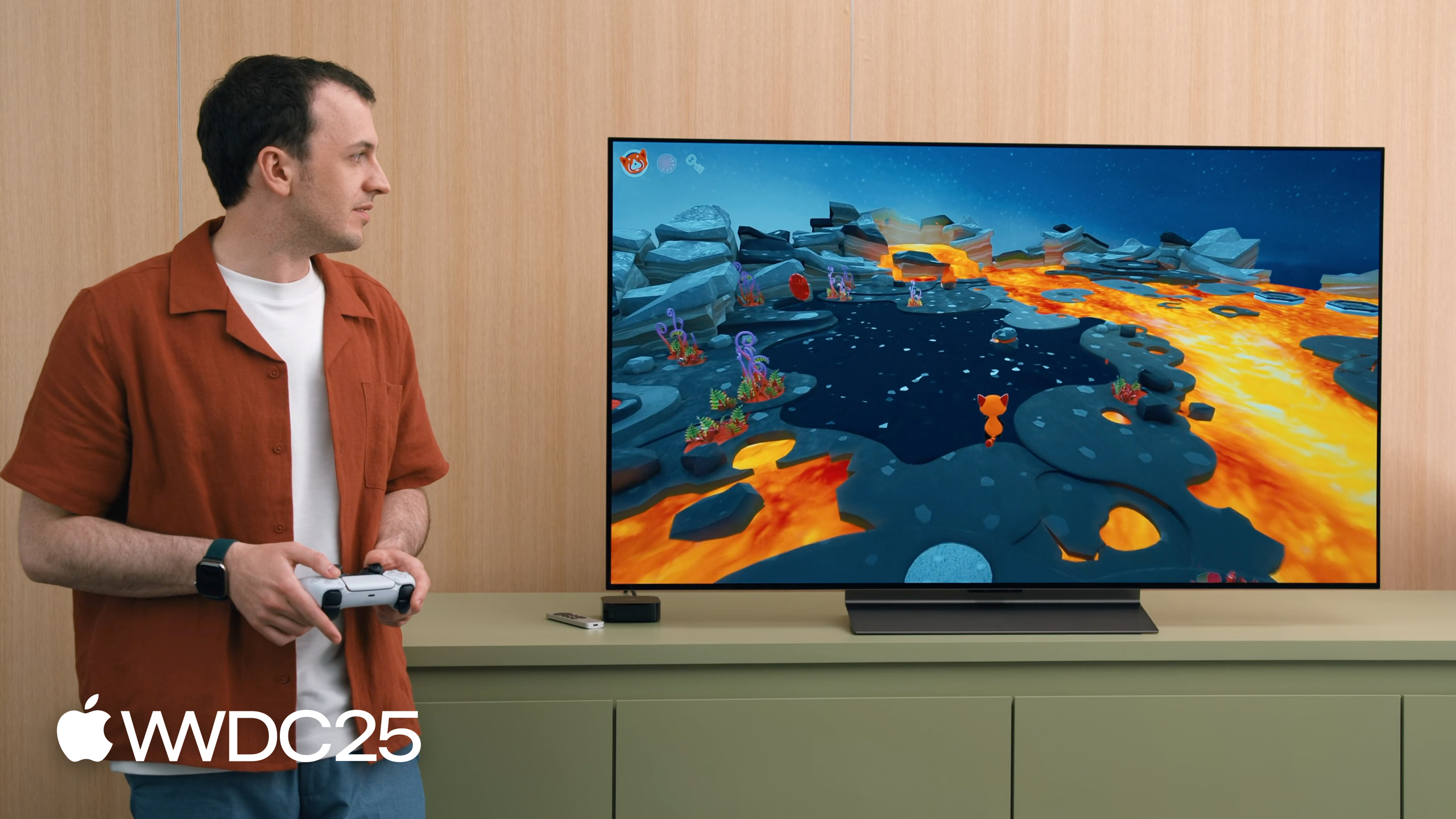
Max Cobb 把一个经典的 SceneKit 示例游戏(红色小熊猫 PyroPanda 在火山场景中解谜)完整迁移到了 RealityKit,覆盖了资产、场景、动画、灯光、音频、视觉特效六大环节。
核心内容
SceneKit 自 OS X Mountain Lion 发布以来已经服役 13 年。它在当年很合理:原生 3D 引擎、不用打包第三方游戏引擎、节点(node)就能搞定一切。问题在于,13 年里苹果生态变了——新的编程范式、新的硬件、新的平台陆续登场,SceneKit 的架构难以在不破坏既有项目的前提下跟上节奏。今年苹果正式宣布 SceneKit 在所有平台进入软弃用(soft deprecation):旧 App 继续可用,但新项目和大改版不再推荐使用。
苹果给出的替代方案是 RealityKit。Max Cobb 把当年那个红色小熊猫 PyroPanda 的火山解谜样例游戏完整搬到了 RealityKit,借这个迁移过程演示了四类核心概念差异(架构、坐标系、资产、视图)和六大迁移环节(资产、场景、动画、灯光、音频、视觉特效)。SceneKit 是 node-based,每个对象都是节点,几何体、动画、音频、物理、灯光都挂在节点的属性上。RealityKit 是 ECS(Entity Component System),每个对象是 Entity,行为通过 Component 挂载。坐标系完全一致(Y 轴朝上、Z 轴朝向相机),这一层零成本迁移;视图层从 SCNView/SceneView 统一收敛到 RealityView,并自动适配 visionOS 的立体渲染。
详细内容
资产格式从 SCN 换到 USD。 SceneKit 接受多种模型格式后序列化成 SCN 文件;RealityKit 则围绕 Pixar 在 2012 年推出的开放标准 USD(Universal Scene Description)设计。迁移时有三条路:手里还有原始 DCC 文件(比如 Blender),直接导出 USD 最稳;只剩 SCN,可以在 Xcode 中选中资产 -> File -> Export 选 Universal Scene Description Package;命令行批量处理用 xcrun scntool --convert,搭配 --append-animation 可以把分散在多个 SCN 文件里的动画合并到一个 USD 输出(10:55)。
动画通过 AnimationLibraryComponent 访问。 USD 文件里的动画在加载时会自动注册到 Entity 上的 AnimationLibraryComponent,按名称取出来播放即可(16:33):
// RealityKit
guard let max = scene.findEntity(named: "Max") else { return }

guard let library = max.components[AnimationLibraryComponent.self],
      let spinAnimation = library.animations["spin"]
else { return }

max.playAnimation(spinAnimation)
关键点:
scene.findEntity(named:)按名字在场景里找 Entity,对应 SceneKit 里的childNode(withName:recursively:)。max.components[AnimationLibraryComponent.self]是 ECS 的标准取组件写法,下标传入 Component 类型。library.animations["spin"]用动画名作为 key 取AnimationResource,不再需要遍历节点找 SCNPlayer。max.playAnimation(...)是 Entity 上的方法,组件机制的好处是播放调用和组件解耦。
灯光也是 Component。 SceneKit 里要先建一个 SCNNode,再挂 SCNLight。RealityKit 直接构造一个携带组件的 Entity(18:18):
// RealityKit

let lightEntity = Entity(components:
    DirectionalLightComponent(),
    DirectionalLightComponent.Shadow()
)
关键点:
Entity(components:)一次性把若干 Component 组合到一个新 Entity 上,避免分步 add。DirectionalLightComponent描述方向光本身(颜色、强度、方向)。DirectionalLightComponent.Shadow()是阴影专用 Component,光和阴影解耦,开/关阴影只是加/减一个 Component。
Bloom 后处理用 PostProcessEffect + Metal Performance Shaders。 RealityKit 暴露了 PostProcessEffect 协议,把 Metal command buffer 交给开发者自定义后处理(24:37):
final class BloomPostProcess: PostProcessEffect {

    let bloomThreshold: Float = 0.5
    let bloomBlurRadius: Float = 15.0

    func postProcess(context: borrowing PostProcessEffectContext<any MTLCommandBuffer>) {

        // Create metal texture of the same format as 'context.sourceColorTexture'.
        var bloomTexture = ...

        // Write brightest parts of 'context.sourceColorTexture' to 'bloomTexture'
        // using 'MPSImageThresholdToZero'.

        // Blur 'bloomTexture' in-place using 'MPSImageGaussianBlur'.

        // Combine original 'context.sourceColorTexture' and 'bloomTexture'
        // using 'MPSImageAdd', and write to 'context.targetColorTexture'.
    }
}

// RealityKit

content.renderingEffects.customPostProcessing = .effect(
    BloomPostProcess()
)
关键点:
- 实现
PostProcessEffect协议的postProcess(context:)方法即接入后处理管线,context提供 source/target 纹理和 command buffer。 MPSImageThresholdToZero把暗于阈值的像素清零,留下高亮区域,等于 bloom 的高光提取阶段。MPSImageGaussianBlur对高亮纹理做高斯模糊,得到光晕。MPSImageAdd把模糊后的高光加回原图,写入context.targetColorTexture,完成合成。- 通过
content.renderingEffects.customPostProcessing = .effect(...)挂接到 RealityView 的 content 上即生效。
场景搭建用 Reality Composer Pro。 这是 Xcode 与 DCC 工具之间的桥梁,可视化编辑材质、shader、粒子、灯光、音频,项目本身是 Swift Package,作为 local dependency 引入 Xcode 工程;运行时用 Entity(named:in:) 一行加载整个场景。
核心启发
-
做什么:先做资产清单再开工迁移。为什么值得做:SceneKit 工程里 SCN、动画 SCN、粒子、自定义 shader 是分散的,盲目迁移容易漏。怎么开始:在仓库里 grep
*.scn、*.dae、SCNProgram,列成一张表,按”是否有原始 DCC 文件”分类,有原始文件的从源头导出 USD,没有的走xcrun scntool --convert。 -
做什么:把动画统一用
--append-animation合并进 USD。为什么值得做:SceneKit 里角色和动作通常是多个 SCN,迁移后如果保持分散,运行时还得手动绑定,失去 AnimationLibraryComponent 的便利。怎么开始:跑xcrun scntool --convert max.scn --format usdz --append-animation max_spin.scn --append-animation max_walk.scn ...,输出单个 USD,运行时按动画名取播。 -
做什么:把 SceneKit 自定义后处理迁到
PostProcessEffect+ MPS。为什么值得做:MPS 是苹果手写优化的 Metal 内核,bloom、模糊、阈值等常见效果都不用自己写 shader。怎么开始:从 Bloom 三步骤模板(threshold -> gaussian -> add)开始,先在一个 Demo Scene 里跑通,再嫁接到正式工程。 -
做什么:把视图层统一收敛到 RealityView。为什么值得做:RealityView 自动适配 visionOS 立体渲染、tvOS(今年新增)、iOS、macOS,省掉 SCNView/SceneView/ARSCNView 三套分支代码。怎么开始:先把入口 View 替换为
RealityView { content in ... },把 Entity 加载逻辑塞进 closure,再逐步把交互改成 SwiftUI gesture。
关联 Session
- What’s new in RealityKit — Lawrence Wong 介绍 RealityKit 今年的新增能力,迁移完成后值得跟看。
- Combine Metal 4 machine learning and graphics — 在图形渲染里嵌入机器学习,搭配 RealityKit 后处理可以做更高级的画面效果。
- Discover Metal 4 — RealityKit 底层走的是 Metal,了解 Metal 4 新特性有助于写好自定义 PostProcessEffect。
- Explore Metal 4 games — 游戏侧的 Metal 4 优化方法,迁移到 RealityKit 后仍然适用。
- Engage players with the Apple Games app — RealityKit 渲染的 App Store Tags 与 Apple Games app 形成完整发现链路。
评论
GitHub Issues · utterances