
Highlight
这场 Session 全面介绍了 Swift 在服务端的应用现状和生态体系。开场就给出了有力的数据:Apple 内部的 iCloud Keychain、Photos、Notes、App Store 处理流水线、SharePlay 文件共享,以及全新的 Private Cloud Compute 服务,都在用 Swift 处理每秒百万级请求。
核心内容
写服务端应用,语言选型是第一道坎。Go 有 goroutine,Java 有成熟生态,Rust 有零成本抽象——Swift 凭什么?Session 开篇就给了答案:Swift 用 ARC 而非 GC 管理内存,内存占用可预测、启动快,这对云服务冷启动和资源调度至关重要;编译期类型安全消灭了一大类运行时错误;一等公民的并发支持(async/await + structured concurrency)消除了数据竞争。Apple 自己就是最大用户——iCloud Keychain、Photos、Notes、App Store 处理流水线、SharePlay 文件共享,以及全新的 Private Cloud Compute,都在用 Swift 处理每秒百万级请求。
接下来是实操:用 Swift OpenAPI Generator + Vapor + PostgresNIO 从零搭一个事件管理服务。从一个 OpenAPI YAML 定义出发,自动生成类型安全的 server/client 代码,再接上 Postgres 数据库做持久化,最后加上日志和分布式追踪做可观测性。整个流程不到半小时,每一步都有现成的包可用。Session 最后介绍了 Swift Server Workgroup 的孵化流程——从 Sandbox 到 Incubating 再到 Graduated,帮开发者筛选出生产可用的包。
详细内容
用 OpenAPI Generator 自动生成 API 层(03:23)
Package.swift 中配置两个 target:EventAPI(挂载 OpenAPIGenerator 插件)和 EventService(可执行目标)。OpenAPIGenerator 插件在编译时读取 openapi.yaml,自动生成 APIProtocol 及对应的请求/响应类型。
openapi: "3.1.0"
info:
  title: "EventService"
  version: "1.0.0"
servers:
  - url: "https://localhost:8080/api"
    description: "Example service deployment."
paths:
  /events:
    get:
      operationId: "listEvents"
      responses:
        "200":
          description: "A success response with all events."
          content:
            application/json:
              schema:
                type: "array"
                items:
                  $ref: "#/components/schemas/Event"
    post:
      operationId: "createEvent"
      requestBody:
        description: "The event to create."
        required: true
        content:
          application/json:
            schema:
              $ref: '#/components/schemas/Event'
      responses:
        '201':
          description: "A success indicating the event was created."
        '400':
          description: "A failure indicating the event wasn't created."
components:
  schemas:
    Event:
      type: "object"
      description: "An event."
      properties:
        name:
          type: "string"
          description: "The event's name."
        date:
          type: "string"
          format: "date"
          description: "The day of the event."
        attendee:
          type: "string"
          description: "The name of the person attending the event."
      required:
        - "name"
        - "date"
        - "attendee"
关键点:
operationId决定了生成代码中的方法名(listEvents、createEvent)$ref引用components/schemas/Event,生成代码会产出Components.Schemas.Event类型required字段标注了必填属性,生成代码中对应类型为非 Optional
实现 APIProtocol + 接入 PostgresNIO(07:08)
import OpenAPIRuntime
import OpenAPIVapor
import Vapor
import EventAPI
import PostgresNIO

@main
struct Service {
  let postgresClient: PostgresClient

  static func main() async throws {
    let application = try await Vapor.Application.make()
    let transport = VaporTransport(routesBuilder: application)

    let postgresClient = PostgresClient(
      configuration: .init(
        host: "localhost",
        username: "postgres",
        password: nil,
        database: nil,
        tls: .disable
      )
    )
    let service = Service(postgresClient: postgresClient)
    try service.registerHandlers(
      on: transport,
      serverURL: URL(string: "/api")!
    )

    try await withThrowingDiscardingTaskGroup { group in
      group.addTask {
        await postgresClient.run()
      }

      group.addTask {
        try await application.execute()
      }
    }
  }
}

extension Service: APIProtocol {
  func listEvents(
    _ input: Operations.listEvents.Input
  ) async throws -> Operations.listEvents.Output {
    let rows = try await self.postgresClient.query("SELECT name, date, attendee FROM events")

    var events = [Components.Schemas.Event]()
    for try await (name, date, attendee) in rows.decode((String, String, String).self) {
      events.append(.init(name: name, date: date, attendee: attendee))
    }

    return .ok(.init(body: .json(events)))
  }

  func createEvent(
    _ input: Operations.createEvent.Input
  ) async throws -> Operations.createEvent.Output {
    return .undocumented(statusCode: 501, .init())
  }
}
关键点:
PostgresClient是 PostgresNIO 1.21 新增的异步接口,内置连接池,利用结构化并发在网络故障时自动恢复registerHandlers(on:serverURL:)把 APIProtocol 的实现注册到 Vapor 路由上withThrowingDiscardingTaskGroup让 PostgresClient 和 Vapor 应用并发运行,任一出错都会取消另一个rows.decode((String, String, String).self)直接把行解码为元组,AsyncSequence 自动预取行提升性能
字符串插值防 SQL 注入(09:02)
func createEvent(
  _ input: Operations.createEvent.Input
) async throws -> Operations.createEvent.Output {
  switch input.body {
  case .json(let event):
    try await self.postgresClient.query(
      """
      INSERT INTO events (name, date, attendee)
      VALUES (\(event.name), \(event.date), \(event.attendee))
      """
    )
    return .created(.init())
  }
}
关键点:
- 看起来像字符串拼接,实际 PostgresNIO 重载了 String interpolation,编译期将插值转为参数化查询 + 值绑定
- 完全免疫 SQL 注入,同时保持代码可读性——这就是 Swift 所说的”ergonomic but safe”
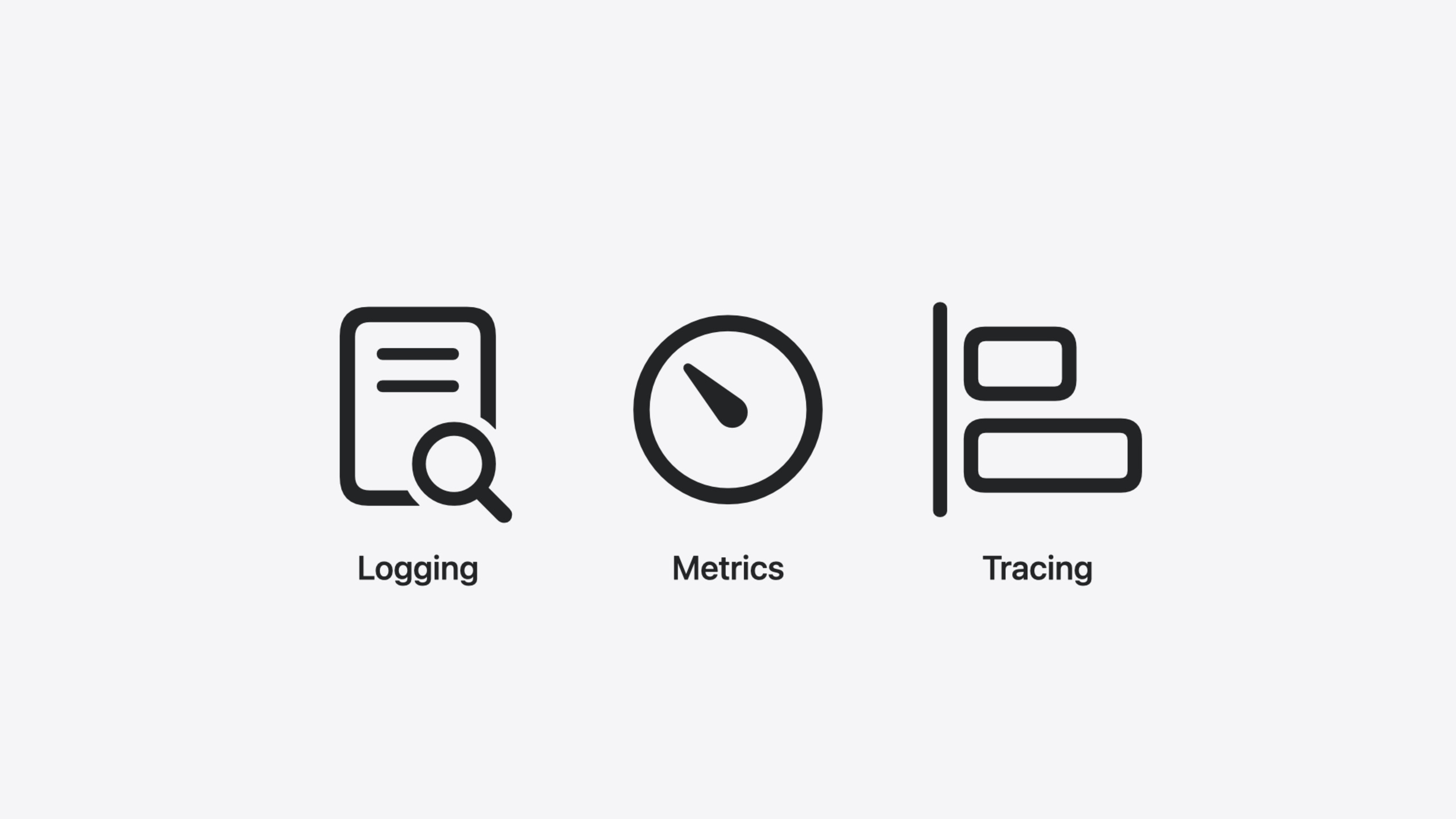
可观测性三件套:日志 + 指标 + 追踪(11:34)
func listEvents(
  _ input: Operations.listEvents.Input
) async throws -> Operations.listEvents.Output {
  let logger = Logger(label: "ListEvents")
  logger.info("Handling request", metadata: ["operation": "\(Operations.listEvents.id)"])

  Counter(label: "list.events.counter").increment()

  return try await withSpan("database query") { span in
    let rows = try await postgresClient.query("SELECT name, date, attendee FROM events")
    return try await .ok(.init(body: .json(decodeEvents(rows))))
  }
}
关键点:
swift-log支持结构化日志,metadata字典提供额外上下文swift-metrics的Counter追踪请求计数,后端无关——可对接 Prometheus 等swift-distributed-tracing的withSpan在数据库查询外面包一个 span,追踪请求端到端路径- Bootstrap 顺序:先 LoggingSystem,再 MetricsSystem,最后 InstrumentationSystem——后两者可能需要写日志
错误处理中提取 PSQLError 详情(13:38)
func createEvent(
  _ input: Operations.createEvent.Input
) async throws -> Operations.createEvent.Output {
  switch input.body {
  case .json(let event):
    do {
      try await self.postgresClient.query(
        """
        INSERT INTO events (name, date, attendee)
        VALUES (\(event.name), \(event.date), \(event.attendee))
        """
      )
      return .created(.init())
    } catch let error as PSQLError {
      let logger = Logger(label: "CreateEvent")

      if let message = error.serverInfo?[.message] {
        logger.info(
          "Failed to create event",
          metadata: ["error.message": "\(message)"]
        )
      }

      return .badRequest(.init())
    }
  }
}
关键点:
PSQLError的 description 故意省略详细信息,防止意外泄露数据库 schema- 通过
serverInfo属性提取服务端返回的详细错误(如 duplicate key violation) - catch 后返回
.badRequest,日志中记录具体原因——生产环境调试的关键信息
核心启发
- 做什么:用 OpenAPI Generator + Vapor 快速搭起 Swift 服务端项目骨架。为什么值得做:OpenAPI YAML 同时充当 API 文档和代码生成的输入,一份定义产出类型安全的 server/client 代码,减少手写路由和序列化的出错概率。怎么开始:在 Package.swift 中添加
swift-openapi-generator和swift-openapi-vapor依赖,编写 openapi.yaml,让插件自动生成APIProtocol,再实现对应方法。 - 做什么:给现有的 Swift 服务端项目加上可观测性。为什么值得做:PSQLError 默认 description 隐藏细节,没有日志和追踪,线上排查就像盲人摸象。三件套(swift-log + swift-metrics + swift-distributed-tracing)后端无关,可先接终端/Prometheus/OpenTelemetry,后期换后端不改动业务代码。怎么开始:按 LoggingSystem → MetricsSystem → InstrumentationSystem 的顺序 bootstrap,在关键路径加
Logger.info、Counter.increment和withSpan。 - 做什么:选包时优先看 Swift Server Workgroup 的孵化列表。为什么值得做:孵化流程(Sandbox → Incubating → Graduated)对 API 兼容性、文档质量和长期维护有明确要求,Graduated 级别的包在生产环境更可靠。怎么开始:访问 swift.org/sswg 查看孵化列表,优先选择 Graduated 包;如果现有需求没有覆盖,可以在 swift.org/packages 和 Swift Package Index 的 server 分类中搜索。
- 做什么:用 PostgresNIO 的 PostgresClient 替换手写的数据库连接管理。为什么值得做:PostgresClient 内置连接池,自动预热连接、分发查询、在网络故障时用结构化并发自动恢复,比手写连接管理更可靠。怎么开始:升级 PostgresNIO 到 1.21+,创建
PostgresClient(configuration:)并在withThrowingDiscardingTaskGroup中运行。
关联 Session
- Analyze heap memory — 分析 Swift 堆内存分配,优化服务端内存占用
- Consume noncopyable types in Swift — 理解 Swift 非复制类型,服务端资源管理的基础
- Explore Swift performance — Swift 如何在抽象与性能间取得平衡
- Go further with Swift Testing — 用 Swift Testing 写服务端测试套件
评论
GitHub Issues · utterances