
Highlight
Apple 在去年推出了 Health app 中的心理健康功能,用户可以记录自己的情绪状态(State of Mind),也可以完成 GAD-7 焦虑评估和 PHQ-9 抑郁评估这两个标准化问卷。今年这些数据类型作为 HealthKit API 正式开放给开发者。
核心内容
去年 iOS 17 的 Health app 加入了心理健康模块,用户可以在 iPhone 和 Apple Watch 上记录情绪、完成焦虑和抑郁问卷。但这些数据一直封闭在 Health app 内部,第三方 app 无法访问。如果你的健身 app 想对比”运动量”和”心情”的关系,或者你的日历 app 想知道”哪种会议让人最焦虑”,都做不到——因为 HealthKit 里没有对应的数据类型。
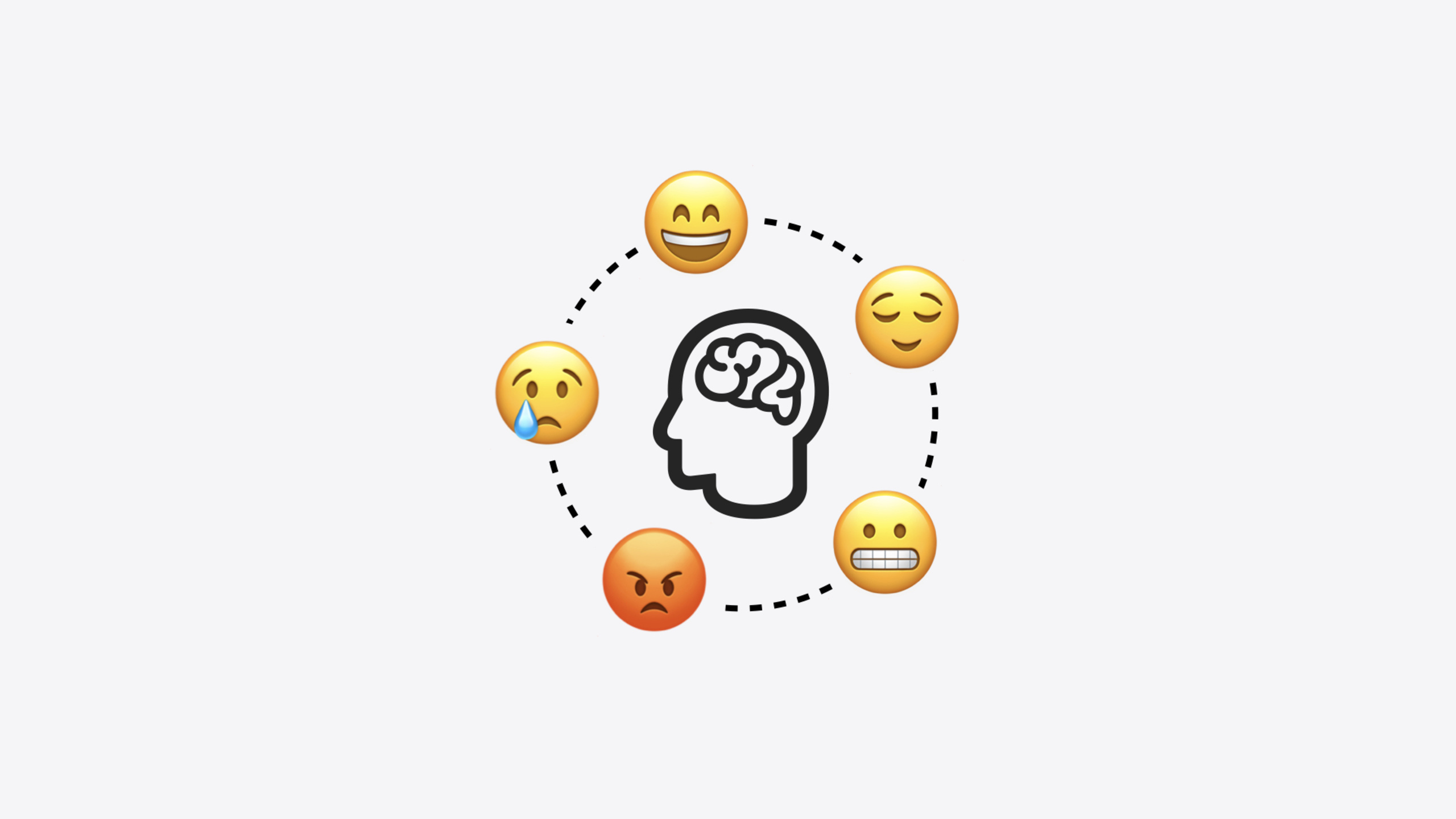
今年 Apple 把三个心理健康数据类型开放为 HealthKit API:State of Mind(情绪状态)、GAD-7(7 题焦虑风险评估)和 PHQ-9(9 题抑郁风险评估)。其中 State of Mind 是最核心也最通用的新类型。它包含四个属性:kind 区分”瞬时情绪”和”日常心情”,valence 用 -1 到 1 的连续值表示从负面到正面,labels 提供具体情绪标签(如”焦虑""释然""激情”),associations 描述情绪来源(如”工作""家庭""身份”)。Apple 与情绪科学专家合作设计了这套模型,核心原则是:让用户主动停下来反思自己的感受,这一行为本身就有临床益处。
详细内容
请求权限
写入和读取 State of Mind 数据前,需要通过标准 HealthKit 授权流程请求权限(05:37):
import HealthKitUI

func healthDataAccessRequest(
    store: HKHealthStore,
    shareTypes: Set<HKSampleType>,
    readTypes: Set<HKObjectType>? = nil,
    trigger: some Equatable,
    completion: @escaping (Result<Bool, any Error>) -> Void
) -> some View
关键点:
- 使用
HealthKitUI框架提供的授权视图修饰符 shareTypes是你想要写入的数据类型集合readTypes是你想要读取的数据类型集合- 所有健康数据都是私密和安全的,授权让用户控制哪些数据可以共享
创建 State of Mind 样本
Session 用一个日历 app 的 Demo 展示了实际用法:用户点击日历事件后,通过 emoji 选择自己的感受,app 将 emoji 映射为 State of Mind 样本保存到 HealthKit。首先是 emoji 到数据的映射(06:26):
enum EmojiType: CaseIterable {
    case angry
    case sad
    case indifferent
    case satisfied
    case happy

    var emoji: String {
        switch self {
        case .angry: return "😡"
        case .sad: return "😢"
        case .indifferent: return "😐"
        case .satisfied: return "😌"
        case .happy: return "😊"
        }
    }
}
关键点:
- 五个枚举值对应五种情绪等级
- 每个 case 映射到一个具体的 emoji 字符
- 这个枚举后续会扩展
valence和label属性
然后是创建 HKStateOfMind 样本(06:32):
func createSample(for event: EventModel, emojiType: EmojiType) ->
HKStateOfMind {
    let kind: HKStateOfMind.Kind = .momentaryEmotion
    let valence: Double = emojiType.valence
    let label = emojiType.label
    let association = event.association
    return HKStateOfMind(date: event.endDate,
                         kind: kind,
                         valence: valence,
                         labels: [label],
                         associations: [association])
}
关键点:
kind设为.momentaryEmotion,因为用户是在事件结束后记录瞬时感受;如果是记录一天的整体心情,应该用.dailyMoodvalence从 emojiType 的属性获取,是 -1.0 到 1.0 的 Double 值labels是数组,可以指定多个情绪标签associations也是数组,从日历事件的日历类别推断(如 Office 日历对应 Work association)date使用事件的结束时间
保存只需要一行(07:21):
func save(sample: HKSample, healthStore: HKHealthStore) async {
    do {
        try await healthStore.save(sample)
    }
    catch {
        // Handle error here.
    }
}
查询 State of Mind 数据
Apple 提供了 4 种新的 HealthKit 谓词:按 Kind(情绪/心情)、按 Valence(正负面程度)、按 Label(具体情绪标签)、按 Association(情绪来源)查询。Demo 中用查询实现了两个功能:计算”日历质量”指标和找出”最有意义的事件”。
按日期和关联查询(10:49):
let datePredicate: NSPredicate = { ... }
let associationsPredicate = NSCompoundPredicate(
    orPredicateWithSubpredicates: associations.map {
        HKQuery.predicateForStatesOfMind(with: $0)
    }
)
let compoundPredicate = NSCompoundPredicate(
    andPredicateWithSubpredicates: [datePredicate, associationsPredicate]
)
let stateOfMindPredicate = HKSamplePredicate.stateOfMind(compoundPredicate)

let descriptor = HKSampleQueryDescriptor(predicates: [stateOfMindPredicate],
                                         sortDescriptors: [])
var results: [HKStateOfMind] = []
do {
    results = try await descriptor.result(for: healthStore)
} catch {
    // Handle error here.
}
关键点:
- 用
HKQuery.predicateForStatesOfMind(with:)按 association 创建谓词 - 多个 association 用
NSCompoundPredicate(orPredicateWithSubpredicates:)组合为 OR 关系 - 日期和 association 用 AND 组合
HKSamplePredicate.stateOfMind()将 NSCompoundPredicate 包装为 Swift PredicateHKSampleQueryDescriptor是异步查询的标准写法
计算平均效价百分比(10:54):
let adjustedValenceResults = results.map { $0.valence + 1.0 }
let totalAdjustedValence = adjustedValenceResults.reduce(0.0, +)
let averageAdjustedValence = totalAdjustedValence / Double(results.count)
let adjustedValenceAsPercent = Int(100.0 * (averageAdjustedValence / 2.0))
关键点:
- valence 原始范围是 -1.0 到 1.0,加 1.0 后变为 0.0 到 2.0
- 求平均后除以 2.0 再乘 100,得到 0% 到 100% 的指标
- 这个百分比就是 Demo 中展示的”Calendar Quality”指标
按 Label 和 Association 组合查询
Demo 还展示了更精细的查询方式:同时按 Label 和 Association 过滤,找出最让人开心的工作事件(11:33):
let label: HKStateOfMind.Label = .happy
let datePredicate = HKQuery.predicateForSamples(withStart: dateInterval.start,
                                                end: dateInterval.end)
let associationPredicate = HKQuery.predicateForStatesOfMind(with: association)
let labelPredicate = HKQuery.predicateForStatesOfMind(with: label)
let compoundPredicate = NSCompoundPredicate(
    andPredicateWithSubpredicates: [datePredicate, associationPredicate, labelPredicate]
)
let stateOfMindPredicate = HKSamplePredicate.stateOfMind(compoundPredicate)
let descriptor = HKAnchoredObjectQueryDescriptor(predicates: [stateOfMindPredicate],
                                                 anchor: nil)
let results = descriptor.results(for: healthStore)
let samples: [HKStateOfMind] = try await results.reduce([]) { $1.addedSamples }
关键点:
HKQuery.predicateForStatesOfMind(with:)同时用于 association 和 label 两种谓词- 三个条件用 AND 组合:日期范围、特定 association、特定 label
- 使用
HKAnchoredObjectQueryDescriptor而非HKSampleQueryDescriptor,支持增量查询 - 通过
reduce取出addedSamples,得到[HKStateOfMind]数组
找到 valence 最高的样本后,匹配到最近的日历事件(11:45):
let happiestSample = samples.max { $0.valence < $1.valence }
let happiestEvent: EventModel? = findClosestEvent(startDate: happiestSample?.startDate,
                                                  endDate: happiestSample?.endDate)
关键点:
max(by:)找出 valence 值最高的样本- 再用时间范围匹配最近的日历事件,实现”最有意义的事件”功能
GAD-7 和 PHQ-9
GAD-7(7 题焦虑评估)和 PHQ-9(9 题抑郁评估)是 Pfizer 开发的标准化临床问卷,全球医生和临床工作者广泛使用。开发者今年可以读取和写入这两种评估结果。Apple 强调必须按照 Pfizer 的标准流程执行问卷,不要自创简化版本——临床有效性是这些工具的核心价值。
核心启发
-
做什么:在时间管理或日历类 app 中集成 State of Mind 记录。用户完成一个日历事件后,用 emoji 选择感受,映射为 HKStateOfMind 样本保存到 HealthKit。为什么值得做:几十行代码就能给 app 增加情感维度,让”我今天做了什么”变成”我今天感受如何”。怎么开始:实现一个 emoji picker UI,创建 EmojiType 枚举映射 valence 和 label,用 HKStateOfMind 初始化器创建样本。
-
做什么:在健身 app 中查询 State of Mind 数据,与运动数据做交叉分析。比如对比”每周运动量”和”平均 valence”的趋势。为什么值得做:用户可能没意识到运动和心情之间的关联,交叉分析能帮他们发现自身的行为模式。怎么开始:用
HKSampleQueryDescriptor查询指定日期范围的 State of Mind 样本,计算平均 valence,再与 HKWorkout 数据叠加展示。 -
做什么:在心理健康类 app 中集成 GAD-7 / PHQ-9 问卷。让用户在 app 内完成标准化评估,结果保存到 HealthKit。为什么值得做:这两个问卷有临床有效性,结果写入 HealthKit 后可以与 Apple Health 的心理健康图表联动。怎么开始:严格遵循 Pfizer 标准流程,参考 Apple 开发者文档中的详细说明。
-
做什么:利用 4 种新谓词(Kind / Valence / Label / Association)提供个性化洞察。比如用 Association 谓词查询”工作”相关的情绪样本,找出让人最焦虑的时间段。为什么值得做:聚合后的情绪数据比原始样本更有价值,用户需要的是”我的工作日通常让我感到焦虑”这样的洞察。怎么开始:用
HKQuery.predicateForStatesOfMind(with:)按 association 过滤,再用HKSamplePredicate.stateOfMind()构建查询。
关联 Session
- Get started with HealthKit in visionOS — 在 visionOS 上用 HealthKit 构建空间化健康数据体验
- Enhanced suggestions for your journaling app — 日记 app 中使用 State of Mind 数据提供个性化写作建议
- Build custom swimming workouts with WorkoutKit — 用 WorkoutKit 创建自定义游泳训练
- What’s new in privacy — 新的权限流程和隐私保护功能,与健康数据授权直接相关
评论
GitHub Issues · utterances