
Highlight
Apple 用 Fruta 的 SwiftUI 搜索列表展示 Swift 类型推断如何从数组、KeyPath、闭包和 ViewBuilder 中推导泛型参数,并说明 Xcode 12 如何把表达式错误转成带 notes 与 fix-its 的诊断。
核心内容
SwiftUI 代码看起来短,是因为大量类型信息藏在调用点上下文里。一个列表、一个过滤条件、一个 row view 闭包,背后可能牵涉泛型参数、KeyPath、escaping closure 和 @ViewBuilder。如果开发者手动写出所有类型,代码会被角括号、类型转换和闭包参数标注淹没。
这场 session 选择了 Fruta 这个 smoothie app。Holly 想给列表加搜索:用户输入一个字符串,列表只显示标题包含这个字符串的 smoothie。她没有直接把过滤逻辑塞进 List,而是写了一个可复用的 FilteredList,让调用者传入数据、过滤用的属性、过滤函数和 row view。
关键点在调用点。FilteredList(smoothies, filterBy: \.title, isIncluded: { title in ... }) { smoothie in ... } 没有写 Element、FilterKey、RowContent。编译器从 smoothies 推出 Element == Smoothie,再从 \.title 推出 FilterKey == String,最后从尾随的 ViewBuilder 闭包推出 RowContent == SmoothieRowView。
类型推断出错时,Xcode 12 也有变化。Swift 5.3 把 integrated error tracking 扩展到表达式里的所有错误。编译器会记录推断过程中发生的问题,用 notes 指向相关声明,用 fix-it 修复常见错误,例如把传给 TextField 的字符串值改成 binding。
详细内容
1. 调用点给编译器留下足够线索
(02:56)Fruta 的 SmoothieList 把搜索词存在 @State,然后把原来的 List 替换成 FilteredList。这段官方代码展示了调用点如何保持简洁。
import SwiftUI

struct SmoothieList: View {
    var smoothies: [Smoothie]

    @State var searchPhrase = ""

    var body: some View {
        FilteredList(
            smoothies,
            filterBy: \.title,
            isIncluded: { title in title.hasSubstring(searchPhrase) }
        ) { smoothie in
            SmoothieRowView(smoothie: smoothie)
        }
    }
}

extension String {
    /// Returns `true` if this string contains the provided substring,
    /// or if the substring is empty. Otherwise, returns `false`.
    ///
    /// - Parameter substring: The substring to search for within
    ///   this string.
    func hasSubstring(_ substring: String) -> Bool {
        substring.isEmpty || contains(substring)
    }
}
关键点:
smoothies的已知类型是[Smoothie],它给Element这个泛型参数提供第一条线索。filterBy: \.title没有写 base type,因为Element已经让编译器知道这是Smoothie.title。isIncluded闭包里的title由FilterKey推出为String,所以可以调用hasSubstring。- 尾随闭包返回
SmoothieRowView,这就是RowContent的 concrete type。 @State var searchPhrase = ""也依赖字面量推断,编译器从空字符串推断出String。
2. 可复用组件把类型关系写在声明里
(03:53)FilteredList 的声明把调用点省略掉的类型关系集中写清楚。泛型参数分别代表数据元素、过滤字段和 row view 内容。
import SwiftUI

public struct FilteredList<Element, FilterKey, RowContent>: View
        where Element: Identifiable, RowContent: View {

    private let data: [Element]
    private let filterKey: KeyPath<Element, FilterKey>
    private let isIncluded: (FilterKey) -> Bool
    private let rowContent: (Element) -> RowContent

    public init(
        _ data: [Element],
        filterBy key: KeyPath<Element, FilterKey>,
        isIncluded: @escaping (FilterKey) -> Bool,
        @ViewBuilder rowContent: @escaping (Element) -> RowContent
    ) {
        self.data = data
        self.filterKey = key
        self.isIncluded = isIncluded
        self.rowContent = rowContent
    }

    public var body: some View {
        let filteredData = data.filter {
            isIncluded($0[keyPath: filterKey])
        }

        return List(filteredData, rowContent: rowContent)
    }
}
关键点:
Element被约束为Identifiable,因为最终要交给 SwiftUIList展示。FilterKey来自KeyPath<Element, FilterKey>,让组件可以过滤任意字段。isIncluded接收FilterKey并返回Bool,调用点只需要描述“这个字段值是否保留”。rowContent接收Element并返回RowContent,where RowContent: View保证返回值能成为 SwiftUI view。@ViewBuilder让调用点使用 SwiftUI DSL 语法,ViewBuilder 会把闭包里的子 view 收集成父 view 需要的结构。
3. 类型推断像解约束,不是猜类型
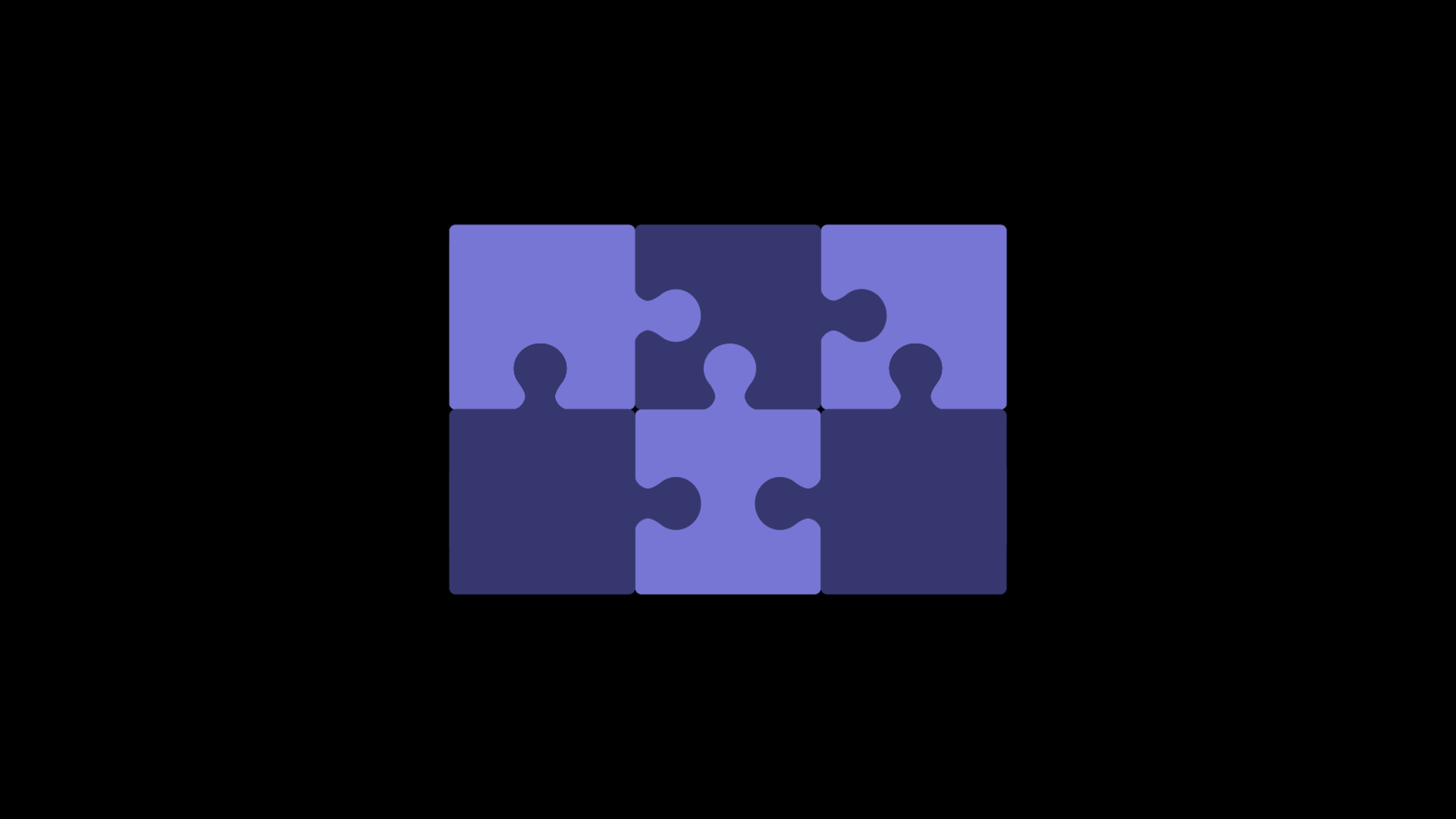
(08:43)演讲把类型推断描述成 puzzle。编译器先看 smoothies,通过 Quick Help 知道它是 [Smoothie],于是把所有 Element placeholder 替换成 Smoothie。这个结果又让 \.title 变成 Smoothie.title,Quick Help 显示它是 String,于是 FilterKey 变成 String。最后,ViewBuilder 闭包里只有一个 SmoothieRowView,所以 RowContent 变成 SmoothieRowView。
这个顺序解释了为什么调用点不需要写:
// 这些类型由调用点上下文提供线索,实际代码不需要手写。
Element == Smoothie
FilterKey == String
RowContent == SmoothieRowView
关键点:
- 编译器从已有类型开始推导,新的结论会继续解锁后续线索。
Element一旦确定,所有出现Element的位置都使用同一个 concrete type。FilterKey的来源是KeyPath指向的属性类型,闭包参数名只是承接这个已推断出的类型。RowContent来自 ViewBuilder 闭包的结果类型。- 如果某条线索把 placeholder 填成不匹配的类型,推断无法完成,源代码里就存在错误。
4. Xcode 12 把推断失败变成可追踪诊断
(11:31、14:00、15:46)如果把 key path 写到错误属性上,编译器可能把 FilterKey 推成 Bool。接下来 isIncluded 闭包里调用 hasSubstring 时,Bool 没有这个方法,表达式就失败了。
Xcode 12 的改进在这里出现。Swift 编译器会在类型推断期间记录错误,再用 heuristics 继续推断,最后报告收集到的错误、fix-it 和 notes。演讲里的两个具体例子是:TextField 需要 binding,编译器提供用 $ 引用 binding 的 fix-it;Smoothie 不符合 Identifiable,note 会带你回到 FilteredList 声明,看到 where Element: Identifiable 这个约束。
public struct FilteredList<Element, FilterKey, RowContent>: View
        where Element: Identifiable, RowContent: View
关键点:
Identifiable约束不在SmoothieList的调用点上,却会通过 note 回到FilteredList声明。- 编译器记录的 inferred concrete type 会出现在诊断里,例如
Element被推成Smoothie。 - Issue Navigator 适合查看整个项目的 build failure;Option+Shift 点击 note 可以把相关文件并排打开。
- Quick Help 可以验证具体参数的 inferred type,例如
\.title对应String。 - 预览里用空字符串和
"Berry"两组搜索词刷新 canvas,可以确认过滤逻辑真的按推断出的类型运行。
核心启发
1. 做一个 typed search list
做什么:把列表搜索抽成类似 FilteredList 的可复用 SwiftUI 组件,让调用者传入数组、过滤字段、过滤条件和 row view。
为什么值得做:session 展示了 Element、FilterKey、RowContent 如何从调用点自动推断,调用端可以保持接近 SwiftUI 原生 List 的写法。
怎么开始:先要求 Element: Identifiable,把字段入口设计为 KeyPath<Element, FilterKey>,过滤闭包写成 (FilterKey) -> Bool,row 闭包加上 @ViewBuilder。
2. 给团队组件设计更清楚的泛型边界
做什么:检查内部 SwiftUI 组件,把“调用点要写的类型”和“声明里负责表达的类型关系”分开。
为什么值得做:演讲里的调用点之所以简洁,是因为 FilteredList 的 initializer 参数完整表达了数据、KeyPath、过滤闭包和 row 闭包之间的关系。
怎么开始:从一个重复出现的 view 组件开始,列出它真正需要的三个类型:输入数据、用于配置的字段、最终生成的 view;再把这些类型放进泛型参数和 where 约束。
3. 把 compiler notes 纳入排错流程
做什么:建立一套 Swift build failure 处理习惯:打开 Issue Navigator,先看 fix-it,再看 notes 指向的声明文件。
为什么值得做:Swift 5.3 和 Xcode 12 会在表达式类型推断中记录更多错误上下文,notes 可以解释“为什么这个约束和当前调用点有关”。
怎么开始:在 Xcode Behaviors 里设置 build fails 时显示 Issue Navigator;遇到泛型或 SwiftUI 错误时,用 Option+Shift 打开 note 指向位置,再回到调用点修复。
4. 用 Preview 覆盖类型推断后的真实路径
做什么:为依赖泛型和 ViewBuilder 的组件补上多组 SwiftUI previews,例如空搜索词和 "Berry" 搜索词。
为什么值得做:session 最后用 preview provider 同时跑两组搜索短语,验证 FilteredList 的推断类型、过滤函数和 rowContent 闭包配合正确。
怎么开始:为 preview provider 准备一组固定输入,把关键状态枚举出来,每个状态都走一次组件的真实 initializer,而不是单独绕过调用点测试内部逻辑。
关联 Session
- What’s new in Swift — 了解 Swift 5.3 在语言、诊断、运行时和开发体验上的同年更新。
- App essentials in SwiftUI — 把这里的 SwiftUI view 组合放进完整 App、Scene 和 WindowGroup 结构中。
- What’s new in SwiftUI — 查看更多依赖泛型、闭包和 ViewBuilder 的 SwiftUI 2020 调用点。
- Introduction to SwiftUI — 回到声明式 view 组合基础,理解 SwiftUI 为什么需要这么多类型推断。
评论
GitHub Issues · utterances